What is Mosaic?
Mosaic is an AI-powered resource and project management platform designed to help professional services firms plan their people and projects together while improving utilization and reducing burnout.
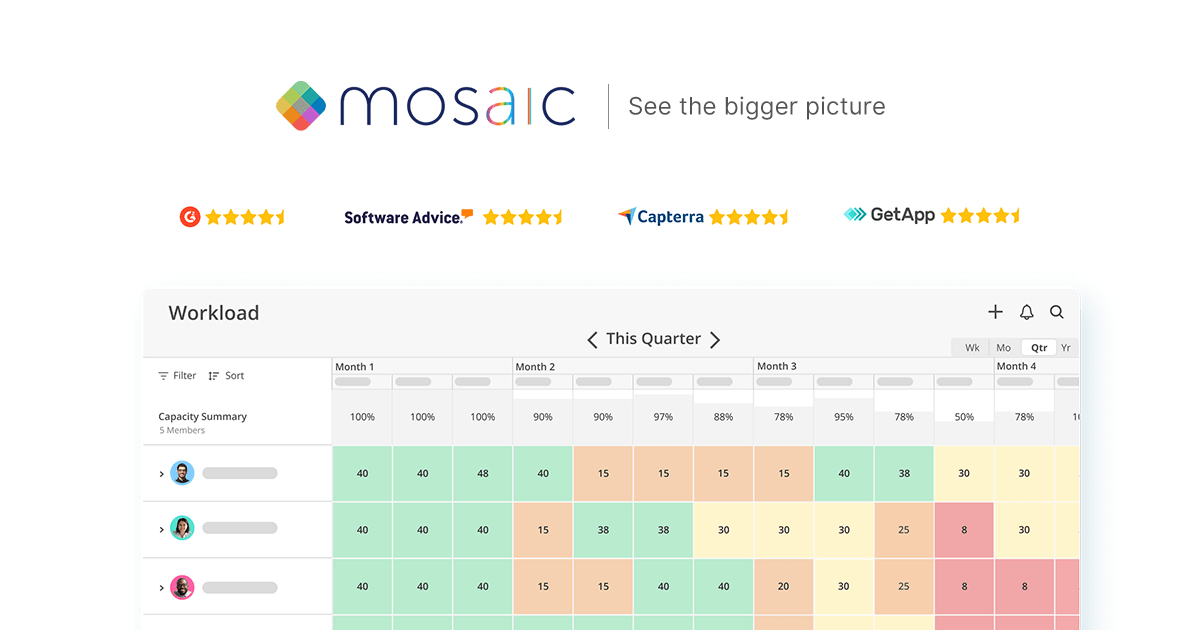
It gives managers real-time visibility into team workload and availability, uses AI to recommend who should staff which work, forecasts upcoming capacity needs and supports headcount planning.
On the project side, it tracks timelines and budgets in one place, schedules work around actual team capacity, manages scope creep and provides real-time financial controls so leaders can see profitability as projects progress.
Its AI layer automates data syncing from existing tools, runs predictive workload analysis and surfaces visual dashboards with performance metrics to support decisions.
Mosaic primarily serves architecture and engineering firms, creative and web agencies, management consultancies, IT and software companies and construction organizations, all of which juggle many concurrent projects and shared staff. Use cases include resource forecasting, project staffing, utilization tracking and financial reporting for billable teams.
Strengths include the combined view of people and projects, AI-assisted staffing and forecasting, capacity planning that helps avoid both overload and idle time, and integrated financial visibility.
Drawbacks are that it is oriented toward professional services and billable-utilization workflows, so it is less suited to product or non-billable teams, and pricing is not published publicly, requiring a sales conversation, which adds friction for smaller buyers evaluating options.
Pricing changes often, so check the official site for current plans. Mosaic's core capabilities include AI-assisted resource and staffing recommendations, Workload forecasting and capacity planning, Project timeline and budget tracking, Real-time financial controls and utilization metrics and Automated data syncing from existing tools.
AI-assisted resource and staffing recommendations is built in, Workload forecasting and capacity planning is built in, Project timeline and budget tracking is built in, Real-time financial controls and utilization metrics is built in, so you get a rounded toolkit rather than a single trick.
Each feature is designed to take the manual effort out of the task and help you reach a usable result faster, which is what makes Mosaic worth a place on your shortlist.
On the plus side, users consistently highlight Combines people and project planning in one view, AI forecasting helps balance team workload and Integrated financial and utilization visibility as the reasons they keep using Mosaic.
It isn't perfect, though — Best fit for billable professional services teams and Pricing not public, requires contacting sales are the trade-offs people most often mention, so weigh those against your own priorities before you commit.
As with any AI tool, the output still benefits from a quick human review, but Mosaic gets you most of the way there with far less effort. Mosaic runs on a subscription pricing model, aimed at users who want the full feature set without free-tier limits.
AI-tool pricing changes often, so always check the current plans, seats and add-ons on the official site for the latest details before you buy. Who is Mosaic for? It's best suited for ai resource and project management for teams.
Whether you're a beginner trying this kind of AI tool for the first time or a professional who'll use it every day, it's a credible option to consider.
If you're still deciding, compare Mosaic against the alternatives and the head-to-head comparisons linked below — looking at features, pricing and real user ratings side by side is the fastest way to find the right fit for your workflow and budget.
Who is Mosaic for?
Mosaic is best suited for ai resource and project management for teams. Whether you are trying this kind of productivity & automation tool for the first time or use one every day, it is a credible option to shortlist — compare it with the alternatives and head-to-head comparisons linked on this page to find the best fit for your workflow and budget.