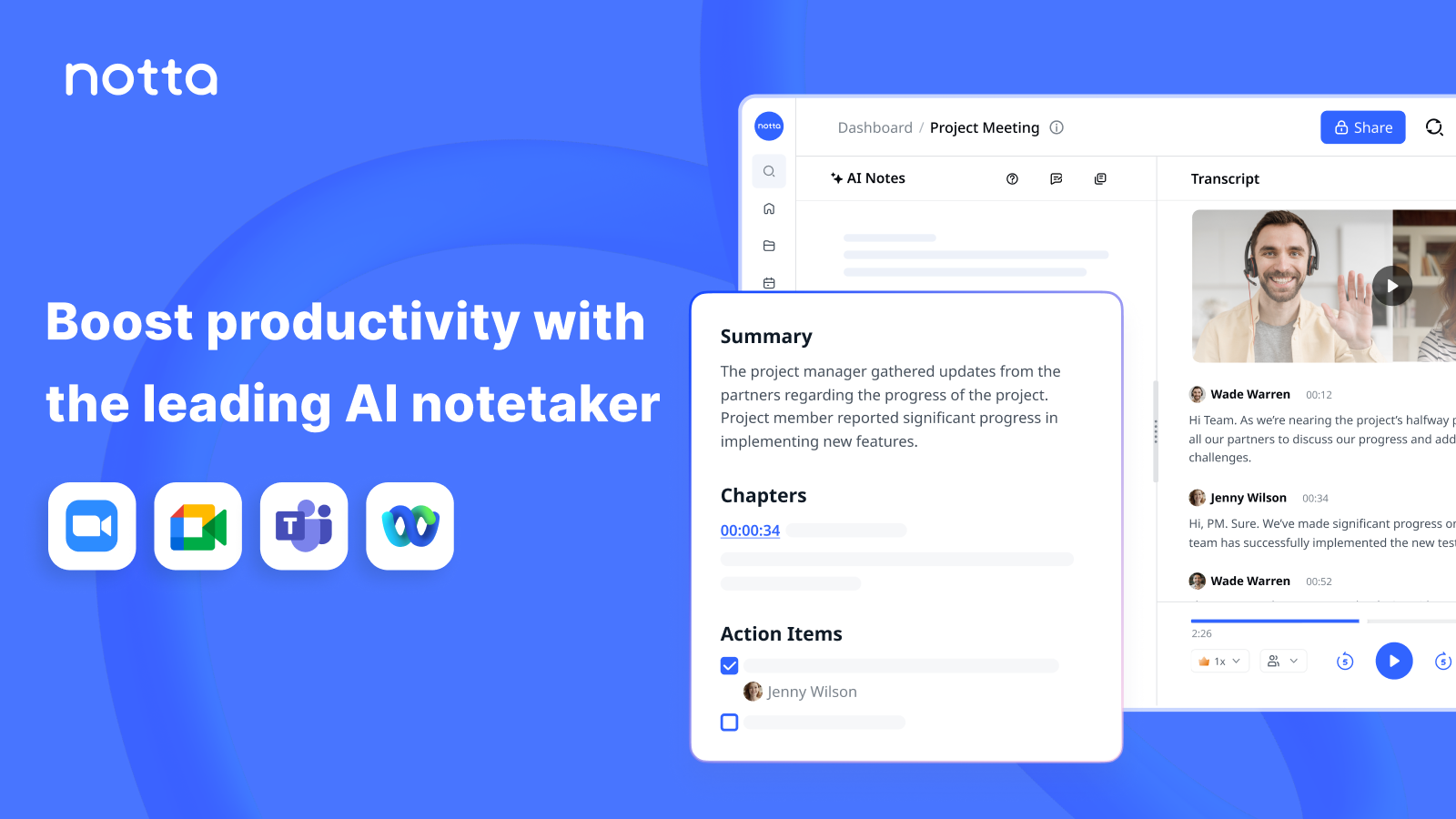
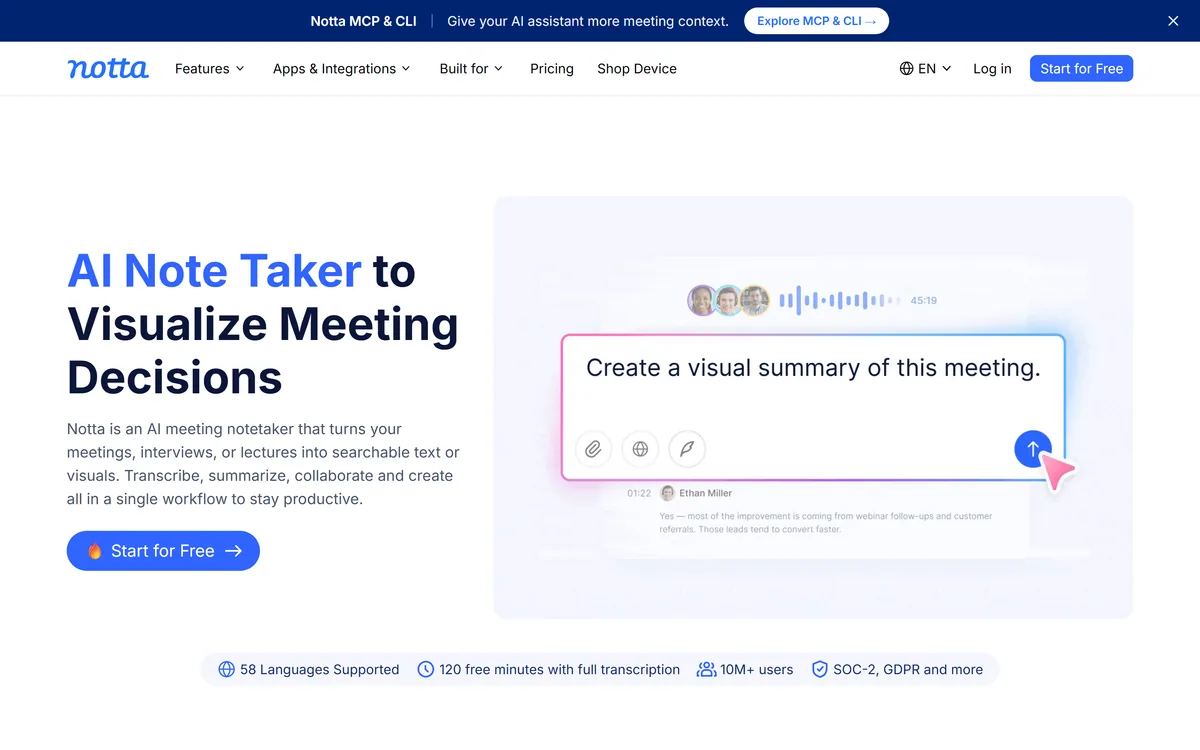
Notta is an AI meeting notetaker and transcription tool that turns meetings, interviews and lectures into searchable text, summaries and visuals like slides and infographics, with support for 58 languages, in-person and online capture, and a Notta Brain chat across recordings.
Meetings generate decisions that promptly vanish, buried in a recording nobody rewatches. Notta's job is to turn that audio into something searchable and reusable the moment the call ends.
It is an AI notetaker and transcription tool that transcribes and summarizes meetings, interviews and lectures, supports 58 languages, captures in-person and online, and, distinctively, turns recordings into visuals like slides and infographics via its Notta Brain chat. For the on-device, no-bot angle a tool like Jamie competes; Notta's strengths are languages and turning talk into deliverables.
This review covers what Notta does with a recording, where it fits a working day, how it prices transcription, and who should look elsewhere.
Notta turns meetings into searchable text and shareable visuals in one workflow.
Notta Transcription Facts
What it is
An AI meeting notetaker and transcription tool
Core
Transcribe and summarize meetings
Languages
58 for transcription and translation
Capture
In-person, online, and imported files
Distinctive
Turns recordings into slides and infographics
Chat
Notta Brain across all recordings
Proof
10M+ users, SOC-2, GDPR (vendor)
Access
Free tier with 120 minutes, plus paid plans
Notta, The Notetaker Brief
Notta is an AI meeting notetaker: it transcribes and summarizes meetings, interviews and lectures into searchable text.
It goes beyond notes: it turns recordings into ready-to-share visuals like slides and infographics.
It is strongly multilingual: 58 languages for transcription and translation, with in-person and online capture.
It chats across recordings: Notta Brain lets you search all meetings and auto-generate deliverables.
Meetings Turned Into Searchable Text And Visuals
Notta's core is reliable transcription and summarization, but its distinctive pitch is what it does next: turning a meeting into ready-to-share deliverables like a slide deck or an infographic, not just a wall of text.
That matters because the value of a meeting record is only realised when someone acts on it, and a structured visual is far more likely to be used than a raw transcript. Generating those automatically is a genuine step beyond plain notetaking.
It captures in-person and online meetings and imported files into one workspace, so whether you are in a room, on a call, or have a recording to process, it flows into the same place for transcription and analysis, which keeps a scattered week of conversations in one searchable home rather than across half a dozen apps.
The value of a meeting record is only realised when someone acts on it, and a structured visual is far more likely to be used than a raw transcript.
What Does Notta Do With A Recording?
Two capabilities stand out: its multilingual transcription, and the Notta Brain layer on top.
Transcribe, Summarise And 58 Languages
Notta transcribes and summarizes meetings and supports an unusually broad 58 languages for transcription and translation, which makes it genuinely useful for multinational teams and cross-language interviews.
Transcription accuracy and language breadth are the foundation everything else rests on. For developers building their own speech pipeline a tool like AssemblyAI is the lower-level option; Notta packages transcription for an end user who just wants usable notes.
Notta Brain, Slides And Infographics
Notta Brain lets you search across all your meetings to extract insights and auto-generate deliverables, slides, infographics, summaries, so a quarter of calls becomes a queryable knowledge base rather than a pile of files.
That cross-meeting search is where it starts to resemble a knowledge layer. For voice-note capture that feeds a similar workflow, a tool like AudioNotes covers the quick-capture end; Notta leans toward structured meeting output.
Where Notta Fits A Working Day
Notta fits people who sit in a lot of meetings and need the output to be usable: executives wanting clarity, sales and customer-success teams capturing customer intelligence, consultants producing client deliverables, and researchers or educators analysing conversations at scale.
The visual-deliverable angle suits anyone who has to report upward or share outcomes, since a generated deck or infographic saves the step most people skip. The language breadth suits cross-border teams specifically.
It fits less well someone who needs a quick, free transcript of the odd call, where a lighter or built-in tool is enough, and anyone whose priority is strict on-device, no-bot capture, where a privacy-first tool is a closer match.
One practical point separates heavy users from occasional ones: Notta's payoff compounds the more you feed it, because Notta Brain is only as useful as the body of recordings it can search. A team that captures most of its meetings builds a genuinely queryable history and gets the auto-generated deliverables as a bonus; someone who transcribes a call now and then gets the notes but never the knowledge-base effect, which is where much of the value actually sits.
How Notta Prices Transcription
Notta is freemium: a free tier with a monthly allowance (around 120 minutes of full transcription) plus paid plans that raise limits and add features, with stated SOC-2 and GDPR compliance. We do not publish prices, which change; check the site.
The free allowance is enough to judge transcription quality in your languages, which is the thing to test first, since everything else depends on it.
The value question is whether the time saved on notes and deliverables, across how many meetings you actually run, justifies a plan, which for a meeting-heavy role it usually does, and for occasional use it may not.
A Fast Way To Try Notta
Because transcription quality and usable output are the whole point, trial Notta on your real meetings and languages.
Use the free tier to transcribe a real meeting in the language you actually work in.
Judge the transcription accuracy and the quality of the summary.
Generate a slide or infographic from a meeting and see if it is genuinely share-ready.
Try Notta Brain to search across a few recordings for a specific decision or fact.
If you work cross-border, test a second language and the translation.
Pass/fail: Notta is worth it if accurate notes and usable deliverables save you real time.
Treat its user-count and compliance claims as vendor-stated and verify what matters to you.
Key features of Notta
Meeting transcription and summaries
58 languages
In-person and online capture
Imported-file transcription
Slides and infographic generation
Notta Brain cross-meeting chat
MCP and CLI
Free tier plus paid plans
Pros & cons
Pros
5
Turns meetings into usable visuals, not just text
Unusually broad 58-language support
Captures in-person as well as online
Cross-meeting search via Notta Brain
Free tier to test transcription quality
Cons
5
Overkill for the occasional free transcript
Not a strict on-device, no-bot tool
Not a low-level API for developers
User and compliance stats are vendor-stated
Value depends on how much you act on notes
Best For
Meeting-heavy professionals
Sales and customer success
Consultants and agencies
Cross-border teams
People who report outcomes upward
Notta Against Other Notetakers
The useful comparison is with other meeting and transcription tools.
Sales and customer-success teams capturing intelligence
Consultants producing client deliverables
Cross-border teams needing many languages
Anyone who must report meeting outcomes upward
When Notta Is Not Right For You
People who need only an occasional free transcript
Anyone whose priority is strict on-device, no-bot capture
Developers wanting a low-level speech API
Those who take user and compliance stats on faith
Users who never act on meeting notes anyway
How We Took Notta For A Spin
Last checked . Read from notta.ai during this check, with the screenshot above captured at the same time.
An AI meeting notetaker and transcription tool
Transcription and summarization of meetings, interviews and lectures
A stated 58 languages for transcription and translation
In-person, online and imported-file capture into one workspace
Auto-generated visuals such as slides and infographics
Notta Brain chat and search across recordings
MCP and CLI for giving assistants meeting context
A free tier with around 120 minutes, plus paid plans and SOC-2/GDPR
No plan prices reproduced here, in line with this site's pricing policy
Notta's 10M+ users and compliance claims are vendor-stated; verify what matters for your needs. Test transcription accuracy in your own languages first, since everything else depends on it.
Other Meeting And Transcription Tools
A no-bot notetaker, a speech API and an audio-notes tool to weigh alongside Notta.
Notta earns 4.2 as a capable AI notetaker that goes beyond transcription: it turns meetings into searchable text and, distinctively, ready-to-share visuals like slides and infographics, with unusually broad 58-language support and a cross-meeting chat. Its user and compliance figures are vendor-stated, and it is more than an occasional transcript needs, but for meeting-heavy and cross-border roles it reliably turns a recording into something genuinely useful and shareable. AInexfinder Editor Score: 4.2/5.
Notta pricing
AInexfinder does not list plan prices or billing details. For current pricing, plans, and trials, visit the official Notta website.
Vendor pricing, credits, and billing policies change over time. Always confirm on the official site before you buy.
Frequently asked questions
What is Notta?
Notta is an AI meeting notetaker and transcription tool. It transcribes and summarizes meetings, interviews and lectures into searchable text, supports 58 languages, captures in-person and online, and distinctively turns recordings into ready-to-share visuals like slides and infographics via its Notta Brain chat.
How many languages does Notta support?
Notta states support for 58 languages for transcription and translation, which is unusually broad. That makes it genuinely useful for multinational teams and cross-language interviews, where you can transcribe in one language and translate for colleagues in another.
What is Notta Brain?
Notta Brain is its chat-and-search layer across all your recordings. It lets you query your meetings to extract insights and auto-generate deliverables such as slides, infographics and summaries, turning a backlog of calls into a queryable knowledge base rather than a pile of unused files.
Can Notta capture in-person meetings?
Yes. Notta captures in-person and online meetings and can transcribe imported files, all flowing into one workspace. So whether you are in a room, on a video call, or have an existing recording, it processes them in the same place for transcription and analysis.
Is Notta free?
It is freemium: a free tier with a monthly allowance of around 120 minutes of full transcription, plus paid plans that raise limits and add features. We do not publish prices, which change; check the site, and use the free tier to test transcription quality in your languages first.
Does Notta turn meetings into slides?
Yes, that is one of its more distinctive features. Beyond transcription and summaries, it can generate ready-to-share visuals like presentations and infographics from a meeting, which saves the step most people skip, turning talk into a deliverable rather than just a transcript.
Who is Notta best for?
People who sit in many meetings and need usable output: executives, sales and customer-success teams, consultants producing client deliverables, and researchers or educators analysing conversations. Its language breadth makes it especially suited to cross-border teams.
How is Notta different from a no-bot notetaker?
Some tools emphasise capturing on-device with no bot joining the call, for privacy and in-person use. Notta's emphasis is different: broad language support and turning recordings into visuals and a searchable knowledge base. If strict on-device capture is your priority, a privacy-first tool may fit better.
Is Notta accurate?
Transcription quality is the foundation everything else rests on, and it varies by language and audio quality. Rather than relying on the vendor's claims, use the free tier to test accuracy in the languages you actually work in before committing, since summaries and visuals depend on it.
Does Notta work with AI assistants?
Yes. Notta offers MCP and CLI options to give an AI assistant more meeting context, so you can query your meetings from an assistant rather than only through Notta's own interface. That extends its cross-meeting knowledge into the tools you already use.
Daniel reviews AI tools the slow way — by actually using them on real projects. His reviews cover what works, what breaks, and who each tool is genuinely a good fit for.
Daniel and the AInexfinder editorial team research Notta using public product information, listing evidence, and (when available) hands-on checks. Scores reflect listing completeness and transparency — not paid placement.
Listings may include affiliate or sponsored placements, which are labeled when present. Editorial scores and cons are not sold. See our affiliate disclosure and review methodology.
Rev has repositioned from transcription into an investigative intelligence platform for legal teams, combining AI evidence analysis with human-verified transcription guaranteed 99%+ accurate in 12 hours, plus court reporting, deposition summaries and a speech-to-text API.
Cockatoo transcribes audio and video across 100+ languages with a stated accuracy of up to 99.8%, exports to SRT, DOCX, PDF and TXT, imports from Dropbox and YouTube, and offers three free transcripts daily with no card required.
AssemblyAI sells voice AI infrastructure: production APIs for pre-recorded and real-time speech-to-text on its Universal models, a Speech Understanding API that turns transcripts into structured insight, a Voice Agent API over a single WebSocket, and guardrails including PII redaction and content moderation.
Deepgram provides speech-to-text and text-to-speech through its Flux models, plus a Voice Agent API that combines transcription, speech synthesis and LLM orchestration into a single interface. Everything runs in real time or batch, in the cloud or self-hosted, with text-to-speech latency stated as low as 80ms.
The workspace at www-flux3.com generates 5–20 second AI videos with native audio from text or a starting image, routing across FLUX 3, MiniMax H3, Seedance, Wan 3.0 and Kling 3.0 Pro, at 720p or 1080p with video extension.