
Descript is a video and audio editor that works by editing a transcript — delete a sentence and the footage goes with it — plus Studio Sound, Eye Contact, filler-word removal, AI voices, avatars, and the Underlord assistant.
FreemiumVideo & Audio
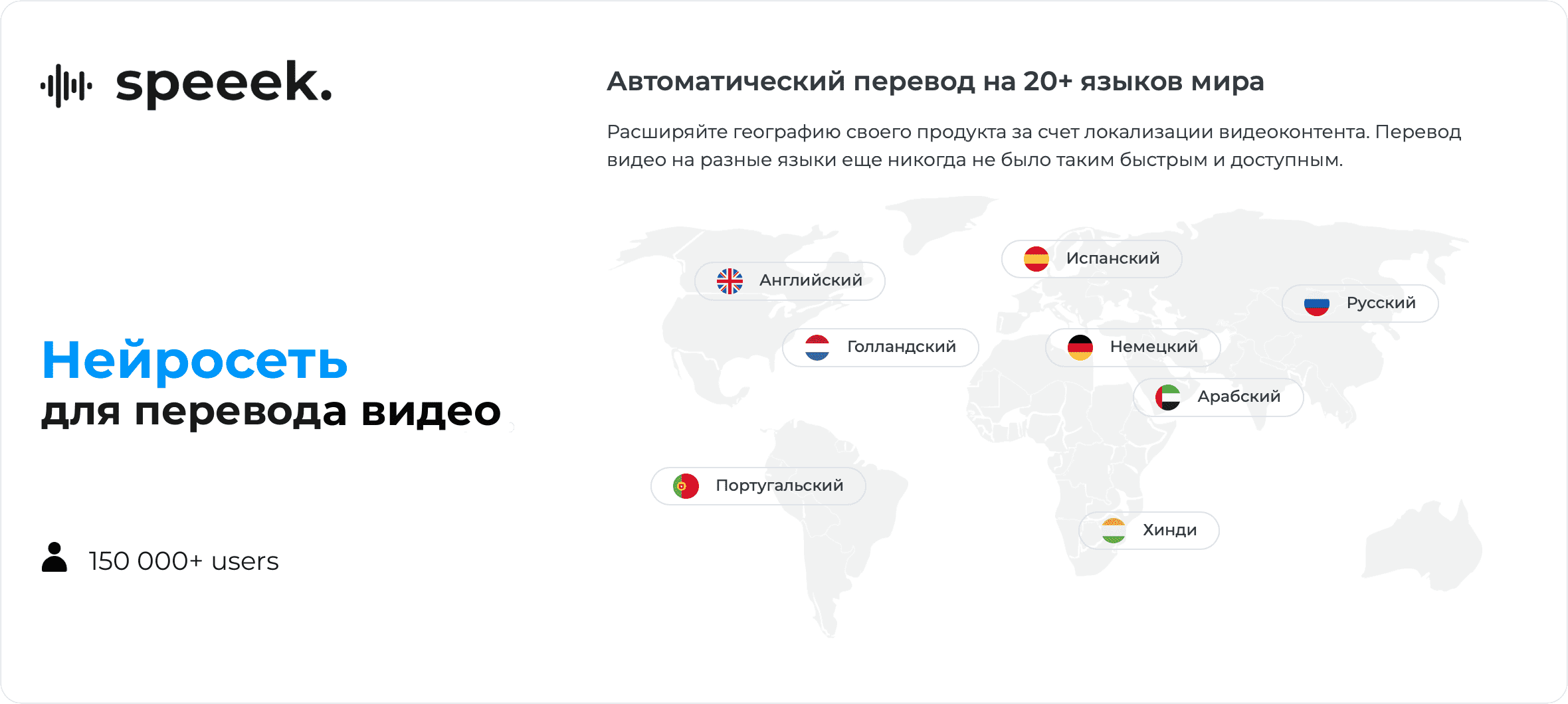
Affordable AI video translation and dubbing in 20+ languages Category: Video & Audio.
Speeek is an AI video translation and dubbing tool that automatically transcribes, translates and re-voices videos into more than 20 languages, aimed at creators and businesses localizing content on a budget.
After upload, Speeek transcribes the audio with claimed 94 to 97 percent accuracy and lets users edit the transcript before generating dubbed audio with natural-sounding voices.
It detects up to five speakers and assigns each a distinct voice automatically, supports voice cloning from just three seconds of reference audio so translations keep the original speaker's tone, and exports SRT subtitle files in source or target languages.
Bidirectional translation means content can move from any supported language to any other, covering English, German, Spanish, Hindi, Russian, Chinese, French, Portuguese and more. Typical use cases include localizing YouTube videos, course content, marketing clips and corporate communications for global audiences.
Speeek positions itself as roughly three times more affordable than larger competitors. Pros include low pricing, multi-speaker handling, fast voice cloning, an editable transcript step and subtitle export.
Cons are that the language count is smaller than enterprise rivals and free usage is limited to a few minutes per month. Speeek is freemium, with a free tier of five minutes monthly and paid Pro and Business plans plus per-minute rates.
Pricing changes often, so check the official site for current plans.
Speeek's core capabilities include AI video translation and dubbing in 20+ languages, Multi-speaker detection for up to five voices, Voice cloning from three seconds of audio, Editable transcript with high accuracy, SRT subtitle export in source or target language and Bidirectional any-to-any language translation.
AI video translation and dubbing in 20+ languages is built in, Multi-speaker detection for up to five voices is built in, Voice cloning from three seconds of audio is built in, Editable transcript with high accuracy is built in, so you get a rounded toolkit rather than a single trick.
Each feature is designed to take the manual effort out of the task and help you reach a usable result faster, which is what makes Speeek worth a place on your shortlist.
On the plus side, users consistently highlight Significantly cheaper than larger competitors, Automatic multi-speaker voice assignment and Fast voice cloning and editable transcripts as the reasons they keep using Speeek.
It isn't perfect, though — Supports fewer languages than enterprise rivals and Free tier limited to a few minutes per month are the trade-offs people most often mention, so weigh those against your own priorities before you commit.
As with any AI tool, the output still benefits from a quick human review, but Speeek gets you most of the way there with far less effort.
Speeek runs on a freemium pricing model, so you can start for free and only pay once you outgrow the free tier — handy for testing it on a real task before spending anything.
AI-tool pricing changes often, so always check the current plans, seats and add-ons on the official site for the latest details before you buy. Who is Speeek for? It's best suited for affordable ai video translation and dubbing in 20+ languages.
Whether you're a beginner trying this kind of AI tool for the first time or a professional who'll use it every day, it's a credible option to consider.
If you're still deciding, compare Speeek against the alternatives and the head-to-head comparisons linked below — looking at features, pricing and real user ratings side by side is the fastest way to find the right fit for your workflow and budget.
Speeek is best suited for affordable ai video translation and dubbing in 20+ languages. Whether you are trying this kind of video & audio tool for the first time or use one every day, it is a credible option to shortlist — compare it with the alternatives and head-to-head comparisons linked on this page to find the best fit for your workflow and budget.
AI video translation and dubbing in 20+ languages
Multi-speaker detection for up to five voices
Voice cloning from three seconds of audio
Editable transcript with high accuracy
SRT subtitle export in source or target language
Bidirectional any-to-any language translation
Speeek has an AInexfinder Editor Score of 4.5/5.
AInexfinder does not list plan prices or billing details. For current pricing, plans, and trials, visit the official Speeek website.
Visit official website for pricingVendor pricing, credits, and billing policies change over time. Always confirm on the official site before you buy.
Log in to write a review.
No reviews yet. Be the first to share your experience with Speeek.
Assigned reviewer
Daniel ReedSenior AI Tools Reviewer
Daniel reviews AI tools the slow way — by actually using them on real projects. His reviews cover what works, what breaks, and who each tool is genuinely a good fit for.
Daniel and the AInexfinder editorial team research Speeek using public product information, listing evidence, and (when available) hands-on checks. Scores reflect listing completeness and transparency — not paid placement.
Descript is a video and audio editor that works by editing a transcript — delete a sentence and the footage goes with it — plus Studio Sound, Eye Contact, filler-word removal, AI voices, avatars, and the Underlord assistant.
Vibrantsnap is an AI tool that turns a rough screen recording into a polished walkthrough: it rewrites your narration, reads it in a studio voice in any language, and auto-edits the video with zooms, chapters and captions.
Kapwing is a browser-based video studio combining a timeline editor, subtitler, audio editor and dubbing into 40+ languages with AI tools including Smart Cut, Trim with Transcript, B-Roll Generator, Clip Maker and Character Consistency. Made in San Francisco.
BlipCut translates and dubs video into more than 140 languages with AI lip synchronisation, so translated speech aligns with the speaker's mouth. It also clones voices in 29 languages, offers 600+ voices across 40+ languages, and generates, translates and edits subtitles from uploads or YouTube links.
VEED is an AI video-creation platform that takes an idea to a finished social video in the browser, bundling generation, AI avatars, subtitles, dubbing, clean audio and a brand kit, plus access to frontier models like Sora 2, Veo and Kling.
BIGVU is an AI personal-branding video platform with a teleprompter, AI avatars and voice cloning, auto-editing (caption, filler removal, eye-contact correction), and one-click social posting, aimed at realtors, coaches and marketers, with synthetic-media features that carry likeness and consent considerations.