What is Styldod?
Styldod is an AI-powered platform that turns ordinary home photos into decision-ready listing visuals for real estate agents, sellers, and design teams. Its core use cases are virtual staging of empty or dated rooms, home-upgrade planning with real products and budgets, and compliance-checked media workflows for larger organizations.
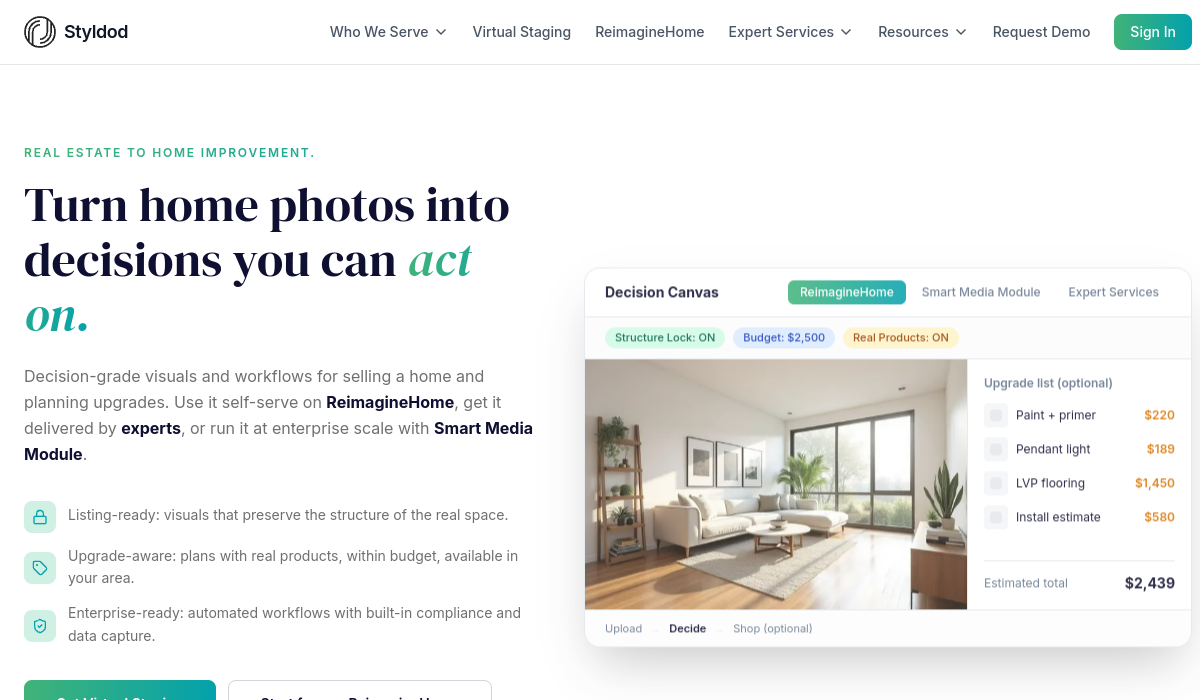
A Structure Lock feature preserves the actual room layout while making edits, so virtual furniture and finishes look realistic rather than distorting the space, and batch processing can handle up to fifty photos in roughly a minute.
The platform spans a self-serve consumer tool, ReimagineHome, for individual agents and homeowners; a Smart Media Module for enterprise-scale automation with built-in compliance checks that flag risky edits before publishing; and Expert Services where professionals deliver complex edits with quality assurance.
Typical users include listing agents who want to stage properties without renting physical furniture, brokerages standardizing listing media, and homeowners visualizing renovations. Strengths include realistic structure-preserving staging, fast batch processing, and compliance safeguards that matter for real estate advertising rules.
Weaknesses are that AI staging must be disclosed honestly in listings and that the most advanced automation and expert delivery are aimed at paying and enterprise customers.
Styldod offers a free entry point for ReimagineHome plus paid plans and enterprise services, with per-image and subscription options that scale from individual agents up to high-volume brokerage and enterprise media workflows. Pricing changes often, so check the official site for current plans.
Styldod's core capabilities include AI virtual staging of listing photos, Structure Lock to preserve room layout during edits, Batch processing of up to 50 photos quickly, Compliance checks that flag risky edits and Room redesign and home-upgrade visualization.
AI virtual staging of listing photos is built in, Structure Lock to preserve room layout during edits is built in, Batch processing of up to 50 photos quickly is built in, Compliance checks that flag risky edits is built in, so you get a rounded toolkit rather than a single trick.
Each feature is designed to take the manual effort out of the task and help you reach a usable result faster, which is what makes Styldod worth a place on your shortlist.
On the plus side, users consistently highlight Realistic staging without renting physical furniture, Fast batch processing saves time on large listings and Compliance safeguards for advertising rules as the reasons they keep using Styldod.
It isn't perfect, though — Virtual staging must be disclosed honestly in listings and Advanced automation and expert delivery target paid tiers are the trade-offs people most often mention, so weigh those against your own priorities before you commit.
As with any AI tool, the output still benefits from a quick human review, but Styldod gets you most of the way there with far less effort.
Styldod runs on a freemium pricing model, so you can start for free and only pay once you outgrow the free tier — handy for testing it on a real task before spending anything.
AI-tool pricing changes often, so always check the current plans, seats and add-ons on the official site for the latest details before you buy. Who is Styldod for? It's best suited for ai virtual staging and real estate photo editing.
Whether you're a beginner trying this kind of AI tool for the first time or a professional who'll use it every day, it's a credible option to consider.
If you're still deciding, compare Styldod against the alternatives and the head-to-head comparisons linked below — looking at features, pricing and real user ratings side by side is the fastest way to find the right fit for your workflow and budget.
Who is Styldod for?
Styldod is best suited for ai virtual staging and real estate photo editing. Whether you are trying this kind of emerging & specialized tool for the first time or use one every day, it is a credible option to shortlist — compare it with the alternatives and head-to-head comparisons linked on this page to find the best fit for your workflow and budget.