What is UniScribe?
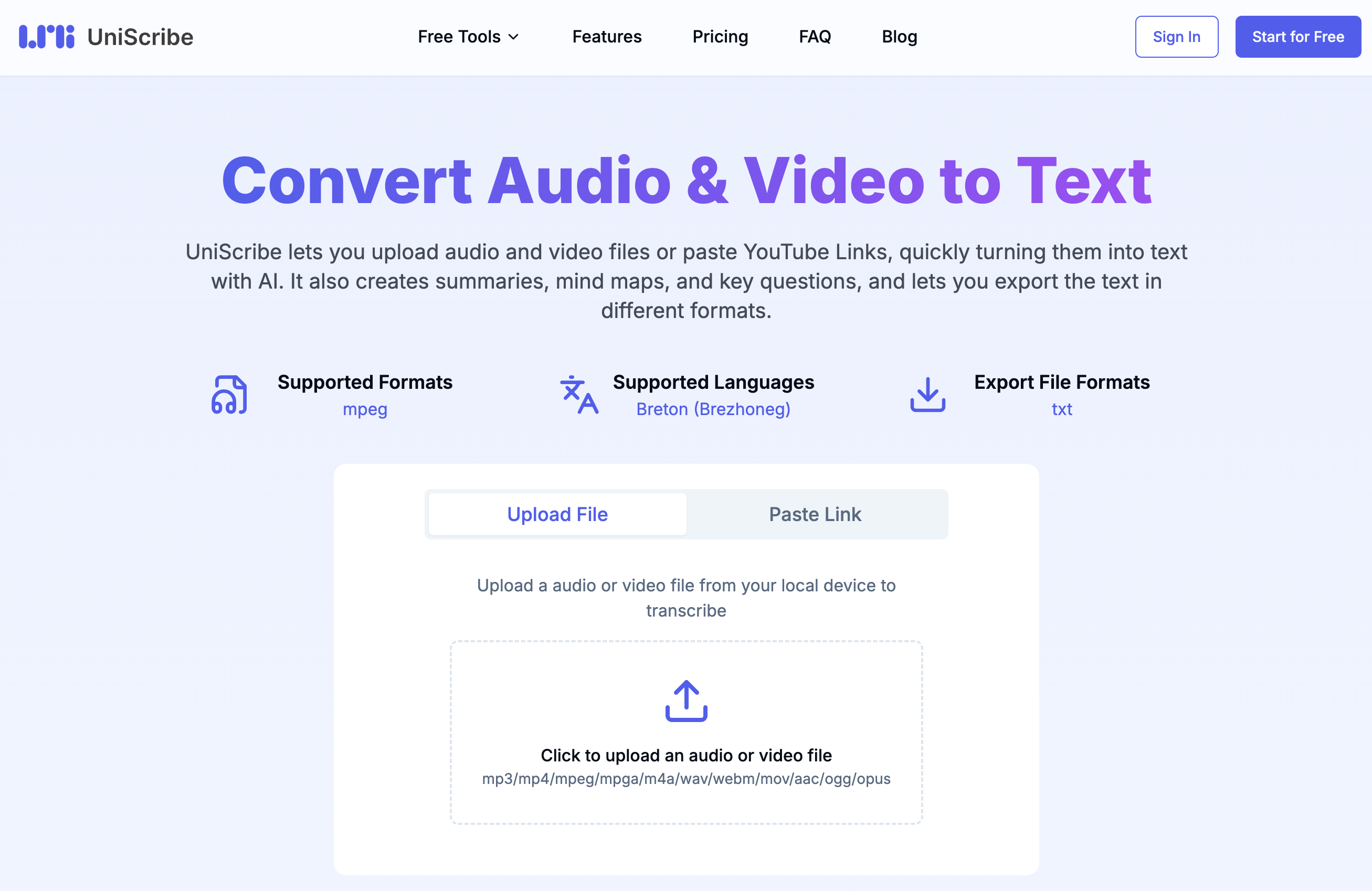
UniScribe is an online AI transcription tool that converts speech from audio and video files into accurate text, supporting 98 languages and a wide range of media formats.
It is built for speed, transcribing hour-long files in under a minute, and goes beyond plain transcription by layering in content analysis features.
After converting a file, UniScribe can generate automatic summaries, surface key insights, build visual mind maps, and extract questions and answers from the content, helping users quickly understand and reuse what was said.
Files can be uploaded directly from a device or added by pasting a link such as a YouTube URL. The platform supports speaker identification and offers API access for teams that want to integrate transcription into their own workflows.
Transcribed text can be exported in multiple formats including TXT, PDF, DOCX, SRT, CSV, and VTT, accommodating subtitling, documentation, and data needs. UniScribe is aimed primarily at journalists, students, researchers, podcasters, and content creators who need quick, structured transcripts plus analysis.
On the pros side, it is fast, multilingual, and bundles useful analysis tools like mind maps and summaries; on the cons side, accuracy can depend on audio quality and accents, and higher monthly minute allowances require a paid plan.
UniScribe follows a freemium model with a free monthly allowance and affordable paid tiers. Pricing changes often, so check the official site for current plans.
UniScribe's core capabilities include Audio and video transcription in 98 languages, Automatic summaries and key insight extraction, Visual mind map generation and Q&A extraction, Multiple export formats including SRT, PDF, and DOCX and Speaker identification and API access.
Audio and video transcription in 98 languages is built in, Automatic summaries and key insight extraction is built in, Visual mind map generation and Q&A extraction is built in, Multiple export formats including SRT, PDF, and DOCX is built in, so you get a rounded toolkit rather than a single trick.
Each feature is designed to take the manual effort out of the task and help you reach a usable result faster, which is what makes UniScribe worth a place on your shortlist.
On the plus side, users consistently highlight Very fast transcription turnaround, Broad multilingual support and Bundles analysis tools beyond plain transcripts as the reasons they keep using UniScribe.
It isn't perfect, though — Accuracy varies with audio quality and accents and Higher monthly minutes require a paid plan are the trade-offs people most often mention, so weigh those against your own priorities before you commit.
As with any AI tool, the output still benefits from a quick human review, but UniScribe gets you most of the way there with far less effort.
UniScribe runs on a freemium pricing model, so you can start for free and only pay once you outgrow the free tier — handy for testing it on a real task before spending anything.
AI-tool pricing changes often, so always check the current plans, seats and add-ons on the official site for the latest details before you buy. Who is UniScribe for? It's best suited for ai transcription with summaries and mind maps.
Whether you're a beginner trying this kind of AI tool for the first time or a professional who'll use it every day, it's a credible option to consider.
If you're still deciding, compare UniScribe against the alternatives and the head-to-head comparisons linked below — looking at features, pricing and real user ratings side by side is the fastest way to find the right fit for your workflow and budget.
Who is UniScribe for?
UniScribe is best suited for ai transcription with summaries and mind maps. Whether you are trying this kind of productivity & automation tool for the first time or use one every day, it is a credible option to shortlist — compare it with the alternatives and head-to-head comparisons linked on this page to find the best fit for your workflow and budget.