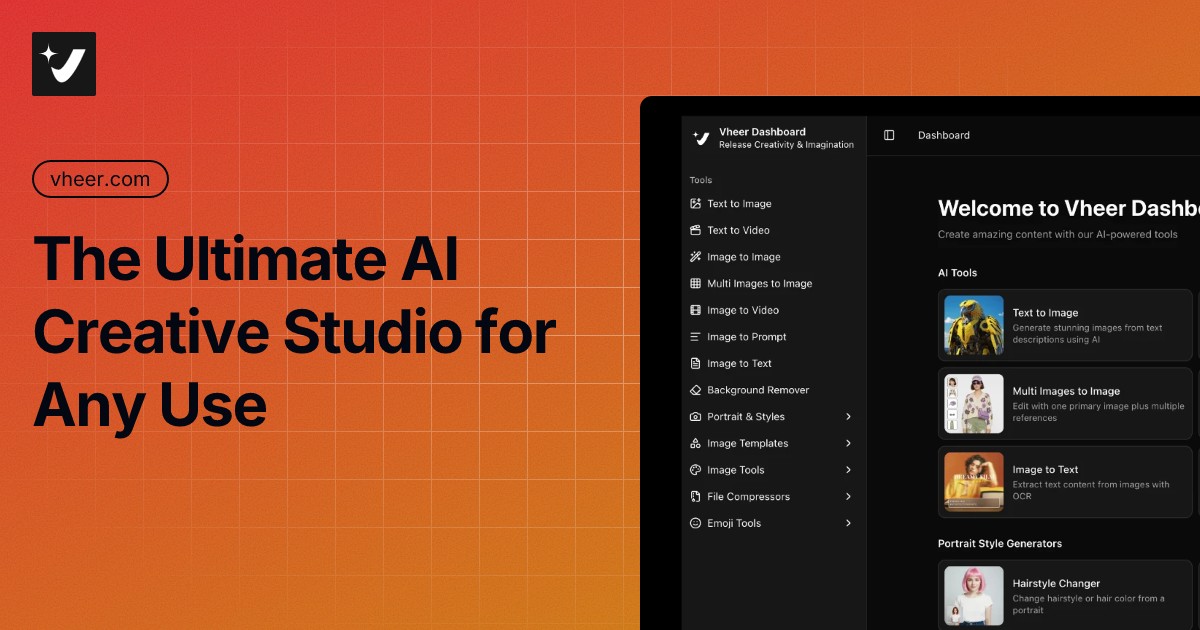
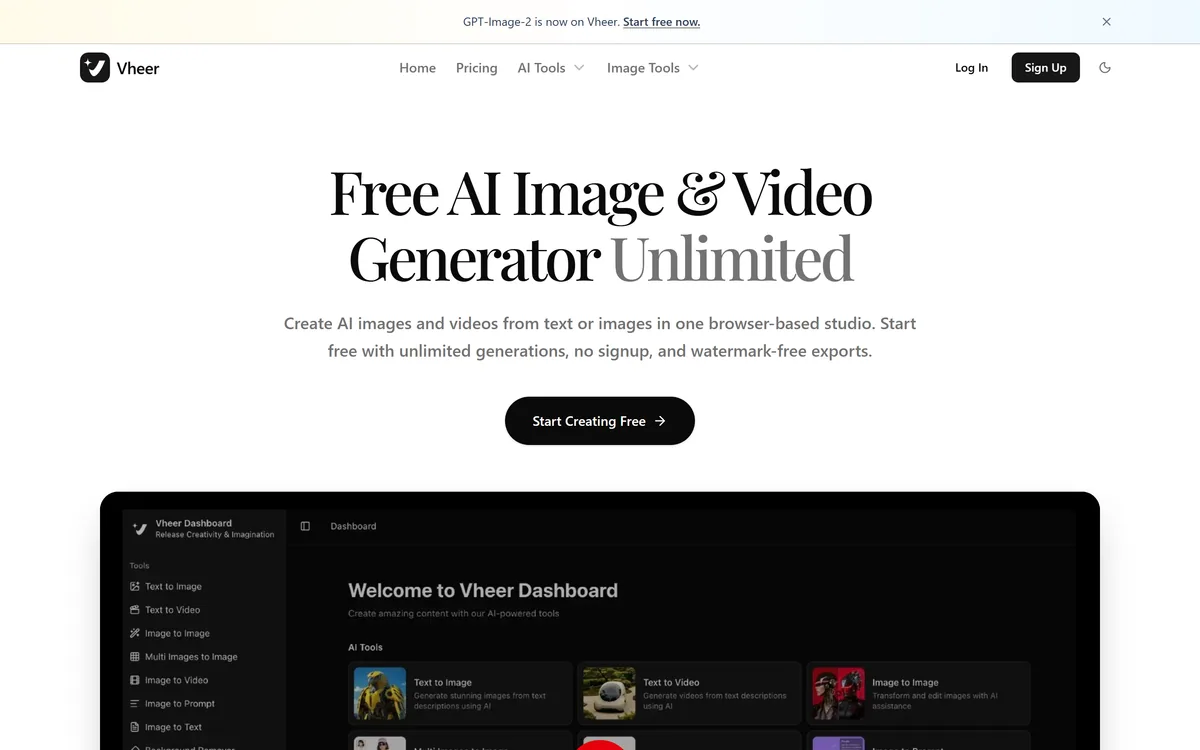
Vheer is a browser-based AI studio offering text-to-image, image-to-image, text-to-video and image-to-video generation using several third-party models, plus image-to-prompt, OCR, background removal and many simple image utilities, promoted as free and watermark-free.
Many AI image tools put a sign-up wall and a credit counter in front of your first prompt. Vheer's pitch is the opposite: free generation in the browser, no account needed, and exports without watermarks.
It offers text-to-image, image-to-image, multi-image editing, text-to-video and image-to-video using several third-party models, plus image-to-prompt, OCR, background removal and a long list of simple image utilities. It sits among generators like Stockimg AI, competing mainly on access and price.
This review covers what you can make in Vheer, who its free studio suits, how it stays free, and what to check before you depend on it.
Vheer bundles free AI image and video generation with simple browser image tools.
Vheer Free-Generator Facts
What it is
A browser AI studio for images and video
Generation
Text/image to image, text/image to video
Editing
Multi-image references and image-to-image edits
Extras
Image-to-prompt, OCR, background remover
Utilities
Resize, blur, face blur, palette, combine and more
Models
Third-party models, which change over time
Claims
Free, no sign-up, watermark-free (vendor-stated)
Access
Free, with paid options
Vheer, The Free-Studio Brief
Vheer is a free AI image and video studio: text-to-image, image-to-image, text-to-video and image-to-video in the browser.
It promotes no sign-up and watermark-free exports: a low-friction way to experiment.
It wraps third-party models: the models it offers belong to other companies and change over time.
Read the terms first: check commercial-use rights, privacy and paid-tier limits before relying on it.
Free AI Images And Video With No Sign-Up
Vheer's main attraction is friction: you can open the site and start generating images or short videos without creating an account, and the vendor says exports are free of watermarks. For experimenting, sketching ideas or quick social visuals, that is genuinely handy.
Under the hood it acts as a front-end to models from other companies, and it highlights whichever leading image and video models it currently offers. That gives access to strong models in one place, but the line-up changes and is outside Vheer's control.
Alongside generation sits a toolbox of everyday image utilities, such as resizing, blurring faces, extracting colour palettes and combining images, which makes it a convenient browser workbench.
That breadth is part of the appeal for casual users: instead of juggling a generator, a background remover and a separate resizing tool, many small image jobs can be finished in one browser tab without installing anything or managing several accounts.
The honest framing is that Vheer is a convenient, low-cost way in, but 'free and unlimited' claims, model provenance, commercial rights and data handling all deserve a check against its terms before you use it for anything important.
Vheer is a convenient, low-cost way in, but free-and-unlimited claims and commercial rights deserve a check against its terms.
What Can You Make In Vheer's Studio?
Vheer combines generation across images and video with a set of simple browser tools.
Text And Image To Image Or Video
You can generate images from text, transform an image with a prompt, edit a primary image using several references, create short videos from text, or animate a still image into video. Output quality depends on the model chosen and the prompt.
For deeper enhancement or upscaling of a finished image, a dedicated tool like Deep-Image.ai focuses on that job; Vheer's strength is breadth of quick generation.
Third-Party Models And Browser Image Utilities
Vheer surfaces models from other providers and labels which are newly available, and adds image-to-prompt, OCR, background removal and dozens of browser utilities. Because the models belong to other companies, check whether outputs carry any usage restrictions under Vheer's terms.
If you prefer a generator with its own identity and clearer licensing story, alternatives like GenApe are worth comparing.
Who Vheer's Free Studio Suits
Vheer suits hobbyists, students and creators who want to experiment with AI images and short videos without committing to a subscription or creating an account.
It suits anyone who needs a quick browser toolbox for small image jobs, such as resizing, blurring a face or extracting a palette, alongside occasional generation.
It suits less well businesses that need clear commercial rights, consistent brand output, guaranteed availability or privacy assurances for uploaded images, where a paid, clearly licensed tool is safer.
It is also a reasonable sandbox for learning how prompts behave. Trying the same idea across different models side by side shows quickly how much results vary with the engine and the wording, which is genuinely educational for students and newcomers to generative AI.
A good rule is to use Vheer for exploration and low-stakes visuals, and to move anything client-facing or revenue-generating to a tool whose terms you have checked.
How Vheer Stays Free, And What Costs Extra
Vheer promotes free generation with no sign-up and also offers paid plans, typically for higher limits, faster generation or premium models. We do not publish prices, which change; check the site.
Free services have to be funded somehow, through paid upgrades, advertising or usage limits, so read what the free tier actually includes and how uploads are handled.
The sensible approach is to use the free tier to judge output quality, then read the terms on commercial use and privacy before relying on it for paid work.
Keep in mind that free services can change their terms. If a generator later limits usage, adds watermarks or swaps out models, any workflow that depends on it breaks, which is another reason to keep important or recurring work on a tool with clear, stable terms.
Checking Vheer's Output And Terms First
Because 'free' tools vary widely in their terms, check output and terms together before relying on Vheer.
Generate a few images from your real prompts and compare models where offered.
Try an image-to-video clip if motion matters to you.
Download an export and confirm it is watermark-free and at a usable resolution.
Read the terms for commercial-use rights and restrictions on outputs.
Check the privacy terms before uploading personal or client images.
Pass/fail: Vheer is worth using if quality and terms both fit your purpose.
Treat model names and 'unlimited' claims as of-the-moment.
Is Vheer's Free Tier Enough For You?
Hobbyists And Creators Vheer Serves
Hobbyists experimenting with AI images
Students and casual creators
People who want no sign-up
Quick social visuals and concepts
Anyone needing simple browser image utilities
When Vheer's Free Generator Falls Short
Businesses needing clear commercial rights
Brand work needing consistent output
Uploads of sensitive or client images unchecked
Work that depends on guaranteed availability
Those reading 'unlimited' as a promise
Key features of Vheer
Text-to-image
Image-to-image
Multi-image editing
Text-to-video
Image-to-video
Image-to-prompt
OCR and background removal
Browser image utilities
Pros & cons
Pros
5
Very low friction, no sign-up
Access to several models in one place
Image and video in one studio
Handy browser utilities
Free tier to experiment
Cons
5
Third-party models change over time
Commercial rights need checking
Privacy terms need checking for uploads
Free limits not always clear
Claims are vendor-stated
Best For
AI image experiments
Quick social visuals
Casual video clips
Browser image utilities
No-sign-up use
Vheer Compared With Paid Image Studios
The useful comparison is with paid and clearly licensed image tools.
Last checked . Read from vheer.com during this check, with the screenshot above captured at the same time.
A browser AI studio for images and video
Text-to-image, image-to-image and multi-image editing
Text-to-video and image-to-video
Image-to-prompt, OCR and background removal
Many simple image utilities such as resize and face blur
Third-party models offered, including newly added ones
Free, no-sign-up and watermark-free claims made by the vendor
Paid options alongside the free tier
No prices reproduced here, in line with this site's pricing policy
Vheer wraps models from other companies, and its free, unlimited and watermark-free claims are vendor-stated. Check commercial-use rights and privacy terms before relying on it for paid or client work.
Image Generators To Weigh Beside Vheer
An asset generator, a general image generator and an enhancer to weigh alongside Vheer.
Vheer earns 3.6 as a genuinely convenient free studio: text and image to image or video, multi-image editing, image-to-prompt, OCR, background removal and a toolbox of browser utilities, with no sign-up and watermark-free exports according to the vendor. It is great for experimenting and quick, low-stakes visuals. It wraps other companies' models and its free and unlimited claims are vendor-stated, so check commercial rights and privacy before relying on it for client or revenue-generating work. AInexfinder Editor Score: 3.6/5.
Vheer pricing
AInexfinder does not list plan prices or billing details. For current pricing, plans, and trials, visit the official Vheer website.
Vendor pricing, credits, and billing policies change over time. Always confirm on the official site before you buy.
Frequently asked questions
What is Vheer?
Vheer is a browser-based AI studio for generating images and short videos from text or images, with extra tools like image-to-prompt, OCR, background removal and simple image utilities.
Is Vheer really free?
Vheer promotes free generation with no sign-up and watermark-free exports, and also offers paid options. Free limits and terms can change, so check the site for what the free tier currently includes.
Which AI models does Vheer use?
It offers models from other providers and highlights newly added ones. The line-up changes over time, so treat any specific model name as of-the-moment.
Can I use Vheer images commercially?
That depends on Vheer's terms and the underlying model's rules. Read the terms on commercial use before using outputs in products, ads or client work.
Does Vheer need an account?
Vheer says you can start without signing up. Creating an account or upgrading may unlock higher limits or extra features.
Can Vheer make videos?
Yes. It offers text-to-video and image-to-video, turning prompts or stills into short clips. Quality depends on the model and prompt.
Is it safe to upload photos to Vheer?
Review its privacy terms before uploading personal or client images, as you would with any free online AI service.
Who is Vheer best for?
Hobbyists, students and creators who want to experiment with AI images and short videos for free, and anyone who needs quick browser image utilities.
What are Vheer's image utilities?
Beyond generation, it offers tools such as resizing, blurring, face blurring, colour-palette extraction, splitting and combining images, all in the browser.
How does Vheer compare to paid generators?
Vheer wins on access and cost; paid, clearly licensed tools usually offer clearer commercial rights, consistency and support. Choose based on how important the output is.
Daniel reviews AI tools the slow way — by actually using them on real projects. His reviews cover what works, what breaks, and who each tool is genuinely a good fit for.
Daniel and the AInexfinder editorial team research Vheer using public product information, listing evidence, and (when available) hands-on checks. Scores reflect listing completeness and transparency — not paid placement.
Listings may include affiliate or sponsored placements, which are labeled when present. Editorial scores and cons are not sold. See our affiliate disclosure and review methodology.
krea2.org is a browser image-generation workspace that runs several third-party models side by side, including Krea 2 tiers, FLUX.2, GPT Image 2, Nano Banana and Seedream 5.0, with reference uploads, six aspect ratios and live model switching.
GenApe is an all-in-one AI platform covering writing, chat, image and video generation, image editing, product photography, translation, and research — with 145 free credits on signup and commercial rights granted to paid users.
Adobe Firefly generates images, video, and audio from models trained on licensed Adobe Stock and public domain content, with Content Credentials on every output, Firefly Boards for ideation, Custom Models for brand style, and third-party partner models alongside Adobe's own.
GPT Image 2 launched on 21 April 2026 as ChatGPT Images 2.0 and as the gpt-image-2 API model. Its distinguishing capabilities are dense, accurate text rendering, layout fidelity for infographics and packaging, up to 3840px output, prompt-guided masking, and reasoning applied to image structure before generation.
Stockimg AI offers separate generators for logos, stock photos, illustrations, wallpapers, product photos and social posts, then schedules the output to Instagram, TikTok, LinkedIn, YouTube and X, with an API for programmatic use.
OpenArt is an all-in-one AI creation platform covering image, video, voice and audio in one place, built around a Director that lets you lay out a storyboard and shape each shot through conversation, alongside persistent characters and worlds for consistency across a project.