25 Best AI Voice Generators and Text-to-Speech Tools (2026)
"AI voice generator" is one search term covering six unrelated jobs. Cloning your own voice for a YouTube channel, changing your voice live on Discord, making a PDF read itself aloud on a…
On this page31 sections
"AI voice generator" is one search term covering six unrelated jobs.
Cloning your own voice for a YouTube channel, changing your voice live on Discord, making a PDF read itself aloud on a commute, dubbing a video into Hindi, and answering inbound support calls are all filed under the same phrase — and the tools that win at one are usually mediocre at the rest.
That mismatch is why most people end up disappointed.
They pick the highest-ranked name on a list, discover it has no real-time mode or no phone integration, and start over.
So before the list, here is the honest sorting question: are you producing audio, consuming audio, changing audio live, translating it, building on top of it, or answering calls with it?
Every Voice Tool Here, Side by Side
| # | Tool | Best for | Pricing | Watch out |
|---|---|---|---|---|
| 1 | Voicemod | Streamers and gamers | Freemium (lifetime option) | Daily voice rotation on free |
| 2 | ElevenLabs | Narration, audiobooks, high-production video | Freemium | Expensive at scale |
| 3 | NaturalReader | Accessibility, studying, reading queues | Freemium | Premium voices are paid-only |
| 4 | Speechify | Heavy readers who also dictate | Freemium | Studio is secondary to the reader |
| 5 | CAMB.AI | Broadcast and media localisation | Freemium, sales-led above that | Enterprise learning curve |
| 6 | MiniMax Audio | Multilingual output on a budget | Freemium | Developer-first support |
| 7 | TTSMaker | Zero-budget commercial audio | Freemium with commercial rights | Weekly character cap |
| 8 | Voicemaker | Wide language coverage, IVR prompts | Freemium | Realism behind top tier |
| 9 | Fish Audio | Indie creators, expressive cloning | Freemium | Quality depends on sample |
| 10 | Voice.ai | Free variety, live switching | Freemium | Opaque higher-tier pricing |
| 11 | PolyAI | Large-scale customer service automation | Paid, sales-led | Built for big contracts |
| 12 | EaseUS VoiceWave | Windows streamers on a budget | Freemium | Windows-first, latency on old hardware |
| 13 | Vozard | Live changing plus file-based edits | Freemium | Best voices are paid |
| 14 | Typecast | E-learning and explainer scripts | Freemium | Still needs manual polish |
| 15 | LOVO | Solo creators wanting one workspace | Freemium | Basic video editor |
| 16 | Dubbing AI | Streamers wanting character voices | Freemium | Not for pro voiceover |
| 17 | CloudTalk | SMB sales and support teams | Subscription | AI usage costs stack on seats |
| 18 | Sesame | Experiencing conversational voice AI | Freemium, evolving | Not a production tool |
| 19 | Resemble AI | Regulated or brand-sensitive cloning | Freemium | Developer-oriented, costly at scale |
| 20 | Vapi | Engineering teams shipping voice features | Freemium, usage-based | Unpredictable cost at scale |
| 21 | PlayHT | Mixed production and conversational use | Freemium | Quality varies by language |
| 22 | Notevibes | Dialogue and character work | Freemium, no card for free tier | Rougher interface |
| 23 | ElevenReader | Readers who care about voice quality | Freemium | Long docs drain the free allowance |
| 24 | VideoDubber | Creators localising a back catalogue | Freemium, per-minute | Lip-sync depends on footage |
| 25 | WellSaid | Brand narration with provenance requirements | Subscription | No free tier, smaller catalogue |
How This List Was Built
These come out of the 1,828 approved tools in the AInexfinder directory, filtered to the voice and speech category, then ranked by verified monthly traffic.
Traffic is a popularity signal, not a quality verdict — a niche developer API with 28K visits can be a far better fit than a consumer app with 1.5M.
So every entry below also names the job it actually does, its pricing model, and the specific limitation worth knowing before you commit.
Pricing labels come from each vendor's public pricing page at time of writing.
Voice tools change plans often, so treat the tier names as a starting point and confirm the current numbers before you buy.
Start Here: The Job You Are Hiring a Voice Tool For
| If you want to… | Start with | Why |
|---|---|---|
| Produce polished voiceover for video | ElevenLabs (#2) | Best-in-class realism, cheap entry tier |
| Change your voice live in games or calls | Voicemod (#1) | Lowest-friction real-time setup |
| Have documents read aloud to you | Speechify (#4) or NaturalReader (#3) | Built for reading, not production |
| Dub a video into other languages | CAMB.AI (#5) | Voice-preserving dubbing at scale |
| Ship voice features inside your own product | Vapi (#20) or Resemble AI (#19) | API-first, real observability |
| Answer customer calls automatically | PolyAI (#11) or CloudTalk (#17) | Contact-centre grade, CRM-native |
| Generate commercial audio on zero budget | TTSMaker (#7) | Free tier includes commercial rights |
1. Voicemod — The Default Real-Time Voice Changer
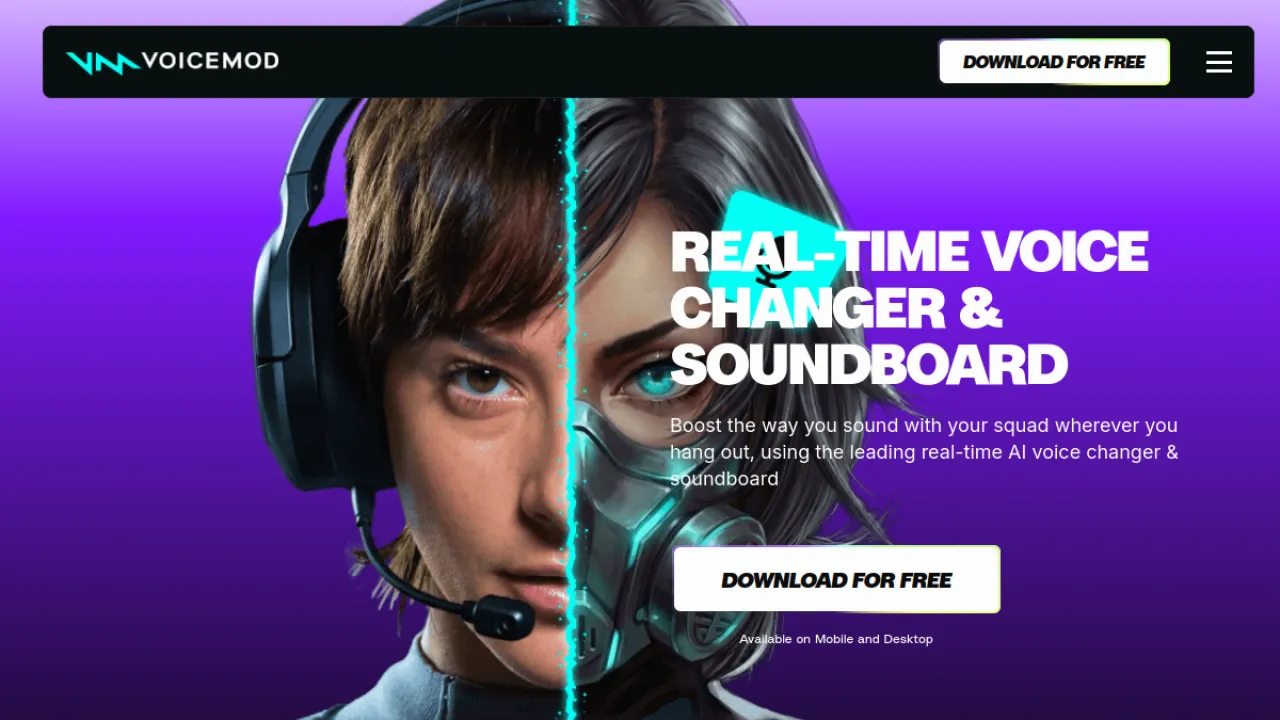
Voicemod is the most-visited tool in this entire category, and it earns that through low friction rather than raw audio quality.
Install it, pick a voice, and it appears as a virtual microphone inside Discord, OBS, Zoom or a game. Nothing to configure, no render step.
The catalogue runs to hundreds of voices and effects, plus a soundboard for triggering clips mid-stream and VoiceLab for building custom voices.
The catch is the free plan rotates only a limited set of voices each day, so the one you liked yesterday may be gone today.
There is a lifetime purchase option, which is unusual in this space and worth taking if you stream regularly.
Key Features
- Real-time AI voice changing across apps
- Hundreds of voices and effects
- VoiceLab custom voice creation
- Soundboard for triggering sound effects
Pros and Cons
Pros: Large voice and effect library · Low-latency real-time processing · Lifetime purchase option available
Cons: Free plan rotates only limited voices daily · Best features require a paid plan
Pricing
Freemium (lifetime option).
Best for: streamers and gamers · Watch out: daily voice rotation on free
Full Voicemod review · voicemod.net
2. ElevenLabs — The Quality Benchmark for Voiceover
If you are producing narration that other people will pay attention to, ElevenLabs is the reference point everyone else gets compared against.
Its voices carry intonation and pacing that most competitors still approximate, and its cloning needs remarkably little source audio.
It covers 29 languages, emotional direction, and AI dubbing, and the entry price is genuinely affordable for an individual creator.
Two honest caveats: the free tier is tight enough that you will hit its ceiling during evaluation, and costs climb steeply once you are generating at volume.
The cloning quality also makes consent a real obligation, not a footnote — see the ethics section below.
Key Features
- Voice cloning
- 29 languages
- Emotional control
- AI dubbing
Pros and Cons
Pros: Most realistic voices · Exceptional voice cloning · Affordable entry price
Cons: Free tier very limited · Ethical concerns with cloning · Expensive at scale
Pricing
Freemium.
Best for: narration, audiobooks, high-production video · Watch out: expensive at scale
Full ElevenLabs review · elevenlabs.io
3. NaturalReader — Reading, Not Producing
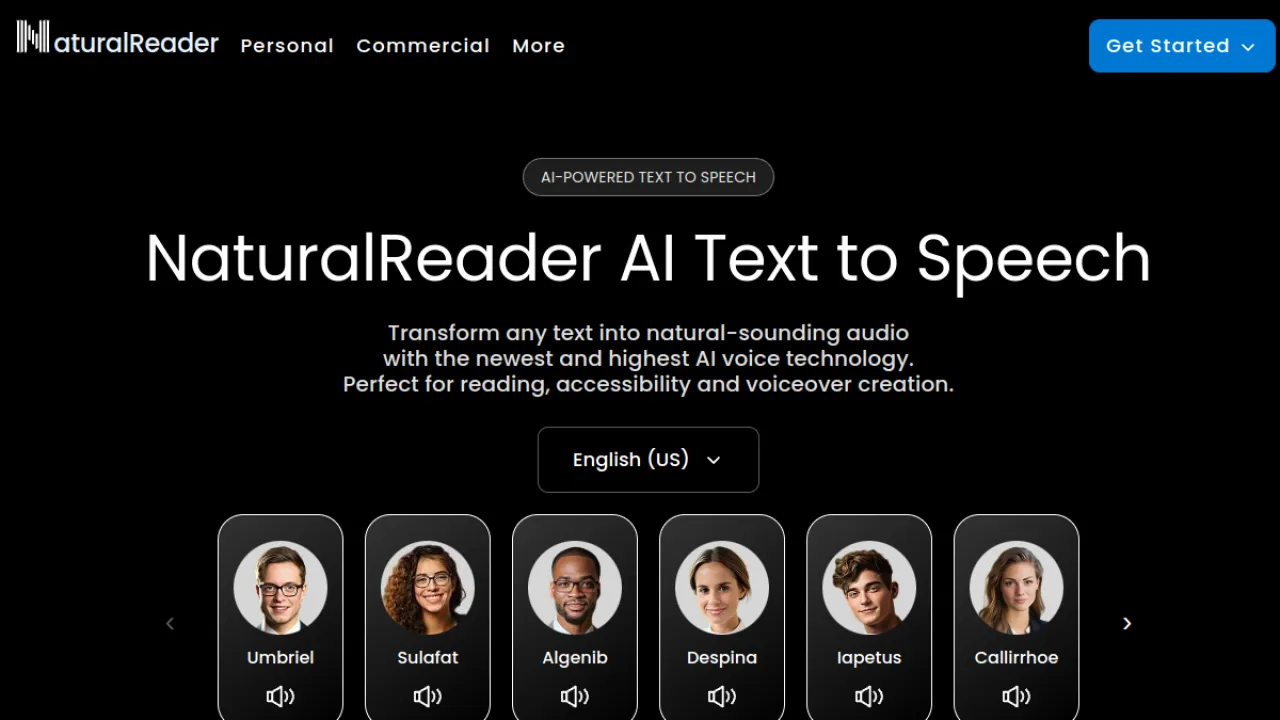
NaturalReader is built around consumption.
It reads documents, PDFs and web pages aloud in hundreds of voices across 90+ languages, and includes an OCR camera scanner that turns printed pages into audio — which makes it genuinely useful for dyslexia, low vision and language learning rather than just convenient.
It works as a browser extension, a mobile app and a web app, so the same document follows you across devices.
The best-sounding voices sit behind paid plans and free usage is capped, but the free tier is enough to know within a day whether the workflow suits you.
Key Features
- Hundreds of AI voices in 90+ languages
- Document, PDF, and web page reading
- OCR camera scanner for printed text
- Pronunciation editor and voice customization
Pros and Cons
Pros: Large voice and language selection · Genuinely useful for accessibility and learning · Works across browser, mobile, and extension
Cons: Best premium voices require paid plans · Free tier usage is limited
Pricing
Freemium.
Best for: accessibility, studying, reading queues · Watch out: premium voices are paid-only
Full NaturalReader review · naturalreaders.com
4. Speechify — The Same Job, More Polish
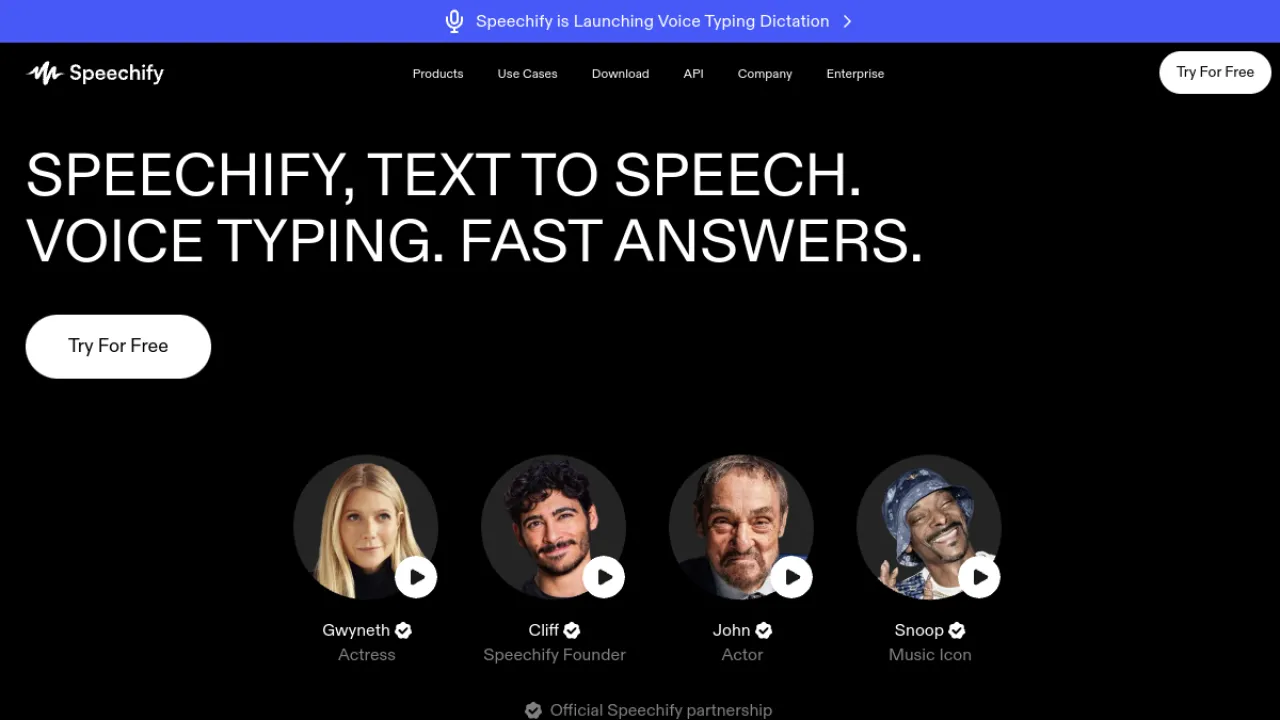
Speechify overlaps heavily with NaturalReader and mostly wins on breadth: 1,000+ voices across 60+ languages, reading for PDFs, docs, articles and email, plus voice typing that dictates faster than most people type.
It also ships a voiceover studio, though that is the weaker half of the product.
Pick Speechify if you want one app for reading everything and occasionally need a voiceover; pick a dedicated production tool if voiceover is the main job.
As with its rival, the realistic voices are the paid ones.
Key Features
- 1,000+ AI voices in 60+ languages
- Reads PDFs, docs, articles, and emails aloud
- AI voiceover studio for video and e-learning
- Voice typing dictation up to 5x faster
Pros and Cons
Pros: Large multilingual voice library · Excellent accessibility and reading workflow · Works across mobile, desktop, and browser
Cons: Most realistic voices require a paid plan · Heavy voiceover production may need a dedicated tool
Pricing
Freemium.
Best for: heavy readers who also dictate · Watch out: studio is secondary to the reader
Full Speechify review · speechify.com
5. CAMB.AI — Dubbing That Keeps the Speaker's Voice
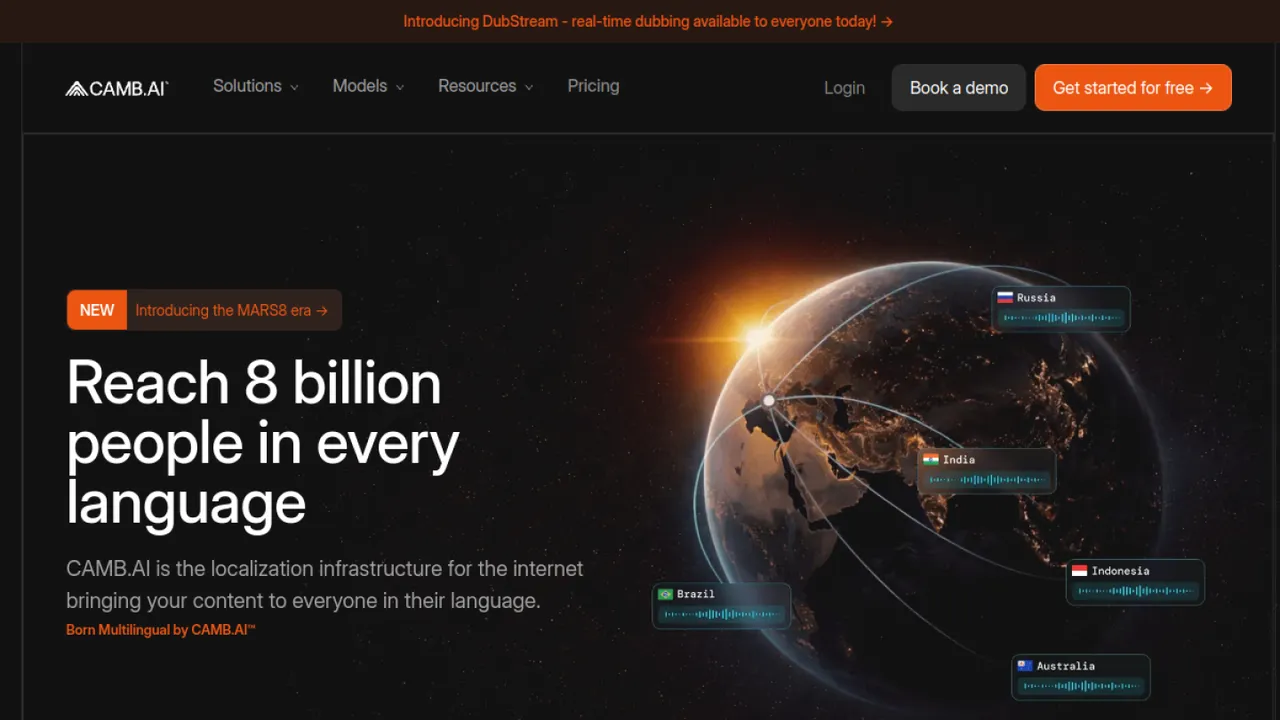
CAMB.AI is a localisation platform, not a text-to-speech app.
Its MARS models dub existing footage into other languages while preserving the original speaker's voice, and it can do this live as well as on demand — which is why it turns up in sports and broadcast rather than YouTube workflows.
That positioning sets expectations.
Pricing usually goes through sales, quality varies by language pair and source audio, and the enterprise workflow takes real onboarding.
For a creator dubbing one video, this is overkill; for a media team localising a catalogue, it is the right shape of tool.
Key Features
- Live and on-demand AI dubbing
- MARS expressive text-to-speech models
- Multi-language translation and captions
- Voice preservation across languages
Pros and Cons
Pros: Expressive, voice-preserving dubbing · Real-time capability for live broadcasts · Broad language coverage for media
Cons: Pricing often requires sales contact · Live quality varies by language and audio · Enterprise workflows have a learning curve
Pricing
Freemium, sales-led above that.
Best for: broadcast and media localisation · Watch out: enterprise learning curve
6. MiniMax Audio — Strong Multilingual Value
MiniMax Audio comes out of a well-funded model lab, and it shows in the price-to-quality ratio: 300+ voices across 50+ languages, cloning from a short sample, and a developer API, at rates that undercut the premium names.
The trade-off is orientation. Documentation and support skew toward developers, and commercial licensing requires a paid tier.
If you are comfortable reading API docs and want multilingual coverage without ElevenLabs pricing, this is one of the better-value options on the list.
Key Features
- 300+ voices across 50+ languages
- Voice cloning from a short audio sample
- Developer API for app integration
- Commercial licensing on paid plans
Pros and Cons
Pros: Strong multilingual coverage · Competitive pricing for the quality · Backed by a well-funded model lab
Cons: Support skews toward developers · Commercial licensing needs paid tiers
Pricing
Freemium.
Best for: multilingual output on a budget · Watch out: developer-first support
Full MiniMax Audio review · minimax.io/audio
7. TTSMaker — The Genuinely Free Option
Most "free" voice tools mean free for personal use.
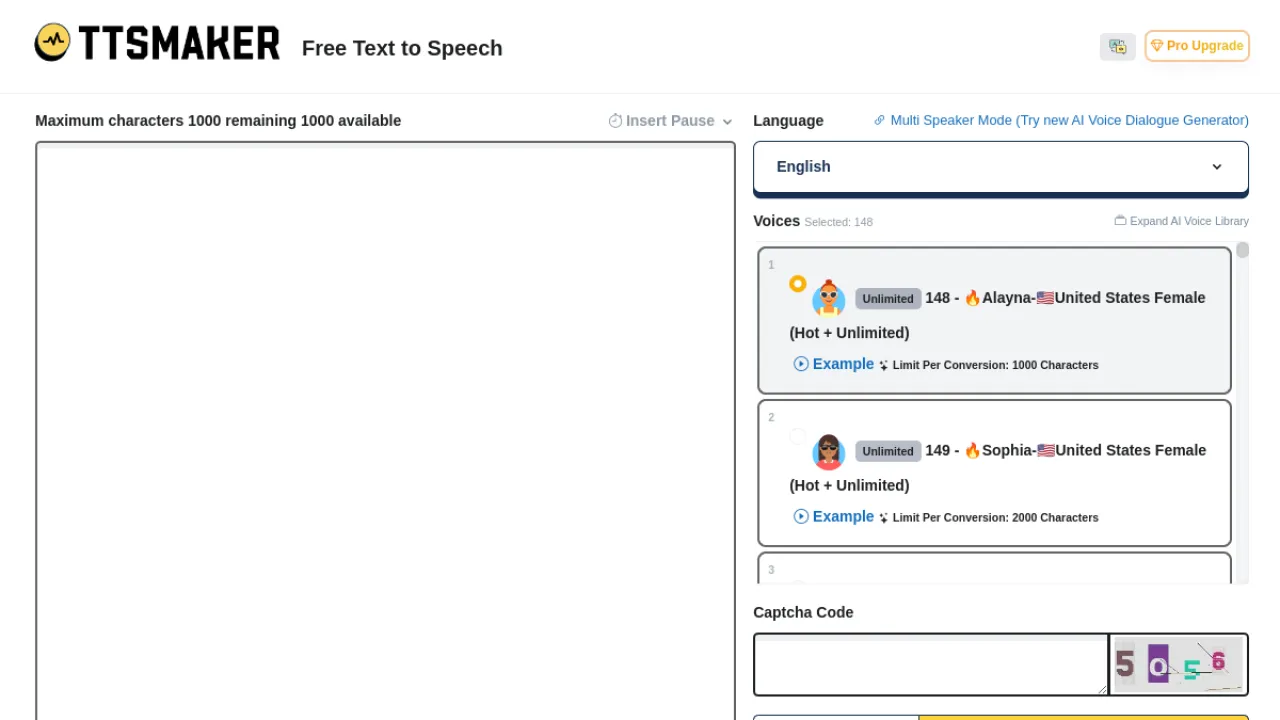
TTSMaker is the rare one where generated audio carries commercial rights on the free tier, with no account needed for basic use.
For a side project, a client pilot or a school video, that removes the licensing question entirely.
You get hundreds of voices, wide language and accent coverage, adjustable rate, pitch, volume and pauses, and a dialogue generator for multi-voice conversations.
Expressiveness trails the premium models and there is a weekly character cap, but for the price the value is hard to argue with.
Key Features
- Hundreds of AI voices
- Support for many languages and accents
- Adjustable speech rate, pitch, volume, and pauses
- Dialogue generator for multi-voice conversations
Pros and Cons
Pros: Generous free tier with no account required for basic use · Wide language and voice coverage for international content · Generated audio is free to use commercially
Cons: Free usage limited by a weekly character cap · Most premium or expressive voices may require a paid plan · Voice expressiveness can trail top-tier premium competitors
Pricing
Freemium with commercial rights.
Best for: zero-budget commercial audio · Watch out: weekly character cap
Full TTSMaker review · ttsmaker.com
8. Voicemaker — Breadth Over Realism
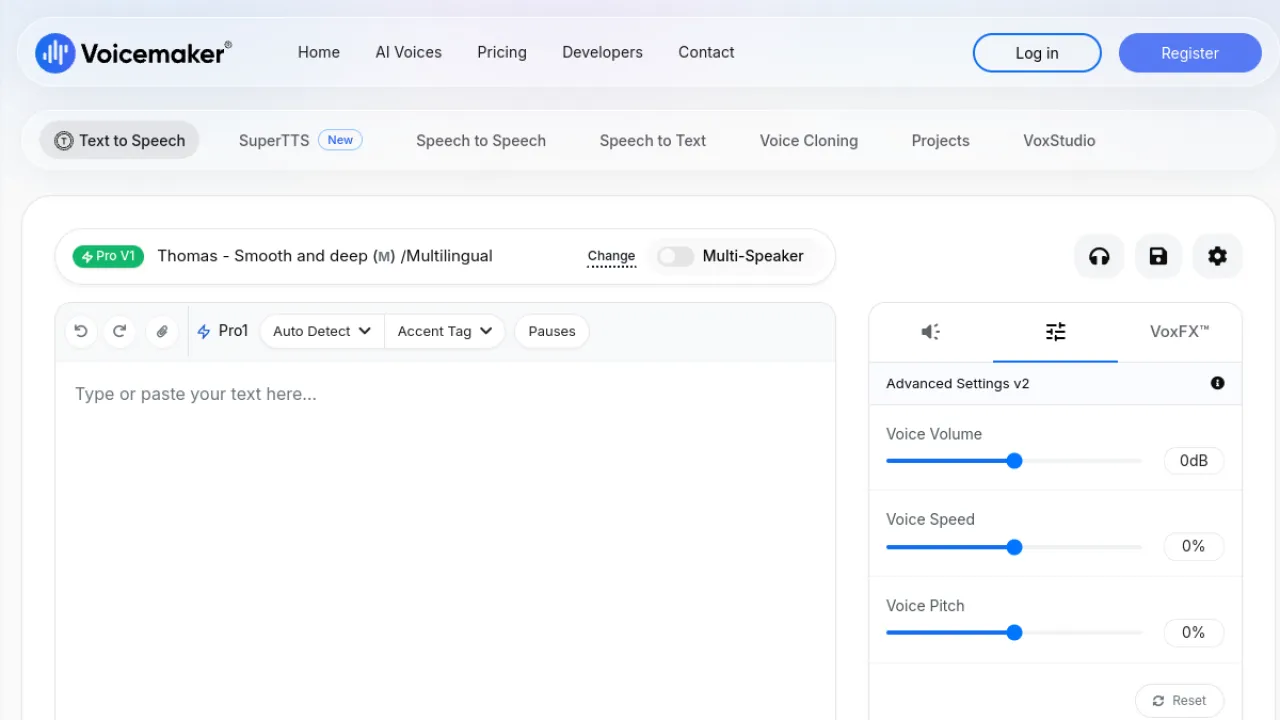
Voicemaker's pitch is coverage: 1,000+ voices across 140+ languages, more than almost anything else here, with generous commercial redistribution terms and affordable entry pricing.
It also exports telephony formats, which matters if you are recording IVR prompts.
Realism trails the newest premium models, and the free tier's character caps are short.
But if your requirement is "this needs to exist in Tamil, Vietnamese and Polish by Friday", breadth beats polish.
Key Features
- 1000-plus AI voices in 140-plus languages
- Adjustable speed, pitch, volume and emphasis
- Multiple export formats including telephony
- Commercial redistribution rights
Pros and Cons
Pros: Very broad voice and language selection · Generous commercial-use terms · Affordable entry pricing
Cons: Free tier limited by short character caps · Realism may trail the newest premium models
Pricing
Freemium.
Best for: wide language coverage, IVR prompts · Watch out: realism behind top tier
Full Voicemaker review · voicemaker.in
9. Fish Audio — Expressive Cloning for Indie Budgets
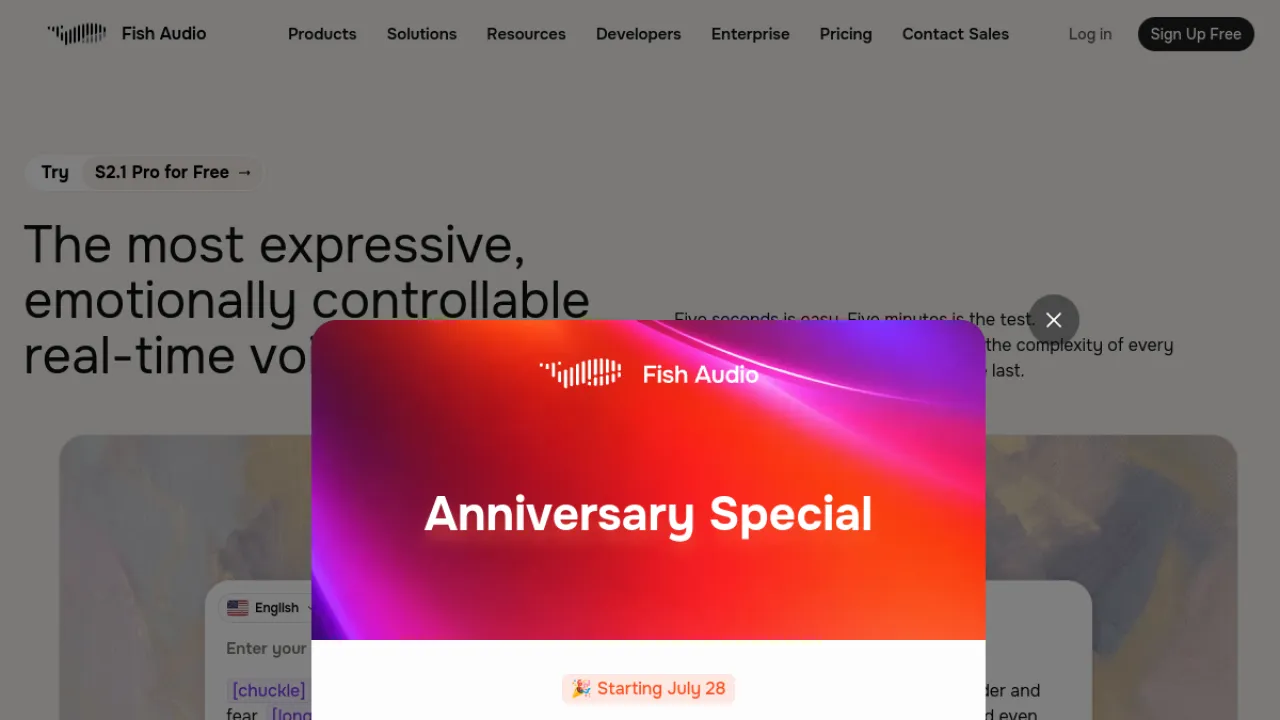
Fish Audio pairs fast voice cloning from a short sample with emotion tags that give you real control over delivery, plus speech-to-text and 30+ languages.
For indie creators and small developer teams it lands in a useful spot: more expressive than the budget tools, cheaper than the premium ones.
Output quality tracks the quality of your input sample closely — a clean, quiet recording makes a noticeable difference.
Commercial use requires a paid plan, and as with every cloning tool, consent for the source voice is on you.
Key Features
- Expressive text-to-speech with emotion tags
- Voice cloning from a short sample
- Speech-to-text transcription
- Support for 30-plus languages
Pros and Cons
Pros: Fast voice cloning from short audio · Strong emotion and expression control · Affordable for indie creators and developers
Cons: Cloning raises consent and ethics concerns · Quality varies with the input sample · Commercial use requires a paid plan
Pricing
Freemium.
Best for: indie creators, expressive cloning · Watch out: quality depends on sample
Full Fish Audio review · fish.audio
10. Voice.ai — The Community Voice Library
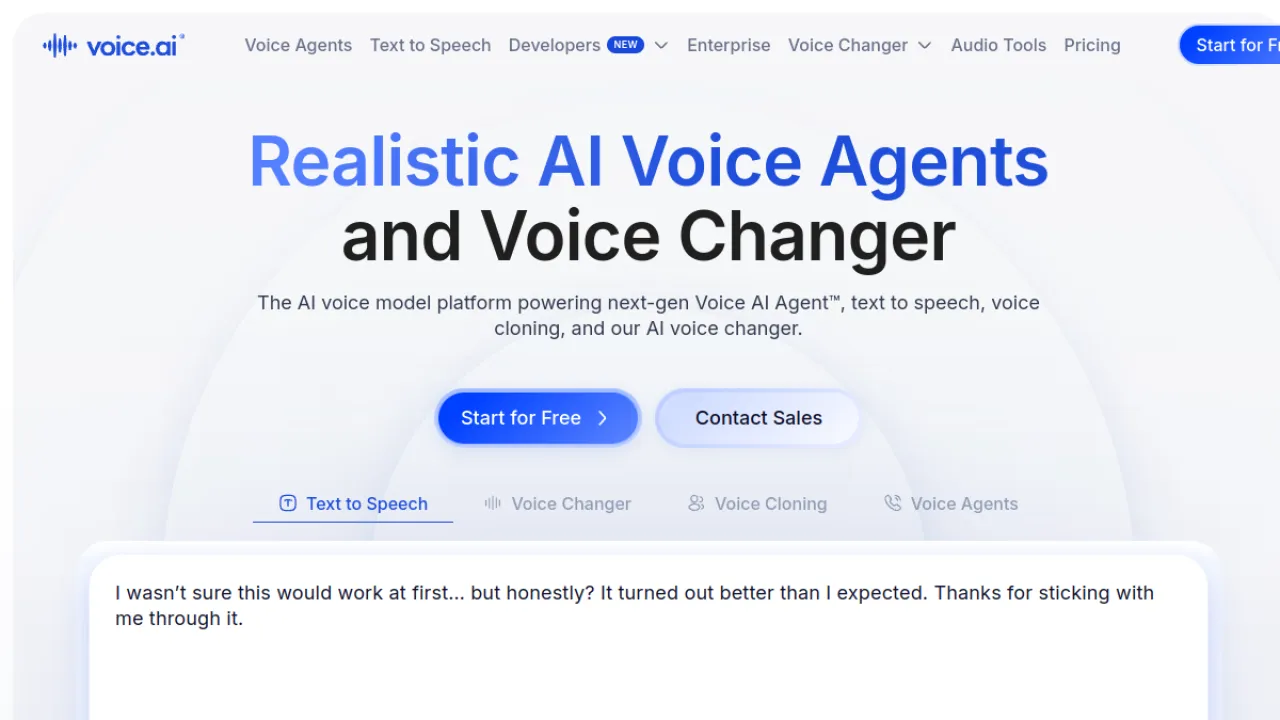
Voice.ai's differentiator is thousands of community-made voices available free, alongside real-time changing in games and calls through a virtual microphone on PC and Mac.
If you want variety without paying, its library is the largest free pool in this category.
Higher-tier and API pricing is not fully transparent, which is a genuine annoyance when you are budgeting.
And a community-sourced library makes consent-based use something you have to think about actively rather than assume.
Key Features
- Real-time voice changing in games and calls
- Thousands of community-made voices
- Custom voice cloning from short audio
- Virtual microphone for PC and Mac
Pros and Cons
Pros: Huge community voice library available free · Easy live voice switching for streaming · Quick custom voice cloning
Cons: Higher-tier and API pricing not fully transparent · Voice cloning requires careful, consent-based use
Pricing
Freemium.
Best for: free variety, live switching · Watch out: opaque higher-tier pricing
Full Voice.ai review · voice.ai
11. PolyAI — Enterprise Voice Agents That Answer the Phone
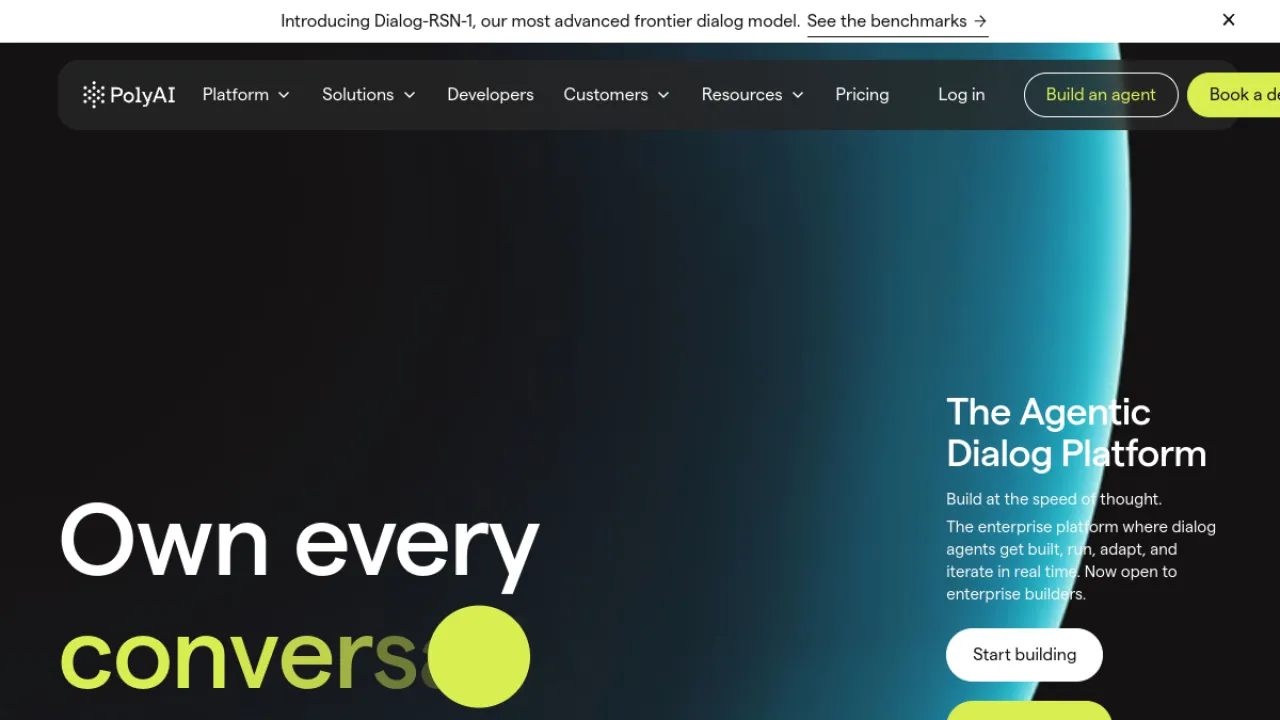
PolyAI is not in the same business as most of this list.
It builds lifelike voice agents that handle real customer calls for large enterprises, with a no-code Agent Studio, a developer ADK, and its own conversational model underneath.
The strengths are the ones enterprises actually buy on: brand-consistent conversations, deep contact-centre expertise, and governance and compliance that survive procurement.
The costs are equally enterprise — pricing goes through sales, contracts are large, and deployment and tuning take real time.
If you have fewer than a few thousand calls a month, look at CloudTalk instead.
Key Features
- Lifelike enterprise voice agents
- No-code Agent Studio builder
- Developer Agent Development Kit
- Proprietary conversational model
Pros and Cons
Pros: Natural, brand-consistent voice experiences · Deep contact-center expertise · Strong governance and compliance
Cons: Built for large enterprises with big contracts · Pricing not public, requires sales · Deployment and tuning take time
Pricing
Paid, sales-led.
Best for: large-scale customer service automation · Watch out: built for big contracts
12. EaseUS VoiceWave — The Free Real-Time Workhorse
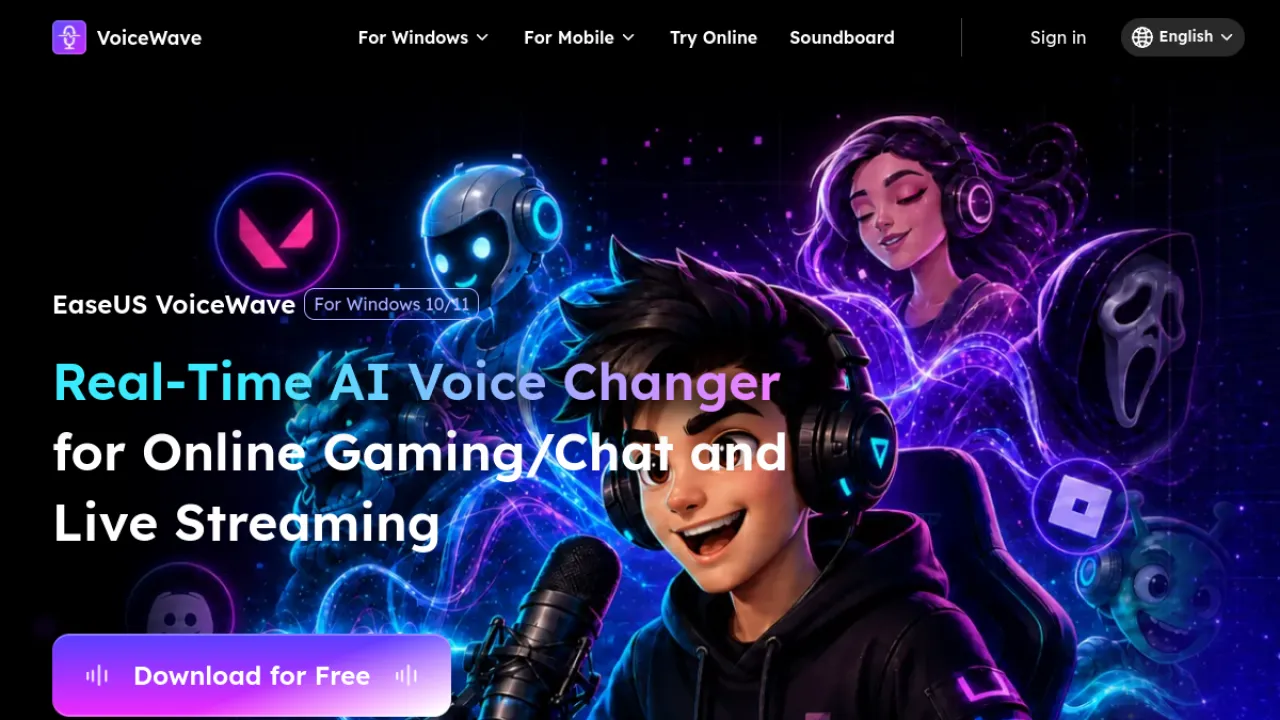
VoiceWave gives away more core functionality than most real-time changers: voice changing across apps and games, hundreds of voices and effect presets, a live soundboard, and a bundled recorder, mixer and noise reduction.
That bundle means you may not need a second tool for capture.
It is Windows-centric rather than truly cross-platform, and lower-end hardware can introduce noticeable latency.
Free tier limits also tighten if you use it heavily. For a Windows streamer who wants one install and no subscription, it is a strong first try.
Key Features
- Real-time voice changing across apps and games
- Hundreds of voices and effect presets
- Soundboard with live-triggerable sounds
- Built-in recorder, mixer and noise reduction
Pros and Cons
Pros: Generous free core functionality · Very large voice and sound-effect catalog · Bundled recorder, mixer and soundboard tools
Cons: Windows-centric rather than fully cross-platform · Possible latency on lower-end hardware
Pricing
Freemium.
Best for: Windows streamers on a budget · Watch out: Windows-first, latency on old hardware
Full EaseUS VoiceWave review · voicechanger.easeus.com
13. Vozard — Real-Time With a Large Effects Library

Vozard covers the same ground as Voicemod with 90+ AI voices, 200+ sound effects, and direct integration with Discord, Zoom and OBS.
It also modulates existing audio and video files, not just live input, which the pure live tools often skip.
Latency is low and the free plan includes standard effects, but the better voices sit behind a paid plan and output quality varies noticeably with your microphone.
Worth comparing head-to-head with Voicemod on the specific voices you actually want.
Key Features
- Real-time AI voice changing
- 90+ AI voices and 200+ sound effects
- Integration with Discord, Zoom, and OBS
- File-based audio and video voice modulation
Pros and Cons
Pros: Large voice and sound effect selection · Low-latency real-time operation · Free plan with standard effects
Cons: Best voices and effects need a paid plan · Quality varies with microphone and voice choice
Pricing
Freemium.
Best for: live changing plus file-based edits · Watch out: best voices are paid
Full Vozard review · imobie.com/vozard
14. Typecast — Direction, Not Just Synthesis
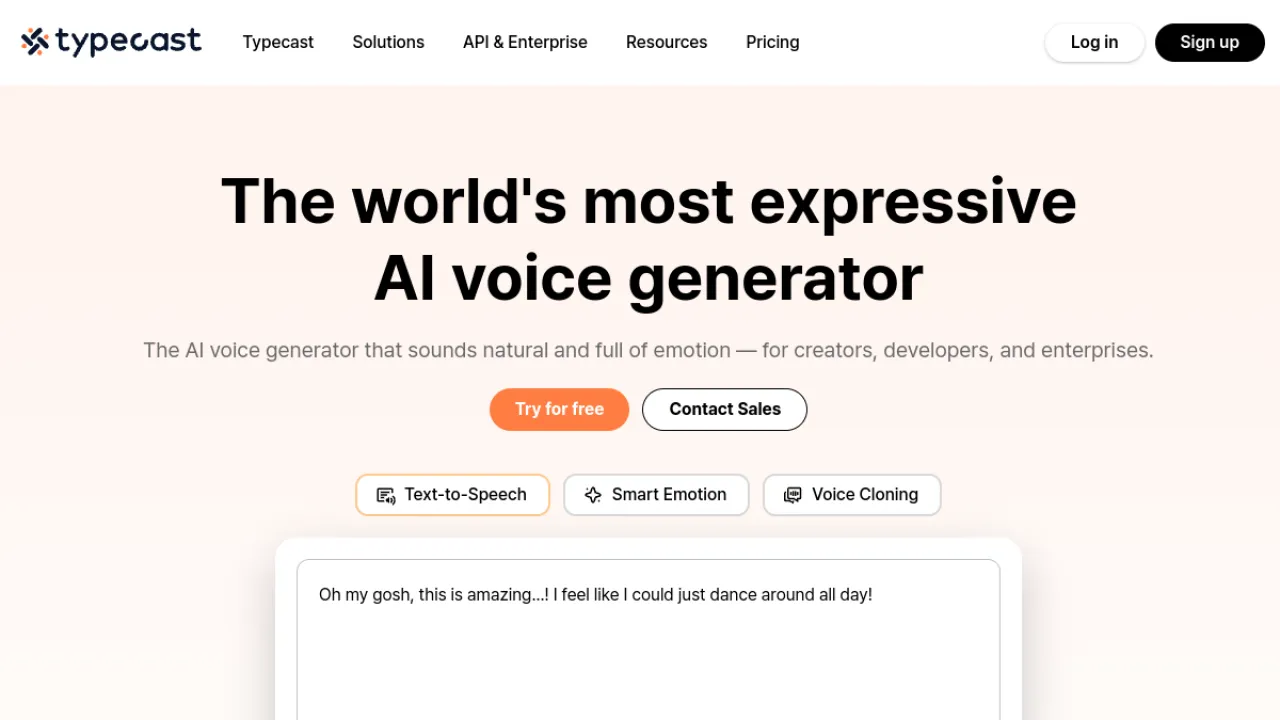
Typecast's Smart Emotion reads context and adjusts tone and pacing automatically, which removes a lot of the line-by-line fiddling that makes long scripts tedious elsewhere.
Add 700+ voice actors, cloning that can perform in new styles, and in-editor control of pitch, emphasis and pronunciation, and it becomes a genuine production tool.
Nuanced scripts still benefit from manual tuning — automatic emotion is a strong first pass, not a final one.
Premium voices and higher volume need paid plans.
For e-learning and explainer video teams working through a lot of script, the editing controls pay for themselves.
Key Features
- Smart Emotion auto-adjusts tone and pacing
- 700+ AI voice actors with varied styles
- Voice cloning that performs in new styles
- In-editor control of pitch, emphasis, and pronunciation
Pros and Cons
Pros: Context-aware, expressive voice delivery · Very large voice catalog · Granular per-line editing controls
Cons: Nuanced scripts still benefit from manual tuning · Premium voices and volume need paid plans
Pricing
Freemium.
Best for: e-learning and explainer scripts · Watch out: still needs manual polish
Full Typecast review · typecast.ai
15. LOVO — Voice and Video in One Workspace
LOVO's Genny studio bundles 500+ voices across 100+ languages with a video editor, auto subtitles and AI script writing.
For a solo creator, doing script, voice and cut in one browser tab removes real friction.
Be realistic about the bundle: the built-in video editor is basic next to a dedicated NLE, and most features need a paid plan.
Cloning needs about a minute of audio. Good for social and marketing video; not a replacement for a proper edit suite.
Key Features
- 500+ AI voices in 100+ languages
- Voice cloning from about one minute of audio
- Genny studio with built-in video editor
- Auto subtitles and AI script writing
Pros and Cons
Pros: Large multilingual voice selection · All-in-one voice plus video workflow · Approachable web-based interface
Cons: Most features require a paid plan · Built-in video editor is fairly basic
Pricing
Freemium.
Best for: solo creators wanting one workspace · Watch out: basic video editor
16. Dubbing AI — Built for Live Entertainment
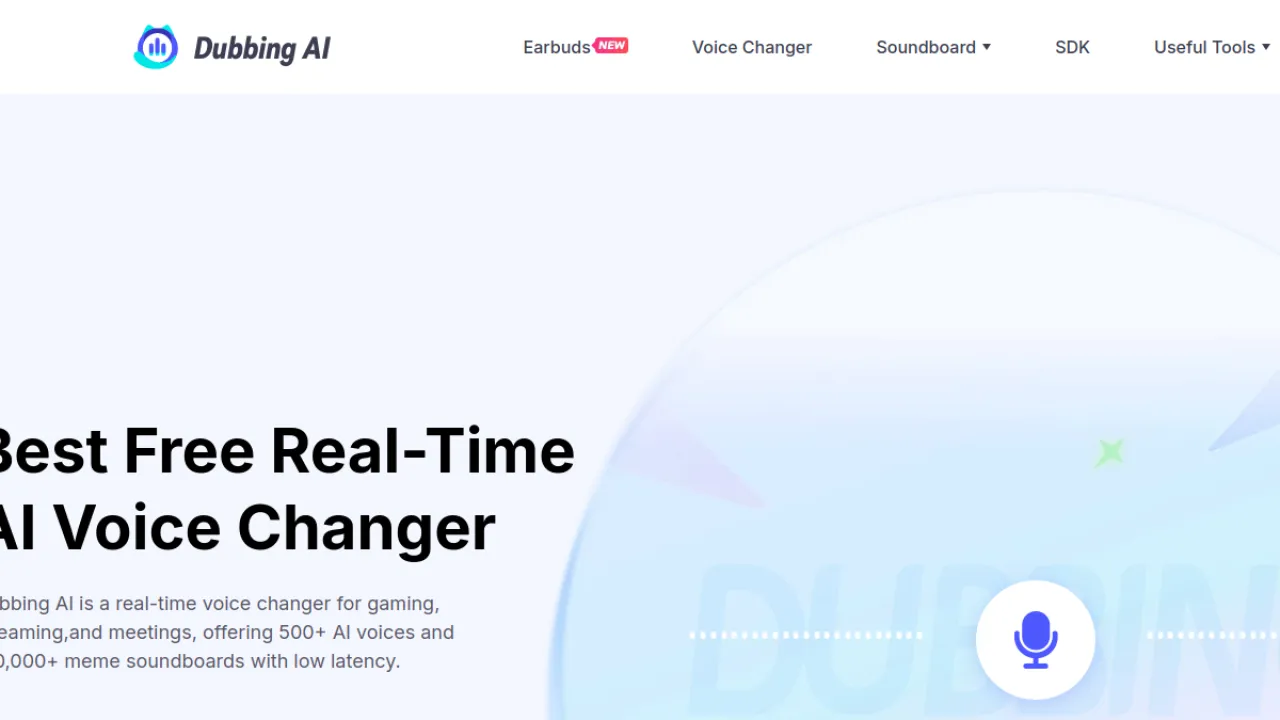
Despite the name, Dubbing AI is primarily a real-time character voice changer for gaming and streaming: 500+ voices, ultra-low latency, a virtual mic for Discord, Zoom and OBS, plus soundboards, cloning and a vocal remover.
It is also light on system resources, which matters when you are already running a game and OBS.
The full catalogue needs a subscription, and this is entertainment tooling rather than professional voiceover — do not expect it to replace a production TTS tool.
Key Features
- 500+ real-time AI character voices
- Ultra-low latency for live use
- Virtual mic for Discord, Zoom, and OBS
- Voice cloning, soundboards, and vocal remover
Pros and Cons
Pros: Huge voice and soundboard library · Low latency suited to live streaming · Light on system resources
Cons: Full catalog requires paid subscription · Best for entertainment, not pro voiceover
Pricing
Freemium.
Best for: streamers wanting character voices · Watch out: not for pro voiceover
Full Dubbing AI review · dubbingai.io
17. CloudTalk — Voice AI Inside a Real Phone System
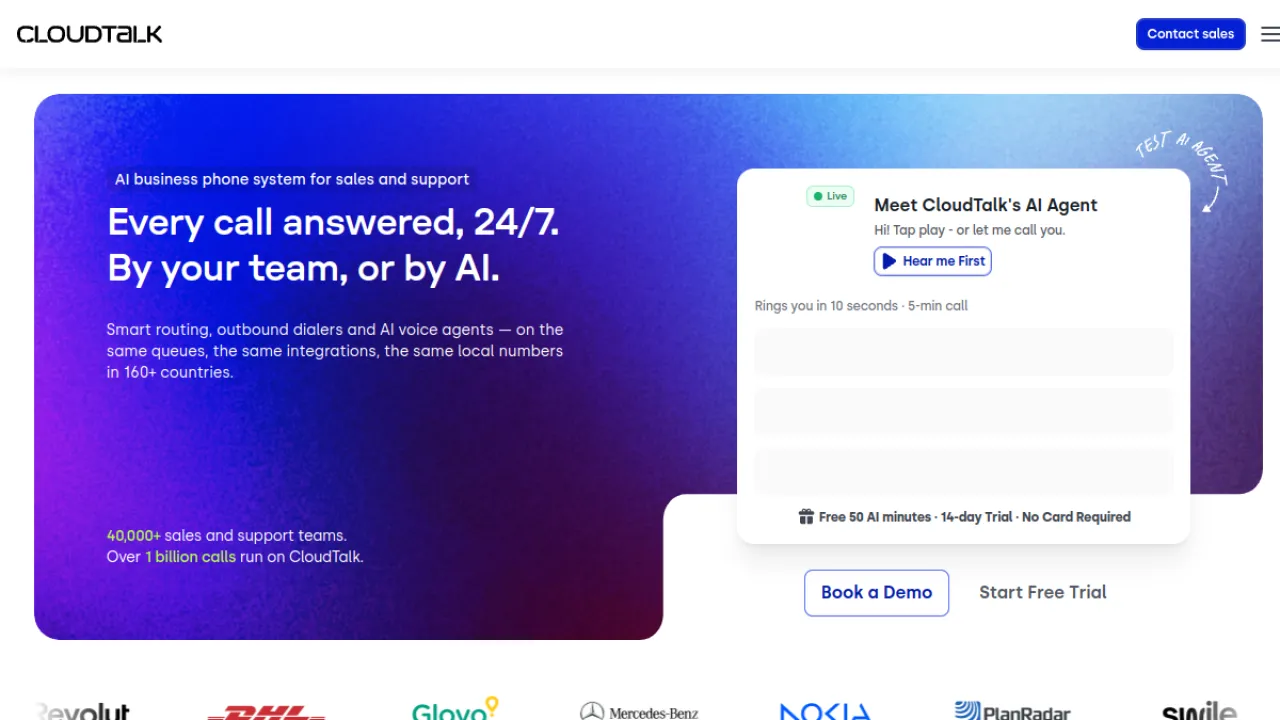
CloudTalk is a business phone system first and a voice AI product second, which is exactly right for most teams.
You get cloud calling across 160+ countries, multilingual AI voice agents with custom call flows, AI transcription, call scoring and sentiment analysis, and 100+ integrations plus SMS and WhatsApp.
Because it is CRM-native, the AI features land inside a workflow your team already uses rather than beside it.
Advanced AI sits on higher tiers and voice agent usage bills on top of seats, so model the cost at your real call volume before committing.
Key Features
- Cloud calling across 160+ countries
- Multilingual AI voice agents with custom call flows
- AI transcription, call scoring, and sentiment analysis
- 100+ integrations plus SMS and WhatsApp messaging
Pros and Cons
Pros: Broad international calling coverage · Strong, ready-made CRM integrations · Approachable setup with useful analytics
Cons: Advanced AI features sit on higher tiers · AI voice agent usage adds cost on top of seats
Pricing
Subscription.
Best for: SMB sales and support teams · Watch out: AI usage costs stack on seats
Full CloudTalk review · cloudtalk.io
18. Sesame — Conversational Voice That Holds a Thread

Sesame is the most unusual entry here.
Rather than reading text you supply, it holds a conversation — with natural timing, interruptions and tone shifts, distinct companion personalities, and persistent memory across sessions.
Trying the free web demo tells you more in two minutes than any description.
It is a consumer companion product, not a developer platform, and pricing and premium limits are still settling.
Include it if you want to hear where conversational voice is heading; skip it if you need an output file.
Key Features
- Emotionally intelligent conversational voice model
- Distinct AI companions with personalities
- Persistent memory across conversations
- Natural timing, interruptions, and tone shifts
Pros and Cons
Pros: Highly natural and expressive voice interaction · Persistent memory across sessions · Low-friction free web demo
Cons: Consumer companion, not a developer tool · Pricing and premium limits still evolving
Pricing
Freemium, evolving.
Best for: experiencing conversational voice AI · Watch out: not a production tool
Full Sesame review · sesame.com
19. Resemble AI — Cloning With Safeguards Built In
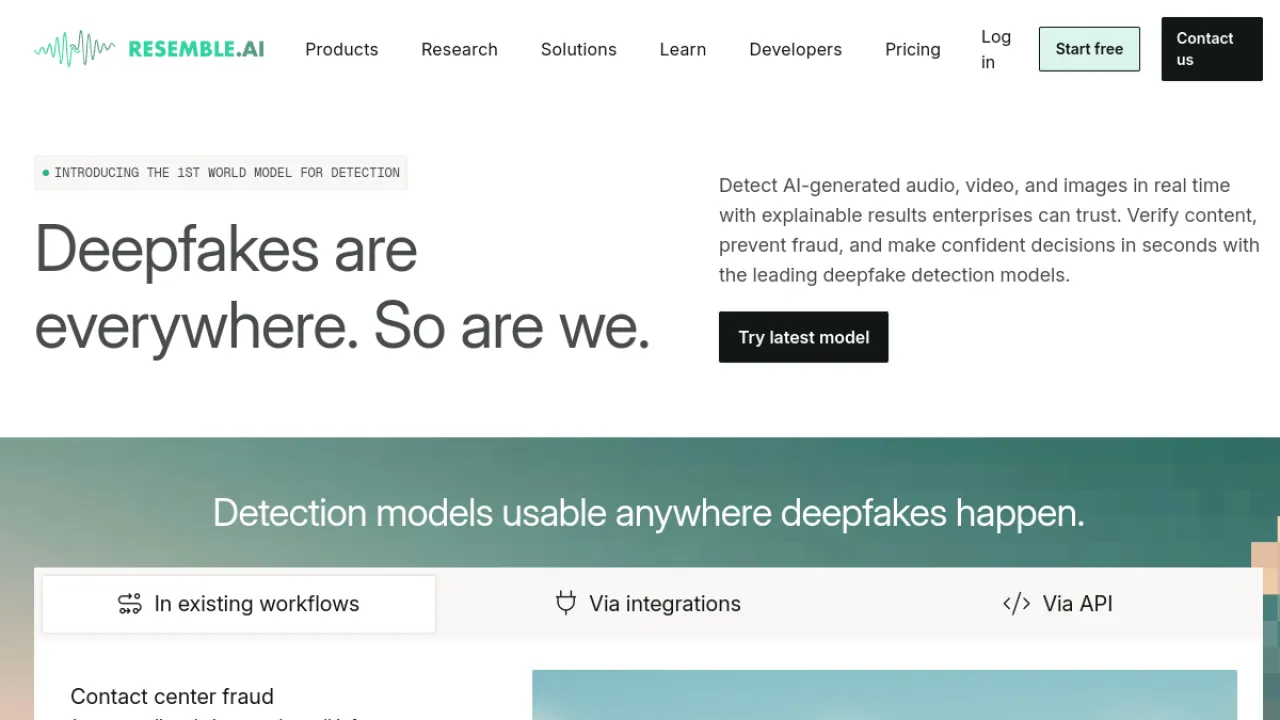
Resemble AI is the entry to look at if the misuse risk of voice cloning is a live concern for you.
Alongside cloning from short samples, speech-to-speech, prompt-based voice design and multilingual synthesis, it ships audio watermarking and deepfake detection — the only tool on this list treating that as a first-class feature.
It is developer-focused and less casual-friendly, advanced features get expensive at scale, and the customisation depth takes time to learn.
For regulated industries or any brand putting a synthetic voice in public, those safeguards are the reason to choose it.
Key Features
- Voice cloning from short audio samples
- Speech-to-speech and voice design from prompts
- Multilingual, expressive speech synthesis
- Audio watermarking and deepfake detection
Pros and Cons
Pros: High-quality, fast voice cloning · Built-in watermarking and deepfake detection · Strong multilingual and real-time support
Cons: Developer-focused, less casual-friendly · Advanced features can be expensive at scale
Pricing
Freemium.
Best for: regulated or brand-sensitive cloning · Watch out: developer-oriented, costly at scale
Full Resemble AI review · resemble.ai
20. Vapi — The Developer's Voice Stack
Vapi is infrastructure.
It gives engineers API-first voice agent building, telephony and call orchestration, a choice of speech and language models, and real-time call monitoring — meaning you assemble the stack rather than accept a vendor's defaults.
The observability is the standout: knowing why a call went wrong is the hard part of shipping voice agents, and most platforms hide it.
In exchange, this requires engineering, is unusable by non-technical teams, and has usage costs that are hard to forecast at scale.
Choose it when you are building a product, not running a campaign.
Key Features
- API-first voice agent building
- Telephony and call orchestration
- Choice of speech and language models
- Real-time call monitoring and analytics
Pros and Cons
Pros: Granular developer control of the voice stack · Strong observability and monitoring · Enterprise-grade security and compliance
Cons: Requires engineering to implement · Not suited to non-technical users · Usage costs hard to predict at scale
Pricing
Freemium, usage-based.
Best for: engineering teams shipping voice features · Watch out: unpredictable cost at scale
21. PlayHT — A Solid All-Rounder With Real-Time Options
PlayHT covers hundreds of voices across many languages, cloning, developer APIs, and low-latency models suitable for conversational AI — a rare combination of production and real-time in one product.
Best quality and commercial use need paid plans, cloning quality depends on your sample, and naturalness varies noticeably between languages, so test your specific target language before deciding.
A reasonable middle option when ElevenLabs is too expensive and the budget tools are not expressive enough.
Key Features
- Hundreds of AI voices across many languages
- Voice cloning for custom voices
- Real-time low-latency TTS models
- Developer APIs for integration
Pros and Cons
Pros: Large multilingual voice catalog · Real-time options for conversational AI · Flexible API and voice cloning
Cons: Best quality and commercial use need paid plans · Cloning quality depends on input sample · Voice naturalness varies by language
Pricing
Freemium.
Best for: mixed production and conversational use · Watch out: quality varies by language
22. Notevibes — Fine-Grained Emotional Control
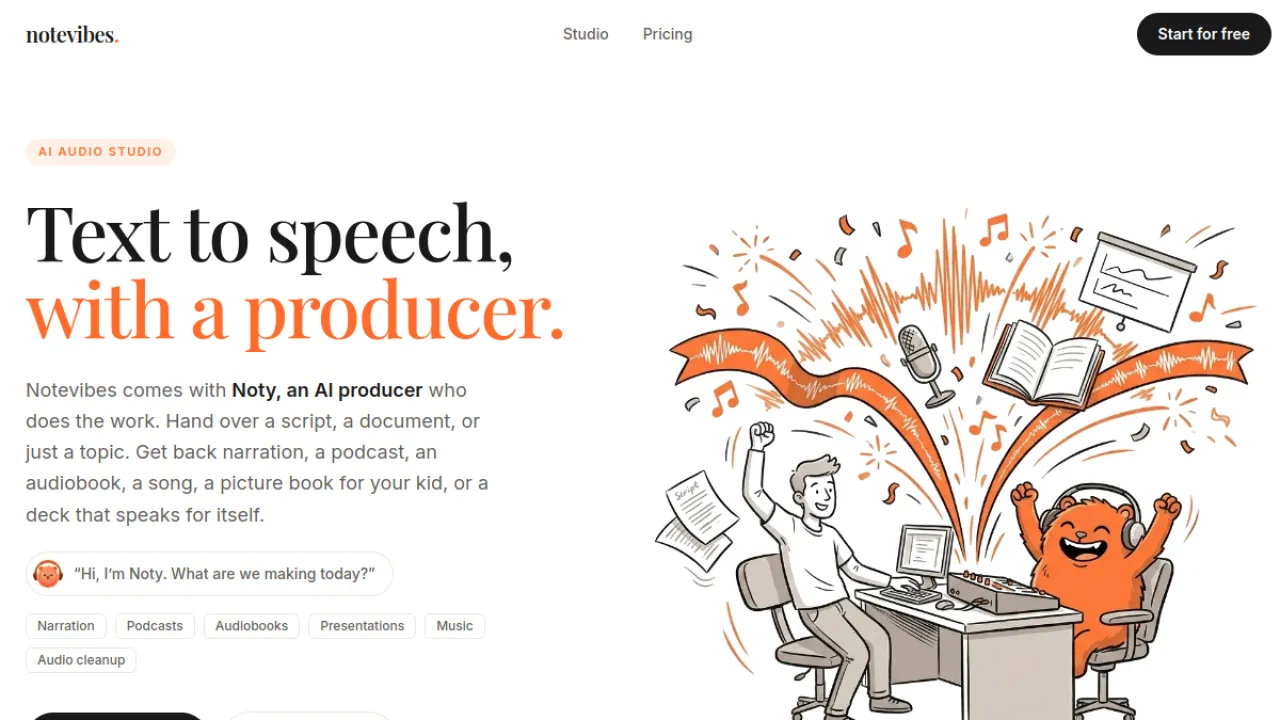
Notevibes offers 80+ emotion tags and tone modifiers across 550+ voices in 72 languages, plus multi-speaker dialogue and a built-in audio editor with scene direction.
If you have ever wanted to specify the emotion per line rather than per project, this is the tool that lets you.
The interface is less polished than the bigger names and top realism sits on pricier plans, but the free tier works without a credit card — enough to test whether the emotion controls actually improve your output.
Key Features
- 550+ AI voices in 72 languages
- 80+ emotion tags and tone modifiers
- Multi-speaker dialogue creation
- Built-in audio editor with scene direction
Pros and Cons
Pros: Granular emotion and tone control · Wide language coverage · Usable free tier without credit card
Cons: Top realism and credits on pricier plans · Interface less polished than larger rivals
Pricing
Freemium, no card for free tier.
Best for: dialogue and character work · Watch out: rougher interface
Full Notevibes review · notevibes.com
23. ElevenReader — ElevenLabs Voices for Reading

ElevenReader applies ElevenLabs-grade voices to the consumption job: ePubs, PDFs, articles and pasted text, in 30+ languages, with custom narrators and Soundscapes that add music and ambient sound behind the reading.
The free tier is unusually generous for audio this good, though long documents burn through the allowance quickly and unlimited use requires the Ultra subscription.
If Speechify's voices have ever disappointed you, this is the upgrade.
Key Features
- Reads ePubs, PDFs, articles, and pasted text aloud
- Lifelike AI voices in 30+ languages
- Custom AI narrator creation
- Soundscapes with music and ambient sound
Pros and Cons
Pros: Generous free tier of high-quality audio · Broad input formats and languages · Immersive Soundscapes feature
Cons: Unlimited use needs the Ultra subscription · Long documents drain the free audio allowance
Pricing
Freemium.
Best for: readers who care about voice quality · Watch out: long docs drain the free allowance
Full ElevenReader review · elevenreader.io
24. VideoDubber — Fast, Cheap Video Localisation
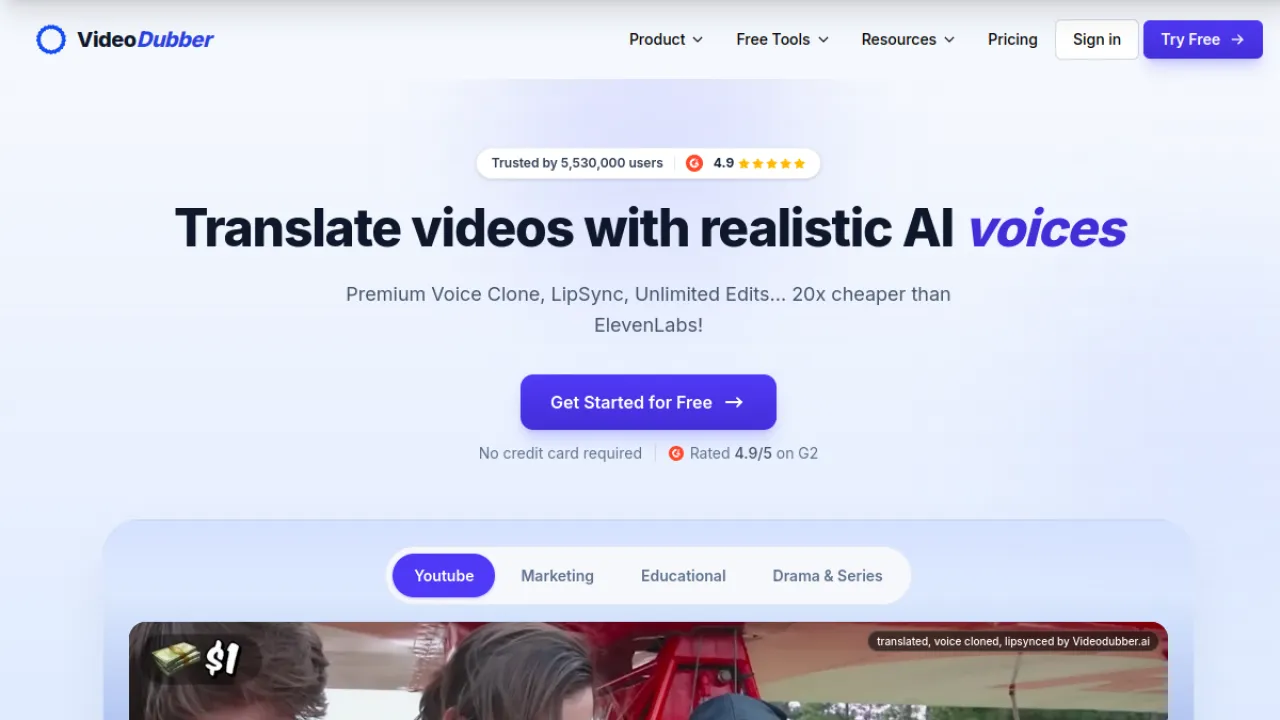
VideoDubber translates and dubs video into 150+ languages with voice cloning that preserves the original speaker and lip-synchronisation on top, at competitive per-minute pricing and fast turnaround.
Lip-sync quality varies with your source footage — clean, front-facing speaking footage works far better than dynamic edits.
The free tier is limited in translation minutes. Where CAMB.AI is the broadcast option, this is the creator option.
Key Features
- AI video translation and dubbing in 150+ languages
- Voice cloning that preserves the speaker's voice
- Lip-synchronization for dubbed audio
- Unlimited editing of translated videos
Pros and Cons
Pros: Very fast dubbing turnaround · Voice cloning keeps original speaker identity · Competitive per-minute pricing
Cons: Lip-sync quality varies with source footage · Free tier limited in translation minutes
Pricing
Freemium, per-minute.
Best for: creators localising a back catalogue · Watch out: lip-sync depends on footage
Full VideoDubber review · videodubber.ai
25. WellSaid — Ethically Sourced Enterprise Voiceover
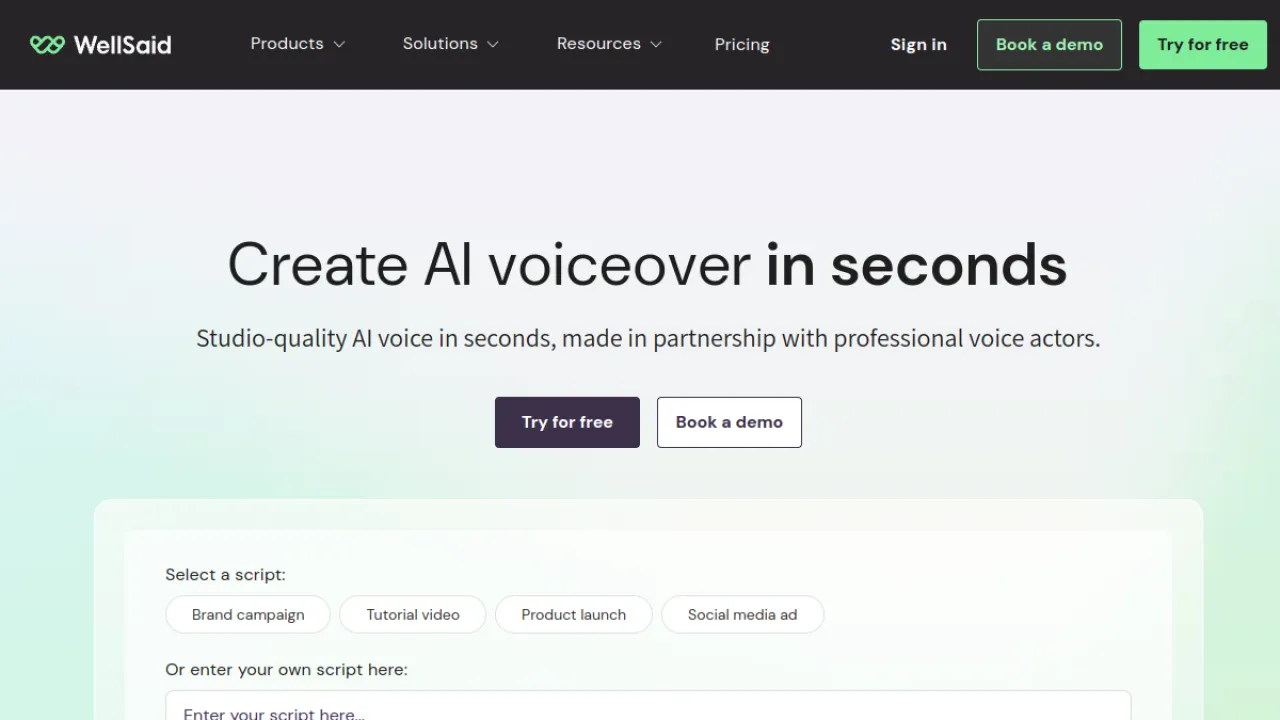
WellSaid builds its 120+ studio-quality voices with real, compensated voice actors — which is why it appears in enterprise procurement where provenance is a requirement rather than a preference.
AI Director controls handle tone and pacing, custom pronunciation libraries keep product names consistent, and team workspaces support review workflows.
It is subscription-only with no meaningful free tier, and the voice catalogue is smaller than the consumer tools by design.
For a brand that needs consistent narration and a defensible answer to "where did this voice come from", that trade is the point.
Key Features
- 120+ studio-quality AI voices
- AI Director controls for tone and pacing
- Custom pronunciation libraries
- Team workspaces and collaboration
Pros and Cons
Pros: Ethically sourced, consistent voices · Strong content-governance features · Trusted by major enterprise brands
Cons: Priced and built for teams, not hobbyists · Smaller voice library than mass-market tools
Pricing
Subscription.
Best for: brand narration with provenance requirements · Watch out: no free tier, smaller catalogue
Full WellSaid review · wellsaid.io
How to Actually Choose
Work through these in order. Each one eliminates most of the list.
1. Does it need to happen live? Real-time changing (Voicemod, Voice.ai, VoiceWave, Vozard, Dubbing AI) and file-based generation are different technical problems. A production TTS tool will not work on a Discord call, and a voice changer will not narrate your audiobook.
2. Who owns the voice? If you are cloning a real person, you need their documented consent — and if that person is a client or a public figure, you need it in writing. Tools with watermarking and detection (Resemble AI) or actor-sourced libraries (WellSaid) exist precisely because this becomes a legal question at scale.
3. What language does it have to be good in? Voice quality varies enormously by language. A tool that sounds superb in English can sound robotic in Hindi or Vietnamese. Always test your actual target language during the trial, not English.
4. Where does the audio go? A file you download, a live stream, a phone line and an API response are four different integration problems. Phone lines especially — that is CloudTalk and PolyAI territory, and a TTS tool will not get you there.
5. What happens at 10x your current volume? Almost every tool here is affordable at trial volume. Model your real monthly usage against the pricing page before committing, particularly for usage-billed platforms like Vapi and ElevenLabs.
A Note on Voice Cloning and Consent
Cloning a voice is now good enough that a listener cannot reliably tell. That makes consent a practical obligation, not an abstract one:
- Get permission in writing for any real person's voice, including your own clients and colleagues. Verbal agreement is not enough if this ends up in a dispute.
- Check the licence for commercial use. Several tools on this list allow generation on a free tier but reserve commercial rights for paid plans — TTSMaker is a notable exception.
- Disclose synthetic voices where a listener would reasonably assume a human. Some jurisdictions already require this and more are moving that way.
- Never clone a voice to impersonate someone, including for "harmless" pranks. It is the single fastest way to turn a content project into a legal problem.
Voice Generator Questions, Answered
What Is the Best Free AI Voice Generator?
TTSMaker, because its free tier includes commercial usage rights — most competitors reserve that for paid plans.
For higher voice quality on a free tier, ElevenReader gives you ElevenLabs-grade voices with a generous monthly allowance, and Voice.ai offers the largest free voice library for real-time use.
Can AI Voices Be Detected?
Increasingly, yes. Detection tools are improving, and some platforms now watermark their own output — Resemble AI builds both watermarking and deepfake detection into the product.
Assume synthetic audio can be identified, and plan on disclosing it rather than hiding it.
Which AI Voice Generator Is Best for YouTube?
For narration quality, ElevenLabs. For an all-in-one workflow where you also edit the video and generate subtitles, LOVO.
If you are localising existing videos rather than narrating new ones, VideoDubber does that job specifically and cheaply.
Do I Need a Paid Plan for Commercial Use?
Usually yes. Most tools here restrict commercial rights to paid tiers.
TTSMaker and Voicemaker are the notable exceptions with unusually generous commercial terms.
Always read the licence rather than assuming — "free to use" and "free to use commercially" are different claims.
What Is the Difference Between a Voice Changer and a Text-to-Speech Tool?
A voice changer transforms your live voice as you speak, in real time, and appears as a microphone to other apps.
Text-to-speech generates audio from written text as a file.
They share almost no underlying requirements, which is why the tools that lead one category rarely appear in the other.
How Much Should I Expect to Pay?
Individual creators land between free and roughly $20–30 a month for a production tool. Teams doing regular voiceover typically spend $50–150.
Voice agents and contact-centre platforms bill on usage and seats and start meaningfully higher — model your real call volume, because that is where the surprises are.
Still narrowing things down?
Browse the full AI voice and audio category in the directory, where you can filter by pricing model and compare tools side by side.
About
Daniel Reed
Senior AI Tools Reviewer
Daniel reviews AI tools the slow way — by actually using them on real projects. His reviews cover what works, what breaks, and who each tool is genuinely a good fit for.
View profile

