TTSReader turns text, PDFs, and EPUB files into speech in the browser, with voice and language selection, speed control, text highlighting, and MP3 export — the free tier runs on browser voices with no usage cap.
FreemiumVideo & Audio
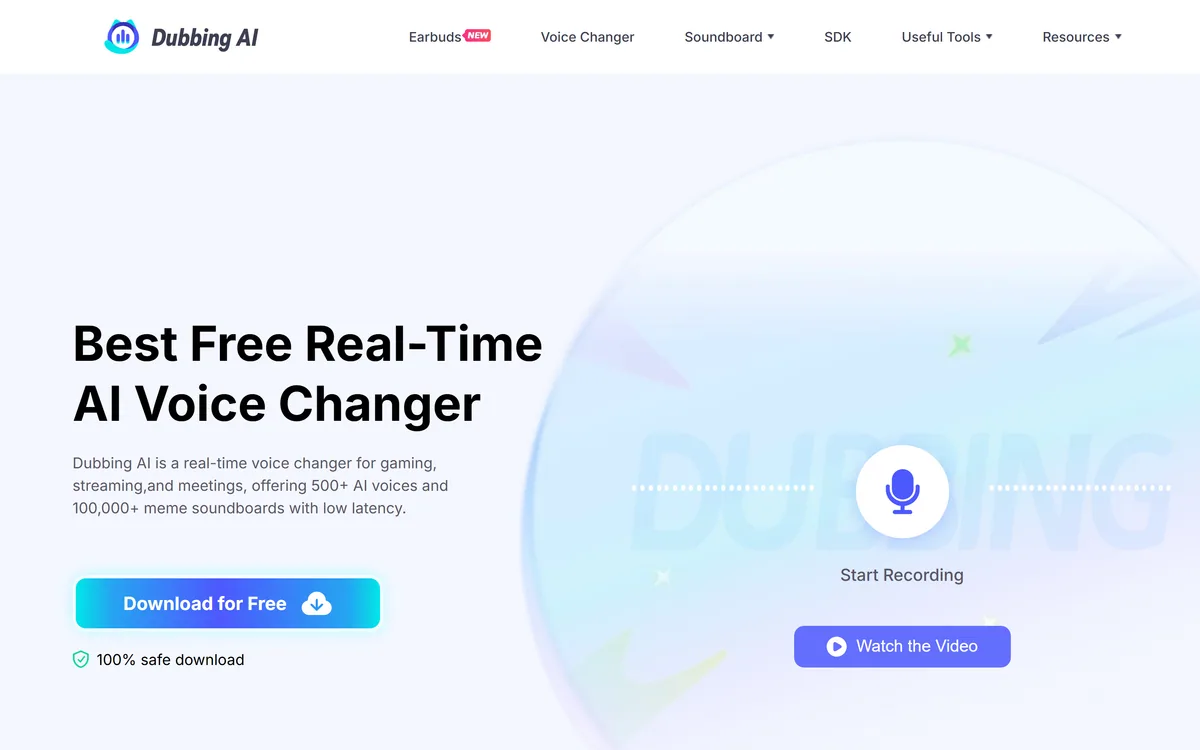
Dubbing AI is a real-time AI voice changer for gaming, streaming and meetings, offering 500+ AI voices and 100,000+ community soundboard clips with low latency. It also sells voice-changing earbuds and a hardware box, and provides accent conversion, voice cloning and an SDK. Operated by HALO INTERACTIVE PTE. LTD.
Changing a voice in a recording is straightforward — you have all the time you need and the whole clip in front of you. Changing it live, while someone is listening, is a different problem entirely.
The constraint is latency. Audio has to be captured, converted and played back fast enough that a conversation still works, and conversation is unforgiving of delay in a way almost nothing else is.
That is what Dubbing AI is engineered around, and it is why the interesting specification here is milliseconds rather than the number of voices in the catalogue.
| Operating company | HALO INTERACTIVE PTE. LTD. |
|---|---|
| Product type | Real-time AI voice changer |
| Positioning | Best free real-time AI voice changer |
| Use cases | Gaming, streaming and meetings |
| Voices | 500+ AI voices, per the site |
| Soundboard | 100,000+ meme soundboards and a community sounds library |
| Platforms | Windows and macOS desktop software |
| Hardware | Voice-changing earbuds with iOS and Android compatibility, plus a Dubbing Box |
| Supported apps | Discord, OBS, Zoom, Steam, Roblox, VRChat, WhatsApp and many games, per the site |
| Extra tools | Utell Accent Conversion, online voice changer, vocal remover, voice cloning, sound effect generator, audio converter |
| Developer | An SDK is offered |
| Interface languages | Eleven, including English, German, French, Japanese, Russian, Spanish, Portuguese, Italian, Korean, Chinese and Turkish |
| Copyright notice | HALO INTERACTIVE PTE. LTD. © 2023, as displayed |
Dubbing AI positions itself as a real-time voice changer for gaming, streaming and meetings with 500+ AI voices and low latency, available on Windows and macOS.
Mechanically, it inserts itself as a virtual microphone. Applications see a normal audio device, the software sits between your real microphone and whatever is listening, and conversion happens in the gap.
That architecture is why the supported-app list matters. The site names Discord, OBS, Steam, Zoom, Roblox, VRChat, WhatsApp and a long list of games — and compatibility is about how each application handles audio devices rather than about the conversion itself.
The processing has to happen in small chunks, because you cannot wait for a sentence to finish before converting it. That chunking constrains how much context the model has, which is why real-time conversion is generally less clean than offline conversion of the same voice.
The trade-off is therefore fixed and worth understanding: real-time conversion will not match what a studio tool such as iZotope RX can do to a recording, because one of them has all the time in the world and the other has forty milliseconds.
The same latency budget governs everything that has to process speech live. Recognition services such as Deepgram are engineered against the identical constraint from the other direction — turning audio into text fast enough to act on — which is why streaming architectures in both look more alike than the products do.
One of them has all the time in the world and the other has forty milliseconds. That is the whole difference between studio and real-time voice work.
Everything about whether a voice changer is usable comes down to the delay between speaking and being heard, and the thresholds are well established.
Below roughly 50 milliseconds, the delay is imperceptible and the changed voice feels like your voice. Between 50 and 150, you notice it and adapt. Above about 200 milliseconds, natural conversation breaks down — people talk over each other, and the rhythm of interruption and response stops working.
There is a second, worse effect specific to hearing yourself. Delayed auditory feedback is genuinely disruptive to speech: hearing your own voice a fraction late makes people stutter, slow down and lose their place, which is a documented phenomenon rather than a preference.
That is why monitoring settings matter as much as the conversion quality. Whether you hear the converted voice, the original, or nothing at all changes how easy it is to speak fluently.
So the honest evaluation is not to audition five hundred voices. It is to run one voice in an actual call and see whether you can hold a normal conversation for ten minutes without noticing the machinery.
The site advertises 500+ AI voices alongside 100,000+ meme soundboards and a community sounds library, plus a sound effect generator and voice cloning from uploaded audio.
The soundboard is arguably the real product for the gaming audience, and the numbers reflect that. A hundred thousand clips is not a voice feature — it is a culture, and the names on the site make the audience unmistakable.
Voice count is the weaker specification. Nobody uses five hundred voices; people find two or three they like and stay there, so the meaningful question is whether the good ones are good rather than how many exist.
Voice cloning from uploaded audio is where the caution belongs. Cloning your own voice is unremarkable; cloning somebody else's raises consent questions that no product interface asks on your behalf.
The reasonable line is the obvious one and worth stating: use your own voice or clearly synthetic ones, and treat impersonating a real person as something requiring their agreement — the same standard that applies to any voice product, including narration tools like Narakeet.
Dubbing AI sells voice-changing earbuds with full iOS and Android compatibility, plus a Dubbing Box described as working on mobile devices, alongside the desktop software and an SDK.
Shipping hardware is an unusual move for a software company and it solves a real constraint. Voice changing on a phone is difficult because mobile operating systems do not let an app sit between the microphone and an arbitrary application the way a desktop virtual device can.
Doing the conversion in the earbuds sidesteps that entirely. The phone receives audio that is already converted, so no operating system permission or virtual device is required and every app works by default.
That is a genuinely clever piece of product thinking, and it extends the use case from a desk to anywhere, which is where a lot of gaming and calling now happens.
The SDK points at a different market again — developers embedding voice conversion in their own applications. That is where this kind of technology has legitimate uses that have nothing to do with gaming, including privacy protection for people who need to speak publicly without being identifiable by voice.
The site lists Utell Accent Conversion, described as perfecting your accent with crystal clarity and turning every word into smooth, standard English.
The technology is real and the framing deserves scrutiny, because standard English is not a technical category. It is a social one, and describing an accent as something to be perfected carries an implication about which accents are already correct.
There is a genuine case for the feature. People do face real discrimination based on accent, and someone choosing to modify their own voice to be understood in a specific professional context is making a reasonable decision within a system they did not design.
The uncomfortable part is a product implying the accent is the deficiency rather than the listener. That is worth naming even though the tool itself is neutral, because the marketing language shapes how the feature is understood.
The related question is disclosure. Using a voice changer in a game is understood by everyone present; using one in a business meeting where the other party believes they are hearing your natural voice is a different situation, and the right default is to say so.
Most voice changer problems are setup problems — the wrong device selected, monitoring configured badly, or latency never actually measured.
This sequence gets it working before anyone else is listening.
Real-time voice conversion via a virtual microphone
500+ AI voices
100,000+ community soundboard clips
Voice cloning from uploaded audio
Utell Accent Conversion
Voice-changing earbuds for iOS and Android
A Dubbing Box for mobile devices
An SDK, plus vocal remover, audio converter and sound effect generator
Voice tools differ by whether they work live, on recordings, or generate speech from text.
| Tool | When it works | What it produces | Best for |
|---|---|---|---|
| Dubbing AI | Live, in real time | Your speech in another voice | Gaming, streaming and calls |
| Narakeet | Offline | Narration from text | Voice over video and courses |
| iZotope RX | Offline | Repaired and cleaned recordings | Post-production audio work |
| RipX DAW | Offline | Separated and edited stems | Taking a track apart |
| Vogent | Live, on calls | An AI voice agent, not your voice | Automating the call rather than disguising it |
Adjacent audio products for recorded, generated and live voice.
Last checked . Read from dubbingai.io in a browser session on the date above, with the screenshot captured alongside.
What we could not confirm: measured latency, which is the specification that decides whether the product works and is stated only as low; pricing and what the free tier includes, despite the best free positioning; whether voice cloning requires consent verification for a cloned voice; where audio is processed, locally or on a server, which matters for calls; and how the © 2023 footer date relates to current development. We did not install the software or test any voice.
Real-time voice conversion is a harder engineering problem than it looks, and the whole product lives or dies on latency rather than on how many voices are in the library. Below about fifty milliseconds it feels like your voice; above two hundred it breaks conversation. Dubbing AI is clearly built for gaming and streaming first, with a meme soundboard, Discord and OBS support, and hardware earbuds extending it to a phone. The accent conversion feature and the meetings use case are where this gets uncomfortable, and the site's framing of the former is worth reading carefully before you adopt it. AInexfinder Editor Score: 3.7/5.
AInexfinder does not list plan prices or billing details. For current pricing, plans, and trials, visit the official Dubbing AI website.
Visit official website for pricingVendor pricing, credits, and billing policies change over time. Always confirm on the official site before you buy.
Log in to write a review.
No reviews yet. Be the first to share your experience with Dubbing AI.
Assigned reviewer
Daniel ReedSenior AI Tools Reviewer
Daniel reviews AI tools the slow way — by actually using them on real projects. His reviews cover what works, what breaks, and who each tool is genuinely a good fit for.
Daniel and the AInexfinder editorial team research Dubbing AI using public product information, listing evidence, and (when available) hands-on checks. Scores reflect listing completeness and transparency — not paid placement.
TTSReader turns text, PDFs, and EPUB files into speech in the browser, with voice and language selection, speed control, text highlighting, and MP3 export — the free tier runs on browser voices with no usage cap.
VMEG from PixRipple translates and dubs video into 170+ languages using 17,000+ voices, with voice cloning, lip-sync, subtitle generation, batch processing, and API and MCP access for automated localisation.
Respeecher is an enterprise voice cloning and text-to-speech platform used in film, television and games. Its credits include young Luke Skywalker in The Mandalorian and Viktor Vektor in Cyberpunk 2077, and it requires documented performer consent before a voice is used.

ElevenLabs is an AI audio platform covering text to speech, voice cloning, speech recognition, dubbing, music, and conversational voice agents, with a library of 5,000+ voices across more than 70 languages and an API behind every model.

The workspace at www-flux3.com generates 5–20 second AI videos with native audio from text or a starting image, routing across FLUX 3, MiniMax H3, Seedance, Wan 3.0 and Kling 3.0 Pro, at 720p or 1080p with video extension.

Runway is an AI video platform built around generative world models — Gen-4.5, Aleph 2.0, and Act-Two for performance capture — split across Runway Creative for filmmakers, Runway Dev for builders, and Runway Robotics.