MagicLight AI generates multi-scene videos up to 50 minutes from a story, script, text, image or music track. It routes across Seedance, Kling, VEO, Sora and Wan models, and adds voice cloning, lip sync and subtitles.
FreemiumVideo & Audio
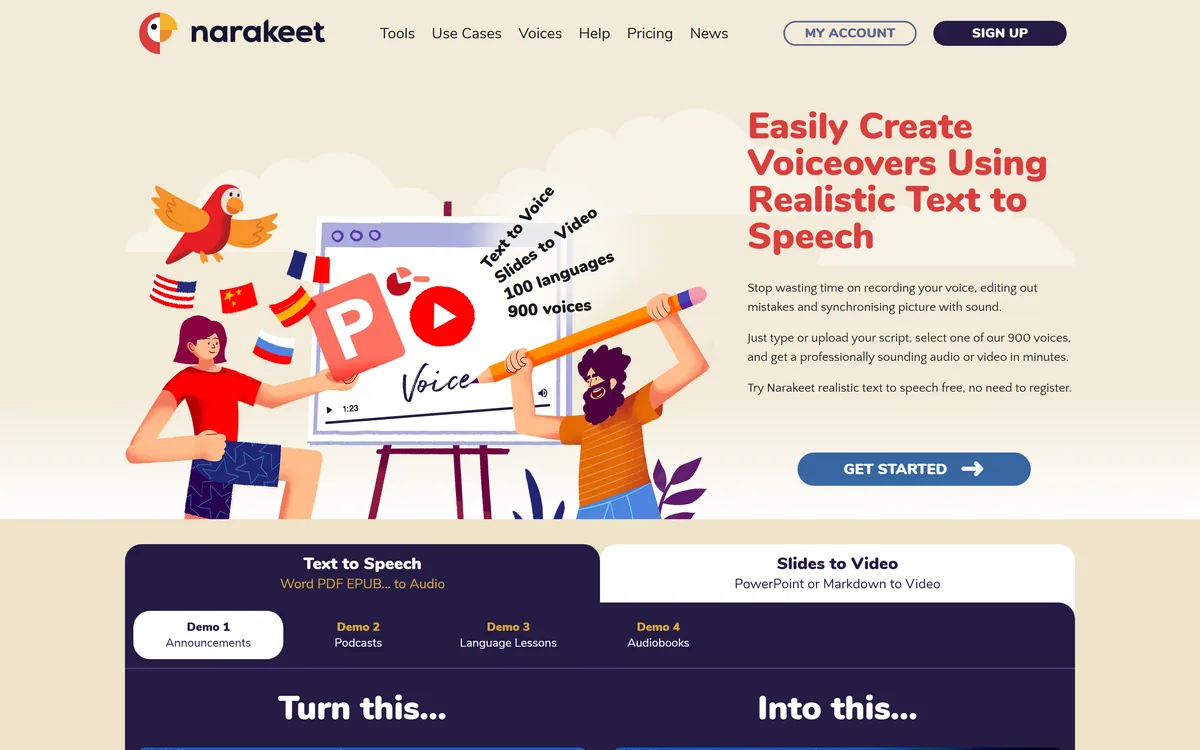
Narakeet is a text-to-speech and video creation platform from Video Puppet Limited. It converts scripts, Word documents, PDFs, EPUBs, PowerPoint and Markdown into narrated audio and video using 900 voices across 100 languages, with an API and command-line tools.
Text-to-speech is a commodity. Almost every platform has a voice list, almost every voice is adequate, and picking between them on quality alone is a poor use of an afternoon.
What differentiates a narration tool is everything around the voice: what it will read, how you drive it, and whether producing the hundredth video costs the same as the first.
Narakeet's input list gives away its intent. Markdown, PowerPoint, EPUB, subtitle files, an API and a command line are not the tools of someone making one video — they are the tools of someone making narration part of a process.
| Operating company | Video Puppet Limited |
|---|---|
| Product type | Text-to-speech and video creation platform |
| Voices | 900 |
| Languages | 100 |
| Text inputs | Scripts, Word documents, PDF, EPUB, Markdown |
| Slide inputs | PowerPoint, Google Slides, Keynote |
| Media inputs | Images, screen recordings, video clips |
| Subtitle inputs | SRT and WebVTT |
| Named features | Text to Audio, Speech to Text, PowerPoint to Video, Markdown to Video, AI Reader, AI Speech Recognition, AI Voice Dubbing, subtitle to audio |
| Outputs | MP3, WAV, Full HD video, subtitle files |
| Automation | API and command-line tools, framed for continuous delivery pipelines |
| Footer sections | Users, Legal, Company, Help and support |
Narakeet states 900 voices and 100 languages, and the useful way to read that is as a localisation capability rather than a choice of accents.
Consider the economics of translating narrated content. A single training video localised into eight languages traditionally means eight voice artists, eight recording sessions, eight rounds of scheduling and eight invoices — and the moment the source material changes, all of it happens again.
That cost is why most organisations simply do not localise. The content exists in one language, and everyone else gets subtitles or nothing, which is a worse experience and a real barrier.
Synthetic voices change the arithmetic entirely. The marginal cost of the ninth language is close to the cost of the first, which is what makes localising a hundred-video library a decision somebody can actually take.
The important caveat is that language coverage is not uniform. A hundred languages means a hundred languages exist in the list, not that all are equally good, and the ones with fewer training resources are typically weaker. Test the languages you actually need with a native speaker rather than trusting the count.
This is where it separates from a quality-led voice product. ElevenLabs competes on how convincing a single voice is; Narakeet competes on how cheap the ninth language is.
The marginal cost of the ninth language is close to the cost of the first. That is what turns localisation from a project into a decision.
Narakeet reads Markdown, and that single input format tells you more about the product than the voice count does.
Markdown lives in version control. Documentation, README files, course notes and technical guides are written in it precisely because they can be diffed, reviewed and merged like code.
A narration tool that reads Markdown can therefore sit inside the same workflow. The video is generated from the same source as the documentation, which means the two cannot drift apart — and drift is the reason instructional video is so often wrong.
That is the actual problem being solved. Screen-recorded tutorials go stale the moment the interface changes, and re-recording is expensive enough that nobody does it, so users watch a video showing a product that no longer exists.
Generating narration from a source file that is already maintained turns updating a video into editing a paragraph, which is the difference between video that stays current and video that quietly becomes misinformation.
Narakeet offers an API and command-line tools, explicitly framed for automation and integration into continuous delivery pipelines. That framing is unusually specific for a text-to-speech product.
The difference it makes is between a tool and infrastructure. A web interface serves someone making a video; a CLI serves a process that makes videos whenever something changes, without anyone deciding to.
The strongest use is release-triggered. Documentation updates on merge, and the narrated walkthrough regenerates from the same commit — so the video and the product ship together rather than the video arriving three weeks later, if at all.
It also makes bulk work tractable. Regenerating two hundred narrations after a terminology change is an afternoon with a script and a quarter without one, which is why terminology changes usually just do not get applied to video.
The requirement, obviously, is somebody willing to write the automation. A team without that capacity gets a competent web-based narration tool and leaves the most distinctive part of the product unused.
Nothing here helps if the source is a screen recording rather than a file. Editing that is a different job, served by a tool like Descript.
Being clear about the limits makes the tool more useful, because the failures are predictable and avoidable.
The first is performance. Synthetic voices deliver information competently and cannot act. Anything requiring emotional range, comic timing or genuine warmth — a brand film, a story, a dramatised scenario — sounds hollow in a way listeners notice even when they cannot name it.
The second is pronunciation of the specific. Product names, technical acronyms, proper nouns and anything invented are exactly what synthesis gets wrong, and they are also the words that matter most in instructional content. Most platforms offer pronunciation control; find it before you generate two hundred files.
The third is pacing across a long piece. A synthetic voice reading for twenty minutes maintains an even rhythm that becomes soporific, where a human narrator naturally varies speed and emphasis. Breaking long narration into shorter segments helps more than any voice choice.
None of this argues against the tool for its actual purpose. Documentation, courses, product walkthroughs and localisation are information-delivery jobs, and information-delivery is exactly what synthetic narration does well.
For the visual half — cutting the footage the narration sits over — a browser editor such as Flixier takes over where this stops.
The most common mistake is treating a document as a script, which produces narration that sounds like a document read aloud.
Written prose and spoken prose have different rhythms, and the gap is audible immediately.
900 synthetic voices across 100 languages
Input from scripts, Word, PDF, EPUB, Markdown, PowerPoint, Google Slides and Keynote
Subtitle files as an input for generating matching audio
Screen recordings, images and video clips as visual material
Output as MP3, WAV, Full HD video and subtitle files
API access and command-line tools for automation
AI Voice Dubbing and speech recognition alongside synthesis
AI Reader for turning documents into spoken audio
Voice tools split by whether they are for making one thing beautifully or many things repeatedly.
| Tool | Strength | How it is driven | Best for |
|---|---|---|---|
| Narakeet | Format breadth and language coverage | Web, API and command line | Narration as part of a repeatable process |
| ElevenLabs | Voice quality and cloning | Web and API | When the voice itself has to be convincing |
| Descript | Transcript-driven editing | Desktop application | Editing recorded speech rather than generating it |
| Pictory | Content repurposing into video | Web | Turning articles into social video |
| Deepgram | Speech infrastructure for agents | API | Building voice into your own product |
Narration sits between the voice model and the finished video, and there are strong specialists on both sides.
Last checked . Read from narakeet.com and its footer navigation, with the screenshot above captured in the same session.
What we could not confirm: pricing or how usage is metered; which voice models or synthesis engines underlie the 900 voices; whether the 100 languages are uniformly supported or vary in quality; whether voice cloning is offered; how pronunciation control works in practice; a registered address or location for Video Puppet Limited; commercial usage rights for generated audio; and any independent assessment of voice quality. We did not generate audio, so nothing here reflects tested output.
Narakeet is a production tool disguised as a text-to-speech site, and the giveaway is the input list. Markdown, PowerPoint, EPUB, subtitle files, plus an API and command-line tools, means this is built for people generating narration repeatedly from source files that change — documentation teams, course producers, anyone maintaining video they have to update. The 900 voices across 100 languages is the other real strength, because localisation is where narration costs multiply. It scores below the top because synthetic narration still fails on anything requiring performance, and because the site publishes very little about the operating company. AInexfinder Editor Score: 4.2/5.
AInexfinder does not list plan prices or billing details. For current pricing, plans, and trials, visit the official Narakeet website.
Visit official website for pricingVendor pricing, credits, and billing policies change over time. Always confirm on the official site before you buy.
Log in to write a review.
No reviews yet. Be the first to share your experience with Narakeet.
Assigned reviewer
Daniel ReedSenior AI Tools Reviewer
Daniel reviews AI tools the slow way — by actually using them on real projects. His reviews cover what works, what breaks, and who each tool is genuinely a good fit for.
Daniel and the AInexfinder editorial team research Narakeet using public product information, listing evidence, and (when available) hands-on checks. Scores reflect listing completeness and transparency — not paid placement.
MagicLight AI generates multi-scene videos up to 50 minutes from a story, script, text, image or music track. It routes across Seedance, Kling, VEO, Sora and Wan models, and adds voice cloning, lip sync and subtitles.
Fliki turns text, scripts, blog posts, presentations and single-line prompts into finished videos with voiceover, visuals, music and subtitles. It offers over 2,000 voices across 80+ languages, voice cloning, a Digital Twin avatar, screen recording with auto-editing, and one-click publishing to TikTok, Instagram and YouTube.
HeyGen creates realistic AI avatar videos featuring you, with consistent identity across clips, a text-based studio, translation and lip-sync in 175+ languages, and an unusually serious stance on verified identity and moderation.
AutoShorts.ai automates faceless short-form video end to end. You choose a series topic and visual style, and it writes the script, generates the visuals, narrates it, adds music and captions, then posts to TikTok, YouTube and Instagram on a schedule without you touching it.

The workspace at www-flux3.com generates 5–20 second AI videos with native audio from text or a starting image, routing across FLUX 3, MiniMax H3, Seedance, Wan 3.0 and Kling 3.0 Pro, at 720p or 1080p with video extension.

Runway is an AI video platform built around generative world models — Gen-4.5, Aleph 2.0, and Act-Two for performance capture — split across Runway Creative for filmmakers, Runway Dev for builders, and Runway Robotics.