
MagicLight AI generates multi-scene videos up to 50 minutes from a story, script, text, image or music track. It routes across Seedance, Kling, VEO, Sora and Wan models, and adds voice cloning, lip sync and subtitles.
FreemiumVideo & Audio
Pictory converts scripts, blog posts, URLs, documents, PDFs, decks, audio and recordings into video. It adds auto-captions, video highlights and auto-clips, AI avatars, voice cloning and translation, with Zapier integration and an API.
Every content team has the same unfinished project: turning what they have already published into video.
The logic is sound — the writing exists, the audience is on platforms that reward video, and the effort of producing something new from scratch is what has stopped it happening for two years.
Pictory attacks the friction rather than the strategy. Its input list is long enough that whatever form your material is already in, there is a path from it to a video, and that is a more honest solution to the problem than telling people to make more.
Blog to Video and URL to Video are Pictory's signature conversions, and they deserve a genuinely mixed answer.
The case for is distribution. A well-performing article reaches people who read; the same idea as video reaches people who do not, on platforms where written links go nowhere. Repurposing is not lazy — it is meeting the same idea's audience in a second place.
The case against is that written and watched content are structurally different. An article can afford a slow opening because a reader scans ahead; a video cannot, because the viewer decides in two seconds. Converting a piece without restructuring it produces something that opens with the setup rather than the point.
The characteristic result is a video that is accurate, competent and ignored. It says what the article said, in the order the article said it, and nothing about the first three seconds gives anyone a reason to stay.
The way to use it well is as a first pass rather than a finished product. Take the strongest single idea from the article, put it first, and cut everything that was there to make the prose flow. That is editorial work the tool cannot do for you, and it is the difference between repurposing and publishing noise.
If your starting point is long video rather than an article, a specialist such as OpusClip does that one job better, and it is worth knowing which of the two you actually need.
An article can open slowly because readers scan ahead. A video cannot, because the viewer decides in two seconds.
Video Highlights and Auto Clips extract short segments from long recordings, and this is a better use of the platform than converting written content.
The reason is that the material is already video. A webinar, a podcast recording, a conference talk or a long interview contains genuinely good moments, and they are trapped inside sixty minutes nobody will watch.
Finding those moments by hand means scrubbing the whole recording, which is why organisations sit on years of recorded material and post none of it. Automated highlight detection is not perfect and it is dramatically better than the alternative of doing nothing.
The quality caveat is that automated detection tends to find changes — a shift in tone, a pause, a raised voice — rather than substance. Some of what it surfaces will be a good moment; some will be someone reacting to a technical problem.
Treat it as a shortlist. Review the suggestions, keep the third that are genuinely good, and you have converted an afternoon of scrubbing into ten minutes of judging, which is exactly the right division of labour.
Pictory offers AI avatars, voice cloning, text-to-image and a video translator, and among all of them auto-captioning is the feature that will change your results most.
The reason is behavioural. Social video is overwhelmingly watched without sound — on public transport, in offices, in bed next to someone sleeping — and a video without captions is, for most of its potential audience, silent.
That makes captioning less an accessibility feature than a distribution one, though it is both. Uncaptioned video loses viewers in the first second, and no amount of production quality recovers them.
It also affects discovery. Caption text is machine-readable in a way spoken audio is not, and platforms use it for understanding and surfacing content — which means captions do work beyond the viewer who reads them.
The check worth doing is accuracy on your own vocabulary. Automated captions handle general speech well and mangle product names, acronyms and technical terms, and a caption misspelling your own brand is worse than no caption at all.
The same discipline applies to generated narration generally — Narakeet will pronounce your product name however it likes unless you tell it otherwise.
Three failure modes recur across every tool in this category, and knowing them in advance is most of the defence.
The first is stock footage mismatch. Automated systems pick visuals by matching words in the script, so a sentence about growth gets a plant and a sentence about teams gets people in a meeting room. Viewers read that pattern instantly as automated, and it undermines the content it was meant to support.
The second is pacing inherited from prose. Written sentences are longer than spoken ones and carry subordinate clauses that work on a page and stall on screen. Video generated straight from unedited text sounds like a document being read, because it is.
The third is volume without differentiation. A tool that makes video cheap makes it tempting to make a lot, and platforms have become effective at ignoring content that adds nothing. Publishing twenty repurposed videos nobody watches is not neutral — it teaches an algorithm that your content is skippable.
The AI avatar option deserves a specific caution too. An avatar reading a script is instantly recognisable as an avatar, and for a personal brand that is a strange trade: the whole value was that it was you.
Where you do need footage of your own product or people, no generator supplies it, and a browser editor like Flixier is where that material gets cut instead.
The tool handles the conversion. The editorial decisions are what determine whether anyone watches, and they take about ten minutes.
Start by throwing away most of the article.
| Product type | AI video creation and repurposing platform |
|---|---|
| Conversions | Script to Video, Blog to Video, URL to Video, Idea to Video, Image to Video, Doc to Video, PDF to Video, PPT to Video, Audio to Video |
| Recording | Screen and camera recording built in |
| Highlights | Video Highlights and Auto Clips from long recordings |
| Captions | Auto captions and subtitles |
| Presenters | AI Avatars and voice cloning |
| Localisation | AI Video Translator |
| Generation | Text to Image, Text to Speech, AI Script Generator |
| Integrations | Zapier, plus an API and integrations platform |
| Team features | Teams Plans, Pictory Central |
| Footer sections | About Us, Careers, Press & Partners, Affiliate Program, Security and Trust, Enterprise |
Nine conversion paths from script, blog, URL, idea, image, doc, PDF, PPT and audio
Screen and camera recording built into the platform
Video Highlights and Auto Clips from long recordings
Automatic captions and subtitles
AI avatars and voice cloning for presenter-led video
AI Video Translator for multilingual output
Text to Image and AI Script Generator for supporting assets
Zapier integration and API access for triggering generation
Repurposing tools differ on what they start from and how much editorial judgement they expect from you.
| Tool | Starts from | Signature output | Best for |
|---|---|---|---|
| Pictory | Nine input types, written and recorded | Captioned video plus highlight clips | Whatever material you already have |
| OpusClip | Long-form video | Short vertical clips | Clipping podcasts and streams specifically |
| InVideo AI | A prompt or script | Finished marketing video | Generating from an idea rather than an asset |
| Narakeet | Documents, slides and Markdown | Narrated video, driven by API or CLI | Repeatable narration in a pipeline |
| Flixier | Your own footage | A finished edit in the browser | Editing rather than generating |
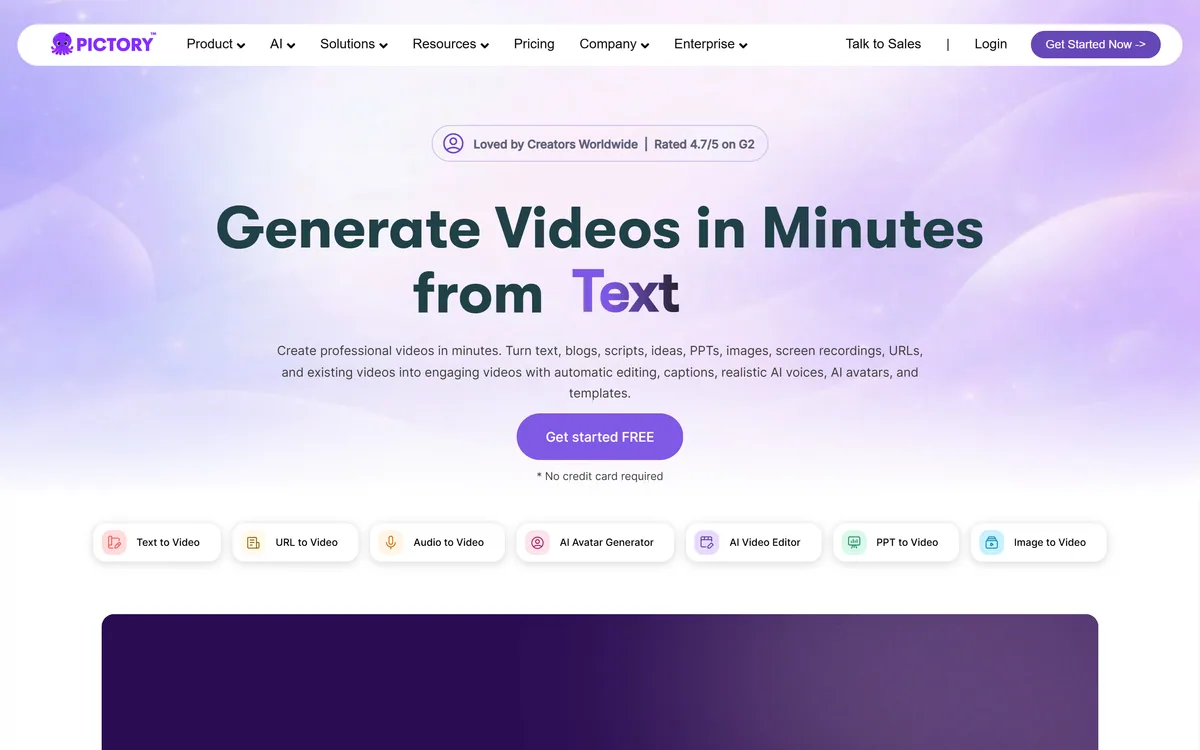
Last checked . Read from pictory.ai and its footer navigation, with the screenshot above captured in the same session.
What we could not confirm: the operating company's legal name, registration or location; the size of the stock media library, or the number of languages and voices, none of which were stated on the page we read; pricing and plan structure; which underlying models power generation, captioning or translation; licensing terms for stock footage used in generated video; output resolution and length limits; and named integration partners beyond Zapier. We did not generate a video, so nothing here reflects tested output quality.
Repurposing splits by source: long video, written content, or documents you already maintain.
Pictory's real strength is its input list, which is unusually long even by this category's standards — script, blog, URL, image, doc, PDF, PPT, audio and screen recording all become video. That breadth means it fits whatever you already have rather than requiring you to produce something new, which is the practical reason repurposing projects stall. Auto-captions are the underrated feature, given how much social video is watched without sound. It scores in the middle because turning an article into video does not make it worth watching, and generated repurposing is where a great deal of ignored content comes from. AInexfinder Editor Score: 3.8/5.
AInexfinder does not list plan prices or billing details. For current pricing, plans, and trials, visit the official Pictory website.
Visit official website for pricingVendor pricing, credits, and billing policies change over time. Always confirm on the official site before you buy.
Log in to write a review.
No reviews yet. Be the first to share your experience with Pictory.
Assigned reviewer
Daniel ReedSenior AI Tools Reviewer
Daniel reviews AI tools the slow way — by actually using them on real projects. His reviews cover what works, what breaks, and who each tool is genuinely a good fit for.
Daniel and the AInexfinder editorial team research Pictory using public product information, listing evidence, and (when available) hands-on checks. Scores reflect listing completeness and transparency — not paid placement.
MagicLight AI generates multi-scene videos up to 50 minutes from a story, script, text, image or music track. It routes across Seedance, Kling, VEO, Sora and Wan models, and adds voice cloning, lip sync and subtitles.
Fliki turns text, scripts, blog posts, presentations and single-line prompts into finished videos with voiceover, visuals, music and subtitles. It offers over 2,000 voices across 80+ languages, voice cloning, a Digital Twin avatar, screen recording with auto-editing, and one-click publishing to TikTok, Instagram and YouTube.
HeyGen creates realistic AI avatar videos featuring you, with consistent identity across clips, a text-based studio, translation and lip-sync in 175+ languages, and an unusually serious stance on verified identity and moderation.
AutoShorts.ai automates faceless short-form video end to end. You choose a series topic and visual style, and it writes the script, generates the visuals, narrates it, adds music and captions, then posts to TikTok, YouTube and Instagram on a schedule without you touching it.

The workspace at www-flux3.com generates 5–20 second AI videos with native audio from text or a starting image, routing across FLUX 3, MiniMax H3, Seedance, Wan 3.0 and Kling 3.0 Pro, at 720p or 1080p with video extension.

Runway is an AI video platform built around generative world models — Gen-4.5, Aleph 2.0, and Act-Two for performance capture — split across Runway Creative for filmmakers, Runway Dev for builders, and Runway Robotics.