TTSReader turns text, PDFs, and EPUB files into speech in the browser, with voice and language selection, speed control, text highlighting, and MP3 export — the free tier runs on browser voices with no usage cap.
FreemiumVideo & Audio
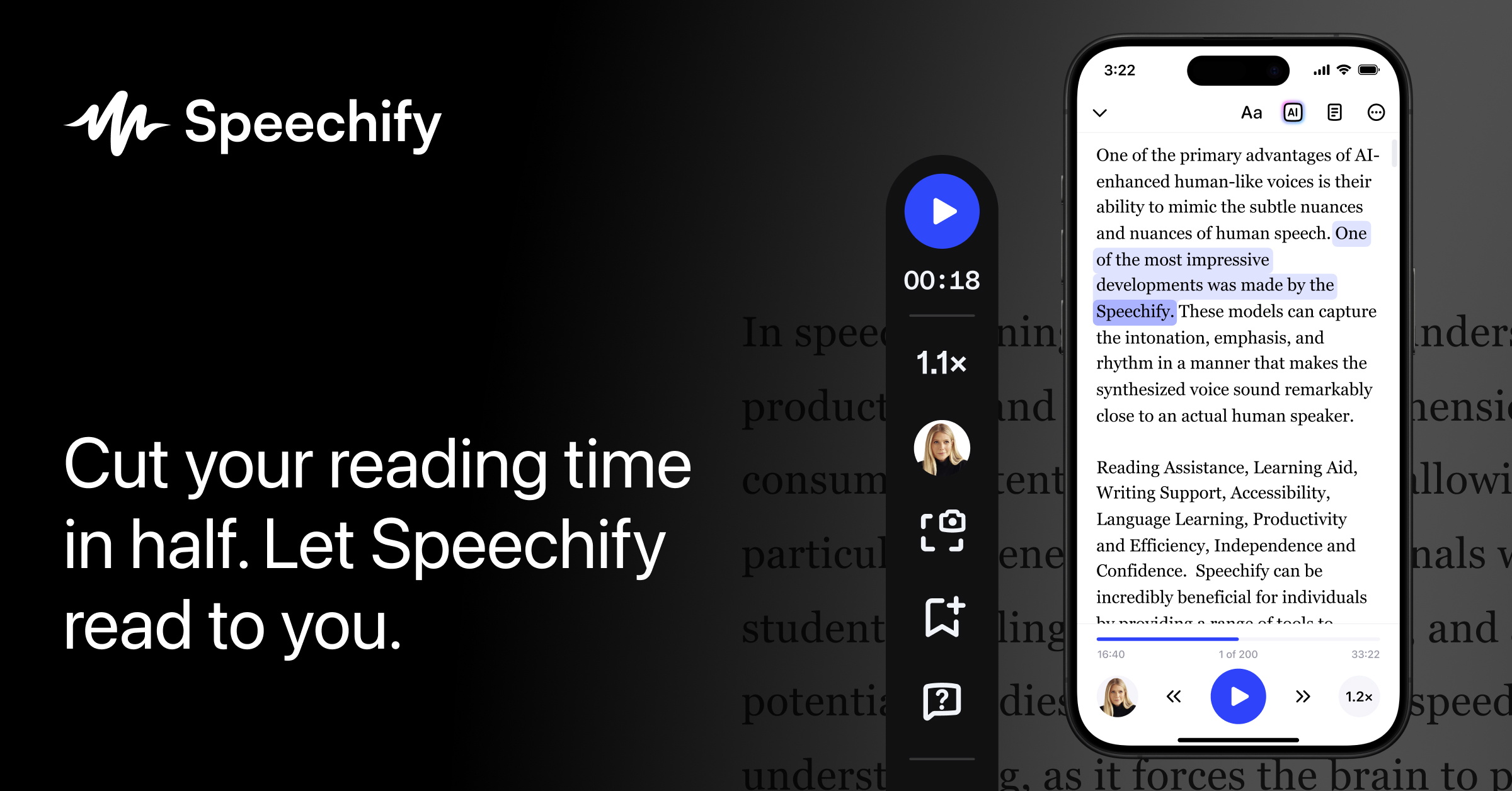
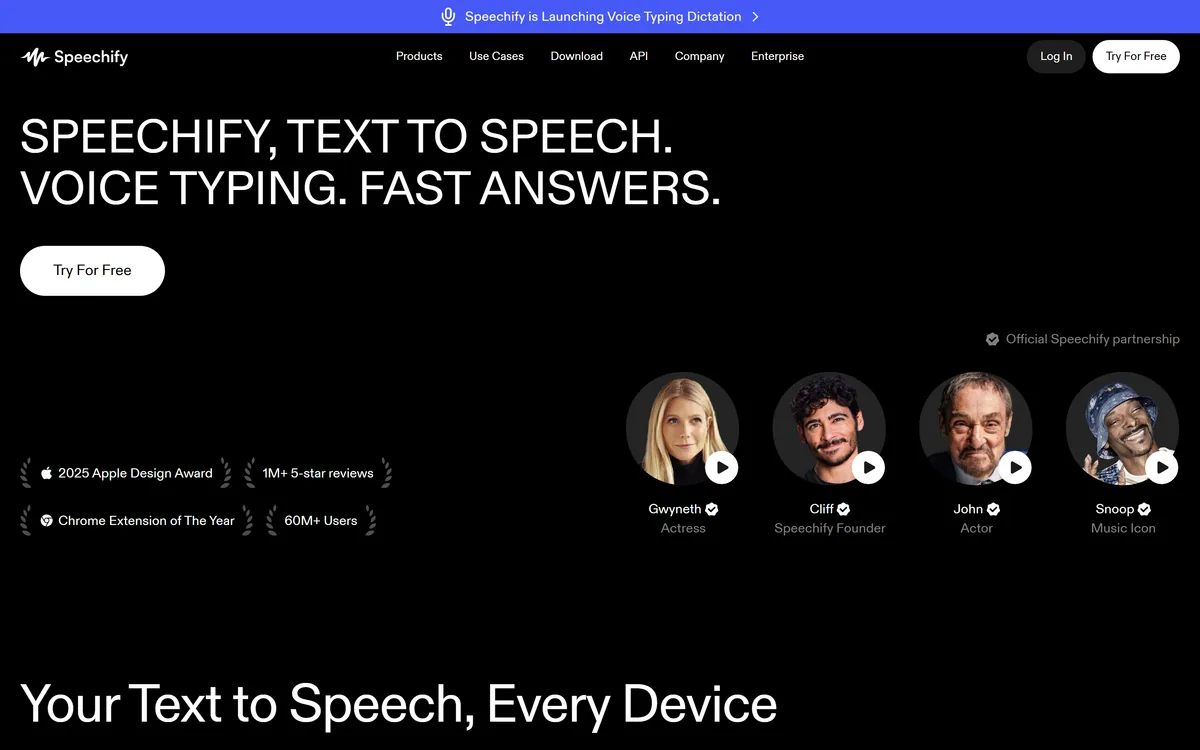
Speechify is a text-to-speech app that reads PDFs, documents, web pages, books and scanned text aloud in natural AI voices across web, mobile, desktop and browser extensions, with voice typing, AI podcasts, voice generation and dubbing, and versions for education and accessibility support.
Some people read faster, focus better or simply prefer to listen. Speechify is built around that idea, reading almost any text aloud in natural-sounding AI voices on whatever device you use.
It handles PDFs, documents, web pages, books and scanned printed text, follows along with highlighting, lets you change speed, and has grown to include voice typing, AI podcasts, voice generation and dubbing. It sits among audio AI tools like Audionotes, but its core is listening to what you would otherwise read.
This review covers what Speechify does across devices, who benefits most, how it prices, and the care its voice tools require.
| What it is | A text-to-speech and voice AI app |
|---|---|
| Reads | PDFs, docs, web pages, books, scanned text |
| Platforms | Web, iOS, Android, Mac, Windows, Chrome, Edge |
| Listening | Natural voices, text highlighting, speed control |
| Extras | Voice typing, AI podcasts, summaries |
| Creator tools | AI voice generator, voice-over, dubbing |
| Programmes | Enterprise, education and accessibility support |
| Reach claim | 60M+ users (vendor-stated) |
Speechify's core job is simple and valuable: take text you would otherwise have to read and read it to you in a natural voice. Upload a PDF, open a web page, point your phone at a printed page, and it starts talking, with words highlighted as it goes.
Its strength is coverage. It runs on the web, iPhone and iPad, Android, Mac and Windows, and in Chrome and Edge, so the same voice and settings follow you from a work document to an article to a textbook.
For many people this is more than convenience. Listening helps readers with dyslexia, ADHD or low vision, students working through long reading lists, and anyone who wants to get through material while commuting or exercising; Speechify offers education and accessibility-support versions for exactly these users.
The honest framing is that Speechify is one of the most polished text-to-speech apps, but built-in operating-system read-aloud is free and good enough for some needs, so its value depends on how much you listen and how much its voices and features improve that experience.
Speechify's value depends on how much you listen and how much its voices and features improve that experience over free built-in read-aloud.
The product splits into listening tools for readers and voice tools for creators.
For readers, Speechify reads PDFs, documents, web pages and books in natural voices, highlights text as it reads, lets you control speed, scans printed pages from a photo, summarises documents and can turn material into an AI podcast. It is also adding voice typing for dictating text faster than typing.
Going the other way, from speech to text at scale, is a different job: a speech-recognition API like AssemblyAI transcribes audio for developers, while Speechify is mainly about turning text into listening.
Speechify also offers an AI voice generator, voice-overs, studio voices, captions and dubbing, plus an API, and it features licensed celebrity voices through official partnerships. That makes it useful for creators producing narration or translating video.
Voice tools carry a responsibility: cloning or imitating a real person's voice needs their consent, and audiences should not be misled about synthetic speech. For translating and dubbing whole videos, a tool like BlipCut focuses on that workflow specifically.
Speechify benefits people who learn or focus better by listening, including readers with dyslexia, ADHD or low vision, students with heavy reading loads, and professionals who want to get through documents and articles on the move.
It also suits schools, universities and employers providing reading support, given its education and accessibility programmes, and creators who need narration, voice-overs or dubbing.
It is less necessary for occasional listeners who are happy with free built-in read-aloud, and anyone who would use its voice-cloning features without consent. Its user, review and award claims are vendor-stated, though some, like design awards, are publicly checkable.
A practical way to decide is to notice how much reading you postpone or skim because you lack the time or energy to sit with it. If that backlog is large, turning it into listening time during commutes, walks or chores is where Speechify earns its keep.
Speechify offers a free way to try it and paid plans that unlock premium voices, faster speeds and more features, with separate enterprise, education and API options. We do not publish prices, which change; check the site.
The value question is how much you listen: for daily use, premium voices and features can transform the experience, while occasional users may find free built-in read-aloud enough.
Because you can try it free, the sensible approach is to use it on your real reading for a week, compare against your device's built-in read-aloud, and upgrade only if the difference matters to you.
Because the value is in daily listening, trial Speechify on your actual reading, not a sample paragraph.
Natural-voice text to speech
PDF, doc and web read-aloud
Scan and listen (OCR)
Text highlighting and speed control
Voice typing
AI podcasts and summaries
AI voice generator and dubbing
Cross-device apps and extensions
The useful comparison is with other ways to turn text and speech into each other.
| Tool | Tool | Job | Best for |
|---|---|---|---|
| Speechify | Text to natural speech everywhere | Listening plus voice tools | Daily listeners and accessibility |
| Built-in read-aloud | Free OS and browser speech | Basic read-aloud | Occasional listening |
| AssemblyAI | Speech-to-text API | Transcribing audio at scale | Developers |
| BlipCut | Video translation and dubbing | Localising video | Creators going multilingual |
Last checked . Read from speechify.com during this check, with the screenshot above captured at the same time.
Speechify's voice generation and dubbing tools should only be used with voices you have permission to use. Its user and review figures are vendor-stated; compare it with free built-in read-aloud before paying.
A voice-notes app, a transcription API and a video-dubbing tool to weigh alongside Speechify.
Speechify earns 4.2 as one of the most polished text-to-speech apps: it reads PDFs, documents, web pages, books and even photographed print in natural voices, follows you across web, mobile, desktop and browser extensions, and is genuinely valuable for readers with dyslexia, ADHD or low vision and anyone who absorbs more by listening. It has grown into voice typing, AI podcasts, voice generation and dubbing, which need consent when imitating real voices. Occasional listeners may find free built-in read-aloud enough, but for daily listening it is excellent. AInexfinder Editor Score: 4.2/5.
AInexfinder does not list plan prices or billing details. For current pricing, plans, and trials, visit the official Speechify website.
Visit official website for pricingVendor pricing, credits, and billing policies change over time. Always confirm on the official site before you buy.
Log in to write a review.
No reviews yet. Be the first to share your experience with Speechify.
Assigned reviewer
Daniel ReedSenior AI Tools Reviewer
Daniel reviews AI tools the slow way — by actually using them on real projects. His reviews cover what works, what breaks, and who each tool is genuinely a good fit for.
Daniel and the AInexfinder editorial team research Speechify using public product information, listing evidence, and (when available) hands-on checks. Scores reflect listing completeness and transparency — not paid placement.
TTSReader turns text, PDFs, and EPUB files into speech in the browser, with voice and language selection, speed control, text highlighting, and MP3 export — the free tier runs on browser voices with no usage cap.
VMEG from PixRipple translates and dubs video into 170+ languages using 17,000+ voices, with voice cloning, lip-sync, subtitle generation, batch processing, and API and MCP access for automated localisation.
Respeecher is an enterprise voice cloning and text-to-speech platform used in film, television and games. Its credits include young Luke Skywalker in The Mandalorian and Viktor Vektor in Cyberpunk 2077, and it requires documented performer consent before a voice is used.

ElevenLabs is an AI audio platform covering text to speech, voice cloning, speech recognition, dubbing, music, and conversational voice agents, with a library of 5,000+ voices across more than 70 languages and an API behind every model.

The workspace at www-flux3.com generates 5–20 second AI videos with native audio from text or a starting image, routing across FLUX 3, MiniMax H3, Seedance, Wan 3.0 and Kling 3.0 Pro, at 720p or 1080p with video extension.

Runway is an AI video platform built around generative world models — Gen-4.5, Aleph 2.0, and Act-Two for performance capture — split across Runway Creative for filmmakers, Runway Dev for builders, and Runway Robotics.