TTSReader turns text, PDFs, and EPUB files into speech in the browser, with voice and language selection, speed control, text highlighting, and MP3 export — the free tier runs on browser voices with no usage cap.
FreemiumVideo & Audio
Voicemaker is a text-to-speech platform from Voicemaker Technologies in Pune, offering more than 2,000 voices across 130-plus languages, voice cloning from a minute of audio, speech-to-speech conversion, a pronunciation editor, an effects engine and a sub-100-millisecond API.
Text to speech stopped being about whether the voice sounds human several years ago. Most of them do, in a short sample.
What separates a usable narration tool from a demo is everything after that: whether it says your product name correctly, whether the pause lands where you meant it, whether you can fix a single word without regenerating the file.
Voicemaker is built around that second set of problems, and its feature list reads like it was written by people who have produced narration rather than only generated it.
| Company | Voicemaker Technologies Pvt. Ltd., Pune, Maharashtra, India |
|---|---|
| Registration | Corporate identity number and tax registration published in the footer |
| Copyright range | © 2020–2026, per the footer |
| Voices | 2,000-plus across the library |
| Languages | 130-plus languages and accents stated |
| Products | Text to speech, SuperTTS, speech to speech, speech to text, voice cloning, projects and VoxStudio |
| Models | Described as spanning AI1 through to ProVoices and a ProPlus expressive model |
| Controls | Volume, speed, pitch, pauses, accent tags, multi-speaker and auto-detect |
| Effects | VoxFX, described from walkie-talkie and stadium echo to cave and alien tones |
| Audio quality | 48 kHz, 16-bit PCM; MP3, WAV, OGG, AAC and OPUS export |
| API | Stated at around 75 milliseconds with global geolocation |
| Other features | Pronunciation editor, voice isolator, AI dubbing, cloud storage, multi-track project editor |
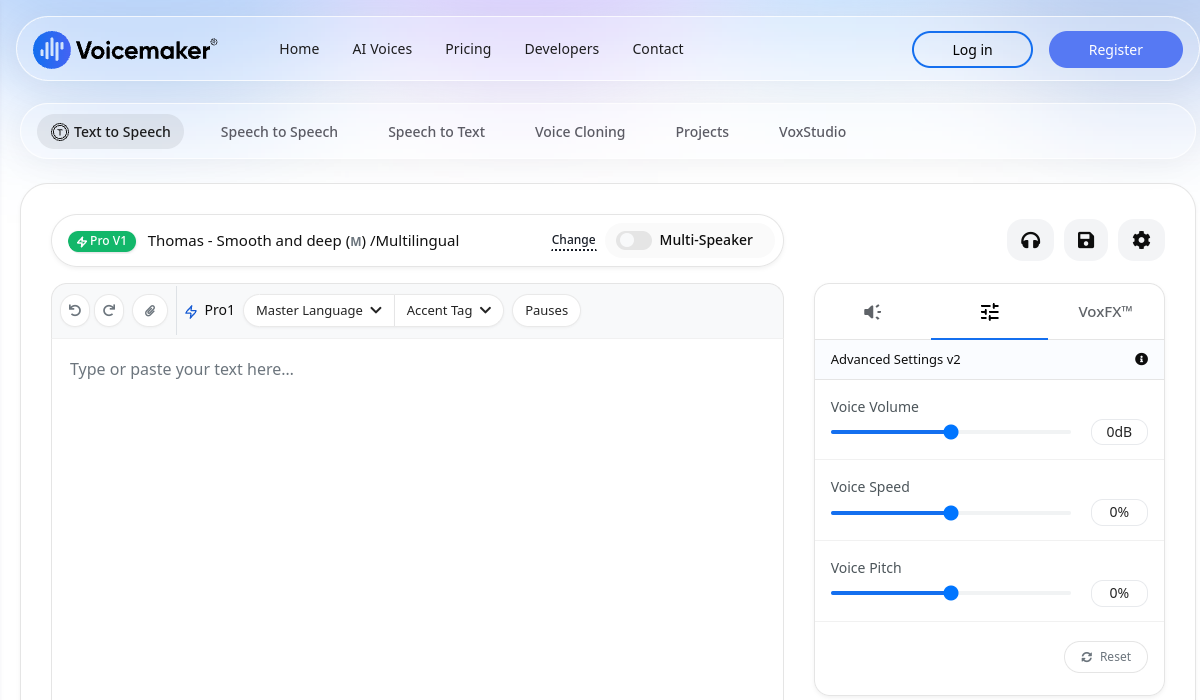
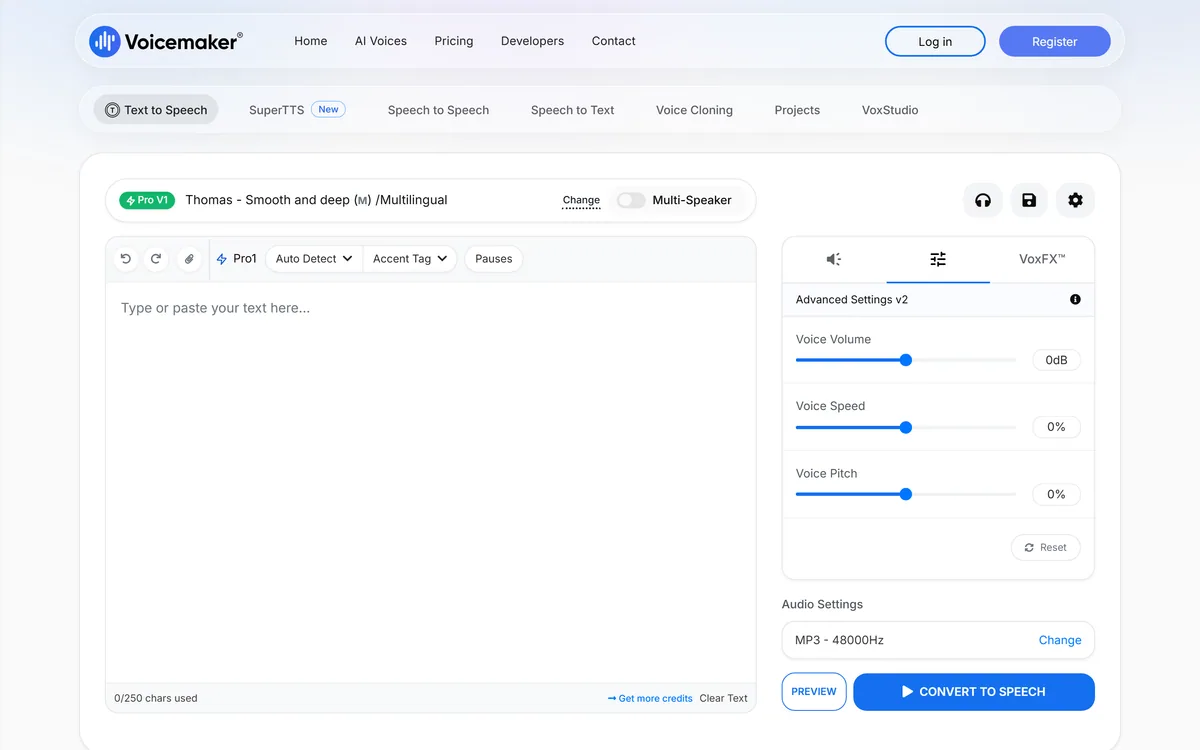
Voicemaker exposes volume, speed and pitch as sliders, plus explicit pause insertion, accent tags, multi-speaker output and a pronunciation editor described as locking in how names, brands and complex terms are spoken, consistently across every project.
That last item is the one worth paying for, and it is the least exciting thing on the list.
Anyone who has produced narration knows the failure pattern. The voice is excellent for ninety seconds and then mangles your company name, or reads an acronym as a word, or stresses the second syllable of something everyone stresses on the first.
Without a pronunciation lexicon your options are to rewrite the text phonetically — which then reads wrong in the script — or to regenerate and hope. With one, you fix it once and it stays fixed.
Making it persist across projects rather than per file is the detail that turns it from a workaround into infrastructure. For anyone producing a course, a podcast series or product videos at volume, that consistency is the difference between a tool and a toy.
Every text-to-speech voice sounds good for ninety seconds. What matters is what happens when it reaches your product name.
A library this large invites scepticism, and the voice names on the homepage explain what it is really doing: bubbly cartoon, ASMR whispery, anti-hero villain for trailers, cowboy, radio DJ, nature documentary, gritty soldier, corporate narrative, customer care.
Those are not two thousand variations of a neutral narrator. They are casting options.
That framing is more useful than a language count, because voice choice is a creative decision rather than a technical one. A training video needs a voice that recedes; a trailer needs one that dominates; a customer service line needs one that de-escalates.
A general-purpose synthesis engine gives you one convincing voice and a few accents, and every project sounds like the same person reading different scripts.
The practical consequence is to budget audition time. With a library this size, the difference between an acceptable result and a good one is almost entirely in which voice you picked, and that is fifteen minutes of listening rather than any amount of parameter tuning. Localising finished video is a different job again, closer to what Dubbing AI handles.
Three related capabilities sit alongside plain synthesis: cloning any voice from about a minute of audio, speech-to-speech conversion that takes your recording and renders it in another voice while preserving tone, and VoxStudio alongside a projects editor for multi-track work.
Speech to speech is the underrated one, and it solves a problem cloning does not.
Reading a script aloud gives you timing, emphasis and intent that no amount of markup reproduces. Speech to speech keeps that performance and changes only the voice, which means you direct the delivery yourself rather than describing it.
For dubbing, character work or simply not liking your own voice, that is a fundamentally better workflow than typing text and adjusting sliders until it approximates what you would have said.
Cloning from a minute of audio is the capability that requires care rather than enthusiasm. A minute of someone's voice is trivially obtainable, and consent is a matter of your own discipline rather than a technical gate — the same responsibility that comes with Vozard and every other voice conversion tool.
The footer carries a © 2020–2026 range, a published changelog at version 1.9.2, a system status page, and the company's corporate identity and tax registration numbers.
Individually those are administrative details. Together they say something useful about durability.
A six-year operating history in this category is substantial. Text to speech has seen a great many products appear, get acquired or simply stop resolving in DNS — and one in this very batch had to be removed from our queue for exactly that reason.
A version number in the footer implies release discipline; a status page implies someone is accountable when the API stops answering; a published company registration means there is an identifiable legal entity behind the service.
For anyone building a workflow on generated audio, those signals matter more than any single feature. The question that decides a narration tool is not what it can do this month but whether the voice you standardised on will still exist next year.
The site states two billion audio files generated to date, two hundred million credits converted daily, five million registered users across 120-plus countries, and twenty thousand businesses using the voice API.
The daily figure is the informative one, and it is the one most vendors do not publish.
Cumulative totals grow forever and say nothing about current activity. A daily conversion volume is a measure of what is actually happening now, and it is harder to inflate because it has to be true this week rather than at some point since launch.
Registered users, as always, counts accounts rather than customers. Any service with an unlimited free tier — which this one offers on its standard voices — accumulates registrations from people who used it once.
The testimonials are attributed to named individuals with employers and include specific outcomes across multilingual campaigns and course production. Those are checkable in principle and we did not verify them, so we report them as displayed rather than as established. For live conversation rather than produced audio, a framework like Vocode is the relevant comparison.
Generated narration gives itself away in predictable places, and almost none of them are the voice itself.
This sequence fixes the things listeners actually notice.
2,000-plus voices across 130-plus languages
Pronunciation editor persisting across projects
Voice cloning from around a minute of audio
Speech-to-speech voice conversion
VoxFX effects engine
Multi-track project editor with cloud storage
48 kHz 16-bit output in five formats
Low-latency API with global geolocation
Voice tools differ by whether you are synthesising, converting or building an agent.
| Tool | Purpose | Input | Best for |
|---|---|---|---|
| Voicemaker | Narration and voice production | Text, or your own recording | Courses, videos and voiceover at volume |
| Vozard | Real-time voice changing | Your live microphone | Streaming and calls |
| Dubbing AI | Translation and dubbing | Existing video | Localising finished content |
| Vocode | Voice agents on calls | Live conversation | Developers building phone agents |
| Synthesys | Video with voice included | Prompt or script | Marketing video end to end |
Other voice tools across synthesis, conversion, dubbing and agents.
Last checked . Read from voicemaker.in in a browser session on the date above, including the full footer. The screenshot was captured at the same time.
What we could not confirm: which underlying models power each tier, or what distinguishes SuperTTS from the standard converter; whether cloning requires any consent verification; how the unlimited free standard tier is limited in practice beyond a visible character counter; the testimonials attributed to named individuals at named employers, which we report as displayed rather than verified; and how credits convert to audio duration. Plan prices are on the site and are not reproduced here. We did not generate audio or clone a voice.
Voicemaker is the unglamorous, capable end of text to speech: a very large voice library, real controls over pitch, pace and pronunciation, professional output formats, and an API fast enough for real-time use. The pronunciation editor is the feature that separates usable narration from the almost-right kind, and it is the one most competitors treat as an afterthought. A named Indian company with a published registration and a six-year copyright range is more accountability than this category usually offers. Cloning any voice from a minute of audio is the part that requires your own discipline. AInexfinder Editor Score: 4.0/5.
AInexfinder does not list plan prices or billing details. For current pricing, plans, and trials, visit the official Voicemaker website.
Visit official website for pricingVendor pricing, credits, and billing policies change over time. Always confirm on the official site before you buy.
Log in to write a review.
No reviews yet. Be the first to share your experience with Voicemaker.
Assigned reviewer
Daniel ReedSenior AI Tools Reviewer
Daniel reviews AI tools the slow way — by actually using them on real projects. His reviews cover what works, what breaks, and who each tool is genuinely a good fit for.
Daniel and the AInexfinder editorial team research Voicemaker using public product information, listing evidence, and (when available) hands-on checks. Scores reflect listing completeness and transparency — not paid placement.
TTSReader turns text, PDFs, and EPUB files into speech in the browser, with voice and language selection, speed control, text highlighting, and MP3 export — the free tier runs on browser voices with no usage cap.
VMEG from PixRipple translates and dubs video into 170+ languages using 17,000+ voices, with voice cloning, lip-sync, subtitle generation, batch processing, and API and MCP access for automated localisation.
Respeecher is an enterprise voice cloning and text-to-speech platform used in film, television and games. Its credits include young Luke Skywalker in The Mandalorian and Viktor Vektor in Cyberpunk 2077, and it requires documented performer consent before a voice is used.

ElevenLabs is an AI audio platform covering text to speech, voice cloning, speech recognition, dubbing, music, and conversational voice agents, with a library of 5,000+ voices across more than 70 languages and an API behind every model.

The workspace at www-flux3.com generates 5–20 second AI videos with native audio from text or a starting image, routing across FLUX 3, MiniMax H3, Seedance, Wan 3.0 and Kling 3.0 Pro, at 720p or 1080p with video extension.

Runway is an AI video platform built around generative world models — Gen-4.5, Aleph 2.0, and Act-Two for performance capture — split across Runway Creative for filmmakers, Runway Dev for builders, and Runway Robotics.