Not every tool needs to be a platform. Bigjpg is a long-running, no-frills image enlarger that does one thing, upscale images well, and has quietly done it for years.
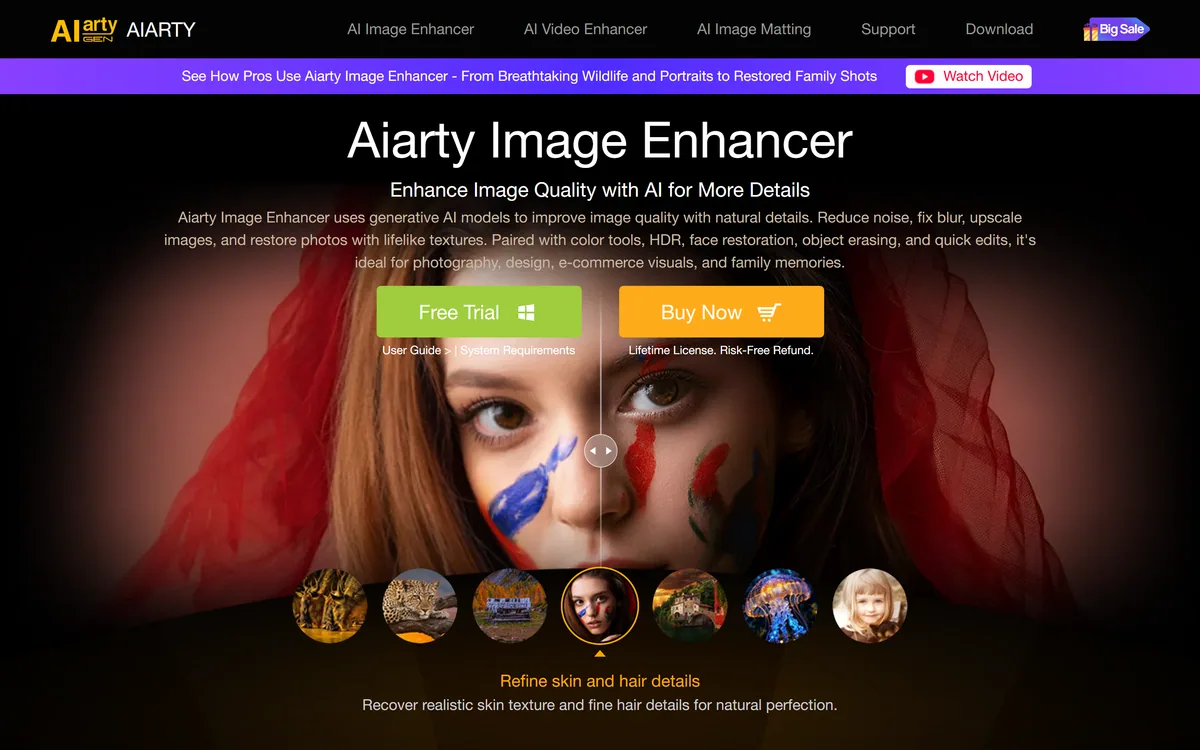
It uses deep convolutional neural networks to enlarge artwork and photos up to 16x, reconstructing lines and detail and cutting noise rather than simply stretching pixels, with added photo-restoration and video-enhancement tools and an API. It sits among focused enhancers like Aiarty Image Enhancer, competing on simplicity and its strength with artwork.
This review covers how Bigjpg enlarges an image, who it suits and its limits, how it prices enlargement, and where a heavier tool is the better call.
Bigjpg, The Enlarger Brief
- Bigjpg is an AI image enlarger: it upscales artwork and photos up to 16x using deep convolutional neural networks.
- It reconstructs, not just stretches: it rebuilds lines, colours and detail and reduces noise rather than blurring.
- It is especially good for artwork: anime and illustration are a stated strength, alongside photos.
- It is simple and focused: a no-frills tool with added restoration and video features and an API.
Lossless Image Enlarging For Art And Photos
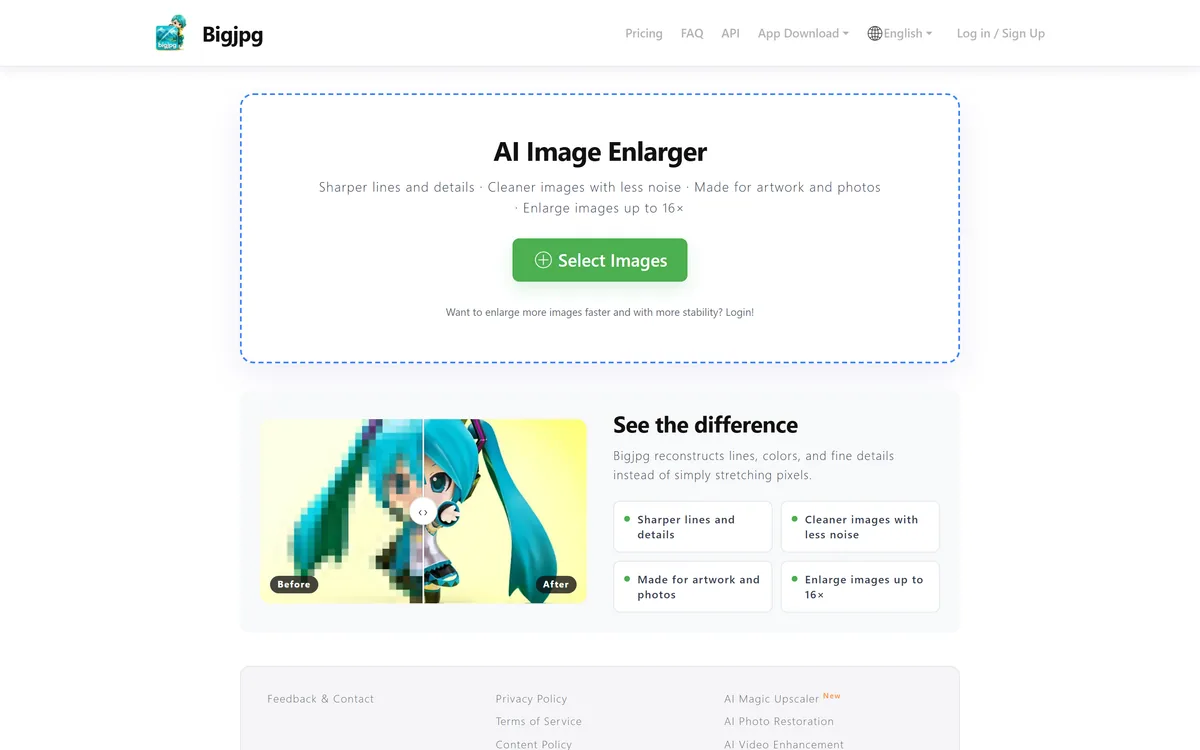
Bigjpg's whole pitch is in the enlargement quality: rather than stretching pixels and producing a blurry result, it reconstructs lines, colours and fine detail while cutting noise, so an enlarged image stays sharp and clean.
It has a particular reputation for artwork, anime and illustration, where clean lines matter and generic upscalers often smear them, and it handles photos too. That focus on art is a genuine point of difference from photo-first tools, and it is the main reason illustrators keep returning to it rather than reaching for a general photo enhancer.
It is refreshingly simple: a web tool you point at an image, with a login that raises speed and stability for batches. We review it as the focused utility it is, not an all-in-one platform, which is exactly its appeal for people who just want a bigger, cleaner image.
Rather than stretching pixels into a blur, Bigjpg reconstructs lines, colours and detail while cutting noise, which is why it has a reputation for clean anime and illustration upscaling.
How Does Bigjpg Enlarge An Image?
The core is the upscaling model, with a few adjacent tools around it.
Super-Resolution Up To 16x
Bigjpg uses deep convolutional neural networks to enlarge images up to 16x, reconstructing detail rather than interpolating, which keeps lines crisp and reduces the noise and artefacts a naive enlargement would amplify.
That reconstruct-don't-stretch approach is the same principle dedicated enhancers use; a tool like VanceAI offers a broader kit, while Bigjpg keeps to the single job and its artwork strength.
It includes noise reduction and configuration for artwork versus photos, and has added adjacent tools, an AI magic upscaler, photo restoration and video enhancement, plus an API for programmatic use.
Those additions widen it slightly without losing the focus. For heavier, professional upscaling with more control a tool like Topaz Gigapixel goes further; Bigjpg's niche is a quick, capable enlarger, strong on art, that just works in a browser.
Who Bigjpg Suits, And Its Limits
Bigjpg suits anyone who needs a quick, clean enlargement without a platform: illustrators and anime artists upscaling work, hobbyists and small sellers enlarging images, and developers wanting a simple upscaling API.
Its artwork strength makes it a go-to for illustration and anime specifically, where many photo-first upscalers disappoint. The simplicity is a feature: there is little to learn, and the result is usually just a bigger, cleaner image.
Its limits are the flip side of that simplicity: it offers less control and fewer professional features than heavyweight tools, output quality varies by image, and for high-end photo or video finishing a dedicated pro tool does more. It is a capable utility, not a studio. That said, there is real value in a tool that stays this focused: there are no models to choose between, no subscription tiers to decode and no learning curve, you upload, pick a factor, and get a cleaner, larger image. For the common case of enlarging a piece of art or a photo without fuss, that lack of friction is precisely the point, and it is why Bigjpg has kept a loyal following for years despite flashier competitors.
How Bigjpg Prices Enlargement
Bigjpg is freemium: you can enlarge images without an account, while logging in and paying raises limits, speed and batch stability, with an API billed by use. We do not publish prices, which change; check the site.
For occasional enlargement the free use may be enough; for volume or faster, larger batches the paid tiers make sense, and the API suits developers embedding upscaling.
The value test is straightforward: run your own images, especially artwork, and see whether the enlargement is clean enough for your use before paying, since quality is the only thing that matters here.
A Quick Way To Enlarge With Bigjpg
Because it is all about enlargement quality, test Bigjpg on your own real images, art and photos.
- Upload a real image, ideally including a piece of artwork or anime, and enlarge it.
- Inspect the result at full size for crisp lines and reconstructed detail, not blur.
- Compare photo versus artwork settings to see which suits your material.
- Try noise reduction on a noisy image and judge the cleanup.
- If you build tools, test the API on a sample batch.
- Pass/fail: Bigjpg is worth it if the enlargement is clean enough for your use, especially on art.
- For heavy professional photo or video finishing, compare a dedicated pro tool.