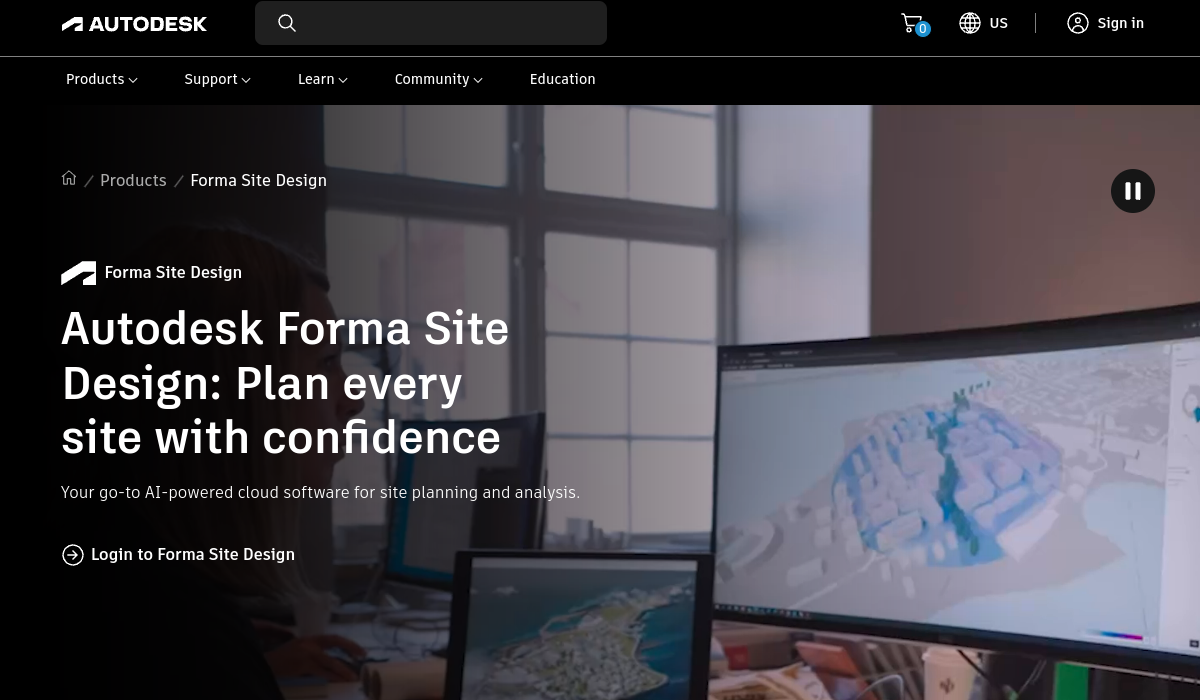
Autodesk Forma is a cloud-based platform that applies artificial intelligence and generative design to early-stage architecture, urban planning and BIM workflows.
Launched as the evolution of Autodesk's Spacemaker tool, Forma is built for architects, urban designers and AEC teams who want to automate the data gathering and analysis that traditionally consume the schematic design phase.
It acts as an AI assistant that quickly masses out building forms, evaluates site conditions and runs analyses for factors such as sunlight, wind and noise within a collaborative online environment.
Generative design tools let users define parameters like footprint, height limits and setbacks, then have Forma propose numerous design variants to compare. Its Building Layout Explorer is a generative AI capability that produces and evaluates floor plan options from a massing model.
Forma connects to Revit and the wider Autodesk ecosystem, so early concept work flows into detailed design. Use cases include site feasibility studies, rapid massing and layout exploration, environmental analysis and option comparison during pre-design.
Pros include fast generation of design alternatives, integrated environmental analyses and tight Revit integration. Cons are that it is specialized for AEC professionals rather than general users, and full value depends on an Autodesk subscription. Forma is available to Revit subscribers and through Autodesk subscription plans.
Pricing changes often, so check the official site for current plans. Autodesk Forma's core capabilities include Generative design for building massing, Building Layout Explorer for floor plans, Automated environmental analyses, Cloud collaboration for AEC teams, Site planning and feasibility tools and Revit and Autodesk ecosystem integration.
Generative design for building massing is built in, Building Layout Explorer for floor plans is built in, Automated environmental analyses is built in, Cloud collaboration for AEC teams is built in, so you get a rounded toolkit rather than a single trick.
Each feature is designed to take the manual effort out of the task and help you reach a usable result faster, which is what makes Autodesk Forma worth a place on your shortlist.
On the plus side, users consistently highlight Rapidly generates design alternatives, Built-in sunlight, wind and noise analyses and Tight integration with Revit as the reasons they keep using Autodesk Forma.
It isn't perfect, though — Specialized for AEC professionals only and Full value tied to an Autodesk subscription are the trade-offs people most often mention, so weigh those against your own priorities before you commit.
As with any AI tool, the output still benefits from a quick human review, but Autodesk Forma gets you most of the way there with far less effort. Autodesk Forma runs on a subscription pricing model, aimed at users who want the full feature set without free-tier limits.
AI-tool pricing changes often, so always check the current plans, seats and add-ons on the official site for the latest details before you buy. Who is Autodesk Forma for? It's best suited for ai-powered early-stage architecture and site design.
Whether you're a beginner trying this kind of AI tool for the first time or a professional who'll use it every day, it's a credible option to consider.
If you're still deciding, compare Autodesk Forma against the alternatives and the head-to-head comparisons linked below — looking at features, pricing and real user ratings side by side is the fastest way to find the right fit for your workflow and budget.
Autodesk Forma is best suited for ai-powered early-stage architecture and site design. Whether you are trying this kind of emerging & specialized tool for the first time or use one every day, it is a credible option to shortlist — compare it with the alternatives and head-to-head comparisons linked on this page to find the best fit for your workflow and budget.