
Descript is a video and audio editor that works by editing a transcript — delete a sentence and the footage goes with it — plus Studio Sound, Eye Contact, filler-word removal, AI voices, avatars, and the Underlord assistant.
FreemiumVideo & Audio
AVCLabs Video Enhancer AI is desktop software for Windows and Mac that uses neural networks to upscale low-resolution video to HD, 4K or 8K, reduce blur and noise, restore faces and stabilise footage, alongside sibling tools for video blurring, object removal and photo enhancement.
Old family videos, archive footage and low-resolution clips often look soft and noisy on modern screens. AVCLabs Video Enhancer AI uses neural networks to upscale and restore that footage on your own computer.
It can upscale video to HD, 4K or 8K, reduce blur and noise, restore facial detail and stabilise shaky footage, and AVCLabs offers related desktop tools for blurring and object removal and for photo enhancement. It competes with upscalers like Topaz Labs on restoring video quality locally.
This review covers what AVCLabs Video Enhancer AI can fix, who it suits, how its desktop software is licensed, and when its enhancement disappoints.
AVCLabs Video Enhancer AI is built for people who want to breathe new life into old or low-quality footage. Its neural-network models upscale resolution and reconstruct detail, so a soft standard-definition clip can look noticeably sharper on a modern display.
It goes beyond simple enlargement by reducing blur and noise, restoring facial detail and stabilising shaky footage, which addresses the problems that usually make old video hard to watch.
Because it runs as desktop software for Windows and Mac, your footage is processed on your own machine rather than uploaded to a cloud service, which some users prefer for private family videos.
The honest framing is that AI enhancement reconstructs plausible detail rather than recovering what was never captured. Results can be impressive, but faces and textures may look artificial or 'over-smoothed', and processing high resolutions demands a capable computer and patience.
It helps to separate two goals people often merge: making footage bigger and making it better. Upscaling raises resolution, but most of the visible improvement comes from deblurring, denoising and face restoration, so judge results by how natural people and textures look rather than by the resolution number alone.
AI enhancement reconstructs plausible detail rather than recovering what was never captured; results can look impressive or artificial.
The software and its sibling tools cover enhancement, restoration and privacy edits.
Video Enhancer AI upscales footage to HD, 4K or even 8K, reduces blur, restores faces and stabilises shaky shots, aiming for clearer, more detailed results on modern screens. Results depend heavily on the source quality and the model selected.
For a broader suite covering photo and video enhancement with strong professional following, Topaz Labs is the obvious comparison; for still images, an enhancer like Deep-Image.ai or VanceAI works on photos.
AVCLabs' Video Blur AI automatically detects and blurs faces, backgrounds, objects and licence plates, which is useful for privacy before publishing footage, and the suite also advertises removing objects, logos, text and watermarks.
Watermark and logo removal must only be used on footage you own or have rights to; removing someone else's watermark to reuse their content can infringe copyright. Face and plate blurring, by contrast, is a responsible privacy feature worth using before sharing footage of the public.
AVCLabs suits people restoring family videos, home movies and archive footage, creators upscaling older clips for modern channels, and editors who need cleaner footage from low-quality sources.
It suits users who prefer local processing for privacy, and those who want a one-off desktop tool rather than an online subscription service.
It suits less well anyone with a modest computer, since high-resolution AI processing is slow without a strong GPU, and professionals who need the most refined, artifact-free results on critical work, who should compare it carefully with alternatives.
It is also not a fix for footage that is extremely degraded; the AI can only infer so much, and very poor sources can produce uncanny faces or smeared textures.
A realistic expectation is meaningful improvement on moderately low-quality footage, with the best results on clips that were reasonably well shot to begin with.
Archivists should keep the untouched original alongside any enhanced copy, since AI-reconstructed detail is an interpretation rather than a faithful historical record.
AVCLabs offers free downloads to try its software and sells licences for continued use, typically as subscriptions or longer-term licences, with promotional discounts shown on the site. We do not publish prices, which change; check the site.
Free trials usually limit exports, for example with watermarks or shorter clips, so check what the trial allows before judging quality.
The value question is volume and quality: for a one-off family-video project, compare against alternatives; for regular restoration work, a licence may pay for itself if results meet your standard.
Factor in your hardware too, since slow processing on an underpowered machine is a hidden cost in time.
Comparing a trial result side by side with the original at full screen is the most reliable way to decide whether the improvement is worth paying for.
Because results depend on source footage and hardware, test AVCLabs on your real clips first.
Video upscaling to 4K and 8K
Deblurring
Denoising
Face restoration
Stabilisation
Face and plate blurring
Object removal
Photo enhancement
The useful comparison is with other enhancement tools, by what they work on and where.
| Tool | Tool | Works on | Best for |
|---|---|---|---|
| AVCLabs Video Enhancer AI | Video, on desktop | Upscaling and restoring footage | Home and archive video |
| Topaz Labs | Photo and video, on desktop | High-end enhancement | Professional restoration |
| VanceAI | Images, online | Enhancing and upscaling photos | Photo processing |
| Deep-Image.ai | Images, online | Upscaling and quality | Still images |
| What it is | Desktop AI video enhancement software |
|---|---|
| Upscaling | Low resolution to HD, 4K or 8K |
| Restoration | Deblur, denoise and face restoration |
| Stability | Video stabilisation |
| Platforms | Windows and Mac downloads |
| Siblings | Video Blur AI, Photo Enhancer AI and more |
| Agents | An MCP integration announced by the vendor |
| Access | Free download to try, paid licences |
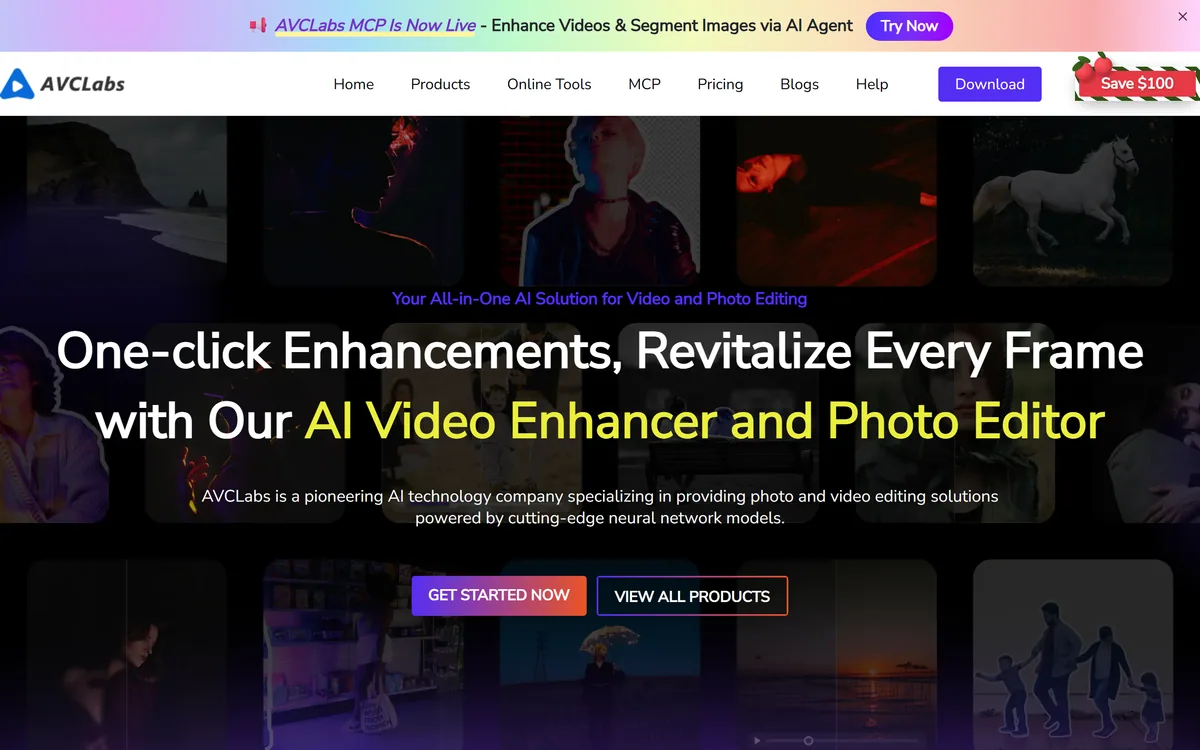
Last checked . Read from avclabs.com during this check, with the screenshot above captured at the same time.
AI upscaling reconstructs plausible detail and can look artificial on faces. Processing is hardware-intensive. Remove watermarks or logos only from footage you own or have rights to.
A desktop enhancement suite and two online image enhancers to weigh alongside AVCLabs.
AVCLabs Video Enhancer AI earns 3.8 as a capable desktop tool for reviving old and low-quality footage: neural-network upscaling to HD, 4K or 8K, deblurring, denoising, face restoration and stabilisation, all processed locally, with sibling tools for privacy blurring. Results on moderately poor footage can be genuinely pleasing. AI detail is reconstructed and can look artificial, processing is hardware-heavy, and its watermark-removal features should only ever be used on content you own. AInexfinder Editor Score: 3.8/5.
AInexfinder does not list plan prices or billing details. For current pricing, plans, and trials, visit the official AVCLabs Video Enhancer AI website.
Visit official website for pricingVendor pricing, credits, and billing policies change over time. Always confirm on the official site before you buy.
Log in to write a review.
No reviews yet. Be the first to share your experience with AVCLabs Video Enhancer AI.
Assigned reviewer
Daniel ReedSenior AI Tools Reviewer
Daniel reviews AI tools the slow way — by actually using them on real projects. His reviews cover what works, what breaks, and who each tool is genuinely a good fit for.
Daniel and the AInexfinder editorial team research AVCLabs Video Enhancer AI using public product information, listing evidence, and (when available) hands-on checks. Scores reflect listing completeness and transparency — not paid placement.
Descript is a video and audio editor that works by editing a transcript — delete a sentence and the footage goes with it — plus Studio Sound, Eye Contact, filler-word removal, AI voices, avatars, and the Underlord assistant.
Vibrantsnap is an AI tool that turns a rough screen recording into a polished walkthrough: it rewrites your narration, reads it in a studio voice in any language, and auto-edits the video with zooms, chapters and captions.
Kapwing is a browser-based video studio combining a timeline editor, subtitler, audio editor and dubbing into 40+ languages with AI tools including Smart Cut, Trim with Transcript, B-Roll Generator, Clip Maker and Character Consistency. Made in San Francisco.
BlipCut translates and dubs video into more than 140 languages with AI lip synchronisation, so translated speech aligns with the speaker's mouth. It also clones voices in 29 languages, offers 600+ voices across 40+ languages, and generates, translates and edits subtitles from uploads or YouTube links.
VEED is an AI video-creation platform that takes an idea to a finished social video in the browser, bundling generation, AI avatars, subtitles, dubbing, clean audio and a brand kit, plus access to frontier models like Sora 2, Veo and Kling.
BIGVU is an AI personal-branding video platform with a teleprompter, AI avatars and voice cloning, auto-editing (caption, filler removal, eye-contact correction), and one-click social posting, aimed at realtors, coaches and marketers, with synthetic-media features that carry likeness and consent considerations.