
Descript is a video and audio editor that works by editing a transcript — delete a sentence and the footage goes with it — plus Studio Sound, Eye Contact, filler-word removal, AI voices, avatars, and the Underlord assistant.
FreemiumVideo & Audio
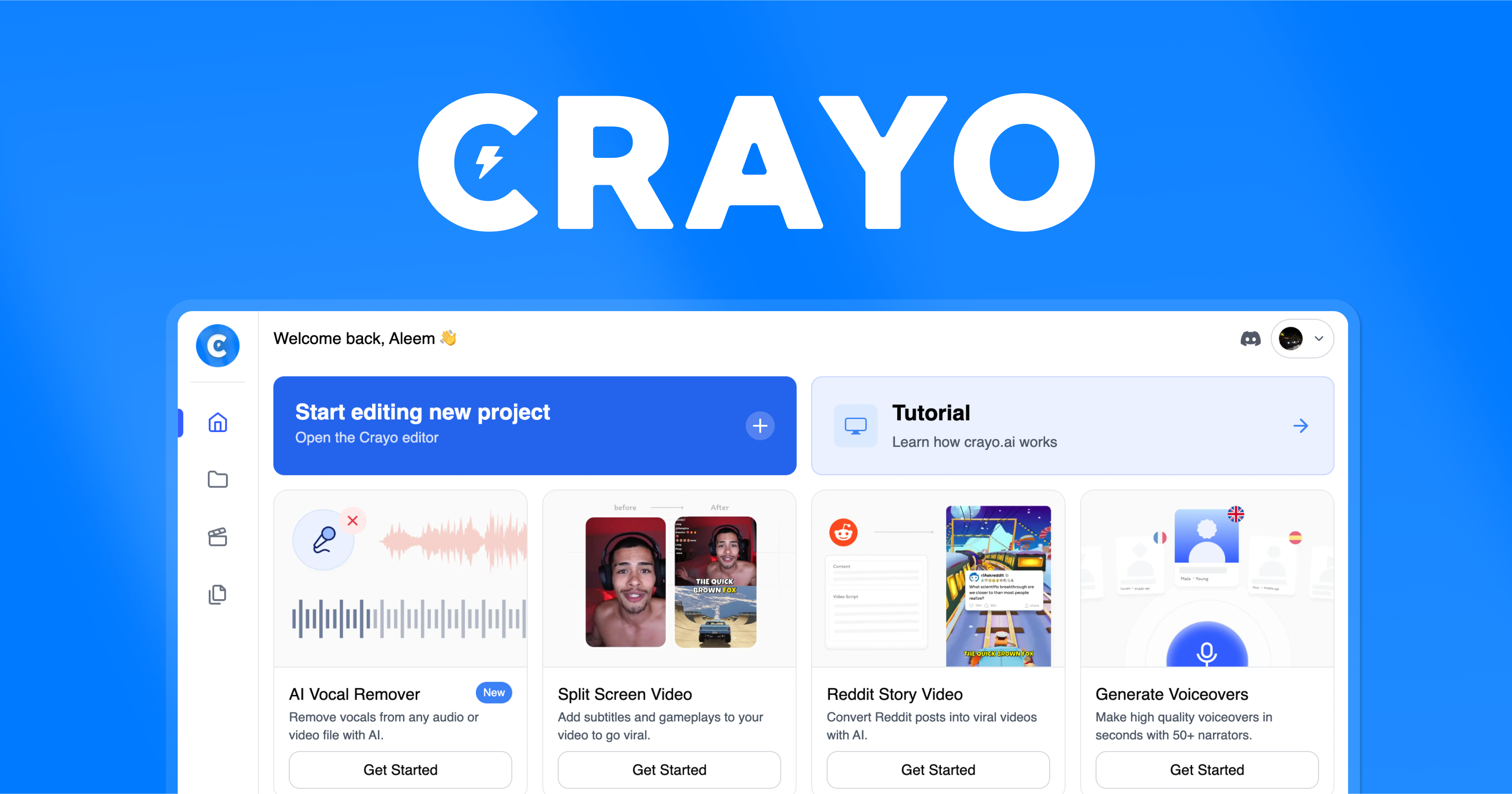
Crayo is an AI short-form video tool that auto-clips footage into faceless shorts, adds AI voiceovers and viral subtitle styles, generates Reddit-story and background clips, and finishes in a web editor, aimed at creators making TikTok, Reels and YouTube Shorts at volume.
Short-form video rewards volume, and most of the work in making it is repetitive: cut the clip, caption it, add a voice, format it for vertical. Crayo is built to compress that loop so a creator can publish more without living in an editor.
It auto-clips footage (from a file or a YouTube/TikTok link), adds AI voiceovers and a range of viral subtitle styles, can generate Reddit-story and background clips, and lets you finish in a web editor. It sits among creator tools like VEED.IO, but aimed squarely at the faceless, high-output end of the market rather than general editing.
This review covers what Crayo actually does, who it suits, how its credit billing works, and where it is the wrong tool.
| What it is | An AI short-form video clipping tool |
|---|---|
| Core | Auto-clip footage into faceless shorts |
| Inputs | Upload a file or paste a YouTube/TikTok link |
| AI extras | Voiceovers, 15+ subtitle styles, image generation |
| Templates | Reddit stories and background/gameplay clips |
| Editing | Browser-based web editor for full control |
| Billing | Workflow credits and export minutes |
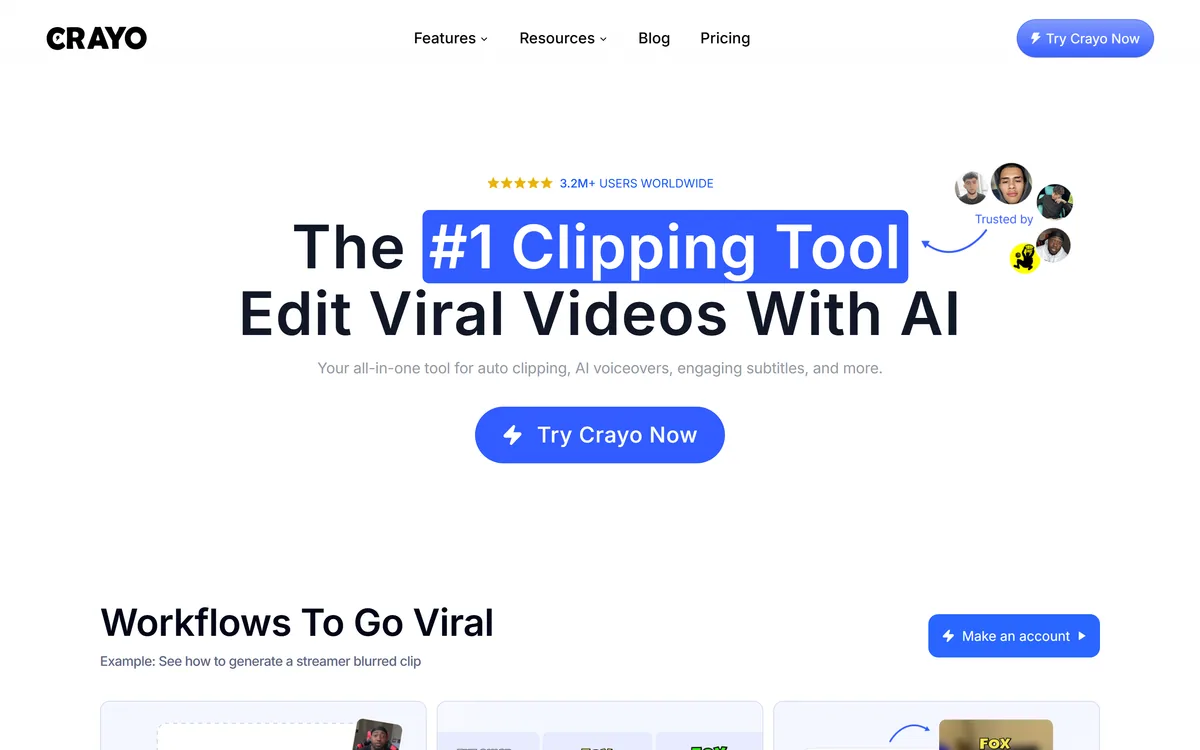
| Scale claim | 3.2M+ users worldwide (vendor) |
Crayo's job is narrow and clear: turn raw or long footage into the kind of short, captioned, vertical clips that faceless channels publish by the dozen. That focus is its main strength, because it means the whole workflow is tuned for one outcome rather than trying to be a general editor.
The pitch is speed to a publishable clip. You bring footage or a link, and Crayo handles the cutting, captioning, voice and formatting that would otherwise be manual steps. For a creator whose bottleneck is output, that is the part that matters.
It is worth being honest about what 'built to go viral' means: Crayo can make clips that look like high-performing shorts, but it cannot make the underlying idea or trend land. The tool removes the production friction; the creative judgement about what to clip and when to post is still yours.
That distinction is the fair way to judge it. Crayo is a production accelerator for a specific, repetitive format, and it should be measured on how cleanly it removes that production work, not on a promise of views it has no control over.
Crayo removes the production friction in short-form video; the judgement about what to clip and when to post is still yours.
The workflow splits into the clipping-and-captioning core and a set of content generators and a finishing editor around it.
You upload a file or paste a YouTube or TikTok link, and Crayo clips it down, then layers on AI voiceovers and subtitles in one of 15+ styles designed to look like the captions that perform on short-form feeds. That combination is the repetitive part of faceless-channel production done in one pass.
A general editor such as VEED.IO can do these jobs too, but Crayo narrows them into a near-automatic flow, which is the trade: less manual control, faster to a finished clip in the exact format short-form feeds expect.
Beyond straight clipping, Crayo generates Reddit-story videos (a popular Shorts format), supplies background and gameplay footage, and includes an image generator, so several content types come from one subscription. It also removes backgrounds from video, which vendor testimonials single out.
Everything lands in a browser-based web editor for final control, so you are not locked into the automatic output. For capturing the raw material in the first place, a recorder-editor like Canvid handles recording and quick edits, where Crayo is built to turn existing footage into finished shorts.
If your need is to summarise or repurpose long videos rather than clip them, a tool like Eightify does a different job; Crayo is about producing new short clips, not digesting long ones.
Crayo suits clippers and faceless-channel creators who publish short-form at volume and whose bottleneck is production time rather than ideas. For someone turning out many TikToks, Reels or Shorts a week, the auto-clipping, captioning and voice generation remove hours of repetitive work.
It also suits creators who run multiple format types, since the Reddit-story, background and image generators mean one tool covers several of the common faceless-video styles rather than needing a stack of them.
It fits less well anyone making a small number of high-production, on-camera or cinematic videos, where hands-on editing control matters more than speed, and anyone who needs a full timeline editor. Its 3.2M+ users figure is vendor-stated and indicates reach, not clip quality.
Crayo runs on a subscription with workflow credits and export minutes rather than a flat unlimited model, and it allows monetisation of the videos you create. We do not publish prices, which change; check the site.
The credit-and-minutes model is the thing to model honestly before paying: your real cost depends on how many clips you generate and how many minutes you export each month, so a heavy publisher and a casual one can see very different value from the same plan.
Because there is a way to try it, the sensible approach is to run a realistic week of your actual output through it and watch how fast credits and export minutes are consumed, so the plan you pick matches your publishing rate rather than a guess.
Because Crayo is a volume tool, trial it on the exact format and cadence you actually publish, not a one-off test.
Auto-clipping from files or links
AI voiceovers
15+ viral subtitle styles
Reddit-story video generation
Background and gameplay footage
AI image generation
Video background removal
Browser-based web editor
The useful comparison is with tools that touch short-form video from different angles.
| Tool | Tool | Type | Best for |
|---|---|---|---|
| Crayo | Faceless short-form clipper | Auto-clipping and captioning at volume | High-output Shorts/Reels creators |
| VEED.IO | General online editor | Hands-on editing and subtitling | Broader video editing |
| Canvid | Screen/video recorder-editor | Recording and quick edits | Demo and tutorial clips |
| Eightify | Video summariser | Digesting long videos | Research and repurposing |
Last checked . Read from crayo.ai during this check, with the screenshot above captured at the same time.
Crayo accelerates short-form production; it does not control whether a clip performs. Its user-count figure is vendor-stated; judge it on your own output and credit usage.
A general editor, a recorder-editor and a summariser to weigh alongside Crayo.
Crayo earns 3.9 as a focused short-form production accelerator: it auto-clips footage, adds AI voiceovers and viral subtitle styles, and generates Reddit-story and background clips, removing the repetitive work that slows faceless-channel creators down. It will not supply the idea or guarantee views, its credit-and-export-minute billing needs modelling against your real output, and its user-count figure is vendor-stated, but for high-volume clippers it is a genuine time-saver. AInexfinder Editor Score: 3.9/5.
AInexfinder does not list plan prices or billing details. For current pricing, plans, and trials, visit the official Crayo website.
Visit official website for pricingVendor pricing, credits, and billing policies change over time. Always confirm on the official site before you buy.
Log in to write a review.
No reviews yet. Be the first to share your experience with Crayo.
Assigned reviewer
Daniel ReedSenior AI Tools Reviewer
Daniel reviews AI tools the slow way — by actually using them on real projects. His reviews cover what works, what breaks, and who each tool is genuinely a good fit for.
Daniel and the AInexfinder editorial team research Crayo using public product information, listing evidence, and (when available) hands-on checks. Scores reflect listing completeness and transparency — not paid placement.
Descript is a video and audio editor that works by editing a transcript — delete a sentence and the footage goes with it — plus Studio Sound, Eye Contact, filler-word removal, AI voices, avatars, and the Underlord assistant.
Vibrantsnap is an AI tool that turns a rough screen recording into a polished walkthrough: it rewrites your narration, reads it in a studio voice in any language, and auto-edits the video with zooms, chapters and captions.
Kapwing is a browser-based video studio combining a timeline editor, subtitler, audio editor and dubbing into 40+ languages with AI tools including Smart Cut, Trim with Transcript, B-Roll Generator, Clip Maker and Character Consistency. Made in San Francisco.
BlipCut translates and dubs video into more than 140 languages with AI lip synchronisation, so translated speech aligns with the speaker's mouth. It also clones voices in 29 languages, offers 600+ voices across 40+ languages, and generates, translates and edits subtitles from uploads or YouTube links.
VEED is an AI video-creation platform that takes an idea to a finished social video in the browser, bundling generation, AI avatars, subtitles, dubbing, clean audio and a brand kit, plus access to frontier models like Sora 2, Veo and Kling.
BIGVU is an AI personal-branding video platform with a teleprompter, AI avatars and voice cloning, auto-editing (caption, filler removal, eye-contact correction), and one-click social posting, aimed at realtors, coaches and marketers, with synthetic-media features that carry likeness and consent considerations.