
Runway is an AI video platform built around generative world models — Gen-4.5, Aleph 2.0, and Act-Two for performance capture — split across Runway Creative for filmmakers, Runway Dev for builders, and Runway Robotics.
FreemiumVideo & Audio
Pika is an AI creative app built around self-contained tools: a Video Studio for clips and multi-shot videos, image editing and generation, colour grading, video extension, character consistency and an AI soundtrack, running on its own Pika models and other leading third-party models.
AI video has moved fast from novelty clips to tools creators actually use, and Pika has evolved with it. Rather than a single prompt box, it now offers a set of focused, self-contained tools that each do one creative job well.
You can generate anything from a short clip to a multi-shot video, extend footage, grade colour, keep a character consistent across shots, create product shots and score a clip with matched sound, using Pika's own models alongside other leading ones. It competes with broad creative suites like Higgsfield AI, with a cleaner, tool-by-tool approach.
This review covers what you can build with Pika, who it is for, how it charges, and where it is not the right tool.
| What it is | An AI creative app for video, image and audio |
|---|---|
| Video | Video Studio: short clips to multi-shot videos |
| Editing | Extend video, colour grade, edit and restyle images |
| Consistency | Character Studio for reusable characters |
| Audio | Soundtrack scoring and a speech/voiceover studio |
| Models | Pika models plus other leading third-party models |
| Developers | API access to gen-media models via a membership |
| Access | Free to try, with paid plans and credits |
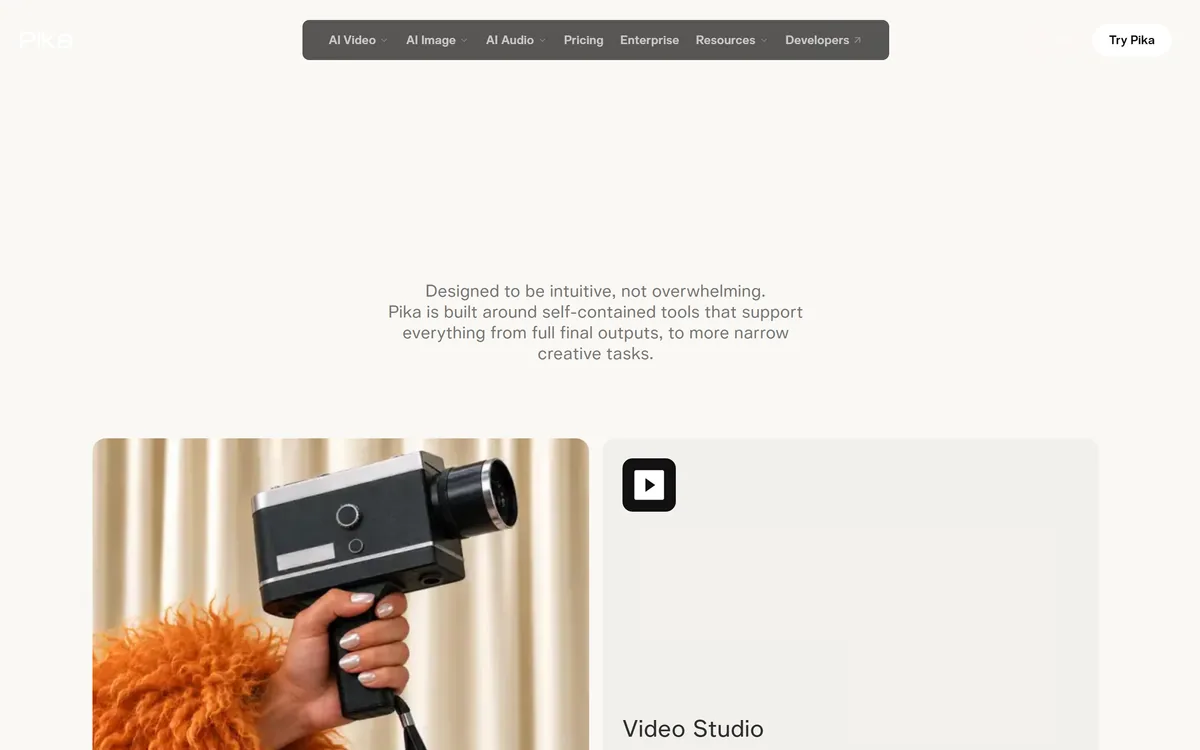
Pika's design choice is to split creative work into focused tools rather than funnelling everything through one prompt. There is a Video Studio, an Image Studio, an editor for swapping or restyling elements, a colour grader, a video extender, a character tool and audio tools, each built to support either a final output or a narrow task.
That structure matters because real creative work is a series of specific jobs: make the shot, keep the character consistent, fix the colour, add sound. Having a dedicated tool for each tends to give more control than repeatedly re-prompting a single generator.
Pika is also openly model-agnostic. Alongside its own Pika models it offers access to other leading video and image models, so creators can pick the engine that suits a shot rather than being locked into one. The specific model names change constantly, so treat any list as a snapshot.
The honest framing is that Pika is a strong generation-and-polish studio, not a replacement for a full editing suite. It is where you create and refine AI footage; assembling a long, complex edit still belongs in an editor.
Pika splits creative work into focused tools: make the shot, keep the character consistent, fix the colour, add sound.
The app spans generation across three media and a set of finishing tools around them.
Pika's Video Studio generates anything from a short clip to a multi-shot video of around half a minute from your references, its Image Studio and editor create and restyle images, Product Shot stages products without a photoshoot, and its audio tools score a clip with music, ambience and sound effects matched to the action, plus voiceover for social.
For simply animating a single still, a lighter tool like Image to Video AI may be enough; Pika's value is having the whole chain, image, motion, consistency and sound, in one place.
Behind the tools, Pika runs its own models alongside a rotating selection of other leading video and image models, and offers developers API access to generative media models through a membership. That gives flexibility, but it also means output quality, cost and rights depend on the model you choose for a job.
Character and voice tools can depict people, so using a real person's likeness or voice needs their permission. Once you have generated clips, a conventional editor such as VEED.IO is still the place to assemble and caption a finished video.
Pika is for creators, marketers, ad teams and filmmakers who want to generate and polish AI video and images with more control than a single prompt gives, and who value being able to switch between leading models.
It suits ad creative teams producing many variations, marketers making social content and product visuals, and filmmakers prototyping shots, styles or sequences before committing to production.
It fits less well anyone who needs a full non-linear editor for long, complex projects, people who want guaranteed consistent results from AI generation, and those unwilling to check the rights and likeness implications of generated content.
Pika is free to try and sells paid plans with generation credits, with heavier, higher-quality or longer generations using more, and an enterprise offering. We do not publish prices, which change; check the site.
The value question is how many usable shots you get for your credits, because AI video still produces misses. Comparing your real cost per keeper shot across models is more useful than the headline plan price.
Because there is a free way in, the sensible approach is to recreate one real project, a short ad or a sequence, across a couple of models, count the usable results, and pick a plan from that.
Because AI video quality varies by model and prompt, trial Pika on a real piece of work, not a one-off demo.
Video Studio (clips to multi-shot)
Image Studio and image editing
Extend video
Colour grading
Character Studio
Pika Soundtrack
Product Shot
Multiple leading AI models
The useful comparison is with other ways to create and finish AI video.
| Tool | Tool | Type | Best for |
|---|---|---|---|
| Pika | Focused AI creative studio | Video, image and audio tools | Creators wanting control |
| Higgsfield AI | Broad AI creative suite | Video, image, ads and effects | Ad and social content |
| Image to Video AI | Photo-to-video front-end | Animating a single still | Quick, simple animation |
| VEED.IO | Online video editor | Editing and captioning | Assembling finished videos |
A broad creative suite, a photo animator and an editor to weigh alongside Pika.
Last checked . Read from pika.art during this check, with the screenshot above captured at the same time.
Pika's model line-up changes constantly, so treat named models as a snapshot. Output quality, cost and rights depend on the model chosen, and character or voice tools need permission before depicting a real person. Our check is based on the public site.
Pika earns 4.2 as one of the more practical AI creative studios: instead of a single prompt box it offers focused tools for video, image and audio, multi-shot video, extend, colour grade, character consistency, product shots and AI soundtracks, running on its own models and other leading ones. That gives creators real control and flexibility. It is not a full editing suite, output still varies by model and credits can go on misses, and character and voice tools need permission for real people, but for generating and polishing AI footage it is a strong choice. AInexfinder Editor Score: 4.2/5.
AInexfinder does not list plan prices or billing details. For current pricing, plans, and trials, visit the official Pika website.
Visit official website for pricingVendor pricing, credits, and billing policies change over time. Always confirm on the official site before you buy.
Log in to write a review.
No reviews yet. Be the first to share your experience with Pika.
Assigned reviewer
Daniel ReedSenior AI Tools Reviewer
Daniel reviews AI tools the slow way — by actually using them on real projects. His reviews cover what works, what breaks, and who each tool is genuinely a good fit for.
Daniel and the AInexfinder editorial team research Pika using public product information, listing evidence, and (when available) hands-on checks. Scores reflect listing completeness and transparency — not paid placement.
Runway is an AI video platform built around generative world models — Gen-4.5, Aleph 2.0, and Act-Two for performance capture — split across Runway Creative for filmmakers, Runway Dev for builders, and Runway Robotics.
LipSync.video generates lip-synchronised video from a face and an audio track. It offers two model tiers, accepts uploaded video, uploaded or recorded audio, or a typed script with generated speech, and provides over 300 prebuilt avatars. Credits can be earned through daily actions as well as bought.
Viggle animates characters from a still image driven by motion from a video, built on its Joint Space-Time model — described as a physics-native world model that generates characters, motion and scenes together in shared 4D space. It offers a Meme Maker, the PINOC motion-capture tool, games and an API, and states 50 million users.
BeatViz.ai turns music into video through three tools — Chat, Workflow and Editor. Chat 2.0 is positioned as an AI music video director, and the site names the models it draws on, including Veo, Sora, Kling, Seedance, Nano Banana and GPT Image 2.
Argil is an AI video platform built around three surfaces: a Playground for generating images and video model by model, a Director that takes an idea to a finished video, and Templates that turn a repeated video format into a reusable recipe with variables.

The workspace at www-flux3.com generates 5–20 second AI videos with native audio from text or a starting image, routing across FLUX 3, MiniMax H3, Seedance, Wan 3.0 and Kling 3.0 Pro, at 720p or 1080p with video extension.