
Runway is an AI video platform built around generative world models — Gen-4.5, Aleph 2.0, and Act-Two for performance capture — split across Runway Creative for filmmakers, Runway Dev for builders, and Runway Robotics.
FreemiumVideo & Audio
BeatViz.ai turns music into video through three tools — Chat, Workflow and Editor. Chat 2.0 is positioned as an AI music video director, and the site names the models it draws on, including Veo, Sora, Kling, Seedance, Nano Banana and GPT Image 2.
A music video is not a video with music on it. The cut has to relate to the beat, the imagery has to hold a mood across three or four minutes, and the whole thing has to survive being watched more than once.
That makes it a bad fit for general video generators, which produce five-second clips with no sense of a song's structure. BeatViz is built for the specific job instead.
It gives you three ways in — a chat-based director, a workflow pipeline, and an editor — and it tells you which models it is using. Both of those choices tell you something useful before you generate anything.
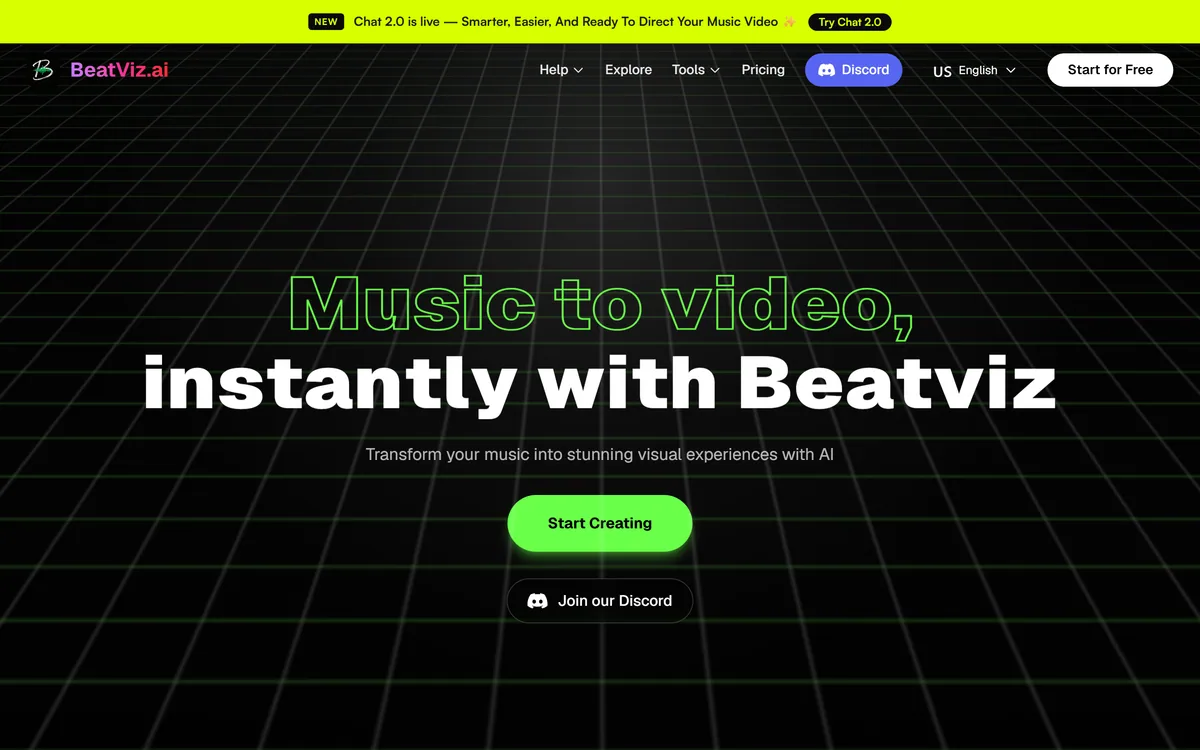
BeatViz describes Chat 2.0 as an AI music video director, and the word director is doing real work in that phrase.
A prompt box takes a description and returns a clip. A director, in the sense the site means, holds the intent across a whole piece — the mood, the visual language, the way one section should differ from another — and makes the individual decisions consistent with it.
Conversation is the right interface for that because music video direction is genuinely iterative. You do not know what you want until you see something close to it, and then the useful instruction is a correction rather than a fresh description.
The practical benefit is that corrections accumulate. Saying the second verse should feel colder only makes sense if the system remembers the first verse, and a chat thread is a natural place for that state to live.
The honest limit is that a chat director still cannot hear the track the way you do. Where the emphasis falls, which bar the drop lands on, which lyric matters most — these are the things you will end up specifying, and the quality of the result depends heavily on how precisely you can say them.
You do not know what you want until you see something close to it, and then the useful instruction is a correction rather than a fresh description.
The three tools are not three versions of the same thing. They are three points on a control-versus-effort curve.
Chat gives the least control and the least effort. You describe, it directs, and you steer through conversation without touching the mechanics.
Workflow is the middle. A pipeline implies stages you can see and adjust, which is what you want once you know roughly what the output should be and the chat keeps missing a specific part of it.
The Editor is the last mile, and it is the piece most generative video tools are missing. Generated footage almost always needs trimming, reordering and retiming against the audio, and doing that in a separate application means exporting, re-importing and losing the connection to what generated each shot.
The sensible pattern is to use all three in order — direct in Chat, tighten in Workflow, finish in the Editor — rather than picking one. Tools like Argil split their surfaces the same way, and for the same reason.
BeatViz lists the models it draws on, including Veo, Sora, Kling, Seedance, Nano Banana and GPT Image 2. Publishing that list is more useful than it first appears.
Video models differ sharply and visibly. Some hold human faces across a shot and some do not; some handle fast camera movement and some smear; some produce clean text and most produce approximate lettering. For a music video, motion coherence over several seconds matters more than almost anything else.
When a tool names its models, you can reason about what you will get and choose deliberately. When it does not, you are testing blind and cannot tell whether a poor result came from your instruction or the model behind it.
The list also tells you the tool is an orchestration layer rather than a model developer, which is the right thing to be in this category. Frontier video models improve every few months, and a product built to switch between them inherits those improvements.
The corollary is that model availability may change without notice, and a result you liked last month may not be reproducible. Note which model produced anything you intend to build a series around.
The honest assessment of this category is that image quality stopped being the problem a while ago and timing never did.
A music video works when the cut lands with the beat. Not approximately, not on the same bar — on the beat, consistently, for the length of a song. Generative video produces clips of a certain length with internal motion that does not know your tempo.
That means retiming is unavoidable, which is exactly why the Editor being included matters more than it sounds. The work of aligning generated footage to audio is where most of the effort actually goes.
The second persistent problem is continuity. A character, a location or a colour treatment that has to persist across a whole video is much harder than a single striking shot, and this is where most AI music videos visibly fall apart.
The third is that a music video is watched repeatedly. Something that impresses once often irritates on the fourth viewing, and generated footage tends to have tells — hands, text, background faces — that become more visible each time.
A music video needs three things that arrive from three places: a finished track, moving images, and the judgement to put them together. BeatViz supplies the middle one.
The track has to exist first, and if it does not, that is a different product entirely. Generative music tools such as Boomy create audio from nothing, which is the opposite starting point — and a video built on generated background music is a different creative proposition from a video built on a song someone wrote.
If the track exists but needs work, that is an audio editing job. Separating stems, retuning a part, or fixing a take belongs in something like RipX DAW, and doing it before generating visuals is the right order, because the arrangement determines where the cuts should fall.
On the visual side, BeatViz is an orchestration layer over third-party models, which means the same models are reachable elsewhere. A general multi-model surface such as Pollo AI gives you the same generators without the music-specific framing — useful if your output is not actually a music video.
What BeatViz adds on top of those models is the framing: a director that holds intent across a song, and an editor that expects to retime against audio. Those two things are the product, and they are what a general surface cannot replicate.
The most common mistake is generating first and thinking about structure afterwards, which produces good clips that do not add up to a video.
This order front-loads the decisions that determine whether the footage will cut together at all.
| Product type | AI music video generation |
|---|---|
| Site | beatviz.ai |
| Core job | Turning music into video |
| Tools | Chat, Workflow, Editor |
| Chat 2.0 | Positioned as an AI music video director |
| Models named | Veo, Sora, Kling, Seedance, Nano Banana, GPT Image 2 among others |
| Community | A Discord community linked from the site |
| Editor | Included in the product rather than requiring a separate application |
| What it is | An orchestration layer over third-party generative models |
Terms that come up in AI music video work and mean something specific here.
Chat 2.0, a conversational music video director
A Workflow pipeline for stage-level control
A built-in Editor for retiming and assembly
Access to multiple named third-party video models
Image generation models alongside video models
A Discord community
Video tools differ by which job they assume, and music video is a narrower job than most.
| Tool | Job it assumes | Models | Includes an editor |
|---|---|---|---|
| BeatViz | Turning a track into a music video | Named: Veo, Sora, Kling, Seedance and others | Yes |
| Argil | General video, across three surfaces | Not named on the site | Not stated |
| Pollo AI | Comparing generators in one place | Multiple, switchable | Limited |
| RipX DAW | Taking a track apart, not visualising it | Audio separation models | It is an audio editor |
| Boomy | Making the track in the first place | Its own generative music | No — audio only |
Last checked . Read from beatviz.ai in a browser session on the date above, with the screenshot captured alongside.
What we could not confirm: the operating company, its location or who runs it, none of which appear on the pages we read; pricing and plan structure; output duration and resolution limits; commercial and distribution licensing for generated video, which matters a great deal if the video accompanies a commercial release; whether specific models can be selected per shot or are chosen for you; and whether any released music video made with the tool is credited. We did not use the product, so nothing here reflects tested output quality or beat alignment.
BeatViz does two things most AI video tools do not. It commits to a specific job — turning a track into a music video, which has different requirements from generic video generation — and it names the models it runs on rather than hiding them behind a generate button. Both are signs of a tool built by people who understand the category. The three-tool structure of Chat, Workflow and Editor is sensible: conversation for direction, a pipeline for control, an editor for the last mile. It loses a point for the same reason most generative video does, which is that following a beat precisely is still the hardest part of the problem. AInexfinder Editor Score: 4.0/5.
AInexfinder does not list plan prices or billing details. For current pricing, plans, and trials, visit the official BeatViz website.
Visit official website for pricingVendor pricing, credits, and billing policies change over time. Always confirm on the official site before you buy.
Log in to write a review.
No reviews yet. Be the first to share your experience with BeatViz.
Assigned reviewer
Daniel ReedSenior AI Tools Reviewer
Daniel reviews AI tools the slow way — by actually using them on real projects. His reviews cover what works, what breaks, and who each tool is genuinely a good fit for.
Daniel and the AInexfinder editorial team research BeatViz using public product information, listing evidence, and (when available) hands-on checks. Scores reflect listing completeness and transparency — not paid placement.
Runway is an AI video platform built around generative world models — Gen-4.5, Aleph 2.0, and Act-Two for performance capture — split across Runway Creative for filmmakers, Runway Dev for builders, and Runway Robotics.
LipSync.video generates lip-synchronised video from a face and an audio track. It offers two model tiers, accepts uploaded video, uploaded or recorded audio, or a typed script with generated speech, and provides over 300 prebuilt avatars. Credits can be earned through daily actions as well as bought.
Viggle animates characters from a still image driven by motion from a video, built on its Joint Space-Time model — described as a physics-native world model that generates characters, motion and scenes together in shared 4D space. It offers a Meme Maker, the PINOC motion-capture tool, games and an API, and states 50 million users.
Argil is an AI video platform built around three surfaces: a Playground for generating images and video model by model, a Director that takes an idea to a finished video, and Templates that turn a repeated video format into a reusable recipe with variables.

The workspace at www-flux3.com generates 5–20 second AI videos with native audio from text or a starting image, routing across FLUX 3, MiniMax H3, Seedance, Wan 3.0 and Kling 3.0 Pro, at 720p or 1080p with video extension.

Descript is a video and audio editor that works by editing a transcript — delete a sentence and the footage goes with it — plus Studio Sound, Eye Contact, filler-word removal, AI voices, avatars, and the Underlord assistant.