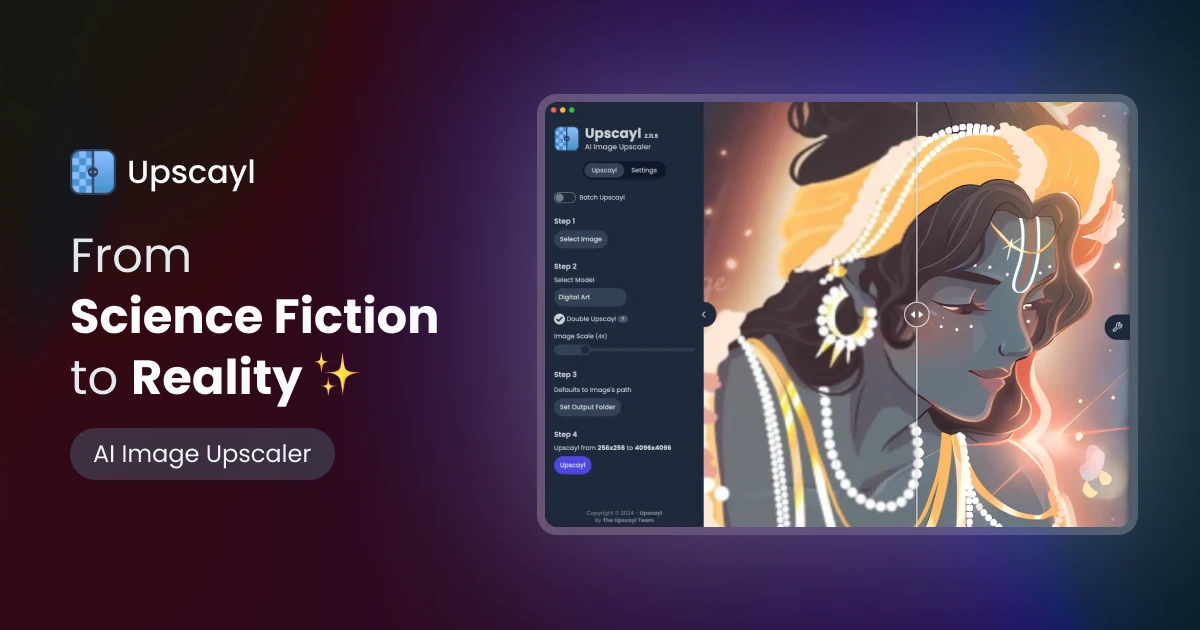
What is Upscayl?
Upscayl is a free and open-source AI image upscaler that runs entirely on your own computer, making it a strong choice for users who care about privacy or want to process sensitive images without sending them to the cloud.
It is a cross-platform desktop application for Windows, macOS, and Linux that uses ESRGAN-based AI models to enlarge and sharpen images locally, leveraging the machine's GPU for processing.
Because it runs offline, there are no per-image fees, usage caps, or watermarks, and users can upscale as many images as their hardware allows. Upscayl offers several built-in AI models suited to different image types, batch processing for multiple files, and adjustable output settings.
It is well suited to photographers, designers, hobbyists, and privacy-conscious users who want a no-cost, unlimited upscaling tool and are comfortable installing desktop software. Features include local offline AI upscaling, multiple ESRGAN models, batch processing, GPU acceleration, and cross-platform desktop support.
Pros include that it is completely free and open source, keeps images private by processing locally, and has no usage limits or watermarks.
Cons include that results depend heavily on the user's GPU and hardware, and that it lacks the broader editing and cloud convenience features of commercial web tools. Upscayl is free and open source. Pricing changes often, so check the official site for current plans.
Upscayl's core capabilities include Local offline AI upscaling, Multiple ESRGAN-based models, Batch processing of images, GPU-accelerated performance and Cross-platform desktop app.
Local offline AI upscaling is built in, Multiple ESRGAN-based models is built in, Batch processing of images is built in, GPU-accelerated performance is built in, so you get a rounded toolkit rather than a single trick.
Each feature is designed to take the manual effort out of the task and help you reach a usable result faster, which is what makes Upscayl worth a place on your shortlist.
On the plus side, users consistently highlight Completely free and open source, Keeps images private by running locally and No usage limits or watermarks as the reasons they keep using Upscayl.
It isn't perfect, though — Performance depends on GPU and hardware and Lacks broader cloud editing features are the trade-offs people most often mention, so weigh those against your own priorities before you commit.
As with any AI tool, the output still benefits from a quick human review, but Upscayl gets you most of the way there with far less effort.
Upscayl runs on a free pricing model, so you can start for free and only pay once you outgrow the free tier — handy for testing it on a real task before spending anything.
AI-tool pricing changes often, so always check the current plans, seats and add-ons on the official site for the latest details before you buy. Who is Upscayl for? It's best suited for free open-source ai image upscaler that runs offline.
Whether you're a beginner trying this kind of AI tool for the first time or a professional who'll use it every day, it's a credible option to consider.
If you're still deciding, compare Upscayl against the alternatives and the head-to-head comparisons linked below — looking at features, pricing and real user ratings side by side is the fastest way to find the right fit for your workflow and budget.
Who is Upscayl for?
Upscayl is best suited for free open-source ai image upscaler that runs offline. Whether you are trying this kind of image & design tool for the first time or use one every day, it is a credible option to shortlist — compare it with the alternatives and head-to-head comparisons linked on this page to find the best fit for your workflow and budget.