
Descript is a video and audio editor that works by editing a transcript — delete a sentence and the footage goes with it — plus Studio Sound, Eye Contact, filler-word removal, AI voices, avatars, and the Underlord assistant.
FreemiumVideo & Audio
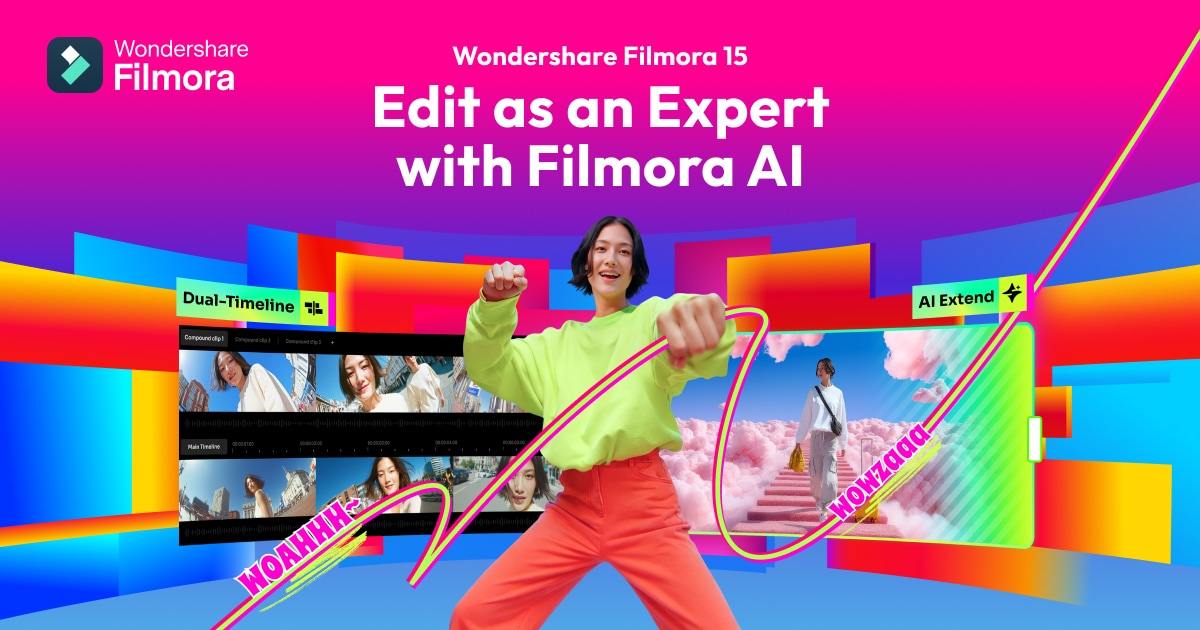
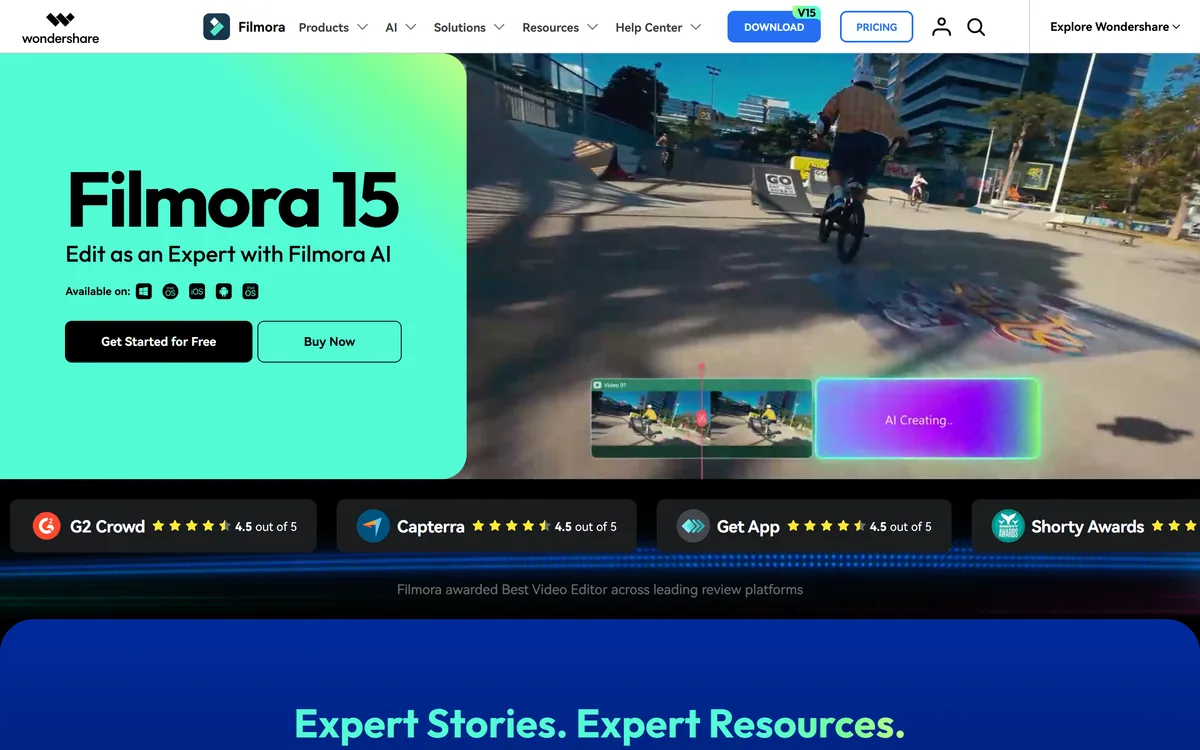
Filmora is Wondershare's video editor for Windows, Mac, iOS, Android and iPad. Version 15 pairs a conventional multi-track timeline with a deep set of AI features — text and image to video via Veo 3.1, text-based editing, auto captions, object removal, audio enhancement and translation — plus a library of 2.9 million creative assets.
Video editing software has split into two camps that barely acknowledge each other. On one side, AI-first tools where you type a prompt and something appears. On the other, professional editors where every frame is placed by hand.
Filmora has been sitting in the middle of that gap for over a decade, and version 15 is the clearest statement yet of what the middle looks like: a real timeline with real tracks, and a generative layer bolted on for the parts nobody enjoys.
This review covers why keeping the timeline matters, what text-based editing actually changes about how you work, how to read the Veo integration honestly, and where CapCut or a professional NLE is the better answer.
| Publisher | Wondershare |
|---|---|
| Category | Video editing with integrated AI |
| Current version | Filmora 15 |
| Desktop platforms | Windows and Mac |
| Mobile platforms | iOS, Android and iPad |
| Generation | AI Text to Video and AI Image to Video, both stated as powered by Veo 3.1, plus AI Video Extender and AI Audio to Video |
| Editing AI | AI Text-Based Editing, Auto Caption, Smart Short Clips, AI Portrait Cutout, AI Video Object Remover, AI Speech to Text |
| Audio AI | AI Sound Effect Generator, AI Text to Speech, AI Music Generator, AI Audio Enhancer, AI Audio Denoise |
| Other AI | AI Video Translation and AI Copywriting |
| Timeline editing | Multi-track and dual-timeline editing, keyframe animation, anchor points, pen tool for motion paths, animated charts, dynamic captions, subproject importing |
| Asset library | Vendor states more than 2.9 million creative assets including templates, stock, effects, music, filters, LUTs, stickers, titles and transitions |
| Export formats | MP4, MOV, AVI, MKV, MPEG, plus platform-optimised presets |
| Publishing | Direct YouTube upload with scheduling via Social Video Planner |
| Charging model | Free version with watermark, perpetual licence, or subscription, with cross-platform plans; no prices published here |
The most consequential thing about Filmora is what it did not do: it did not replace its editor with a chat box.
Prompt-driven video tools produce something quickly and then hit a wall. When the result is 90% right, there is frequently no way to fix the remaining 10% except to regenerate and hope. You are negotiating with the tool rather than editing.
A multi-track timeline with keyframes, anchor points, a pen tool for motion paths and dual-timeline editing means every AI output lands somewhere you can then manipulate frame by frame. Generation becomes a source of material rather than a source of finished videos.
That is the right architecture for anyone who actually cares how the result looks, and it is the same insight that separates serious tools from demos across every creative category.
The trade-off is real and worth stating: Filmora is harder to learn than a purely prompt-driven tool, and it will always be slower for someone who genuinely wants a passable video in ninety seconds without learning anything.
It is also, for the same reason, a tool you can still be using in three years when your ambitions have grown, which prompt-only tools rarely are.
A prompt-driven tool gets you to ninety percent and then leaves you negotiating with it. A timeline lets you fix the last ten percent yourself.
Of the long AI feature list, AI Text-Based Editing is the one that alters how you actually spend an afternoon.
It works by transcribing the footage and letting you edit the video by editing the transcript. Delete a sentence from the text and the corresponding video disappears. Reorder paragraphs and the clips reorder.
For anything talking-head shaped — interviews, tutorials, podcasts, course modules, webinars — this is a step change rather than an improvement. Removing every stumble and false start from a forty-minute interview by scrubbing a waveform is genuinely miserable work, and reading it as text is fast.
It also changes who can do the job. Editing text is a skill everyone already has; editing a timeline is not. A subject-matter expert can cut their own recording without learning an editor.
The technique is not unique to Filmora — Descript built its whole product on it — but having it inside a full editor means you can start there and finish on the timeline, which is the combination that matters.
Browser tools like VEED compete hardest on exactly this. Auto Caption and AI Speech to Text sit alongside it, driven by the same transcription. Captions are close to mandatory now given how much video is watched muted, and automatic generation removes what used to be a genuinely tedious hour.
Filmora 15 lists AI Text to Video and AI Image to Video both powered by Veo 3.1, and it is worth being clear about what that means for you.
It means Filmora is not training its own video model — it is integrating a leading third-party one. That is the sensible engineering decision. Frontier video generation is enormously expensive to build and a video editor's advantage was never going to be its own model.
The practical consequence is that generation quality tracks the underlying model rather than Filmora's development cycle, which is generally good news and creates one dependency worth understanding: capability, cost and availability of that feature are shaped by an external provider.
The AI Video Extender is the more quietly useful of the pair. Lengthening an existing shot by a second or two solves a specific and constant editing problem — the cut you want needs slightly more footage than you have, and reshooting is impossible.
That is a much better use of generative video than producing whole scenes, which is what prompt-first tools like InVideo AI are built to do. Extending real footage keeps the material yours and fixes a real problem; generating scenes from nothing gets you something that looks generated.
One point on disclosure worth planning for: several platforms now require synthetic or substantially AI-generated content to be labelled, and the rules differ between them. If you publish commercially, check the requirements for each destination rather than assuming.
This site does not publish plan prices, and Filmora's structure is unusual enough to be a genuine reason to choose it.
There are three routes: a free version that watermarks exports, a perpetual licence you buy once, and a subscription, with cross-platform plans covering desktop and mobile together.
Almost every competitor now offers subscription only, so the perpetual option is the differentiator. It suits anyone who edits in bursts — a few projects a year, a seasonal workload — where a monthly fee runs during months you never open the software.
The trade-off with perpetual licensing is the standard one and it matters here more than usual. A perpetual licence buys a version. Filmora ships major AI features in numbered releases, so a v15 licence holder does not automatically get what arrives in v16. Confirm the upgrade terms before assuming.
The cross-platform plan is the detail worth checking if you work on more than one device, since desktop and mobile are separately licensed in a lot of comparable software.
The free version is genuinely useful for evaluation because the watermark is the only restriction on judging the editing experience — you can build a complete project and see exactly how the tool behaves before paying.
Placing it accurately is more useful than praising it, because the neighbours are strong in both directions.
Below it sits CapCut and the mobile-first editors: faster to learn, free, excellent for social video, and limited when a project grows past a few tracks or needs precise control.
Above it sit Premiere Pro, DaVinci Resolve and Final Cut: deeper colour work, professional audio, proper collaboration, broadcast delivery formats, and a learning curve measured in months.
Filmora's position is the one most people actually occupy — beyond social clips, short of professional post-production. YouTube channels, course creators, small business marketing, agency work that does not need broadcast finishing.
The 2.9 million asset library reinforces that positioning. Templates, stock, effects, LUTs, transitions and music matter enormously to someone producing regularly without a design team, and matter not at all to a studio with its own.
One honest caution about all-in-one asset libraries: check the licensing terms for commercial use of included music and stock, especially for client work, because inclusion in a plan is not always the same as an unrestricted commercial licence.
Multi-track and dual-timeline video editing
AI Text-Based Editing via transcript
AI Text to Video and Image to Video powered by Veo 3.1
AI Video Extender for lengthening existing shots
Auto Caption and AI Speech to Text
Smart Short Clips for extracting highlights
AI Portrait Cutout and AI Video Object Remover
AI Audio Enhancer and Audio Denoise
AI Music Generator, Sound Effect Generator and Text to Speech
AI Video Translation
Keyframe animation, anchor points and pen tool motion paths
Asset library of templates, stock, effects, LUTs and music
Direct YouTube upload with scheduling
Editors are best compared on ceiling and learning curve rather than on feature counts.
| Tool | Level | Learning curve | Buying model |
|---|---|---|---|
| Wondershare Filmora | Prosumer, full timeline with AI | Moderate | Free with watermark, perpetual or subscription |
| CapCut | Social-first, mobile and desktop | Very low | Free with paid tier |
| Descript | Text-based editing for spoken video | Low | Subscription |
| VEED | Browser editing and captions | Low | Subscription |
| InVideo AI | Prompt-driven generation | Very low | Subscription |
Pick on where your ceiling is — the right editor is the one you will not outgrow next year.
Last checked . Read from filmora.wondershare.com during this check, with the screenshot above captured at the same time.
Asset counts and feature claims are the vendor's own and were not independently tested. Perpetual licences generally cover a specific version, so confirm upgrade terms before assuming future AI features are included. Check the commercial licensing terms for included music and stock separately, particularly for client work, and check each publishing platform's disclosure rules for AI-generated footage.
Wondershare Filmora has an AInexfinder Editor Score of 4.2/5.
AInexfinder does not list plan prices or billing details. For current pricing, plans, and trials, visit the official Wondershare Filmora website.
Visit official website for pricingVendor pricing, credits, and billing policies change over time. Always confirm on the official site before you buy.
Log in to write a review.
No reviews yet. Be the first to share your experience with Wondershare Filmora.
Assigned reviewer
Daniel ReedSenior AI Tools Reviewer
Daniel reviews AI tools the slow way — by actually using them on real projects. His reviews cover what works, what breaks, and who each tool is genuinely a good fit for.
Daniel and the AInexfinder editorial team research Wondershare Filmora using public product information, listing evidence, and (when available) hands-on checks. Scores reflect listing completeness and transparency — not paid placement.
Descript is a video and audio editor that works by editing a transcript — delete a sentence and the footage goes with it — plus Studio Sound, Eye Contact, filler-word removal, AI voices, avatars, and the Underlord assistant.
Vibrantsnap is an AI tool that turns a rough screen recording into a polished walkthrough: it rewrites your narration, reads it in a studio voice in any language, and auto-edits the video with zooms, chapters and captions.
Kapwing is a browser-based video studio combining a timeline editor, subtitler, audio editor and dubbing into 40+ languages with AI tools including Smart Cut, Trim with Transcript, B-Roll Generator, Clip Maker and Character Consistency. Made in San Francisco.
BlipCut translates and dubs video into more than 140 languages with AI lip synchronisation, so translated speech aligns with the speaker's mouth. It also clones voices in 29 languages, offers 600+ voices across 40+ languages, and generates, translates and edits subtitles from uploads or YouTube links.
VEED is an AI video-creation platform that takes an idea to a finished social video in the browser, bundling generation, AI avatars, subtitles, dubbing, clean audio and a brand kit, plus access to frontier models like Sora 2, Veo and Kling.
BIGVU is an AI personal-branding video platform with a teleprompter, AI avatars and voice cloning, auto-editing (caption, filler removal, eye-contact correction), and one-click social posting, aimed at realtors, coaches and marketers, with synthetic-media features that carry likeness and consent considerations.