25 Best AI Study Tools for Students (2026)
There is a real difference between an AI tool that helps you learn and one that helps you avoid learning, and almost every "best AI for students" list ignores it. A photo solver that hands…
On this page30 sections
There is a real difference between an AI tool that helps you learn and one that helps you avoid learning, and almost every "best AI for students" list ignores it.
A photo solver that hands you the answer to question 7 and a tutor that makes you work out question 7 yourself are opposite products, even though they sit in the same app store category.
Both belong on this list — homework solvers are genuinely useful for checking your work and unsticking yourself at 11pm — but you should know which one you are installing.
Each entry below says plainly whether the tool teaches, tests, or answers.
All 25 Study Tools at a Glance
# | Tool | Best for | Pricing | Watch out |
|---|---|---|---|---|
1 | Genuinely learning the material | Paid, low cost | Deliberately limited vs general AI | |
2 | Finding sets that already exist | Freemium | AI features are paid | |
3 | Free K-12 maths and science tutoring | Free | Narrow subject and level range | |
4 | Maths from algebra to calculus | Freemium | Full steps need Pro | |
5 | Homework questions with a human fallback | Freemium | Community answers vary in quality | |
6 | Visual learners, geometry | Freemium | Occasional errors on hard problems | |
7 | Building a daily revision habit | Freemium | Daily caps on free plan | |
8 | Complete beginners in programming | Freemium | Thin on advanced material | |
9 | Free AI flashcards | Freemium, strong free tier | Unlimited AI is paid | |
10 | Studying from your own course material | Freemium | Quality depends on source files | |
11 | Maths tutoring that makes you think | Freemium | Occasional wrong steps | |
12 | Self-directed learning on new topics | Freemium | Depth varies by topic | |
13 | Oral exams and timed mocks | Freemium | Check the guarantee's conditions | |
14 | Learning coding in short daily sessions | Freemium | Breadth over depth | |
15 | High-volume memorisation over months | Freemium | Costly on monthly billing | |
16 | Starting to code with zero setup | Freemium | Foundational content only | |
17 | Integrating note-taking with revision | Freemium | Real learning curve | |
18 | Quick cross-subject checks | Freemium, ad-supported | Verify every answer | |
19 | Converting handwritten notes to revision material | Freemium | Free tier limits | |
20 | Classroom and district deployment | Freemium, institution-oriented | Needs school-level rollout | |
21 | Fast capture, geometry problems | Freemium | Accuracy needs checking | |
22 | K-5 reading assessment in schools | Paid, quote-based | Not sold to individuals | |
23 | One app instead of four | Freemium | Each feature beaten by a specialist | |
24 | Reducing teacher marking load | Freemium | Teacher-facing, not a study app | |
25 | Solving plus searchable lecture notes | Freemium | Very limited free solves |
How We Chose What Made the List
These come from the education and research category of the AInexfinder directory, ranked by verified monthly traffic across 1,828 approved tools.
Popularity is not the same as pedagogy, so alongside each entry you will find what it actually does, whether the free tier is usable, and the specific weakness worth knowing.
One theme worth naming upfront: nearly every AI study tool generates content from your material, and nearly every one of them occasionally gets something wrong.
Treat generated flashcards and worked solutions as a first draft to verify, not a source of truth.
That is not a knock on any particular product — it is the current state of the technology.
Which Tool for Which Kind of Studying
If you want to… | Start with | Why |
|---|---|---|
Be tutored, not given answers | Khanmigo (#1) or Thetawise (#11) | Socratic mode makes you do the work |
Turn notes into flashcards fast | Knowt (#9) or Gizmo (#7) | Best free tiers, widest import support |
Get unstuck on a maths problem | Symbolab (#4) or MathGPT (#6) | Real step-by-step working, not just answers |
Study for free, permanently | Flexi (#3) | Genuinely free, no ads, nonprofit-backed |
Learn to code from zero | Sololearn (#14) or Mimo (#8) | Structured beginner paths with AI hints |
Keep notes and revision in one place | RemNote (#17) | Notes and spaced repetition in one model |
Deploy AI across a classroom | SchoolAI (#20) | Built for teacher oversight and safeguarding |
1. Khanmigo — The Tutor That Refuses to Just Tell You
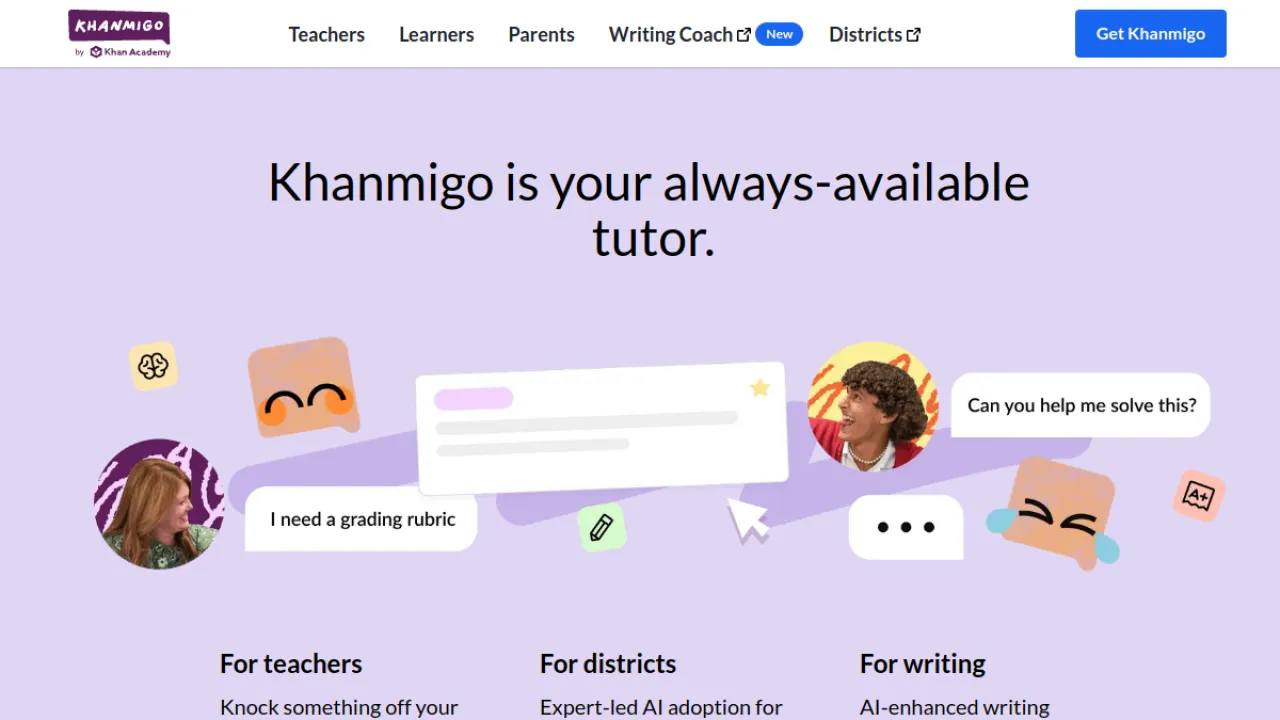
Khanmigo is Khan Academy's AI tutor, and its defining design decision is Socratic: ask it for an answer and it asks you a question back.
For actually learning a concept, that is the correct behaviour, and it is rare enough that it is the single reason to choose this over a general chatbot.
It covers all subjects, includes SAT prep and a writing coach, and is priced far below what tutoring normally costs.
The trade-offs are real: you need a Khan Academy account, it is deliberately less capable than raw ChatGPT, and it stays within educational content.
Those are constraints in service of the product working as a tutor rather than an answer machine.
Key Features
Socratic tutoring
All subjects
SAT prep
Writing coach
Pros and Cons
Pros: Designed for education · Very affordable · Safe for students
Cons: Requires Khan Academy account · Less capable than raw ChatGPT · Limited to educational content
Pricing
Paid, low cost.
Best for: genuinely learning the material · Watch out: deliberately limited vs general AI
Full Khanmigo review · khanacademy.org
2. Quizlet — The Incumbent, Now AI-assisted
Quizlet's advantage was never the algorithm — it is the library.
Millions of study sets already exist for the exact chapter you are on, which means you often skip creation entirely.
The AI layer adds flashcard generation from your notes, auto-generated practice tests, an adaptive Learn mode with spaced repetition, and image recognition for diagrams and formulas.
The apps are polished across devices and the AI does noticeably cut prep time.
But the best AI features need a subscription, and auto-generated cards still need an accuracy pass before you trust them for an exam.
Key Features
AI flashcard generation from notes or prompts
Auto-generated practice tests and quizzes
Adaptive Learn mode with spaced repetition
Image recognition for diagrams and formulas
Pros and Cons
Pros: Massive existing library of ready-made study sets · AI tools noticeably reduce study prep time · Polished, well-known apps across devices
Cons: Best AI features require a paid subscription · Auto-generated cards still need accuracy checks
Pricing
Freemium.
Best for: finding sets that already exist · Watch out: AI features are paid
Full Quizlet review · quizlet.com
3. Flexi — Free, and Actually Free
Flexi comes from CK-12, a nonprofit, and it is completely free with no ads and no in-app purchases — a claim almost nothing else on this list can make honestly.
It tutors maths and science step by step, solves problems from a photo, and gives personalised hints and practice grounded in standards-aligned curriculum.
The limits are scope, not quality: maths and science only, aimed at K-12 rather than university level.
If you are a school student who needs a maths tutor and has no budget, start here before you evaluate anything paid.
Key Features
Photo-based math problem solving
Step-by-step math and science tutoring
Personalized hints and content recommendations
Skill-level practice questions
Pros and Cons
Pros: Completely free with no ads or in-app purchases · Backed by trusted nonprofit CK-12 · Grounded in standards-aligned curriculum
Cons: Limited to math and science subjects · Focused on K-12 rather than advanced levels
Pricing
Free.
Best for: free K-12 maths and science tutoring · Watch out: narrow subject and level range
Full Flexi review · ck12.org/flexi
4. Symbolab — The Maths Workhorse
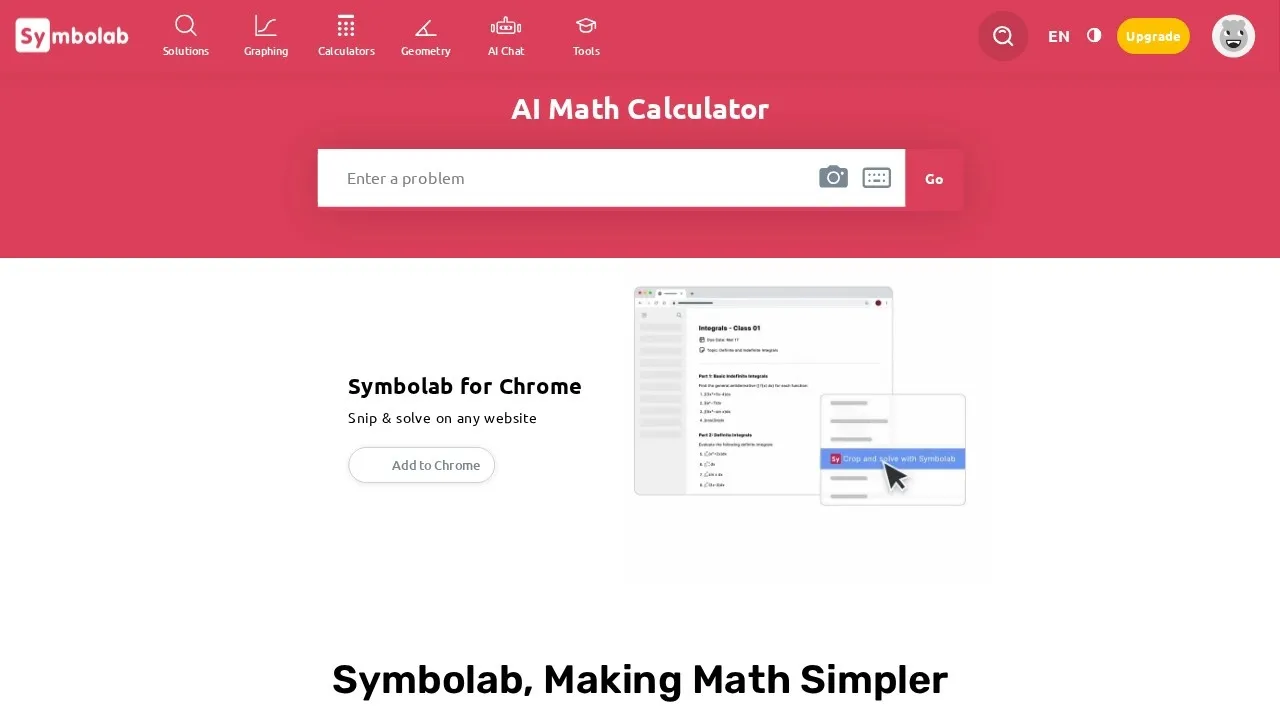
Symbolab has been the reference maths solver for years, and the AI layer sharpened rather than replaced it.
You get step-by-step solutions, 500+ specialised calculators, a graphing calculator, and coverage that runs from algebra through calculus and trigonometry.
The steps are the point — they are explanatory rather than just a derivation dump, which is what makes it a study tool rather than a cheat sheet.
Full step-by-step access requires Pro, and, as with every solver here, it can be used to skip the learning entirely. That is a choice you make, not a flaw in the tool.
Key Features
AI step-by-step math solutions
500+ specialized calculators
Graphing calculator for plotting functions
Coverage of algebra, calculus, and trigonometry
Pros and Cons
Pros: Detailed, educational step-by-step explanations · Huge library of calculators across math topics · Practice and quiz features reinforce learning
Cons: Full step-by-step explanations require Pro · Advanced features are behind a paywall · Can be misused to skip actual learning
Pricing
Freemium.
Best for: maths from algebra to calculus · Watch out: full steps need Pro
Full Symbolab review · symbolab.com
5. Brainly — AI Plus a Very Large Community
Brainly's differentiator is the hybrid: an AI tutor giving step-by-step explanations, sitting on top of a huge community knowledge base, with an option to escalate to human experts.
When the AI is uncertain, there is often already a human answer to the same question.
That community is also the caveat — answer accuracy varies, because the people writing them vary.
Subject and grade coverage is wide and the mobile experience is strong. Best features need a subscription.
Key Features
AI Tutor with step-by-step explanations
Large community knowledge base
Expert human help option
Homework help and test prep
Pros and Cons
Pros: Combines AI with a huge community answer base · Wide subject and grade coverage · Strong mobile accessibility
Cons: Community answers can vary in accuracy · Best features require a subscription
Pricing
Freemium.
Best for: homework questions with a human fallback · Watch out: community answers vary in quality
Full Brainly review · brainly.com
6. MathGPT — Worked Solutions as Video
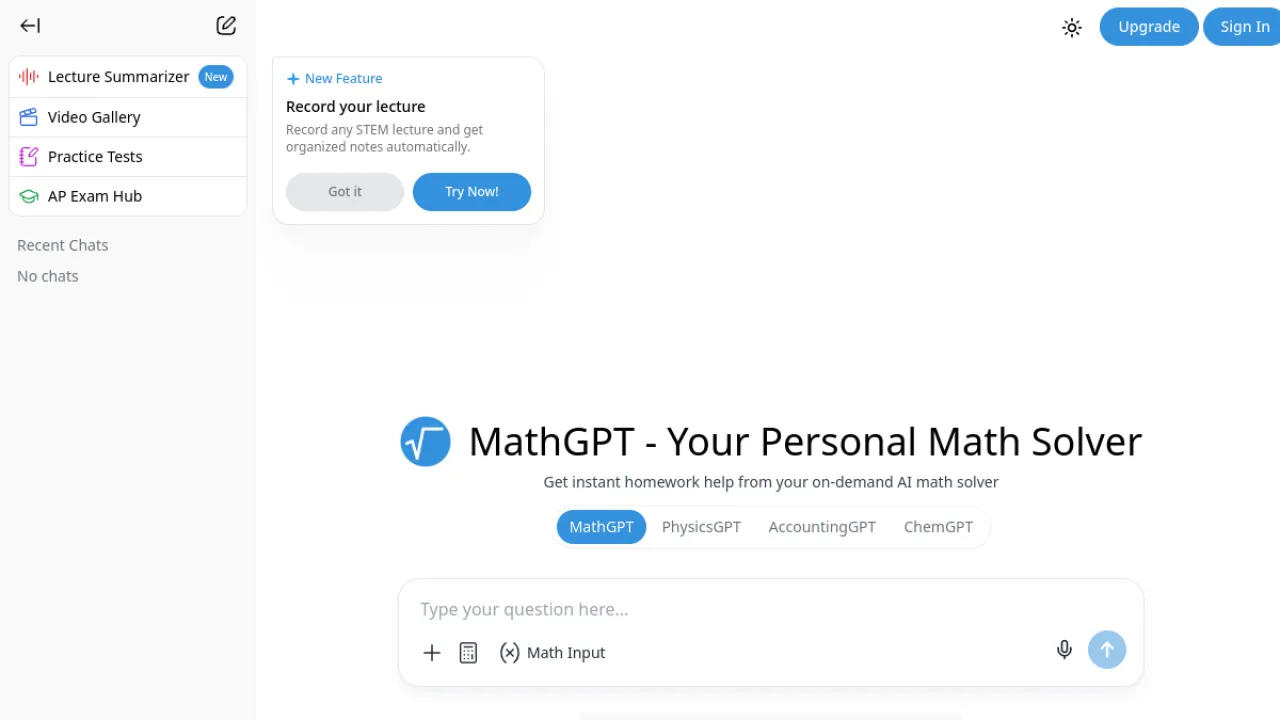
MathGPT's distinguishing feature is animated video explanations generated for your specific problem.
For visual learners and for geometry in particular, watching a solution build is meaningfully different from reading it.
It accepts photo, text and PDF input and reads messy handwritten problems well.
It can err on genuinely tricky problems, and getting a full answer this easily does encourage over-reliance — use the video, then redo the problem yourself.
Key Features
Photo, text and PDF problem input
Step-by-step worked solutions
AI-generated animated video explanations
Interactive practice quizzes
Pros and Cons
Pros: Animated video explanations aid understanding · Reads photographed and messy problems · Covers math and adjacent STEM topics
Cons: Can occasionally err on tricky problems · Easy full answers may encourage over-reliance
Pricing
Freemium.
Best for: visual learners, geometry · Watch out: occasional errors on hard problems
Full MathGPT review · math-gpt.org
7. Gizmo — Spaced Repetition That You Will Actually Keep Doing
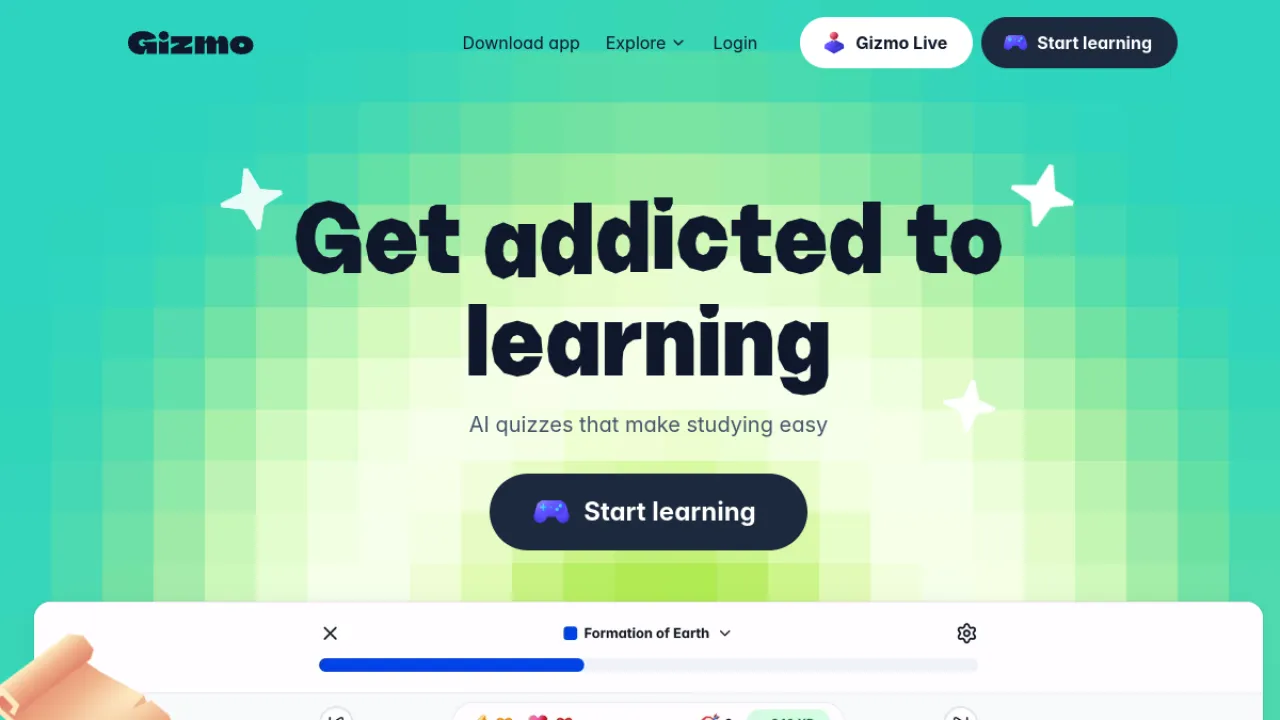
Gizmo pairs the strongest import support on this list — PDFs, slides, notes, YouTube, lectures, Quizlet and Anki decks — with a genuinely well-built spaced repetition system, wrapped in gamification with lives and streaks.
The gamification is the real feature.
Spaced repetition works if you keep doing it daily, and that is a consistency problem more than a software problem.
The free plan caps daily quizzes and AI generations, and generated cards sometimes need manual correction.
Key Features
Magic Import converts PDFs, slides, and notes into flashcards
Imports from YouTube, lectures, Quizlet, and Anki
Spaced repetition and active recall review system
Gamified quizzes with lives and streaks
Pros and Cons
Pros: Wide range of supported import sources · Science-backed spaced repetition keeps material in memory · Engaging gamified design boosts study consistency
Cons: Free plan limits daily quizzes and AI generations · AI-generated cards sometimes need manual correction
Pricing
Freemium.
Best for: building a daily revision habit · Watch out: daily caps on free plan
8. Mimo — Learn to Code by Building
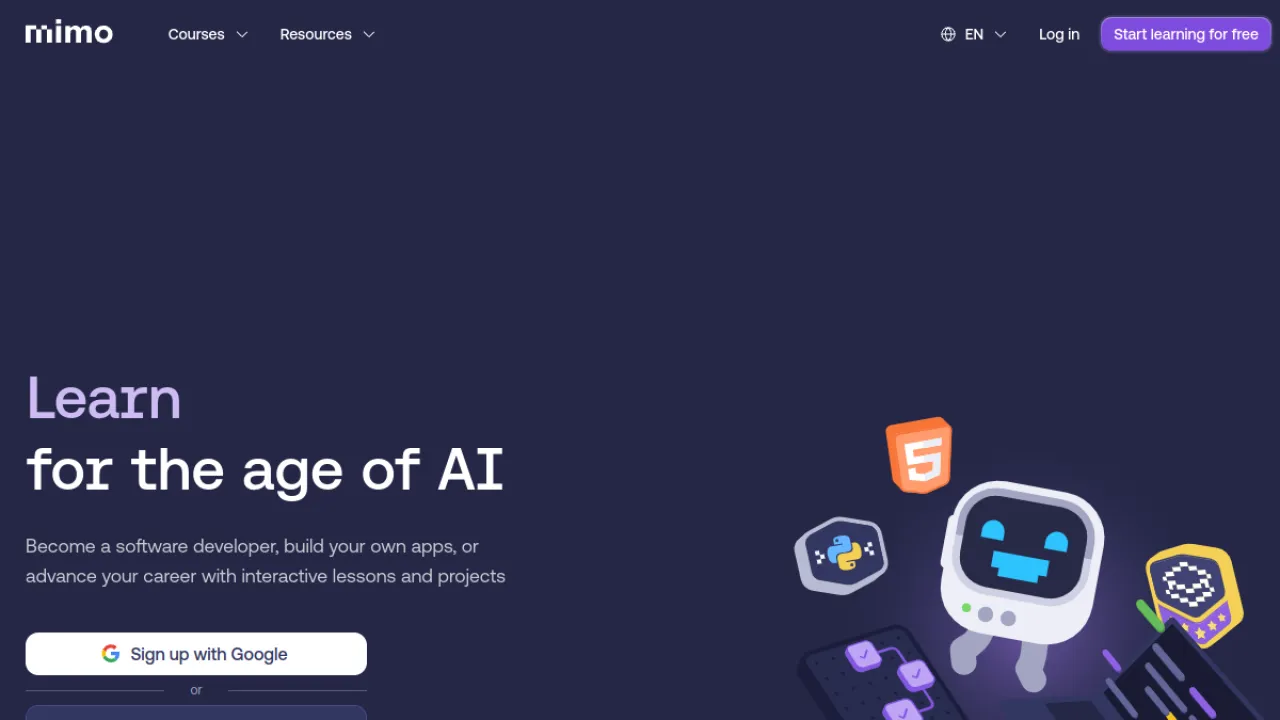
Mimo teaches programming through interactive step-by-step lessons, hands-on challenges and real project work, with adaptive AI hints when you stall.
Finishing a course leaves you with projects rather than only certificates, which matters if you are learning to code for employment.
It is stronger on fundamentals than advanced topics, most content sits behind Pro, and the mobile experience trails the desktop workflow.
As a first structured path into programming, it is one of the more motivating options.
Key Features
Interactive step-by-step coding lessons
Hands-on exercises and coding challenges
Real-world project building
Adaptive AI hints and feedback
Pros and Cons
Pros: Beginner-friendly and motivating format · AI guidance adapts to the learner · Project work builds a real portfolio
Cons: Better for fundamentals than advanced topics · Full content gated behind Pro subscription
Pricing
Freemium.
Best for: complete beginners in programming · Watch out: thin on advanced material
9. Knowt — The Best Free Flashcard Tier
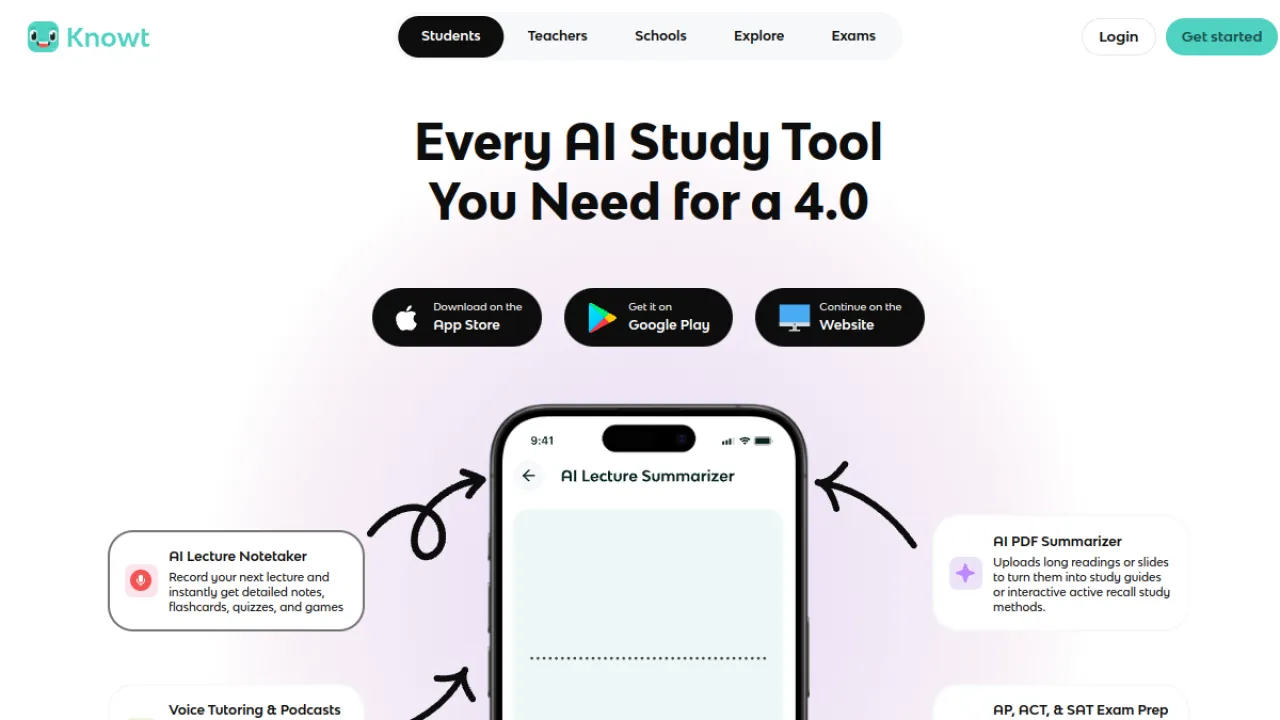
Knowt generates flashcards from notes, PDFs and videos, summarises uploaded material, builds practice quizzes, and includes the Kai AI assistant for questions — and it does an unusual amount of that on a free tier with no credit card.
It also imports cleanly from other flashcard apps, which lowers the switching cost.
Unlimited AI chat and summaries need paid tiers, and generated content needs verifying.
For a student comparing free options against Quizlet's paywall, this is the one to try first.
Key Features
AI flashcard generation from notes, PDFs and videos
AI summaries of uploaded material
Practice quizzes and study modes
Kai AI study assistant for Q&A
Pros and Cons
Pros: Very capable free tier with no credit card required · Easy import from other flashcard apps · Clean, modern study interface
Cons: Unlimited AI chat and summaries need paid tiers · Generated content should be verified for accuracy
Pricing
Freemium, strong free tier.
Best for: free AI flashcards · Watch out: unlimited AI is paid
10. StudyFetch — A Tutor That Only Knows Your Syllabus
StudyFetch's Spark.E tutor is grounded in the materials you upload, which is the important distinction: it answers from your lecture slides and set readings rather than from the open internet.
For a course with an idiosyncratic syllabus, that is the difference between relevant help and generic help.
One upload produces flashcards, quizzes and summaries in several formats, and it can generate notes from a lecture in real time.
The free plan is limited on chats and uploads, and output quality tracks how clean your source files are — a blurry lecture photo produces blurry study material.
Key Features
Spark.E AI tutor grounded in your materials
AI flashcards in multiple formats
Auto-generated quizzes with instant feedback
Note summaries from uploaded content
Pros and Cons
Pros: Tutoring grounded in your own course material · Many study formats from a single upload · Real-time lecture note generation
Cons: Free plan is limited on chats and uploads · Output quality depends on source file clarity
Pricing
Freemium.
Best for: studying from your own course material · Watch out: quality depends on source files
Full StudyFetch review · studyfetch.com
11. Thetawise — Socratic Mode for Maths
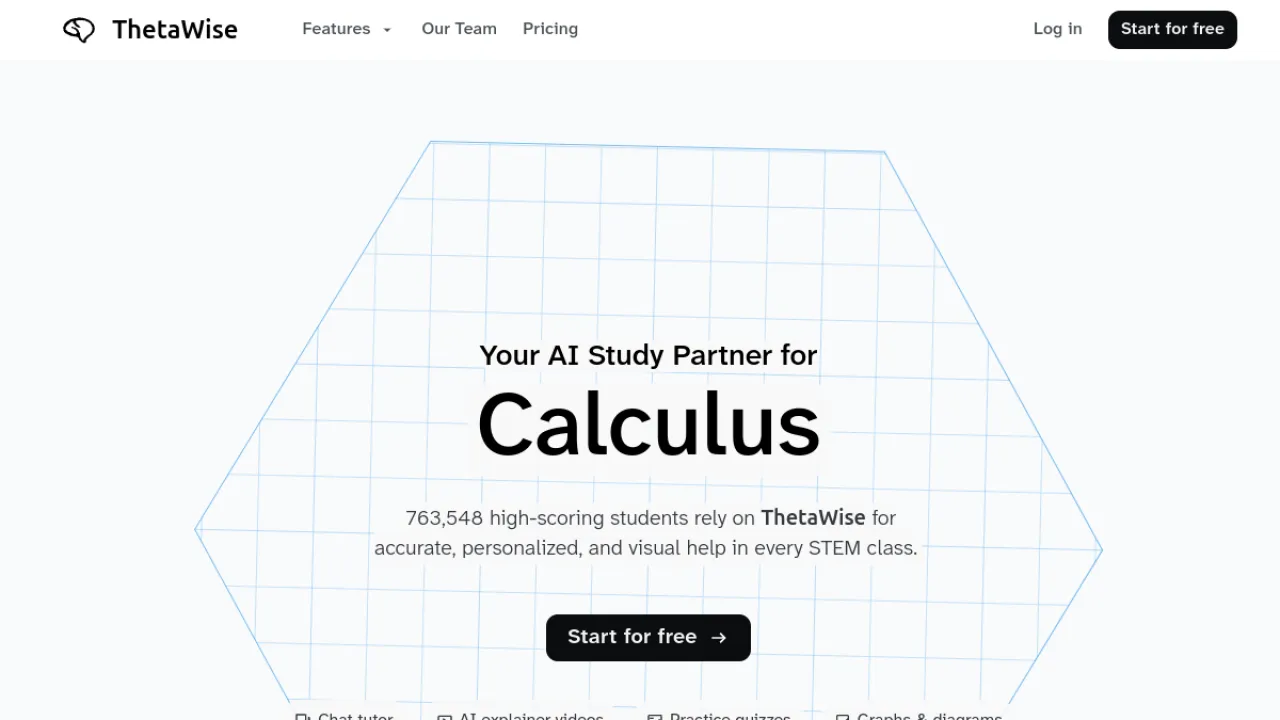
Thetawise is maths-specific, which shows in its reliability compared with general chatbots doing maths.
It handles photo and text input, produces step-by-step solutions, generates narrated video lessons, and — the reason it is here — has a Socratic tutor mode that gives hints instead of answers.
If you want the discipline of Khanmigo but specifically for maths at a higher level, this is the closer fit.
Unlimited access requires Pro, and it can still produce an incorrect step, so check the working.
Key Features
Photo and text problem solving
Step-by-step worked solutions
Socratic tutor mode with hints
AI-generated narrated video lessons
Pros and Cons
Pros: Tutor mode promotes understanding over copying · Math-specific tuning for reliability · Helpful video lessons and graphing tools
Cons: Full unlimited access requires paid Pro · AI may occasionally produce an incorrect step
Pricing
Freemium.
Best for: maths tutoring that makes you think · Watch out: occasional wrong steps
Full Thetawise review · thetawise.ai
12. Tutor AI — A Course on Any Topic, Instantly
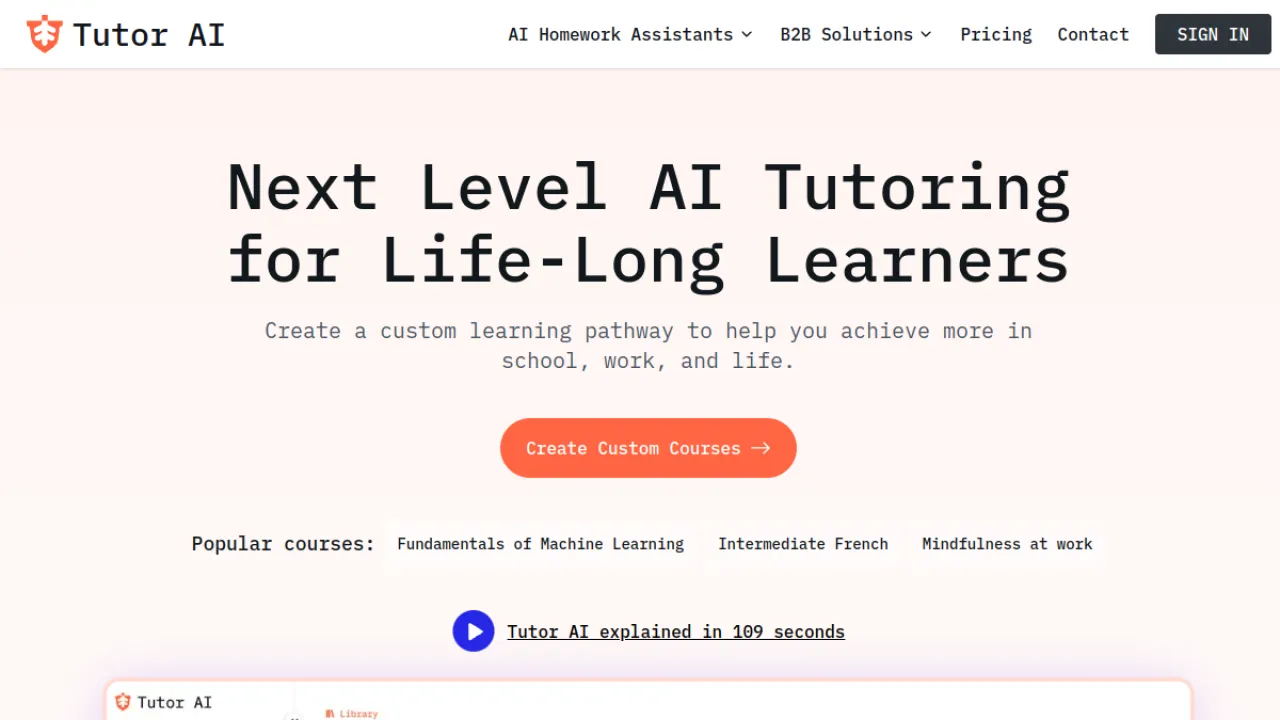
Tutor AI generates a structured course — lessons, quizzes and flashcards — on essentially any topic you name, personalised by your goals, learning style and current level.
For self-directed learning outside a formal curriculum, that removes the hardest part: knowing what order to learn things in.
Auto-generated curricula vary in depth and accuracy, which matters more here than elsewhere because you may not know enough about the topic to spot the gaps.
Best used for orientation on a new subject, then verified against a real source.
Key Features
Instant personalized course generation on any topic
Structured lessons, quizzes and flashcards
AI homework helper with step-by-step solutions
Personalization by goals, style and knowledge level
Pros and Cons
Pros: Generates a full custom course in seconds · Covers an unlimited range of topics · Includes an integrated homework helper
Cons: Auto-generated content varies in depth and accuracy · Advanced features require a paid plan
Pricing
Freemium.
Best for: self-directed learning on new topics · Watch out: depth varies by topic
Full Tutor AI review · tutorai.me
13. Astra AI — Oral Exam Practice
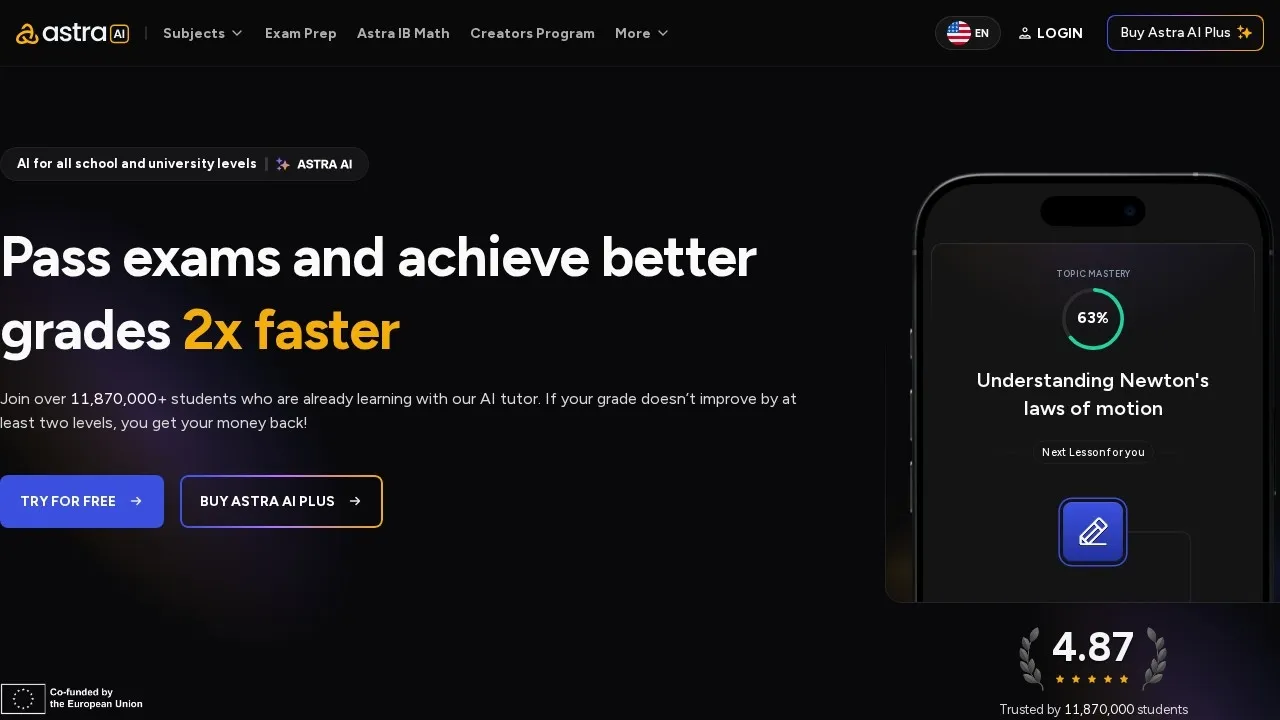
Astra AI includes something almost nothing else here does: voice-based oral exam practice.
If you have a viva, a language oral or a presentation-based assessment, rehearsing out loud against something that responds is a genuinely different exercise from re-reading notes.
It also runs timed mock exams with auto-grading and a photo problem solver, across a broad subject range.
It advertises a grade-improvement money-back guarantee — read the conditions carefully, as these are usually harder to satisfy than they appear.
Breadth also means less depth in any single subject.
Key Features
Personalized AI tutor
Voice-based oral exam practice
Timed mock exams with auto-grading
Photo problem solver with steps
Pros and Cons
Pros: Unusual oral exam practice mode · Broad multi-subject coverage · Grade-improvement money-back guarantee
Cons: Guarantee conditions may be hard to meet · Breadth can mean less depth per subject
Pricing
Freemium.
Best for: oral exams and timed mocks · Watch out: check the guarantee's conditions
Full Astra AI review · astra-ai.co
14. Sololearn — Bite-Sized Coding With an AI Mentor
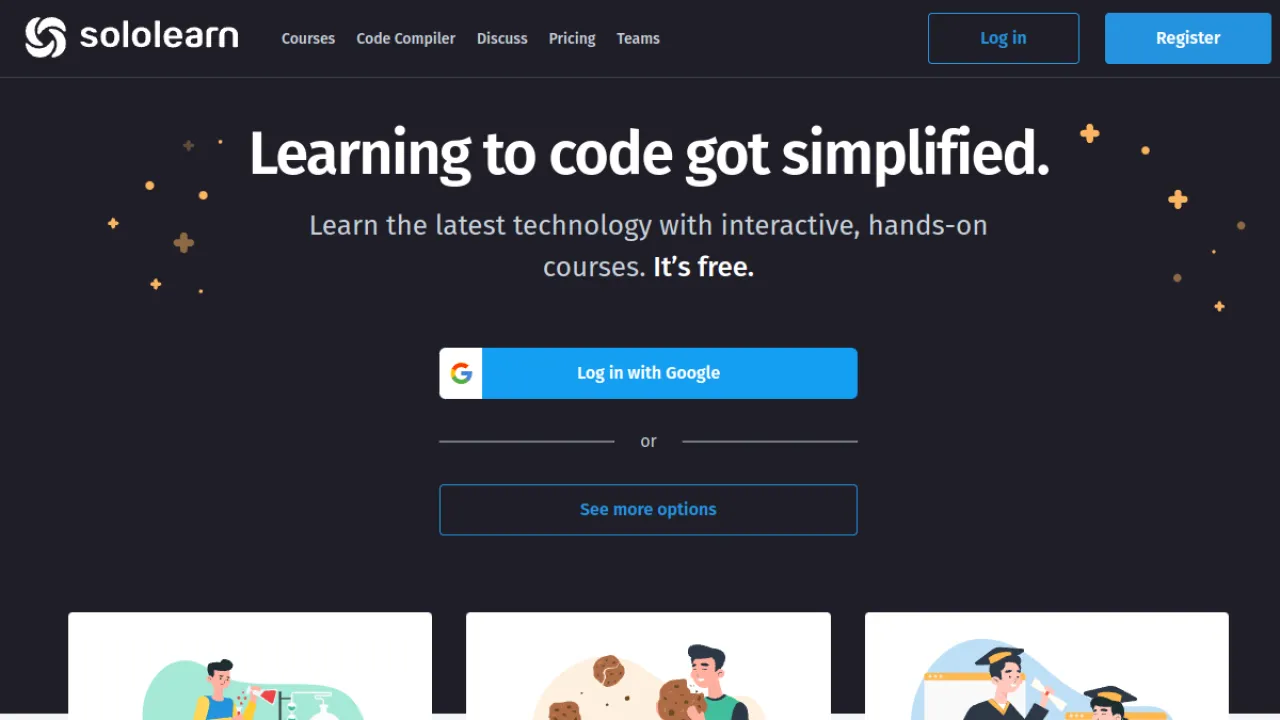
Sololearn breaks programming into short interactive lessons across many languages and career tracks, with Kodie, an AI mentor, available whenever you get stuck.
There is also an active community for code sharing and feedback.
The format is exceptionally approachable, which is why it works for people who have bounced off programming before.
It emphasises breadth over deep project mastery, and full features push toward Pro and Max plans. Pair it with Mimo if you want projects as well as coverage.
Key Features
Bite-sized interactive coding courses
Kodie AI mentor for 24/7 guidance
Multiple languages and career tracks
Coding community and code sharing
Pros and Cons
Pros: Very approachable, beginner-friendly format · AI mentor personalizes help and practice · Broad catalog across many languages
Cons: Full features pushed toward Pro and Max plans · Emphasizes breadth over deep project mastery
Pricing
Freemium.
Best for: learning coding in short daily sessions · Watch out: breadth over depth
Full Sololearn review · sololearn.com
15. Brainscape — The Algorithm-First Flashcard App
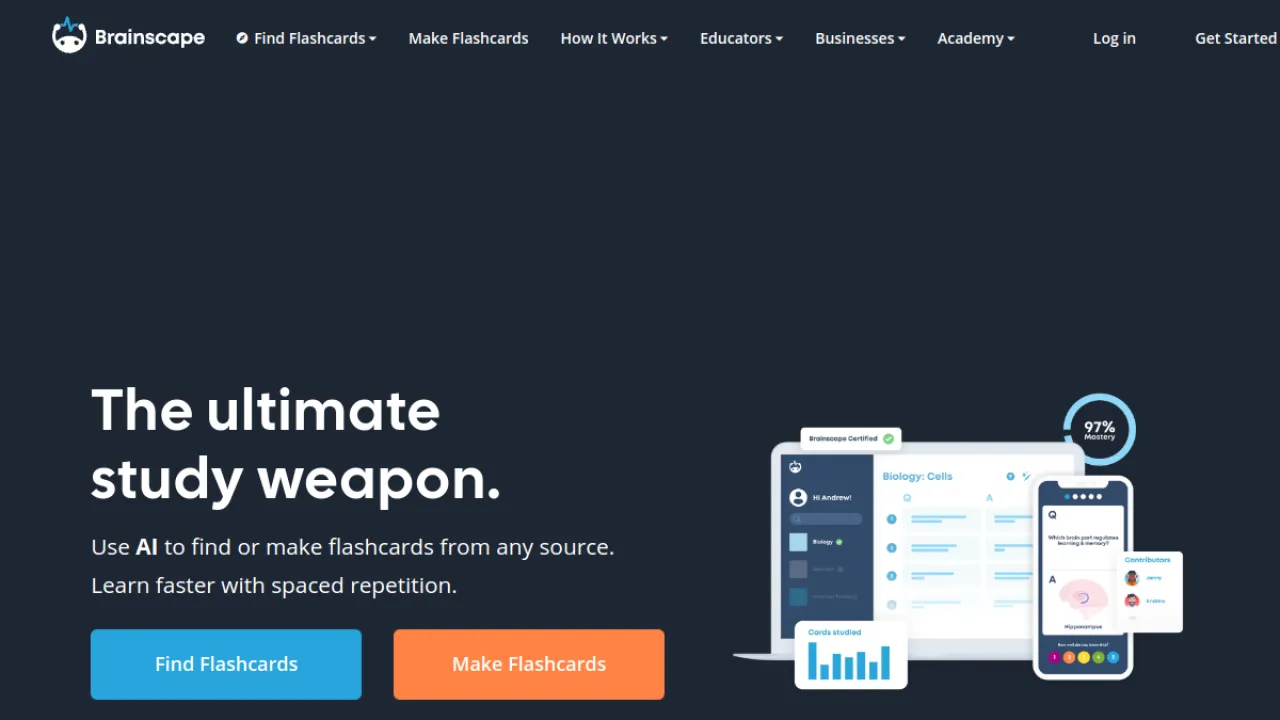
Brainscape's confidence-based repetition asks you to rate how well you knew each card, and schedules accordingly.
It is the most research-grounded scheduling model on this list, and for high-volume memorisation — medicine, law, languages — that difference compounds over months.
AI generation from notes or topics speeds up deck building considerably, card creation and import are unlimited, and there is a free forever basic plan.
Unlimited AI and premium content need Pro, and monthly Pro pricing is steep unless you commit annually.
Key Features
Confidence-based spaced repetition algorithm
AI generation of flashcards from notes or topics
Unlimited card creation and import
Deck sharing with editing permissions
Pros and Cons
Pros: Proven, research-backed spaced repetition system · Free forever basic plan available · AI speeds up deck creation significantly
Cons: Unlimited AI and premium content need Pro · Monthly Pro pricing is high without annual billing
Pricing
Freemium.
Best for: high-volume memorisation over months · Watch out: costly on monthly billing
Full Brainscape review · brainscape.com
16. Coddy — Code in the Browser With a Tutor Beside You
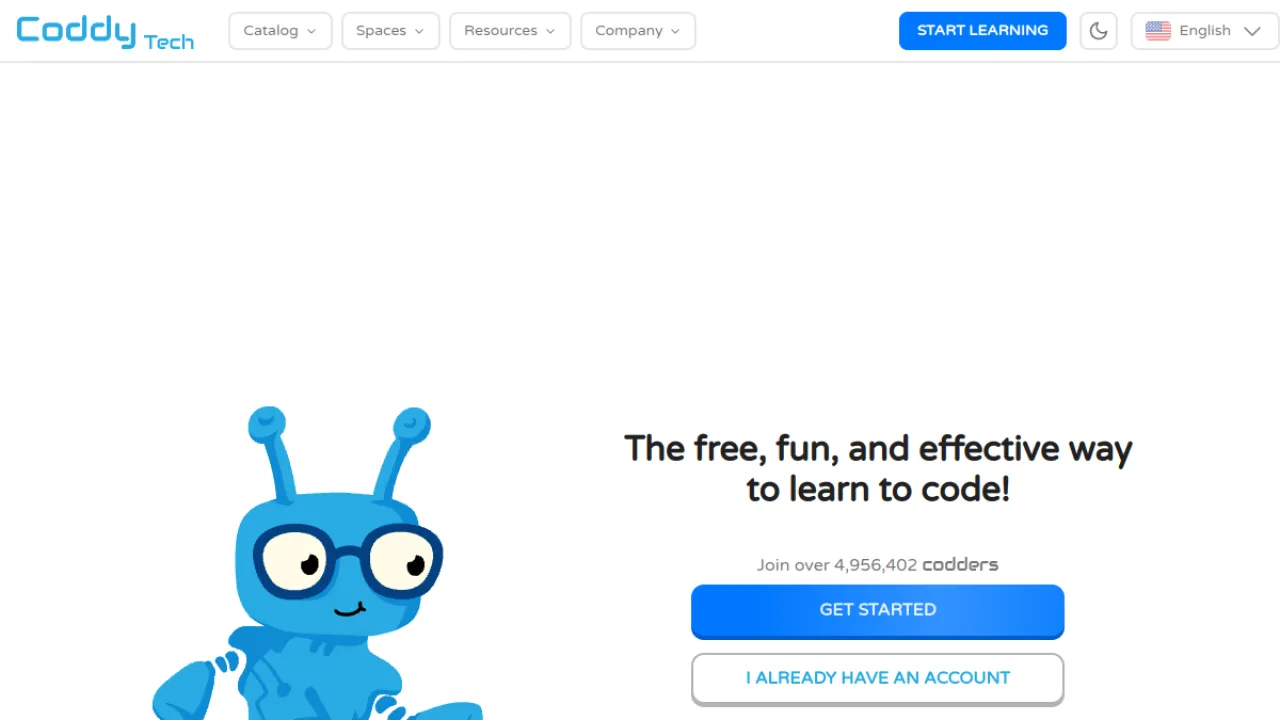
Coddy removes the setup barrier entirely: an interactive code editor in the browser, 20+ languages and technologies, and an AI assistant that explains code and debugs your errors as you write them.
Streaks, XP and leaderboards keep you returning.
Like Sololearn it focuses on foundations rather than advanced topics, and some features sit behind an optional premium plan.
The instant-start aspect makes it a good pick when installing a toolchain is the thing stopping you.
Key Features
In-browser interactive code editor with no setup
20+ programming languages and technologies
AI assistant that explains code and debugs errors
Gamified streaks, XP and leaderboards
Pros and Cons
Pros: Wide selection of languages to learn · Integrated AI tutor for instant help · Strong gamification supports consistency
Cons: Focuses on foundational rather than advanced topics · Some features require the optional premium plan
Pricing
Freemium.
Best for: starting to code with zero setup · Watch out: foundational content only
Full Coddy review · coddy.tech
17. RemNote — Notes and Revision in One System
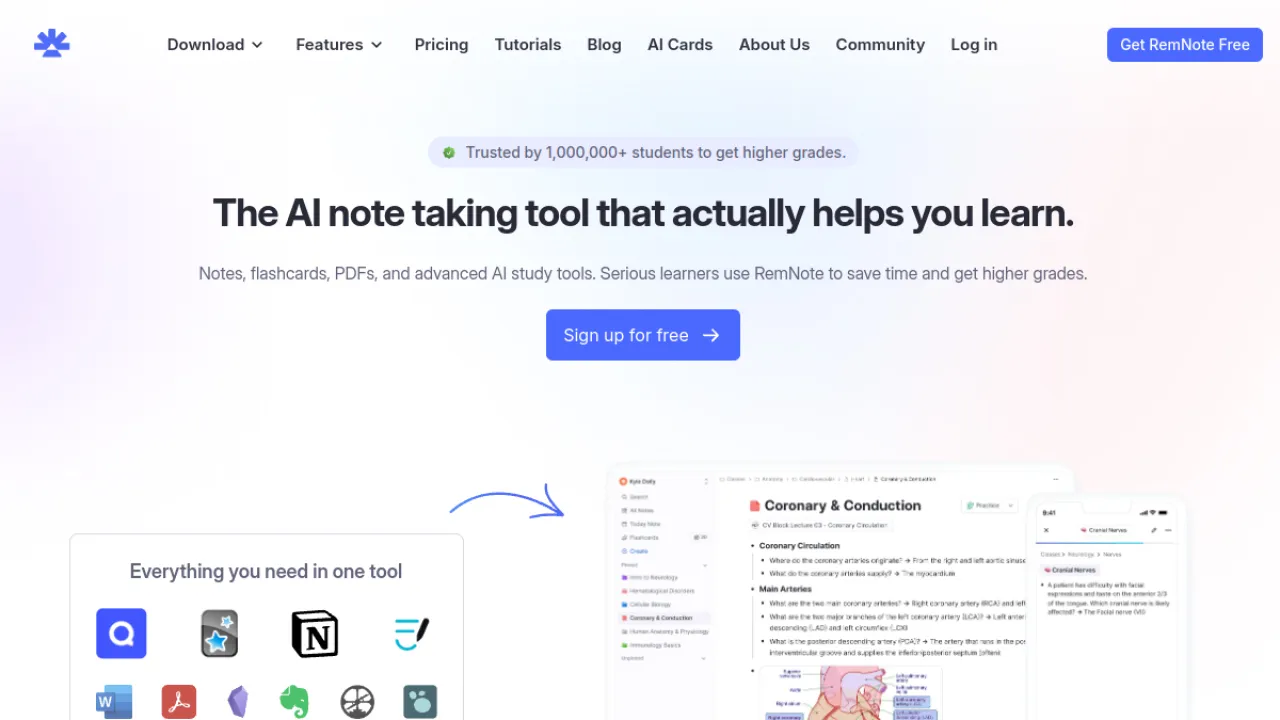
RemNote's premise is that your notes and your flashcards should be the same document.
Write a note, mark part of it as a question, and it enters the spaced repetition queue automatically — no separate deck to maintain.
AI generates flashcards from notes, PDFs and transcripts, plus quizzes and tutor chat, and it annotates PDFs, slides and handwriting.
The outliner and linking model has a genuine learning curve — expect a week before it feels natural.
The free plan covers the core study loop, and the team's academic origins show in how seriously the spaced repetition is implemented.
Key Features
AI flashcard generation from notes, PDFs and transcripts
Built-in spaced repetition review algorithm
AI quiz generator and AI tutor chat
PDF, slide and handwriting annotation
Pros and Cons
Pros: Generous free plan covering core study features · Tight integration between notes and flashcards · Backed by credible team founded at MIT
Cons: Outliner and linking model has a learning curve · Best AI features locked behind paid tiers
Pricing
Freemium.
Best for: integrating note-taking with revision · Watch out: real learning curve
Full RemNote review · remnote.com
18. Question AI — Broad-Subject Homework Help
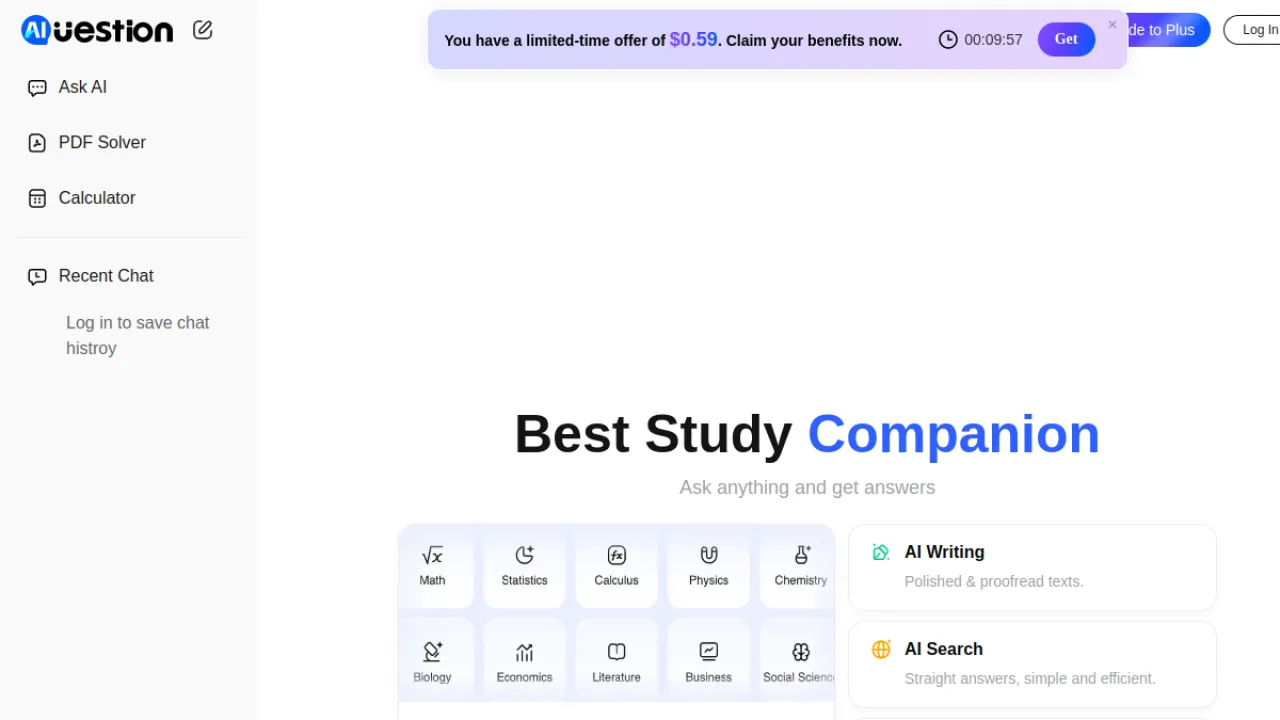
Question AI answers across maths, science, English and history, accepting typed, photographed or uploaded input including PDFs, with summarisation for longer documents.
It runs on desktop, mobile and browser.
This one sits firmly in the answer-machine category.
Answers can be wrong and need verifying, the free tier is ad-supported with usage caps, and misuse is an obvious academic-integrity risk.
Useful for checking your own work; risky as a substitute for it.
Key Features
Step-by-step answers across many subjects
Type, photo, or image-based question input
PDF and document upload with summarization
Math, science, English, and history coverage
Pros and Cons
Pros: Covers a broad range of academic subjects · Accepts image and PDF input for convenience · Available across desktop, mobile, and browser
Cons: AI answers can be wrong and need verification · Free tier is ad-supported with usage caps · Raises academic-integrity concerns if misused
Pricing
Freemium, ad-supported.
Best for: quick cross-subject checks · Watch out: verify every answer
Full Question AI review · questionai.com
19. Revisely — One Upload, Several Study Formats
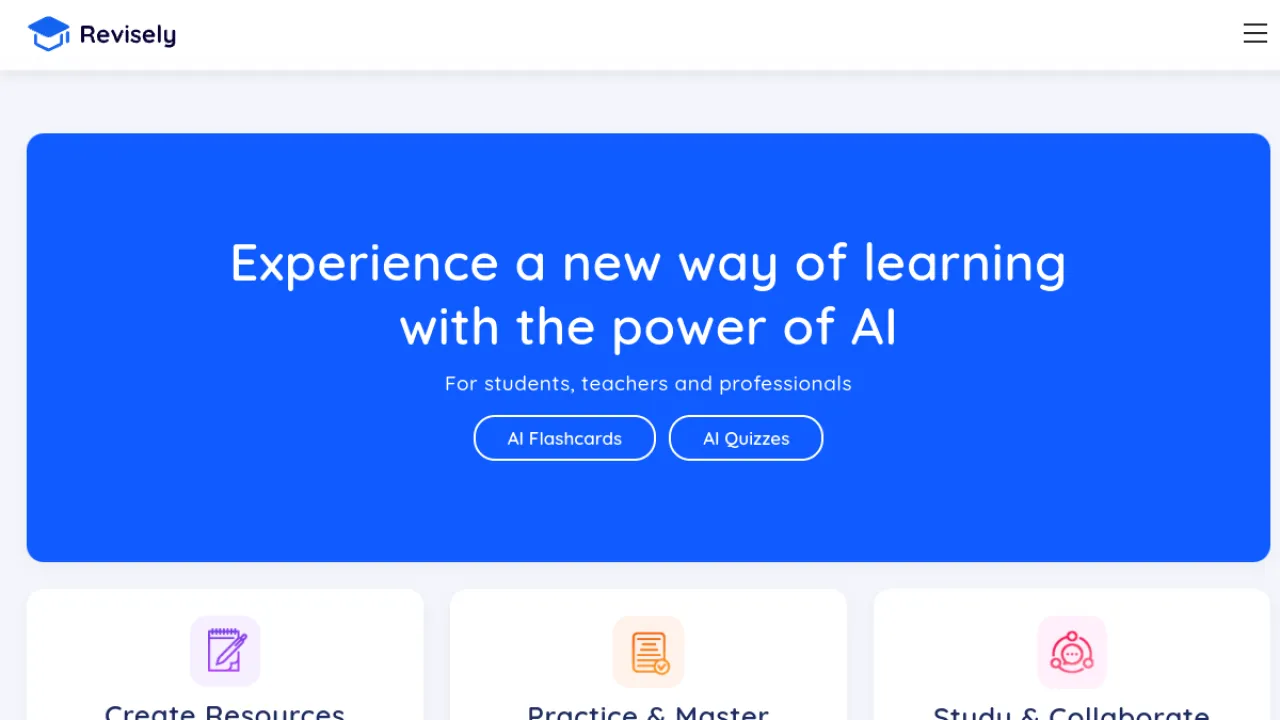
Revisely turns notes, PDFs, slides and photographs of handwritten pages into flashcards, quizzes in multiple formats, and summaries.
The handwriting upload is the useful detail — most tools want typed input, and most students' notes are not typed.
The interface is simple and revision-focused rather than trying to be a full study suite.
Generated content needs accuracy checks, and free usage gets limited if you lean on it heavily.
Key Features
AI flashcards from notes, PDFs and slides
Quiz generation in multiple formats
AI note summarization
Image upload of handwritten notes
Pros and Cons
Pros: Accepts image and document uploads · Multiple study assets from one source · Simple, revision-focused interface
Cons: Generated content needs accuracy checks · Free usage may be limited for heavy users
Pricing
Freemium.
Best for: converting handwritten notes to revision material · Watch out: free tier limits
Full Revisely review · revisely.com
20. SchoolAI — AI With a Teacher Watching
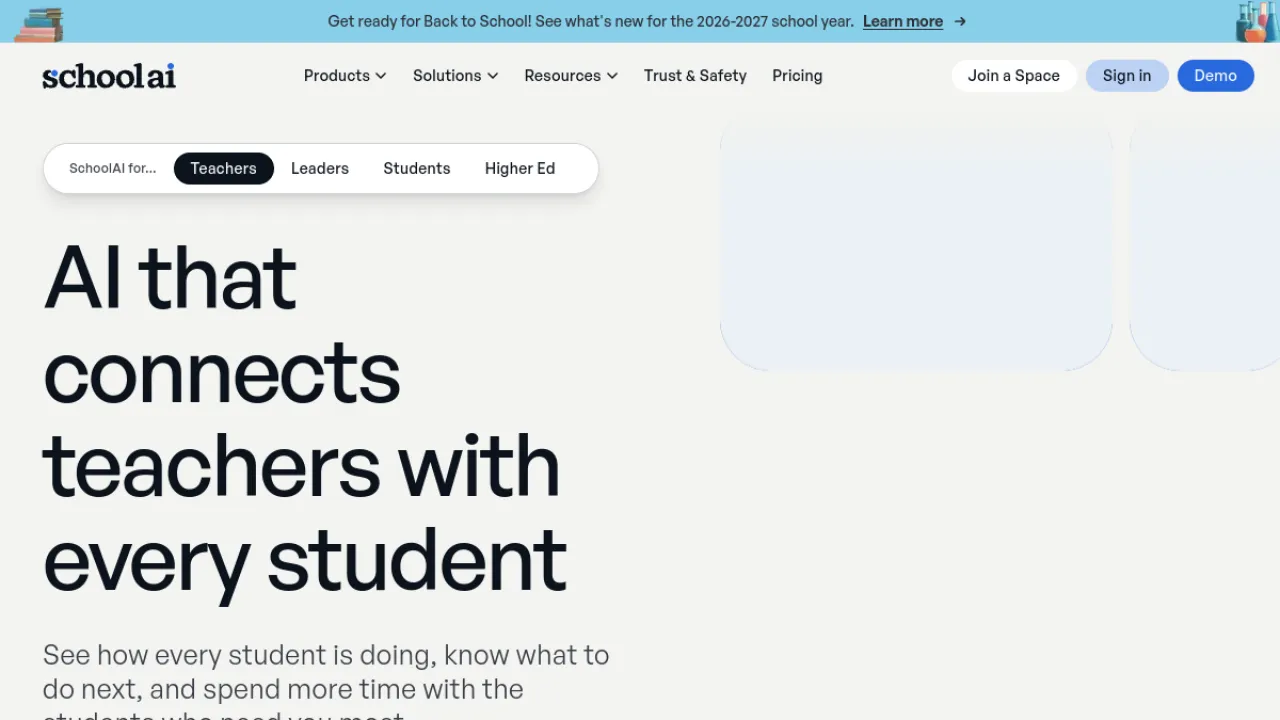
SchoolAI is built for institutions rather than individual students, and its architecture reflects that: Spaces as controlled learning environments, Sidekick as the student tutor, Mission Control giving teachers real-time visibility into what students are asking, and PowerUps as focused practice apps.
Mission Control is the reason schools adopt it — teacher oversight and safeguarding are the blockers to classroom AI, and this addresses them directly.
The flip side is that it is designed around district rollout, so the most powerful features need full deployment rather than a single teacher signing up.
Key Features
Spaces interactive learning environments
Sidekick AI student tutor
Mission Control real-time monitoring dashboard
PowerUps focused AI practice apps
Pros and Cons
Pros: Strong student safety and privacy controls · Keeps teachers in oversight of AI use · Widely adopted across school districts
Cons: Designed around institutional rollout more than individual learners · Most powerful features need full school deployment
Pricing
Freemium, institution-oriented.
Best for: classroom and district deployment · Watch out: needs school-level rollout
Full SchoolAI review · schoolai.com
21. Answer AI — Scan, Solve, Explain
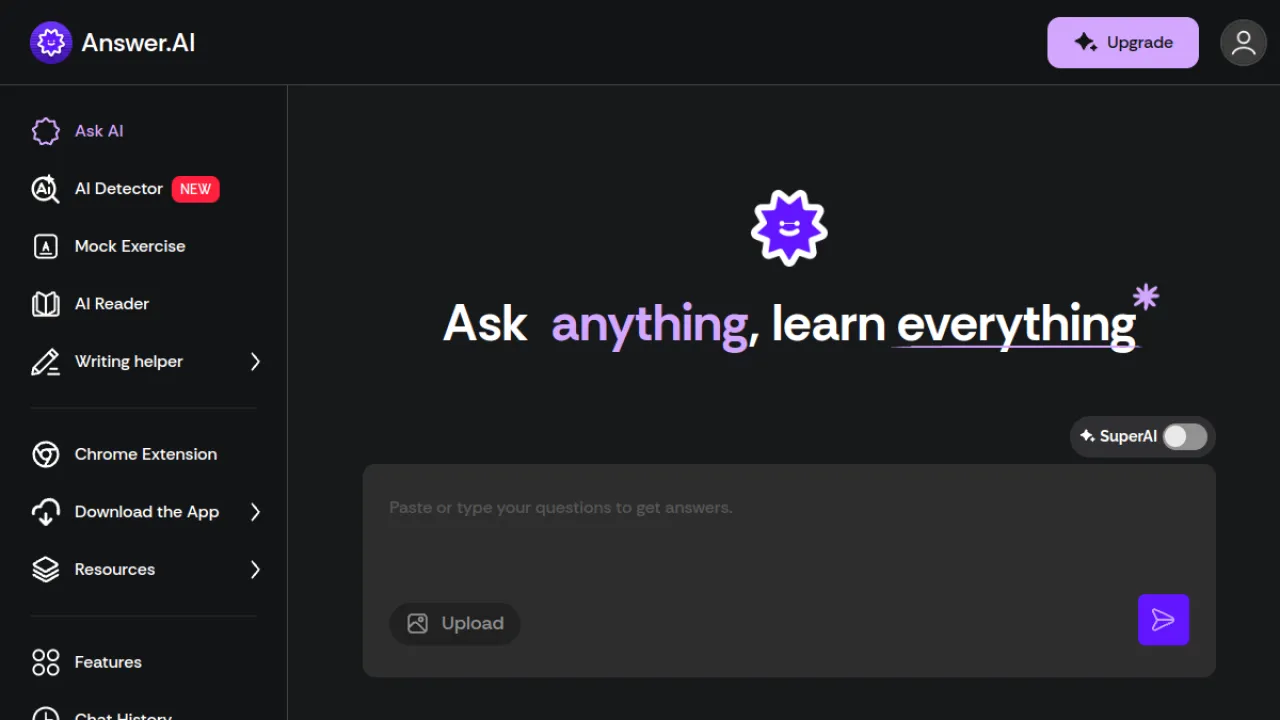
Answer AI is built around speed of capture: photograph or screenshot a problem and get step-by-step help, with a tutor chat for the underlying concept and a dedicated geometry mode for visual problems.
It covers maths, science and humanities across mobile, web and browser.
The geometry mode is the standout — diagram-based problems are where generic solvers most often fail.
Answers still need checking, best features need a subscription, and the over-reliance risk applies as it does to every scanner here.
Key Features
Photo and screenshot problem scanner
Step-by-step explanations
AI tutor and concept chat
Geometry mode for visual problems
Pros and Cons
Pros: Fast scan-to-solution with step-by-step help · Covers math, science, and humanities · Works across mobile, web, and browser
Cons: Answers can be inaccurate and need checking · Risk of over-reliance and academic-integrity misuse · Best features require a paid subscription
Pricing
Freemium.
Best for: fast capture, geometry problems · Watch out: accuracy needs checking
Full Answer AI review · answerai.pro
22. Amira Learning — An AI That Listens to Children Read
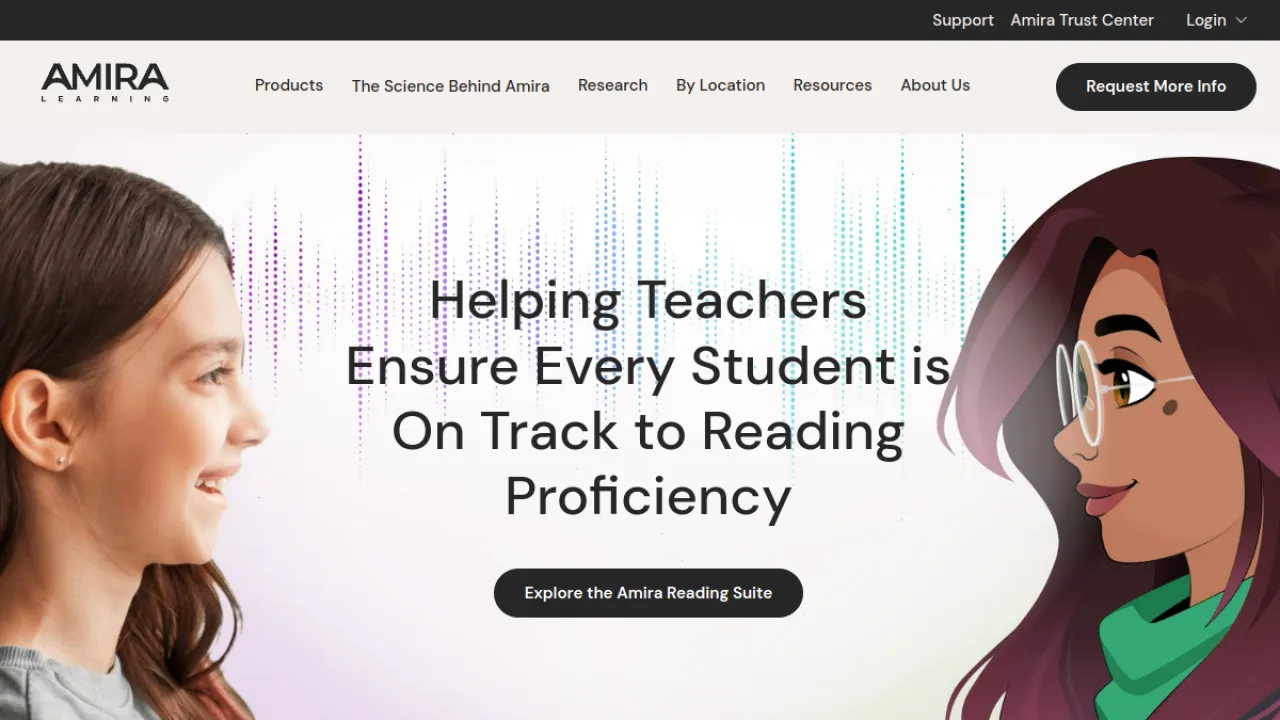
Amira does something structurally different from everything else here: it listens to K-5 students read aloud, assesses their reading skill in real time, and tutors accordingly.
Assessment, instruction and tutoring are a single loop rather than three products, and the bilingual English–Spanish support is unusually strong.
It is sold to schools and districts, not to families, and pricing is quote-based with no public tiers.
If you are a parent, this is not currently buyable; if you are an administrator evaluating early-literacy tools, it is research-backed and widely adopted.
Key Features
Listens to students read aloud to assess skills
Real-time one-to-one AI tutoring (Amira Tutor)
Dynamic oral-reading assessment (ISIP Assess)
AI-assisted differentiated lesson planning (Amira Instruct)
Pros and Cons
Pros: Integrates assessment, instruction and tutoring · Strong bilingual English-Spanish capabilities · Research-backed with broad district adoption
Cons: Sold to schools and districts, not directly to families · Pricing is quote-based with no public tiers
Pricing
Paid, quote-based.
Best for: K-5 reading assessment in schools · Watch out: not sold to individuals
Full Amira Learning review · amiralearning.com
23. StudyX — The Everything App
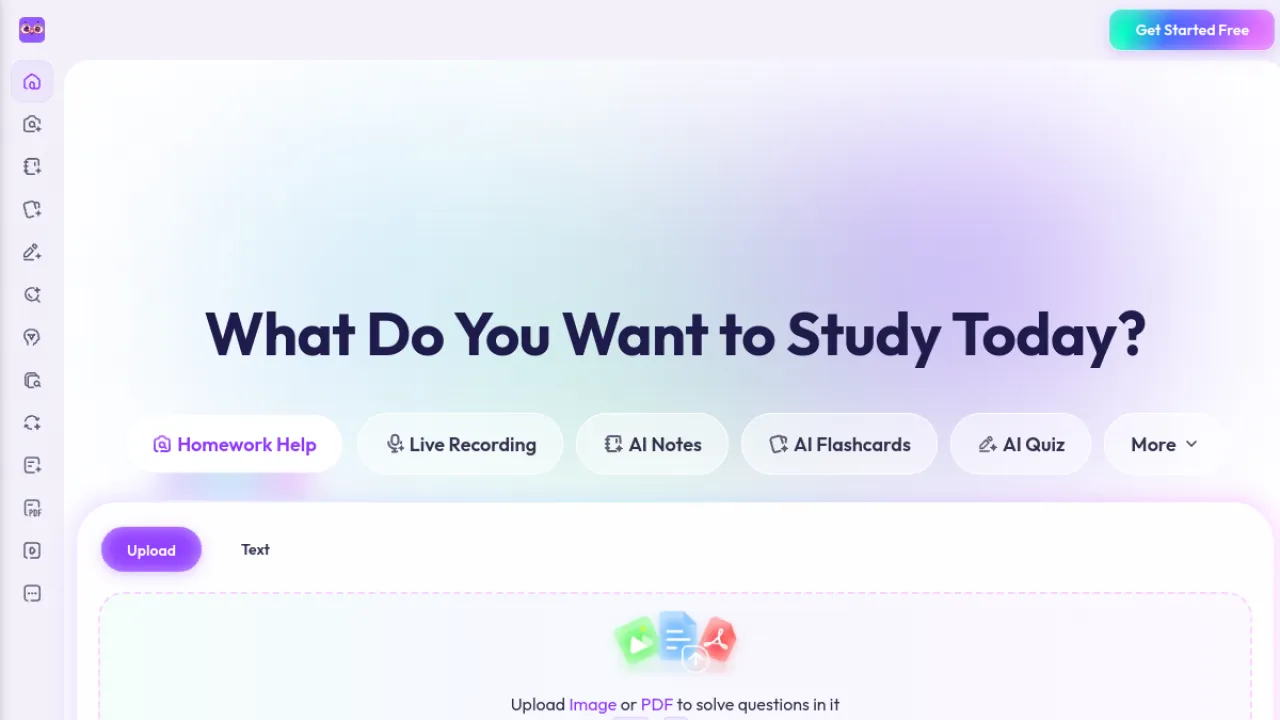
StudyX bundles photo homework solving across 50+ subjects, AI note generation from PDFs and videos, flashcards with spaced repetition, and quiz generation into one product.
If you would otherwise run four apps, consolidation has real value.
Bundles trade depth for breadth — each individual feature is beaten by a specialist elsewhere on this list.
The homework-answer side carries the usual integrity concerns, and answers need verification on harder problems. The free tier covers the core tools.
Key Features
Photo homework solving across 50-plus subjects
AI note generation from PDFs and videos
Flashcard creation with spaced repetition
AI quiz and practice-test generation
Pros and Cons
Pros: Broad toolkit for answers and study materials · Wide subject coverage · Accessible free tier for core tools
Cons: Homework answers raise academic-integrity concerns · AI answers need verification on tricky problems
Pricing
Freemium.
Best for: one app instead of four · Watch out: each feature beaten by a specialist
Full StudyX review · studyx.ai
24. Class Companion — Feedback at the Speed Teachers Need
Class Companion targets the actual bottleneck in K-12 teaching: turnaround on feedback.
It grades and comments on student work instantly, generates assignments and rubrics, offers a supportive AI tutor to students, and ships a library of expert- and teacher-created assignments.
Feedback students receive the same day is worth considerably more than feedback two weeks later, which is the case this makes.
It is teacher-facing rather than student-facing, so evaluate it as a marking-workload tool rather than a study app.
Key Features
Instant AI feedback and grading on student work
AI tutor that supports and encourages students
AI assignment and rubric generation
Library of expert- and teacher-created assignments and rubrics
Pros and Cons
Pros: Saves teachers significant grading and feedback time · Gives every student instant, personalized feedback · Free for teachers and students at the base tier
Cons: AI feedback still needs teacher oversight · Advanced features require paid school or district plans · Public pricing for institutions is not listed and requires a quote
Pricing
Freemium.
Best for: reducing teacher marking load · Watch out: teacher-facing, not a study app
Full Class Companion review · classcompanion.com
25. Solvely AI — Solving Plus Lecture Capture
Solvely handles the familiar photo-to-solution loop with visual breakdowns for geometry, calculus and physics, and adds something less common: lecture recording with searchable transcripts.
Being able to search back to what the lecturer said about a topic is a genuinely useful pairing with a solver.
The free tier allows only a few solves a day, which is restrictive for regular use.
Answers need verification, and the copying risk is the same as every scanner here.
Key Features
Photo, text, or paste problem input
Step-by-step math and science solutions
Visual breakdowns for geometry, calculus, and physics
Lecture recording with searchable transcripts
Pros and Cons
Pros: Detailed step-by-step explanations aid understanding · Multiple input methods including photo capture · Available across web, mobile, and browser extension
Cons: Free tier is limited to only a few solves per day · AI answers can be inaccurate and should be verified · Risk of misuse for copying homework answers
Pricing
Freemium.
Best for: solving plus searchable lecture notes · Watch out: very limited free solves
Full Solvely AI review · solvely.ai
How to Choose Without Wasting a Term
Decide whether you want a tutor or an answer machine. Both are legitimate, but they solve different problems. Khanmigo and Thetawise deliberately make you work; Question AI, Answer AI and Solvely deliberately do not. Choosing the second when you needed the first is how people finish a term with completed homework and no understanding.
Check the free tier against your actual weekly volume. Almost every tool here has a free plan, and almost every free plan is sized for evaluation rather than a full semester. Count how many problems, uploads or cards you would genuinely need in a week before you assume free is enough.
Verify generated material before you memorise it. An AI-generated flashcard with a subtly wrong definition is worse than no flashcard, because spaced repetition will drill the error into you. Spend ten minutes checking a new deck against your source.
Match the tool to your level. Flexi and Amira are K-12. Symbolab, Thetawise and RemNote scale to university. Tools aimed at younger learners often cap out exactly where your course gets difficult.
Know your institution's policy. Many universities now distinguish between AI for understanding and AI for producing submitted work. That line is usually written down somewhere. Read it before, not after.
Student Questions We Hear Most
What Is the Best Free AI Tool for Students?
Flexi, if you need maths or science tutoring — it is genuinely free with no ads or upsells, funded by a nonprofit.
For flashcards and note conversion, Knowt has the most capable free tier and does not require a card.
Most other "free" tools here are evaluation tiers rather than permanently usable ones.
Is Using AI for Homework Cheating?
It depends on what you use it for and what your institution says.
Using AI to explain a concept, check your working, or generate practice questions is normally fine and often encouraged.
Submitting AI-generated work as your own is not.
The distinction most policies draw is between understanding the material and producing the artefact — find your institution's written policy rather than guessing.
Can AI Study Tools Be Wrong?
Regularly. Every solver on this list can produce an incorrect step, and every flashcard generator can produce a subtly wrong definition.
This matters most with flashcards, because spaced repetition is designed to make things stick — including mistakes.
Verify new material against your textbook or notes before you start drilling it.
Which AI Tool Is Best for Exam Revision?
For memorisation-heavy subjects, Brainscape or Gizmo, both built on solid spaced repetition.
For working through past papers with explanations, Symbolab for maths and Brainly for mixed subjects.
For oral or viva assessments, Astra AI is the only tool here with a dedicated practice mode.
Do I Need to Pay for These?
Not to start.
Test the free tiers of two or three tools against one real week of coursework before spending anything — a tool that fits your subject and study style saves far more time than the most feature-complete one.
If you do pay, annual billing is usually significantly cheaper, and Brainscape in particular is much better value annually.
What About AI Tools for Teachers Rather Than Students?
SchoolAI, Class Companion and Amira Learning are built for educators.
SchoolAI provides classroom oversight, Class Companion cuts marking turnaround, and Amira handles early-literacy assessment.
All three are designed around institutional deployment rather than individual sign-up.
Looking for something more specific?
Browse the full education and research category in the directory to filter by pricing and compare tools side by side.
About
Ethan Carter
AI Guides & Tutorials Lead
Ethan writes hands-on, step-by-step guides that turn complex AI workflows into something anyone can follow. He focuses on practical setups, prompts, and getting real results from everyday tools.
View profile

