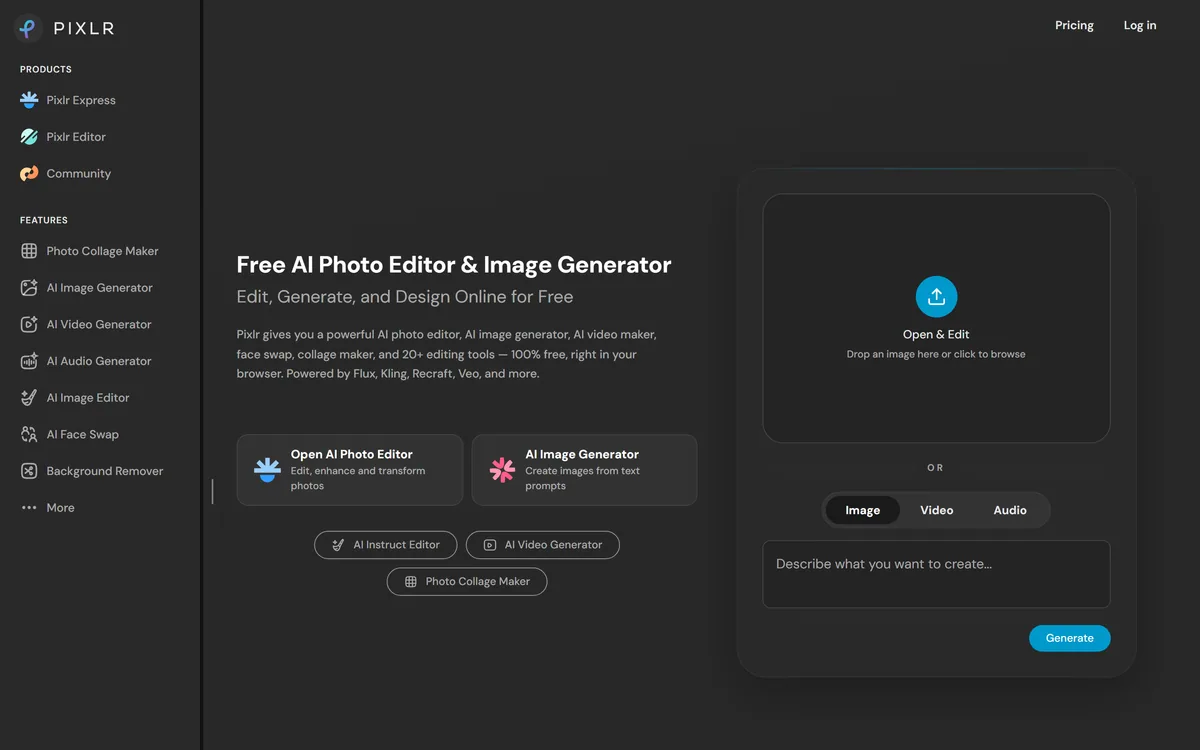
Pixlr is a browser-based photo editor from Pixlr Pte Ltd with two editors and a generative AI layer — Generative Fill, Expand and Transform, background and object removal, Super Scale upscaling, face swap, plus image, video, and audio generation.
Image & Design Review
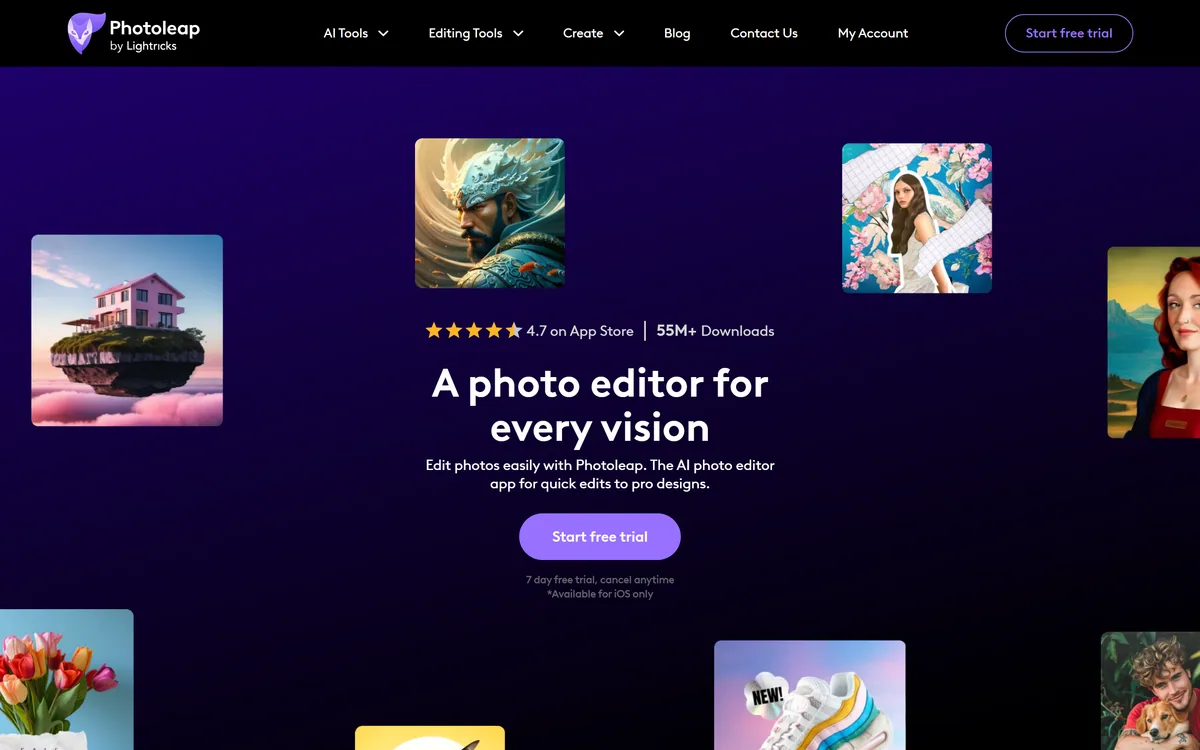
Photoleap is a photo editing app from Lightricks combining one-tap enhancement, object removal and background swapping with generative tools including text-to-image and AI filters. It states 55M+ downloads and a 4.7 App Store rating, and is available for iOS only.
Good
Photoleap sits in the useful middle of mobile photo editing: more capable than the filters built into a phone, far less demanding than desktop software, and made by Lightricks, which has been shipping this category for years. The pairing of one-tap corrections with genuinely generative tools is the right combination, because most edits are corrections and only occasionally do you want to invent something. The clear limitation is platform — iOS only, per the site — which removes it from consideration for a large share of people and for anyone working across devices. AInexfinder Editor Score: 3.9/5.
Best for: iOS users who want more than built-in photo editing; Social content creators editing on a phone
The visit link goes to photoleapapp.com, the official site. Paid placements on AInexfinder are always labelled. How we make money
Phone cameras have got extremely good and phone editing has not kept up. The built-in tools handle brightness and crop; anything beyond that means either accepting the photo as it is or moving it to a computer.
That gap is where mobile editing apps live, and the good ones solve a specific problem: doing in three taps what used to require a selection tool and a steady hand.
Photoleap covers that, and adds generative tools on top — which is a different proposition from correction and worth evaluating separately.
Photoleap describes smart one-tap edits for enhancing image quality, removing unwanted objects and swapping backgrounds, with AI doing the heavy lifting.
It is worth being specific about what has actually become easy, because the change is larger than the interface suggests.
Object removal used to require selecting the object precisely, deleting it, and then reconstructing what was behind it — a skilled task that took minutes and looked wrong when done quickly. It now takes one tap and usually looks right.
The reason it works is that removal only has to be convincing rather than correct. Nobody knows what was behind the removed object, so a plausible reconstruction is a complete success — a much lower bar than most generative tasks face.
Background swapping benefits from the same shift, with the caveat that a subject cut from one lighting environment and placed in another rarely matches. Getting that to look right still needs attention to light direction and colour, which no one-tap tool decides for you.
Removal only has to be convincing, not correct. Nobody knows what was behind the object, which is why it became easy first.
Alongside corrections, Photoleap offers text-to-image generation, AI filters and what it describes as boundless creative tools for turning ideas into art.
Combining editing and generation in one app is now standard, and the two are genuinely different activities that people confuse.
Editing changes a photograph you took. The result is still a record of something that happened, and viewers read it that way — which is why the standards around it are different.
Generation creates an image that never existed. That is fine for art, memes, backgrounds and social content, and it is not a photograph however photographic it looks.
The blurring matters most where the image is used as evidence of something: a listing, a profile, a report. For creative and social use nobody minds, which is precisely the audience this app is built for.
The site states, in a footnote, that Photoleap is available for iOS only.
That is a significant constraint stated quietly, and it removes the app from consideration for a large share of potential users before any feature comparison begins.
It also rules out a specific and common workflow: shooting on one device and editing on another, or starting an edit on a phone and finishing it on a tablet or desktop.
The upside of platform focus is real and worth acknowledging. Building for one platform means using its capabilities properly rather than targeting the lowest common denominator, and mobile editing performance depends heavily on device-specific processing.
The practical advice is simply to check first. An app you cannot install is not a candidate, and platform availability is the kind of detail that gets discovered after ten minutes of reading about features — unlike browser tools such as Photoroom, which sidestep the question entirely.
The site identifies Photoleap as an app by Lightricks, and that attribution carries more information than a brand name usually does.
Lightricks has been building mobile creative software for years across several apps, which tells you two useful things.
The first is durability. Mobile app categories are littered with editors that shipped, got downloads, and stopped being updated when the founders moved on — and an app you build a habit around going stale is a real cost.
The second is craft accumulation. Mobile image editing has hard problems around performance, memory and gesture interaction that take years to solve well, and a company on its several-th app has usually solved them.
The corresponding caution is portfolio strategy. A publisher with several apps allocates attention between them, and any individual app can become the one receiving less — which is worth watching in release notes rather than assuming.
There is a boundary past which a phone is the wrong tool, and it arrives sooner than the marketing suggests.
Precision is the first limit. A finger is a blunt instrument, and edits requiring accuracy at the pixel level are frustrating on a touchscreen regardless of how good the software is.
Colour is the second and more serious. A phone screen is not colour-calibrated, so edits that look right on it may look wrong printed or on another display — which matters for anything professional.
Batch work is the third. Editing forty images individually on a phone is a poor use of an evening, and that is exactly the case catalogue tools handle with rules and batch processing.
Reversibility is the fourth and least discussed. Heavy mobile edits are often destructive or hard to unpick later, so working on a copy is a habit worth keeping — the same discipline that applies to any editing tool, including manual cutout software like Clipping Magic.
Colour work in particular belongs somewhere with real controls. Choosing and checking colours is its own discipline — tools like Khroma exist because contrast and palette decisions have right answers — and judging them on an uncalibrated phone screen is where a lot of mobile editing quietly goes wrong.
The failure with capable editing tools is not incompetence, it is escalation — one adjustment justifies the next until the photo looks processed.
This sequence keeps edits proportionate and reversible.
One-tap image quality enhancement
Object removal
Background swapping
Text-to-image generation
AI filters and effects
Collage building
Premium effects and advanced editing
A seven-day free trial
Photo tools differ by platform, by subject, and by whether they work on one image or thousands.
| Tool | Platform | Focus | Best for |
|---|---|---|---|
| Photoleap | iOS only | Creative editing and generation | Personal and social photography |
| Photoroom | Web, iOS, Android, Shopify | Product visuals at scale | Ecommerce listings |
| Clipping Magic | Browser | Precise background removal | Difficult cutouts |
| PhotoGov | Browser | Compliant ID photos | Passport and visa applications |
| Picwand | Web and mobile | Images into video | Short-form and ad content |
| Publisher | Lightricks |
|---|---|
| Product type | Mobile photo editing app |
| Platform | iOS only, per the site |
| Downloads | 55M+ stated |
| Displayed rating | 4.7 on the App Store |
| Correction tools | One-tap enhancement, object removal, background swapping |
| Generative tools | Text-to-image, AI filters |
| Design tools | Collages, premium effects and advanced editing features |
| Trial | Seven-day free trial, cancel anytime |
| Accessibility | An accessibility system with screen reader and keyboard navigation support |
| Legal pages | Text To Image Terms, CCPA Privacy Notice, Trust Center and accessibility statement |
Last checked . Read from photoleapapp.com in a browser session on the date above, with the screenshot captured alongside.
What we could not confirm: pricing after the seven-day trial; which models power text-to-image and the AI filters; whether edits are processed on device or on a server, which affects both speed and privacy; what the Text To Image Terms state about ownership of generated images; how the 55M+ download figure is counted; and whether an Android version is planned. We did not install the app.
Adjacent tools for editing, removing and generating images.
AInexfinder does not list plan prices or billing details. For current pricing, plans, and trials, visit the official Photoleap website.
Visit official website for pricingVendor pricing, credits, and billing policies change over time. Always confirm on the official site before you buy.
Photoleap earns an AInexfinder Editor Score of 3.9/5 (good). Best for: iOS users who want more than built-in photo editing; Social content creators editing on a phone; People who mainly remove objects and change backgrounds.
Visit PhotoleapLog in to write a review.
No reviews yet. Be the first to share your experience with Photoleap.
Assigned reviewer
Daniel ReedSenior AI Tools Reviewer
Daniel leads AInexfinder's tool reviews. He researches each tool from its own pricing, documentation and policies, checks its claims against independent sources, and writes up what it does well, where it falls short and who it genuinely suits.
Daniel and the AInexfinder editorial team research Photoleap from its own website, pricing, documentation and policies, checked against independent sources. This review is research-based: unless its method note says otherwise, we have not bought a plan or run hands-on tests. The Editor Score is our editorial judgement, and payment never changes it.
Similar Tools
Pixlr is a browser-based photo editor from Pixlr Pte Ltd with two editors and a generative AI layer — Generative Fill, Expand and Transform, background and object removal, Super Scale upscaling, face swap, plus image, video, and audio generation.
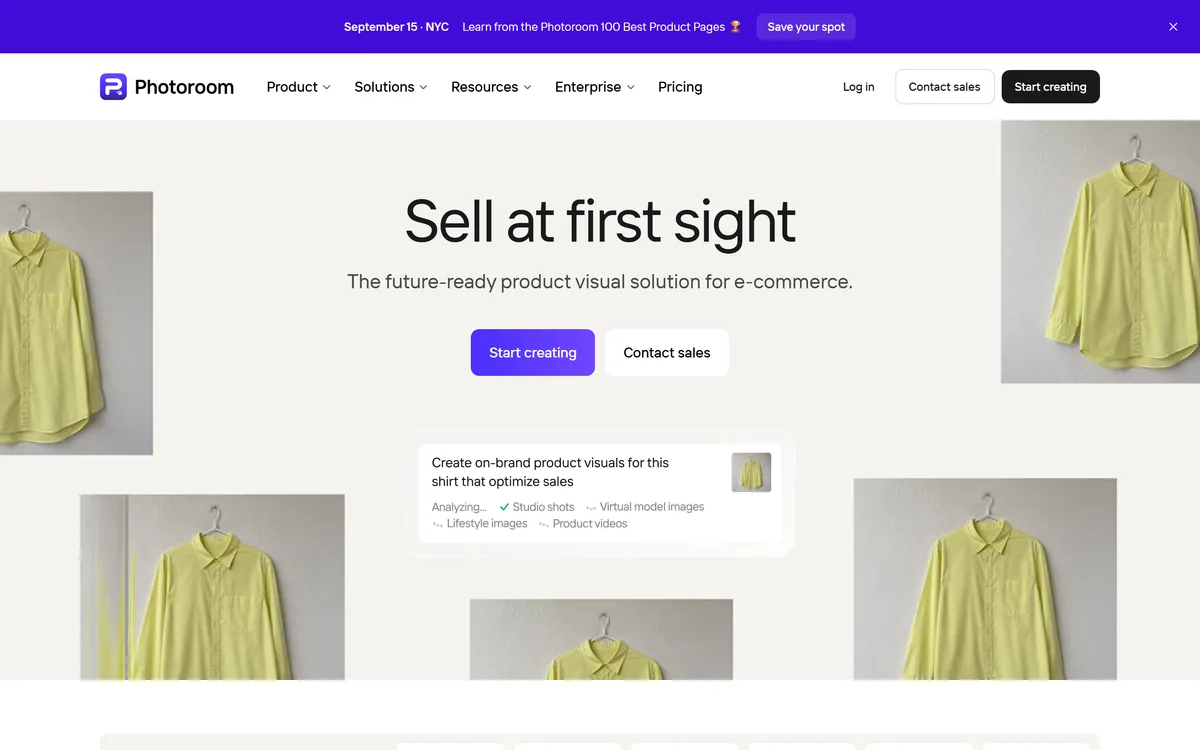
Photoroom is a product visual platform for ecommerce covering background removal, AI product photography, batch editing, an image API, brand kits, marketplace sync and video templates. It states 1M+ businesses, SOC 2 Type 2 and enterprise options including custom models and SLA-backed uptime.
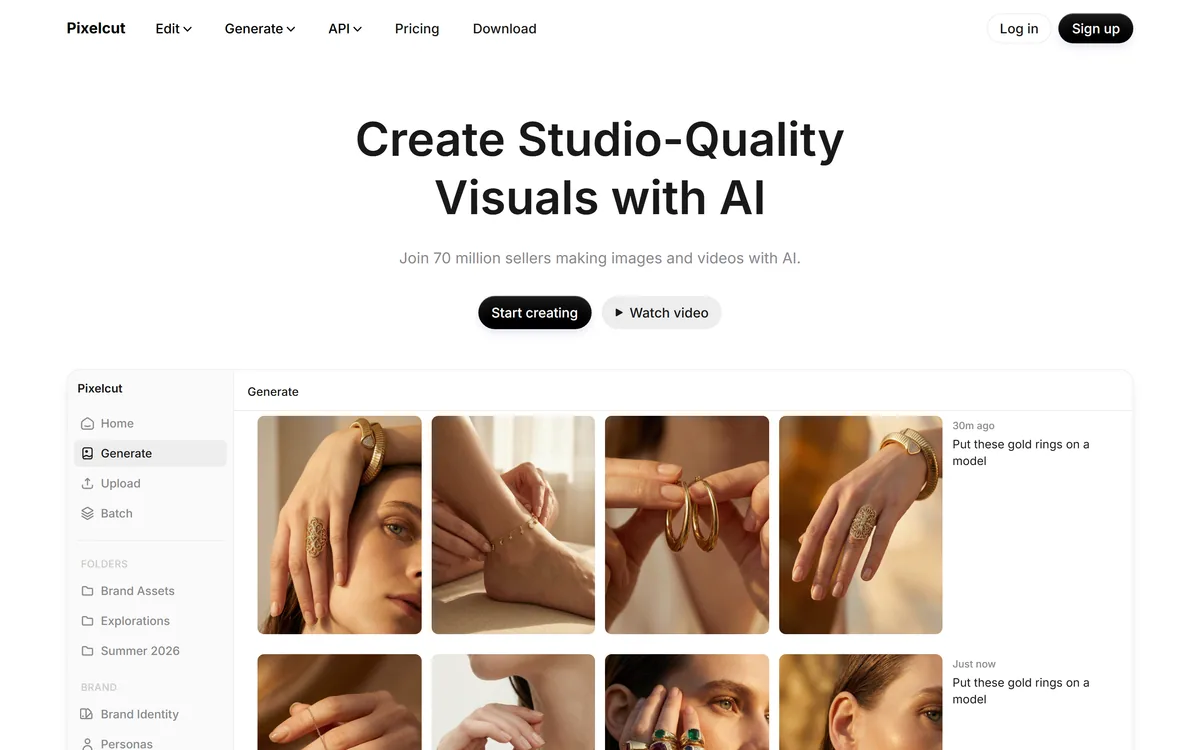
Pixelcut is an AI photo and video editor built around ecommerce workflows: product showcases, UGC-style ads and consistent AI personas, plus background removal, 16x upscaling, generative fill, magic eraser and batch editing across web, iOS and Android.
VanceAI is a suite of AI photo- and video-enhancement tools, upscaling, sharpening, denoising, restoring, colorizing, cartoonizing and background removal, built on proprietary deep convolutional networks, usable online or as desktop apps for local batch processing, with an API.

Pebblely generates product photography from a single uploaded image, placing the item into more than a hundred pre-built scene templates, generating in bulk, and resizing for marketplaces and social platforms. It is operated by a Singapore-registered company and states over 25 million images generated.
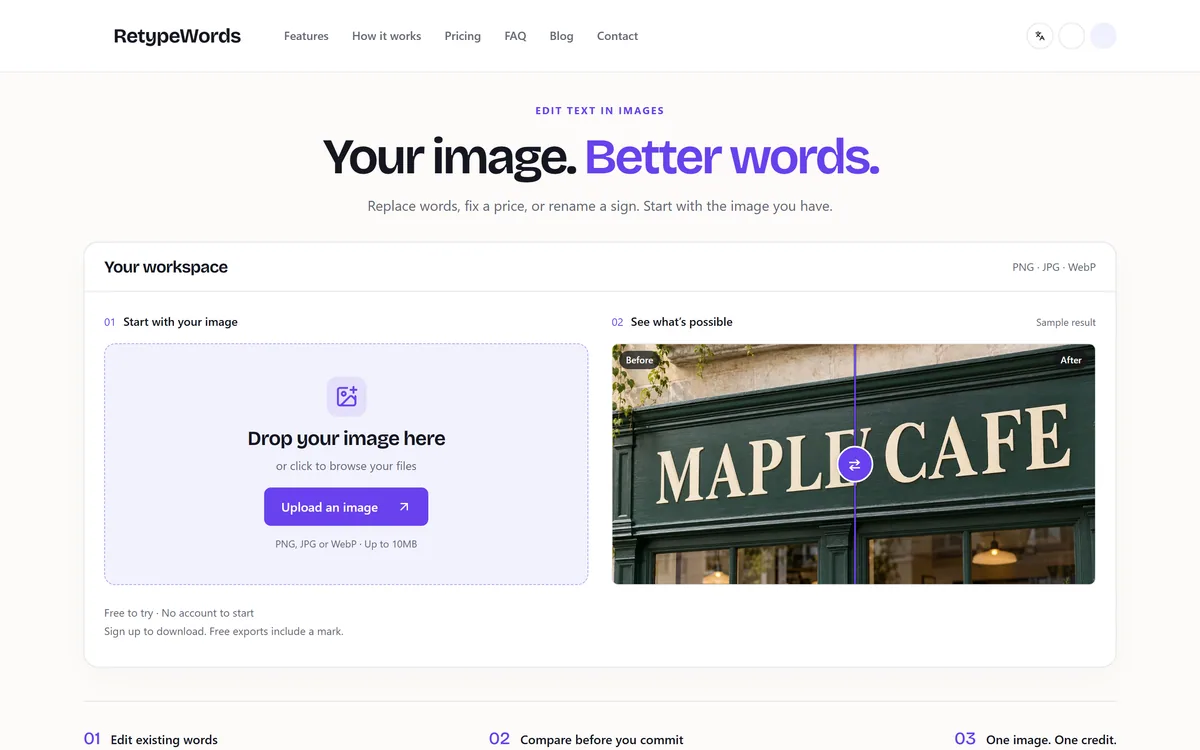

RetypeWords is a browser tool that replaces text that has been flattened into a PNG, JPG or WebP image. It reads the words with OCR, lets you correct what it read, then regenerates the selected area so the new wording sits in the picture rather than on top of it.
Related Pages