

Canva AI is the Magic Studio suite built into Canva — Magic Write for copy, Dream Lab for images, Magic Edit, Expand and Eraser for photos, Magic Switch for reformatting, Magic Charts for data, and Canva Code for interactive widgets.
Image & Design Review
UX Pilot review on AInexfinder — freemium AI tool for Image & Design. Features, pricing notes, and alternatives.
Provisional score · full review pending
UX Pilot has an AInexfinder Editor Score of 4.6/5.
Best for: Users who need AI wireframe and high-fidelity UI generation; Users focused on prompt and chat-based editing
The visit link goes to uxpilot.ai, the official site. Paid placements on AInexfinder are always labelled. How we make money
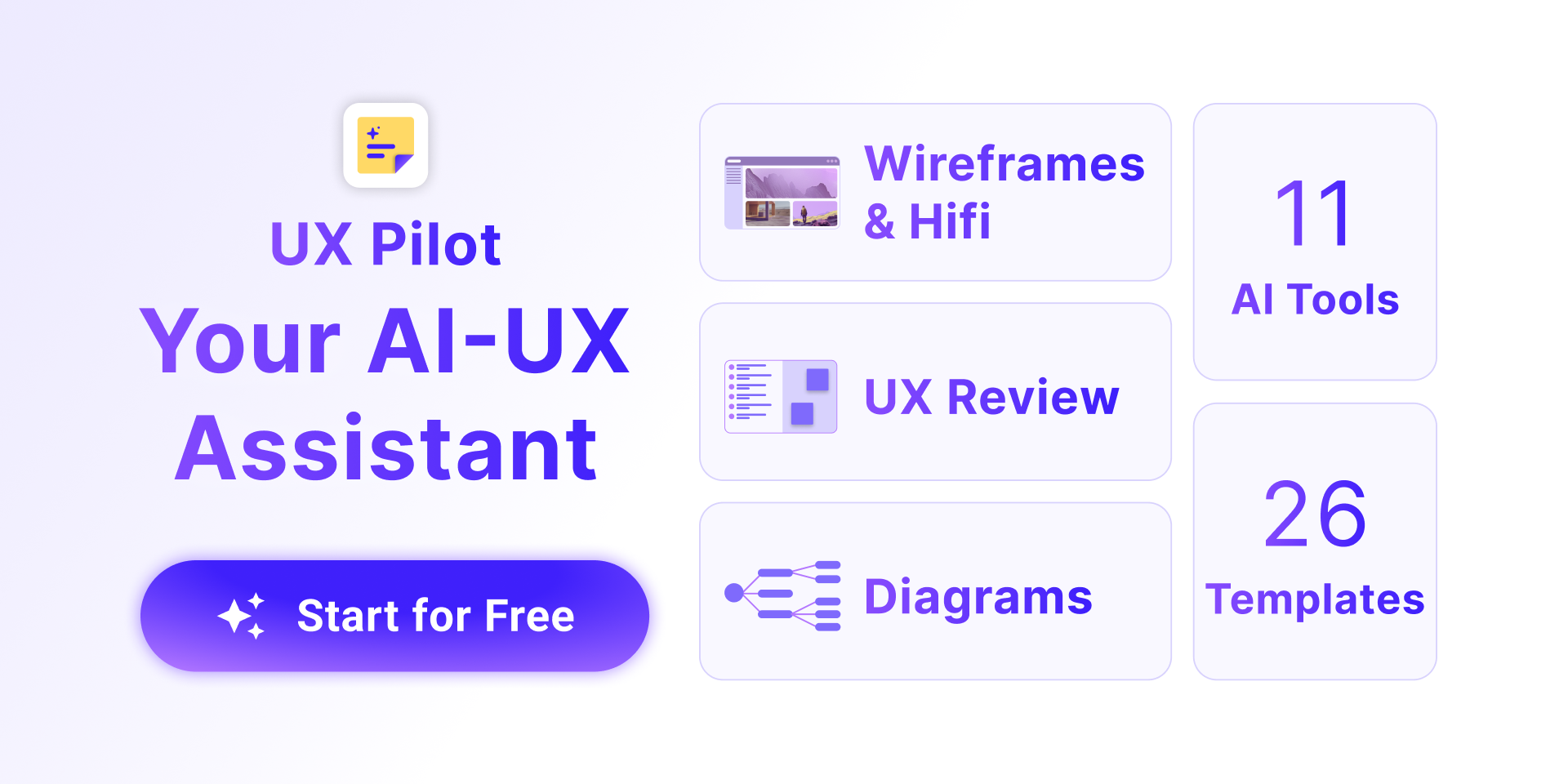
UX Pilot is an AI-powered UX and UI design tool that helps teams ideate, design, and hand off web and mobile interfaces in one place.
Users describe the interface they want and UX Pilot generates polished UI screens in seconds for both mobile and desktop, with chat-based editing to tweak components or regenerate entire screens using natural language.
It can produce low-fidelity wireframes that capture layout hierarchy and screen relationships to accelerate early UX work, as well as high-fidelity designs, and it is deeply integrated with Figma so designs can flow into established workflows for refinement and developer handoff.
UX Pilot suits product designers, UX professionals, product managers, and teams that want to speed up the early-to-mid stages of design while keeping a connection to Figma.
Features include AI generation of wireframes and high-fidelity UI, prompt and chat-based editing, mobile and desktop screen output, Figma integration, and fast iteration. Pros include its quick generation of both low and high-fidelity screens, the natural-language editing workflow, and tight Figma integration for handoff.
Cons include that the free tier offers limited credits and fuller use requires a paid plan, and that AI output still benefits from designer review before production. UX Pilot generally uses a freemium model with paid subscription tiers.
Pricing changes often, so check the official site for current plans. UX Pilot's core capabilities include AI wireframe and high-fidelity UI generation, Prompt and chat-based editing, Mobile and desktop screen output, Deep Figma integration and Fast iteration and regeneration.
AI wireframe and high-fidelity UI generation is built in, Prompt and chat-based editing is built in, Mobile and desktop screen output is built in, Deep Figma integration is built in, so you get a rounded toolkit rather than a single trick.
Each feature is designed to take the manual effort out of the task and help you reach a usable result faster, which is what makes UX Pilot worth a place on your shortlist.
As with any AI tool, the output still benefits from a quick human review, but UX Pilot gets you most of the way there with far less effort.
UX Pilot runs on a freemium pricing model, so you can start for free and only pay once you outgrow the free tier — handy for testing it on a real task before spending anything.
AI-tool pricing changes often, so always check the current plans, seats and add-ons on the official site for the latest details before you buy. Who is UX Pilot for? It's best suited for ai ux tool for wireframes, ui, and figma handoff.
Whether you're a beginner trying this kind of AI tool for the first time or a professional who'll use it every day, it's a credible option to consider.
UX Pilot is best suited for ai ux tool for wireframes, ui, and figma handoff. Whether you are trying this kind of image & design tool for the first time or use one every day, it is a credible option to shortlist — compare it with the alternatives and head-to-head comparisons linked on this page to find the best fit for your workflow and budget.
AI wireframe and high-fidelity UI generation
Prompt and chat-based editing
Mobile and desktop screen output
Deep Figma integration
Fast iteration and regeneration
AInexfinder does not list plan prices or billing details. For current pricing, plans, and trials, visit the official UX Pilot website.
Visit official website for pricingVendor pricing, credits, and billing policies change over time. Always confirm on the official site before you buy.
UX Pilot has a provisional score of 4.6/5: a formula estimate from this listing’s details, not yet an Editor Score. It is replaced once UX Pilot gets its full research-based review. Best for: Users who need AI wireframe and high-fidelity UI generation; Users focused on prompt and chat-based editing; Teams that need mobile and desktop screen output.
Visit UX PilotLog in to write a review.
No reviews yet. Be the first to share your experience with UX Pilot.
Assigned to
Daniel ReedSenior AI Tools Reviewer
Daniel leads AInexfinder's tool reviews. He researches each tool from its own pricing, documentation and policies, checks its claims against independent sources, and writes up what it does well, where it falls short and who it genuinely suits.
This page is a summary of UX Pilot built from its own website and listing details. It has not had its full research-based review yet, so its score is a provisional formula estimate, not an Editor Score. Daniel will research and re-score it; payment never changes a score.
Similar Tools
Canva AI is the Magic Studio suite built into Canva — Magic Write for copy, Dream Lab for images, Magic Edit, Expand and Eraser for photos, Magic Switch for reformatting, Magic Charts for data, and Canva Code for interactive widgets.

Coolors review on AInexfinder — freemium AI tool for Image & Design. Features, pricing notes, and alternatives.
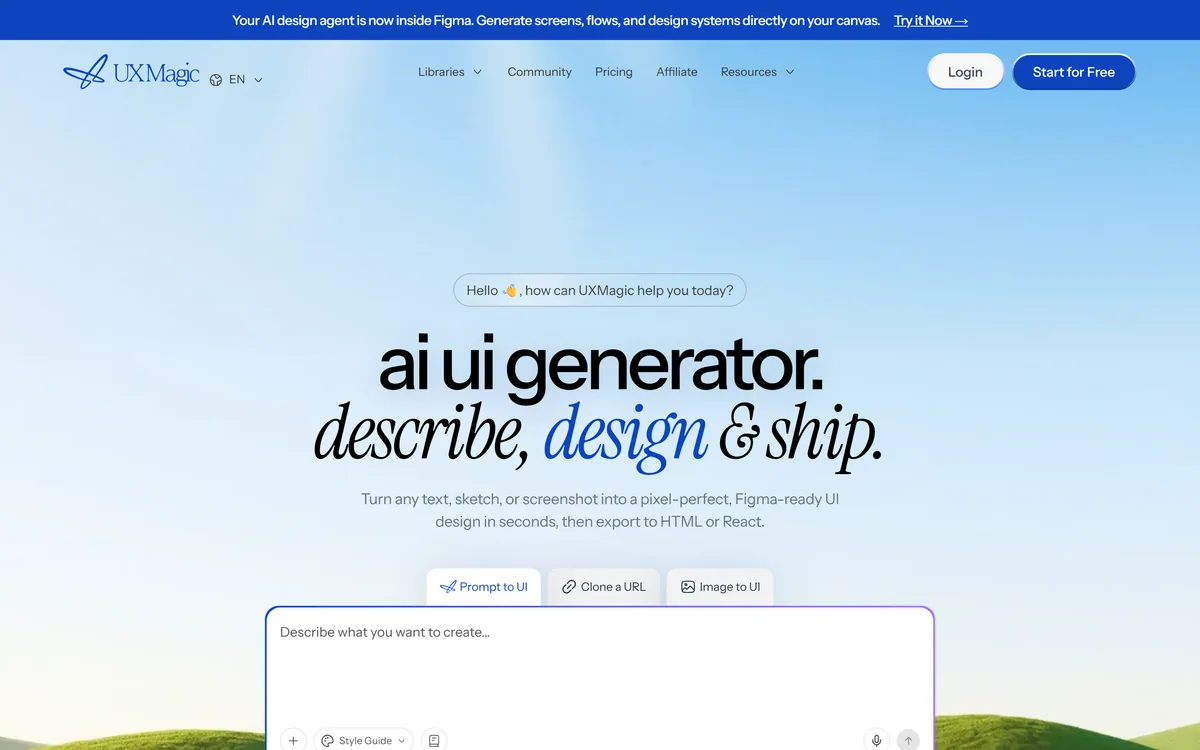
UXMagic turns text prompts, sketches or screenshots into Figma-ready UI designs, generating wireframes, sitemaps and multiple screens, importing your design system, and exporting to Figma, HTML, React or Webflow.
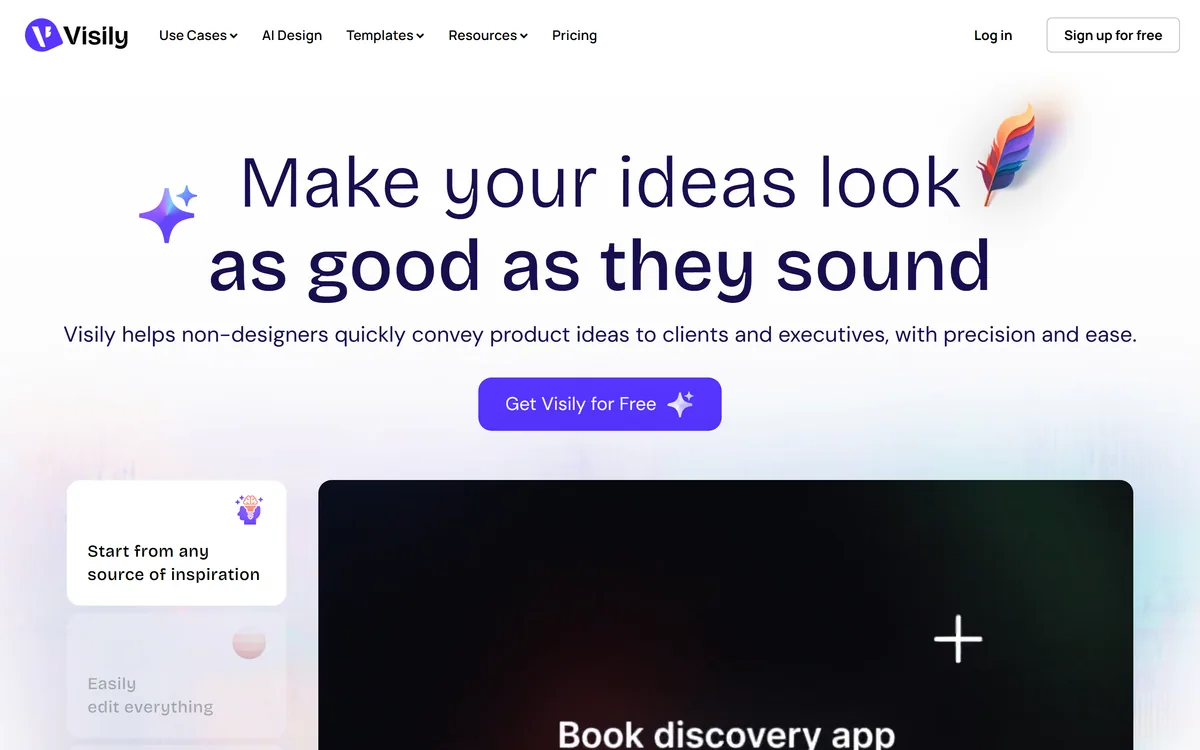
Visily generates editable UI designs from screenshots, text prompts, diagrams or templates, aimed explicitly at non-designers who need to convey product ideas, with smart components, auto-prototyping, on-canvas collaboration and a Figma plugin for handoff.
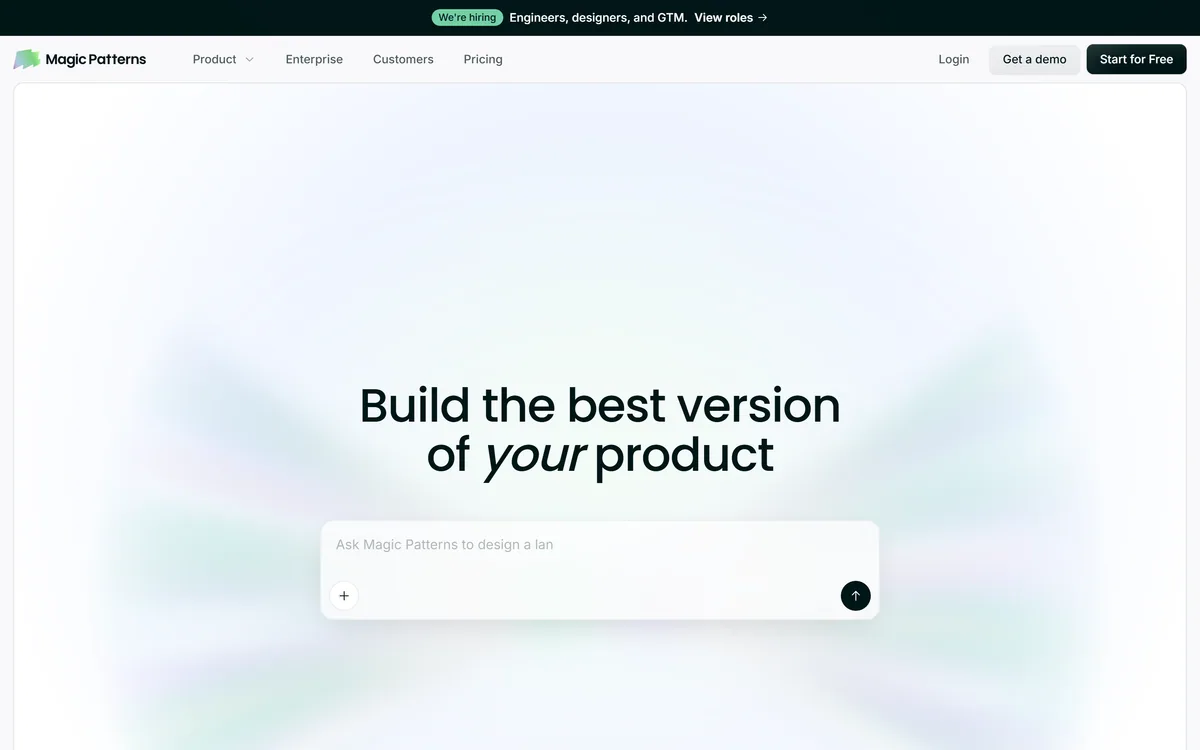
Magic Patterns is an AI design tool for product teams that turns prompts, requirements and ideas into high-fidelity UI, matching your existing design system so teams can prototype and test directions before committing engineering resources.
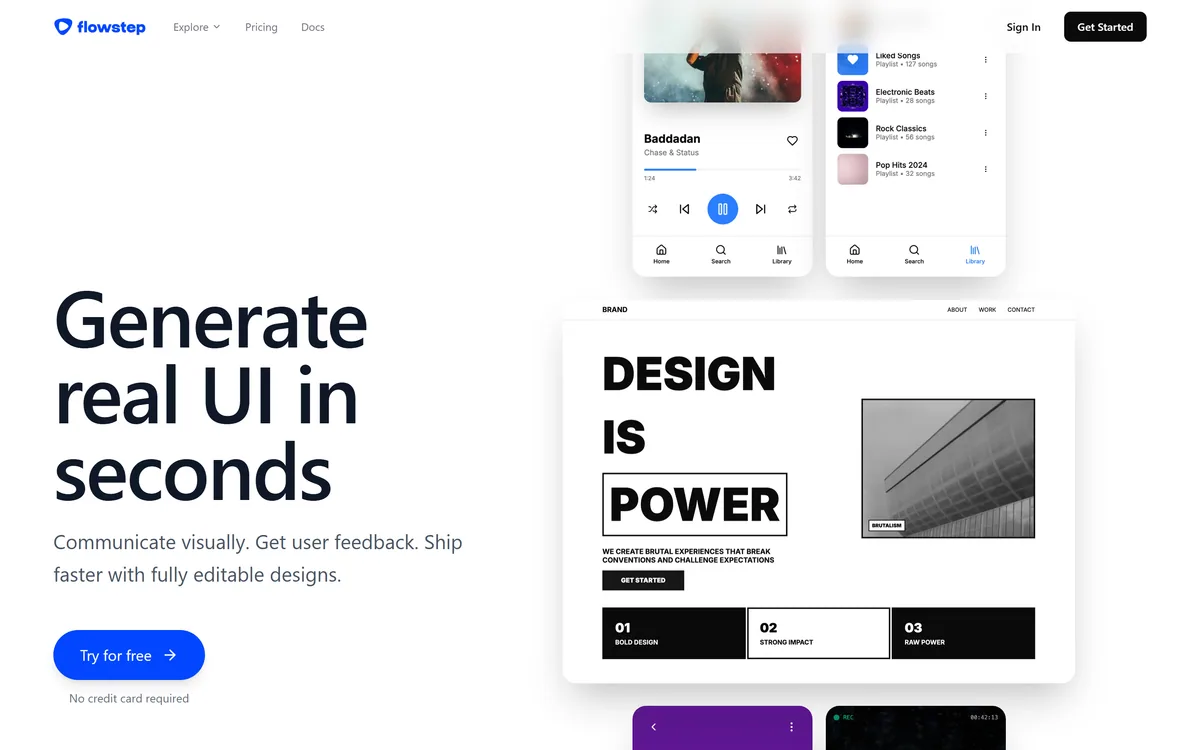
Flowstep generates editable user interface designs from a text description on an infinite canvas. It produces multiple screens in one pass, accepts PRDs and reference images as input, supports real-time collaboration, and exports both to Figma by ordinary copy-paste and to React, TypeScript and Tailwind code.
Related Pages