Quick answer
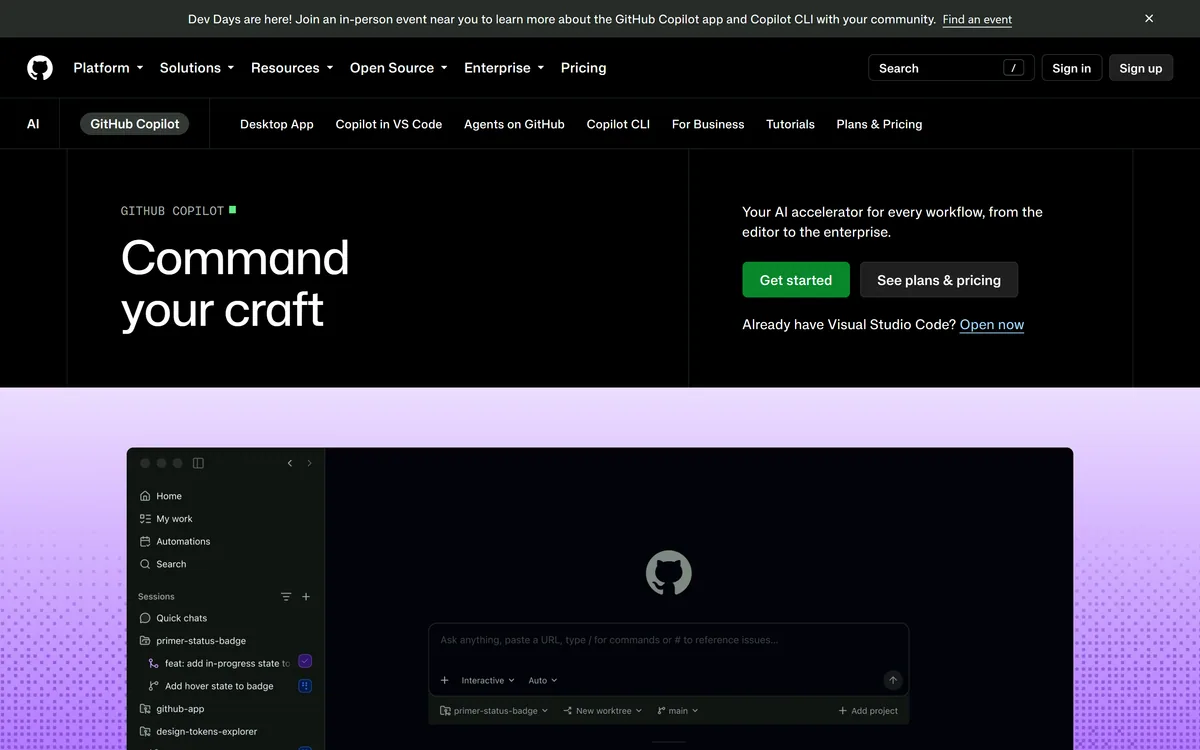
Our top pick for developers is GitHub Copilot — AI pair programmer inside VS Code. Full shortlist below.
Tools for your work
Best AI Tools for Developers
The top picks and the first 3 tools below them are chosen for this role. The rest are reviewed tools from the matching categories.
What Do Developers Use These AI Tools For?
The 6 tools picked for this role cover 3 kinds of work:
- Coding4
- Research1
- Writing1
Top picks



More tools worth trying

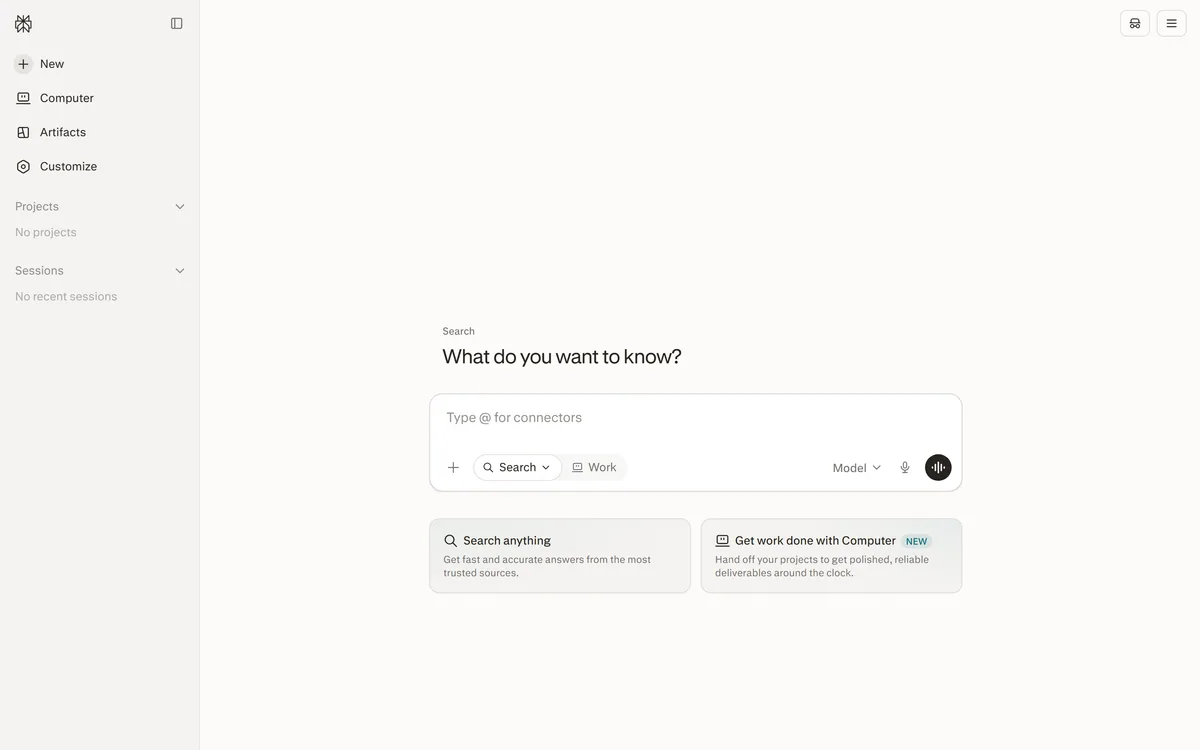

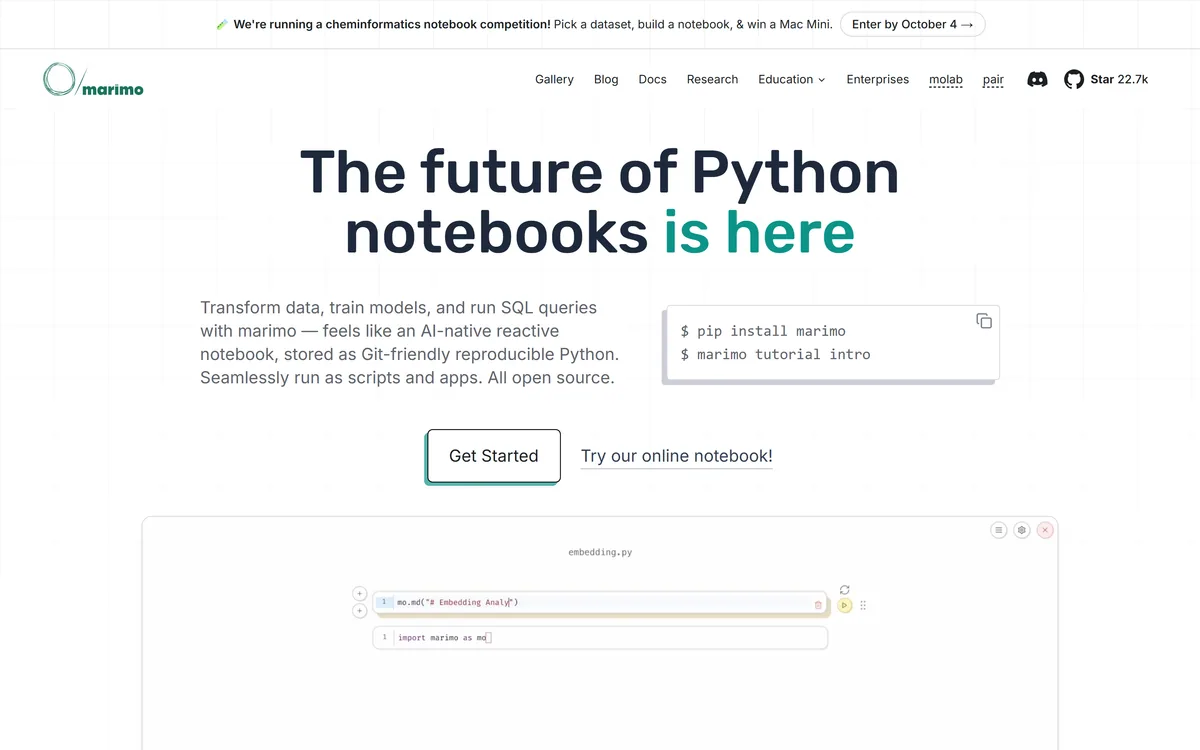
A Python notebook that stores as plain .py, re-runs itself, and cannot hold stale state
FreemiumCoding & Development
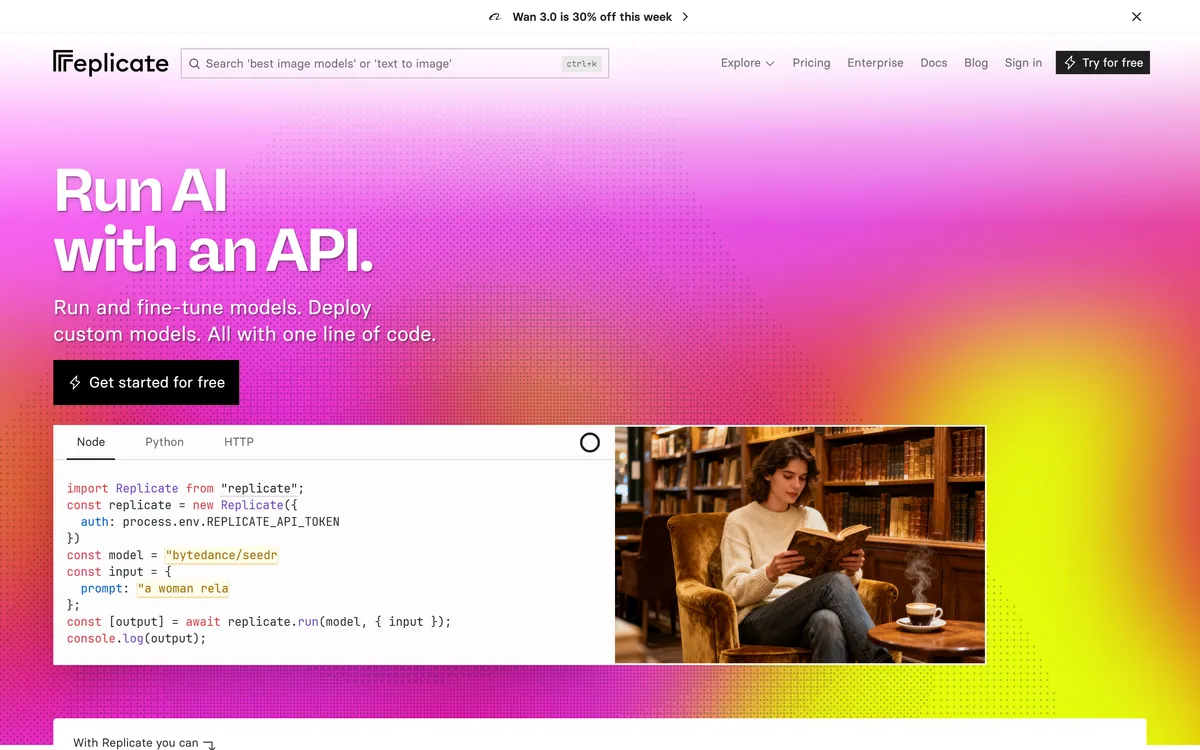
Run, fine-tune and deploy machine-learning models with one line of code
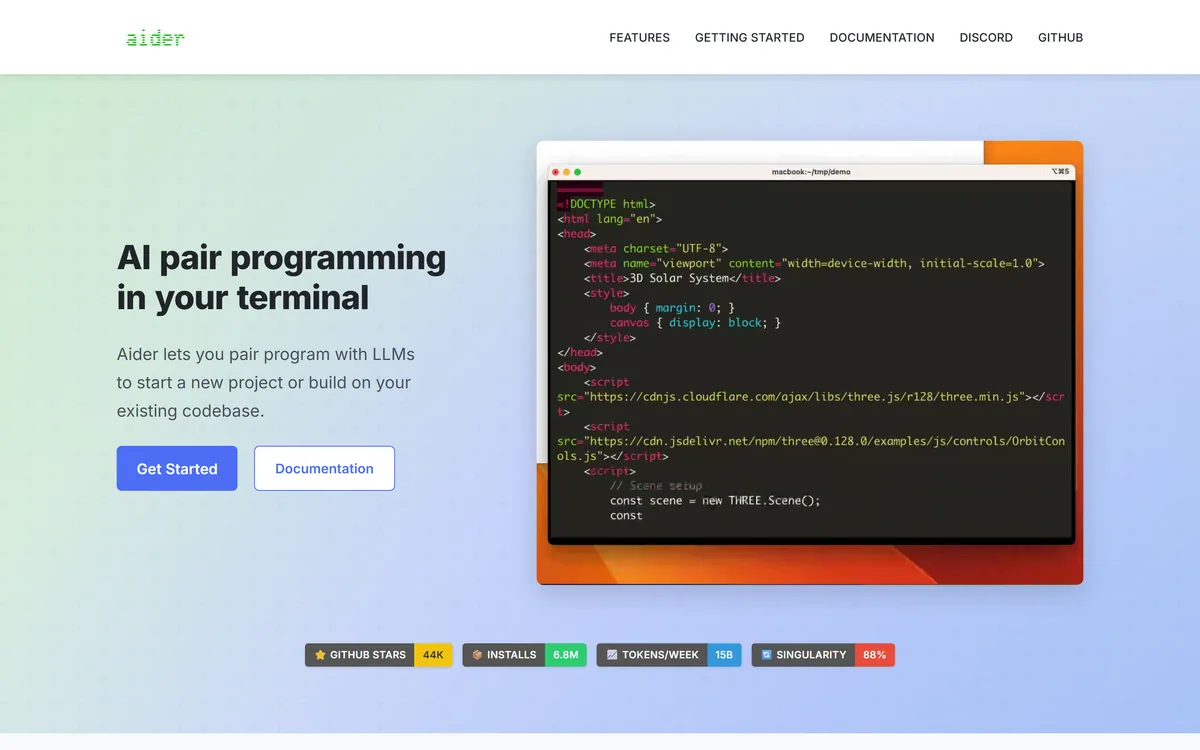
A terminal pair programmer that commits every change to git as it makes it
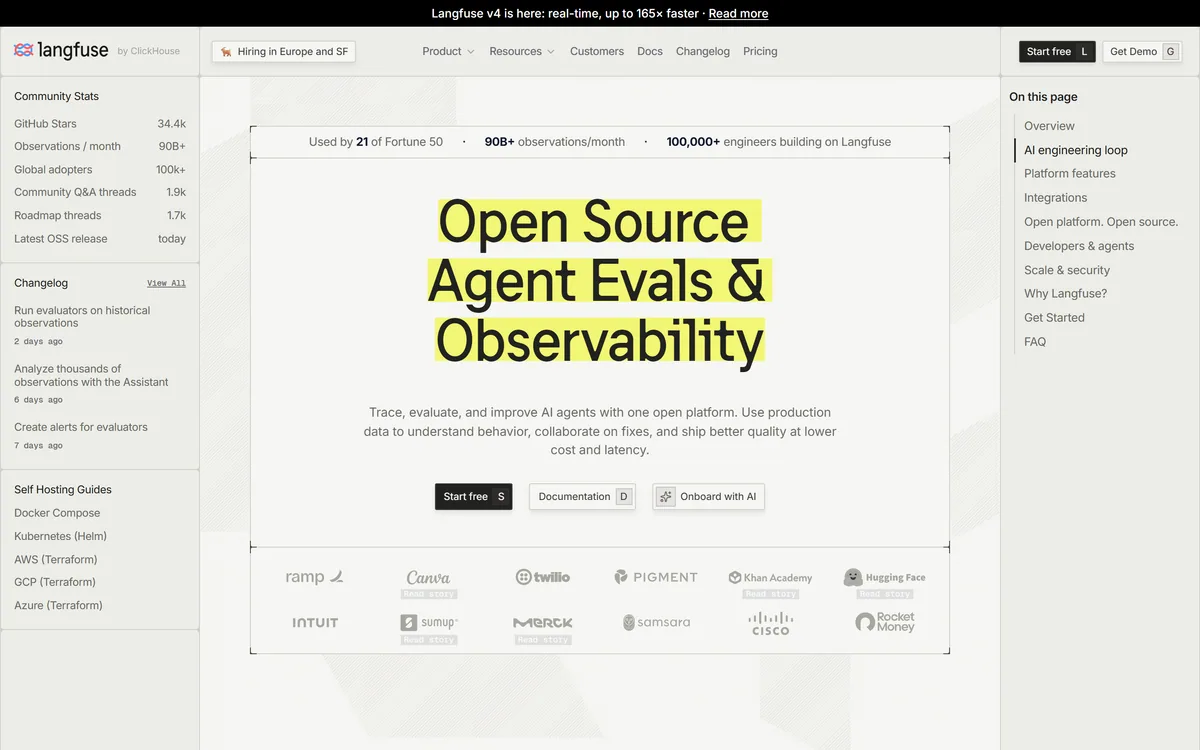
MIT-licensed LLM observability you can actually run yourself
FreemiumCoding & Development
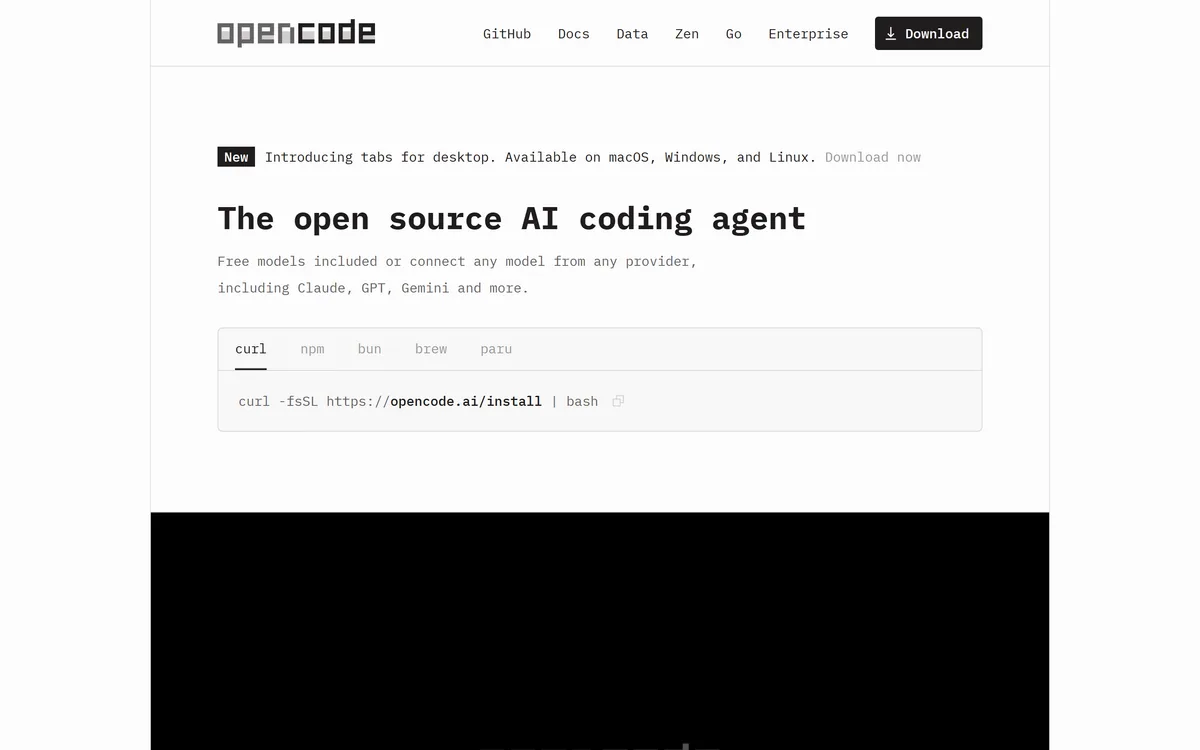
An MIT-licensed terminal coding agent that works with 75+ providers and stores nothing
FreemiumCoding & Development
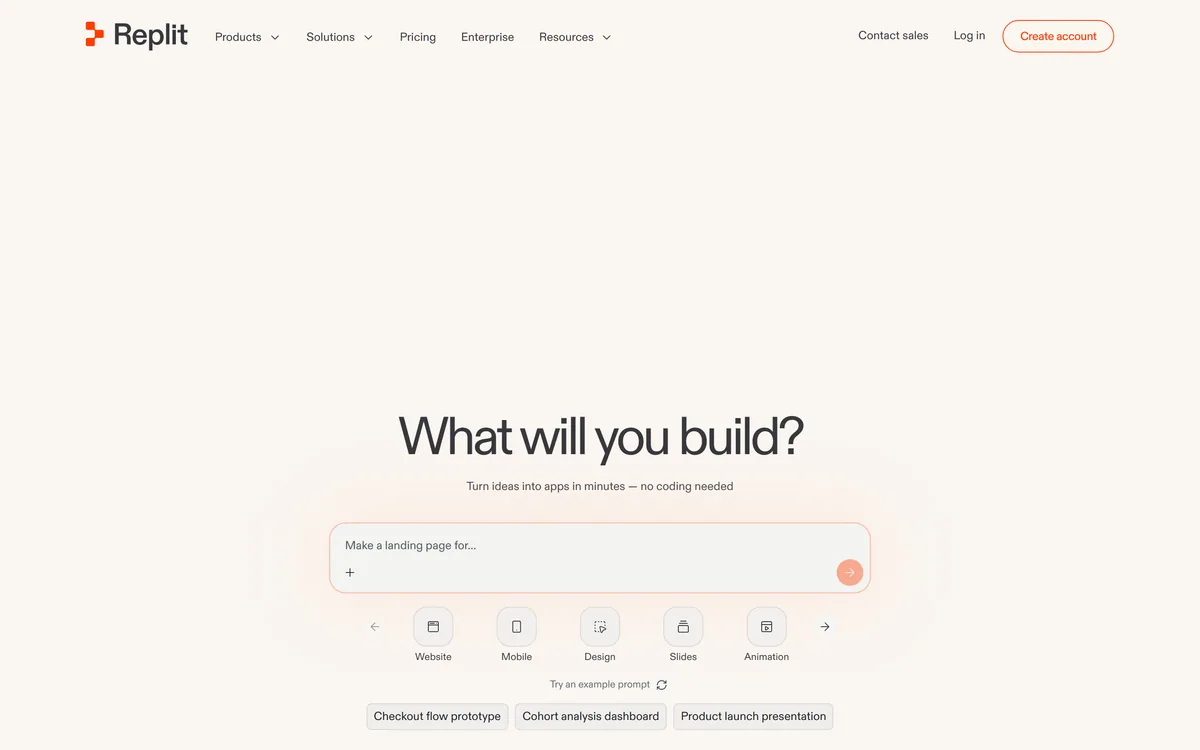

Describe an app in plain English and Replit builds, hosts, and runs it
FreemiumCoding & Development
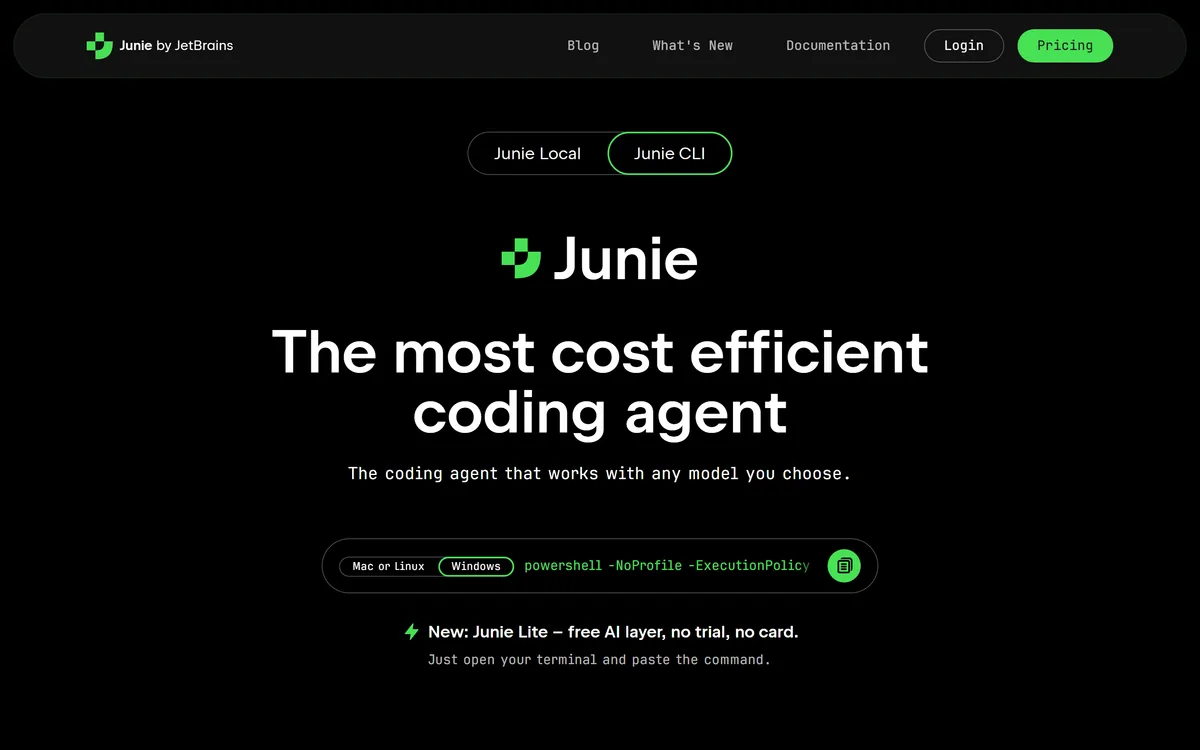
A coding agent from JetBrains that runs on any model you choose
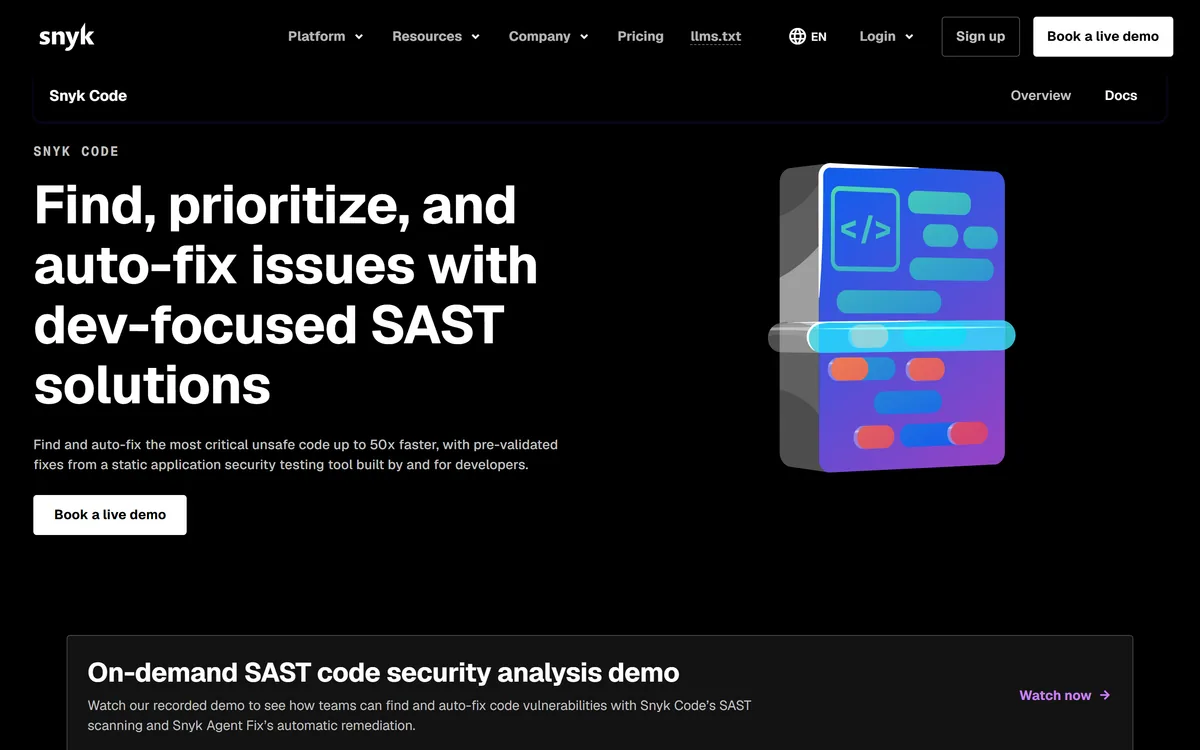
SAST that suggests the fix, not just the finding — and scans AI-generated code
FreemiumCoding & Development
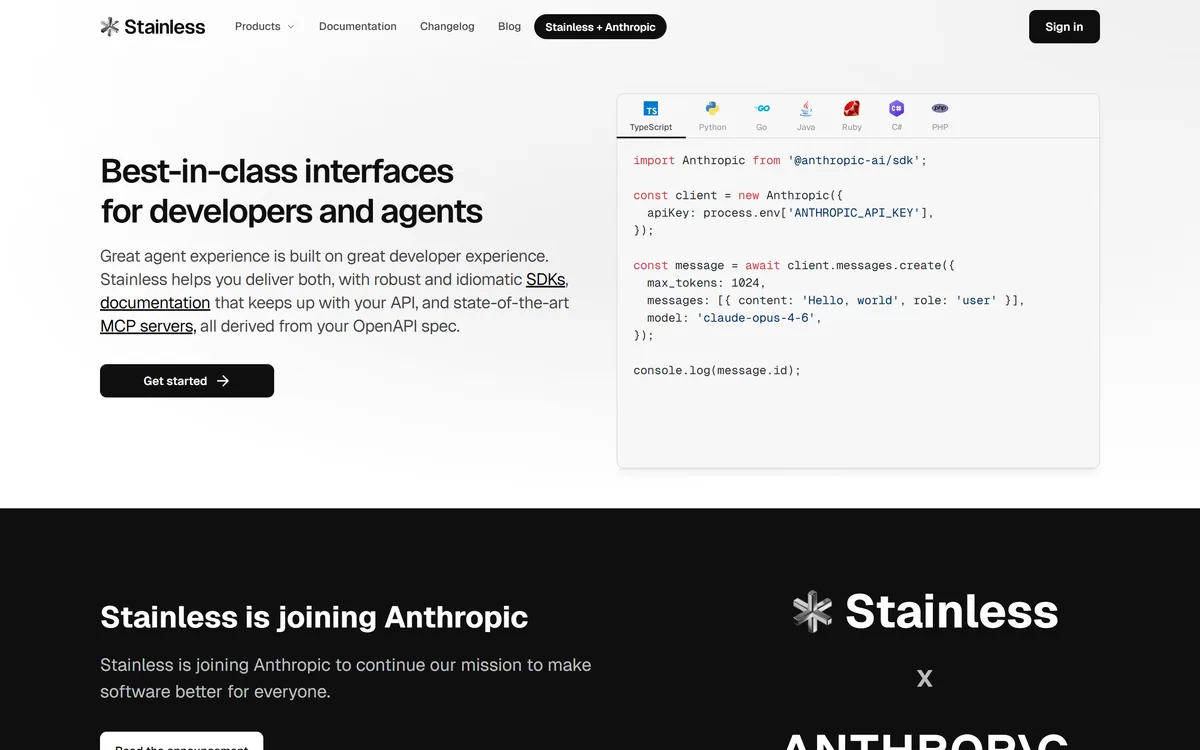
Turns one OpenAPI spec into SDKs, docs and an MCP server that all stay in step
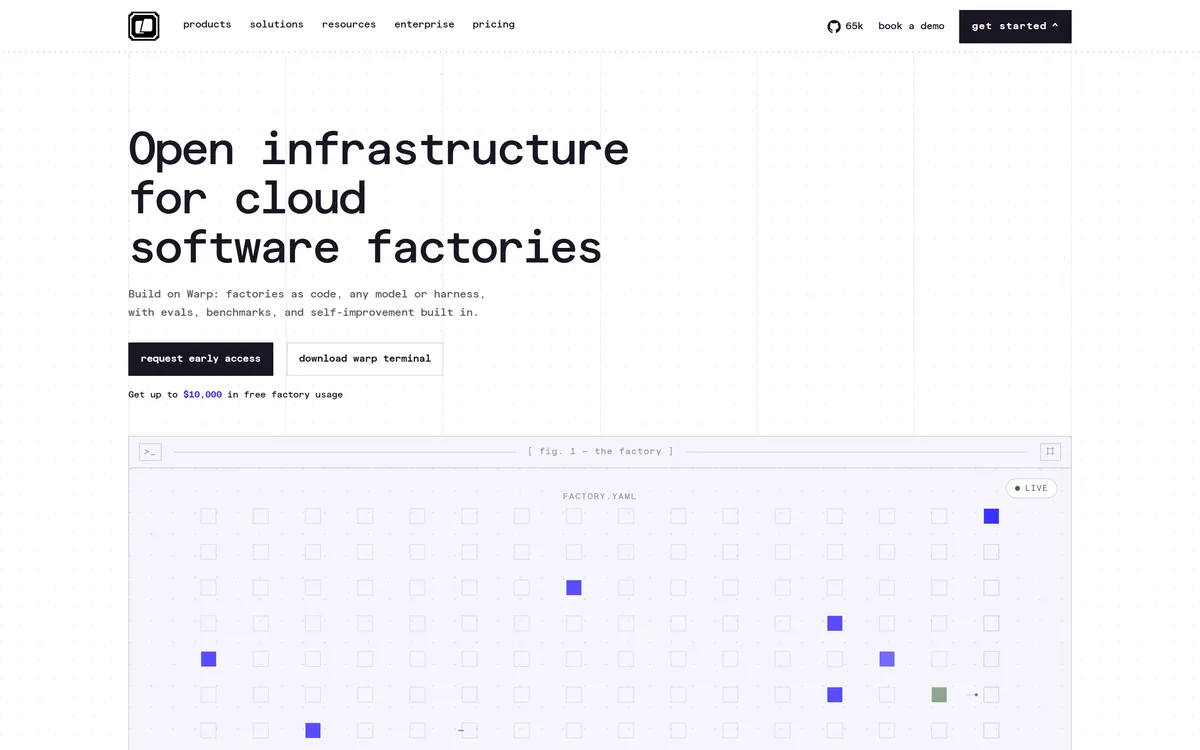
Software factories defined as code, with evals, benchmarks and self-improvement built in
FreemiumCoding & Development

Sentry's debugging agent — it already has your stack traces, so it starts from evidence
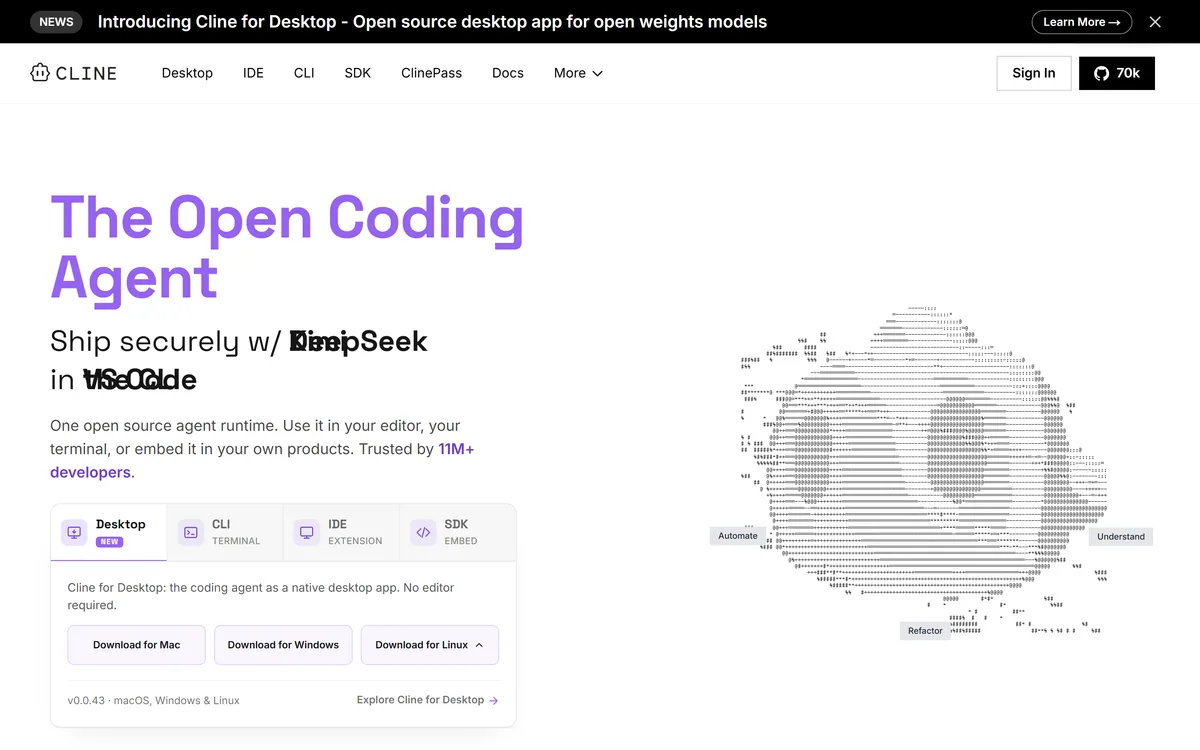
An open-source coding agent you can run in VS Code, the terminal or a desktop app, with any model you choose
Why these tools
Built Around How Developers Actually Work
Common Challenges
- ✕Spending hours debugging code that should take minutes
- ✕Writing boilerplate code and repetitive documentation
- ✕Keeping up with new frameworks and libraries
How AI Helps
- AI pair programmers suggest code as you type
- Bug detection and fix suggestions
- Generate tests, docs, and boilerplate with AI
 Replit AI
FAQ
Frequently Asked Questions
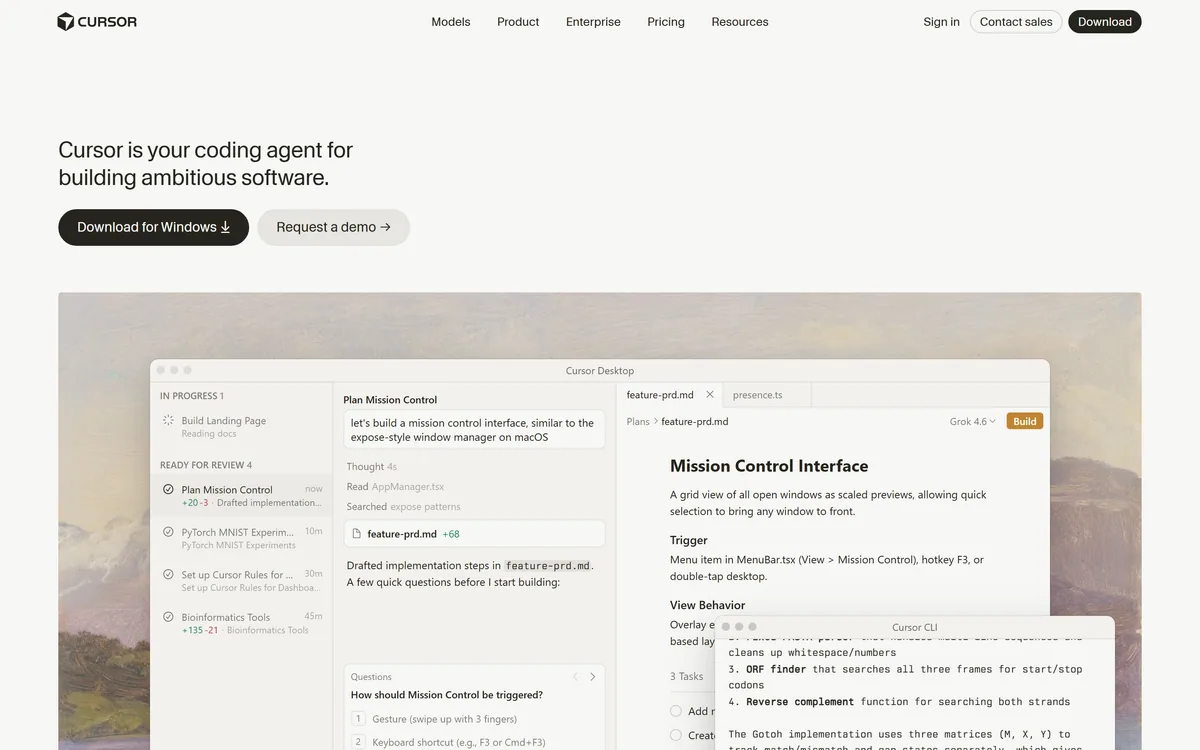
GitHub Copilot has a free plan and paid plans — see GitHub's Copilot plans page for current prices. Cursor and Codeium also offer free tiers.
Cursor and Claude can both help with debugging: share the code and the error message, and ask for a fix with an explanation.
No — AI tools can take on repetitive tasks, but they still need human direction, review, and architectural thinking, so you can focus on the hard problems.
Compare Before You Pay
Read the full reviews before you choose, or start with the free options for this workflow.