DomoAI is an AI video platform with seven generation modes including Omni Reference, Video to Video, Image to Video, Talking Avatar, Character to Video, Text to Video and Frames to Video. It names its models — DomoAI 2.5, Seedance 2.5, MiniMax H3, GPT Image 2 and Nano Banana — and offers an API. Operated by DOMOAI PTE. LTD.
domoai.app6 viewsAdded April 25, 2026331K visitors
Most AI video tools give you a prompt box and hope your problem fits it. The trouble is that people arrive with wildly different starting materials — a script, a photograph, an hour of footage, a character design, a song — and a single interface serves one of them well.
DomoAI splits the entry point instead. Seven modes, each expecting a different kind of input, each doing something the others cannot.
That makes the first decision the important one. Choosing the wrong mode wastes far more time than choosing the wrong prompt, and it is the thing most people get wrong.
DomoAI: Seven Ways Into A Video
Seven generation modes, each matched to a different starting material rather than seven names for one thing.
Omni Reference blends image, video and audio references into a single consistent output.
Frames to Video takes 2–8 images and generates the transitions between every frame.
Models named openly — DomoAI 2.5, Seedance 2.5 and 2.0, MiniMax H3, GPT Image 2, Nano Banana 2 and Pro.
DOMOAI PTE. LTD., a Singapore entity, with an API platform and a student and educator programme.
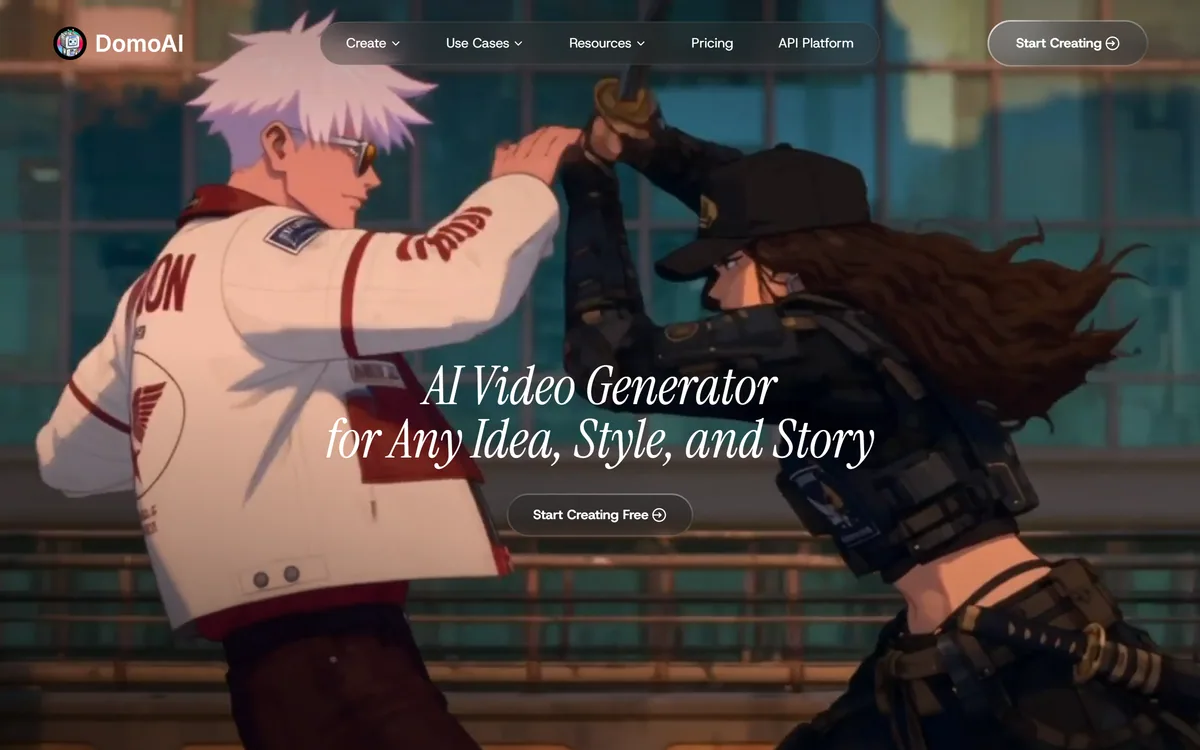
DomoAI's homepage, captured 9 September 2026, showing the AI video generator positioning.
What Is Omni Reference For?
DomoAI describes Omni Reference as blending image, video and audio references into a single consistent video, and lists it first among the modes.
The problem it addresses is the central weakness of prompt-driven generation: description is a lossy way to specify a look. Cinematic, moody and warm lighting mean something to you and something slightly different to a model.
References remove that translation step. Showing the system the palette you want, the motion you want and the audio it should match is far more precise than any adjective, and it is how visual direction actually works between people.
Combining three reference types is the ambitious part. An image can carry style, a video can carry motion and pacing, and audio can carry rhythm — and a system that honours all three is closer to a brief than a prompt.
The realistic caveat is that reference conflicts have to be resolved somehow, and the resolution is not something you control. When the image's palette and the video's lighting disagree, something is discarded, and knowing which requires testing rather than reading — the same discipline that makes model-by-model tools like Argil worth driving deliberately.
Description is a lossy way to specify a look. Cinematic and moody mean something to you and something slightly different to a model.
Frames To Video And Keyframe Control
Frames to Video takes 2–8 images and generates video with smooth transitions between every frame, which is the mode most likely to be underestimated.
It is effectively keyframing, and keyframing is how animation has always been controlled. You specify the moments that matter and let the system produce what happens between them.
That inverts the usual relationship with generative video. Instead of describing a shot and accepting whatever motion arrives, you fix the beginning, the end and several points in between — which is control you cannot get from a prompt.
It is particularly effective for things a text prompt handles badly: a specific transformation, a product rotating to a precise angle, a character moving into a defined pose.
The limit is the same as in traditional animation. Widely spaced keyframes give the system too much freedom and produce drift, so more frames means more control and less surprise — which is usually what you want for anything commercial.
Naming Every Model It Runs
DomoAI lists its models openly: its own DomoAI 2.5 alongside Seedance 2.5 and 2.0, MiniMax H3, GPT Image 2, Nano Banana 2 and Nano Banana Pro, with short notes on what each is for.
The notes are the useful part. Seedance 2.5 is described as taking up to 50 references in one prompt with 30 seconds to use them; MiniMax H3 is described as producing sound with the picture — dialogue, effects and room tone.
That level of specificity is rare and genuinely actionable. Knowing that one model handles many references and another generates audio alongside video lets you choose by requirement rather than by trial.
Running its own model alongside third-party ones is a defensible position too. It means the platform is not purely a reseller, while still inheriting improvements from frontier models as they ship.
The trade-off to note is that a multi-model platform's capabilities shift when models are added or retired, so a result you liked may not be reproducible in six months. Record which model produced anything you intend to repeat — the same advice that applies to Pollo AI and every other orchestration layer.
Choose the mode before the prompt — it matters far more.
Use references instead of adjectives wherever you can supply one.
Add more keyframes when you want less surprise.
Note which model produced anything you plan to reproduce later.
Check licensing before publishing anything commercial.
Restyling Footage You Already Have
Video to Video transforms existing footage into anime, realistic or any style by reference, and Character to Video brings photo characters to life by uploading motion videos to specify actions.
These two modes are the most practically useful and the least discussed, because they start from something real rather than from nothing.
Restyling inherits structure from the source, which solves the hardest problem in generative video for free. Motion, timing, framing and continuity all come from footage that already worked, and the model only has to change appearance.
That is why restyled video is often more coherent than generated video, and why it is the sensible route for anyone who can shoot something. A phone recording of the actual movement you want beats a paragraph describing it.
The inherited limitation is the obvious one: restyling cannot fix bad footage. Poor framing, shaky camera work and awkward pacing survive the transformation intact, and a stylised version of a badly shot clip is a badly shot clip in a different style.
Where Every AI Video Tool Still Struggles
It is worth naming the shared ceiling, because no product in this category has cleared it and the marketing rarely mentions it.
Character continuity across a full video is the first. A face that stays recognisably the same person across twelve shots is far harder than one striking shot, and this is where most AI video visibly fails.
Duration is the second. Models produce short clips reliably and long ones badly, so anything of length is assembled from pieces — which puts the burden of coherence back on editing.
Text is the third and most stubborn. Legible words on signs, packaging or screens remain unreliable, which is a real problem for anything commercial where a product name has to be readable.
Physical plausibility is the fourth. Hands, liquids, reflections and anything with contact between objects are where generated video announces itself. None of this argues against using the tools; it argues for choosing shots that avoid the known failures — which is also why editors and clipping tools like Clipfly remain part of the workflow.
Choosing The Right DomoAI Mode
Almost all wasted time with a multi-mode tool comes from starting in the wrong mode and blaming the prompt.
This sequence picks the mode from what you already have rather than from what you imagine.
Start from your material — footage, an image, a character, a script or nothing.
Use Video to Video if you can shoot the motion, since inherited structure beats generated motion.
Use Frames to Video when specific moments must be hit exactly.
Use Omni Reference when the look matters more than the action.
Reserve Text to Video for when you genuinely have nothing to start from.
Avoid shots containing hands, readable text or liquid contact wherever you can.
DomoAI: Modes And Models
Operating company
DOMOAI PTE. LTD.
Product type
AI video generation platform
Positioning
AI video generator for any idea, style and story
Modes
Omni Reference, Video to Video, Image to Video, Talking Avatar, Character to Video, Text to Video, Frames to Video
Frames to Video
2–8 images, with transitions generated between every frame
Last checked . Read from domoai.app in a browser session on the date above. The homepage renders slowly, so this was captured after a longer settle than usual.
Positioned as an AI video generator for any idea, style and story
Seven modes confirmed: Omni Reference, Video to Video, Image to Video, Talking Avatar, Character to Video, Text to Video and Frames to Video
Omni Reference described as blending image, video and audio references into a single consistent video
Frames to Video described as taking 2–8 images with transitions generated between every frame
Models listed as DomoAI 2.5, Seedance 2.5, Seedance 2.0, MiniMax H3, GPT Image 2, Nano Banana 2 and Nano Banana Pro
Seedance 2.5 described as accepting up to 50 references in one prompt with 30 seconds to use them
MiniMax H3 described as producing sound with the picture, including dialogue, effects and room tone
Editing tools listed for upscaling, background replacement, lip sync and motion control
Image tools listed including text to image, editor, upscaler, background remover, face swap, extender and photo restoration
What we could not confirm: pricing and how credits are consumed per mode, which is the main practical question with a seven-mode platform; output resolution and duration ceilings; commercial and distribution licensing for generated video; whether models can be selected per generation or are assigned by mode; what happens to uploaded footage and reference images after generation; and how the platform's own DomoAI 2.5 model compares with the third-party ones. We did not generate any video.
Which DomoAI Mode Do You Need?
A strong match when
Your source material varies — sometimes footage, sometimes an image, sometimes nothing.
You can shoot the motion you want and would rather restyle than generate it.
Specific moments must be hit exactly, which keyframing handles and prompting does not.
Knowing which model produced a result matters to you.
You want image tools and video generation from the same account.
Another tool wins when
Your output is music video, where beat alignment is the whole problem.
You need a repeatable template rather than one-off generations.
Character continuity across a long video is the requirement.
You need published duration, resolution and licensing terms before starting.
Your job is clipping long recordings, which is a different capability.
Editor's Verdict
4.0/5
DomoAI's structure is a genuine advantage rather than a feature list. Seven distinct entry points — text, an image, existing footage, a character, keyframes, references, a talking avatar — correspond to seven genuinely different starting materials, and picking the right one matters more than prompt quality. Publishing the model list, including which are new and what each is good for, is the kind of transparency almost nothing else in AI video offers. What holds it at four is the same ceiling everyone has: character continuity across a full video, and the fact that restyled footage inherits whatever was wrong with the original. AInexfinder Editor Score: 4.0/5.
DomoAI pricing
AInexfinder does not list plan prices or billing details. For current pricing, plans, and trials, visit the official DomoAI website.
Vendor pricing, credits, and billing policies change over time. Always confirm on the official site before you buy.
Frequently asked questions
What is DomoAI?
DomoAI is an AI video platform from DOMOAI PTE. LTD. with seven generation modes: Omni Reference, Video to Video, Image to Video, Talking Avatar, Character to Video, Text to Video and Frames to Video. It names its models openly and offers an API platform.
What is Omni Reference?
A mode that blends image, video and audio references into a single consistent video. It addresses the central weakness of prompting: description is lossy, and cinematic or moody mean something slightly different to a model than to you. Showing beats describing.
What is Frames to Video good for?
Keyframing. You supply 2–8 images and the system generates the transitions between every frame, which fixes the moments that matter and lets the model fill the gaps. It is the right mode when a specific transformation or a precise end pose has to be hit.
How many keyframes should I use?
More when you want less surprise. Widely spaced keyframes give the system too much freedom and produce drift, exactly as in traditional animation. For anything commercial, more control and fewer surprises is usually the correct trade.
Why does naming the models matter?
Because it lets you choose by requirement rather than by trial. The site notes that Seedance 2.5 accepts up to 50 references in one prompt and that MiniMax H3 produces sound with the picture — that is specific and actionable in a way most platforms never offer.
Is restyling better than generating from scratch?
Usually, if you can shoot something. Restyled video inherits motion, timing, framing and continuity from footage that already worked, so the model only has to change appearance. That is why restyled output is often more coherent than generated output.
Can restyling fix bad footage?
No. Poor framing, shaky camera work and awkward pacing survive the transformation intact — a stylised version of a badly shot clip is a badly shot clip in a different style. Fix the shooting, not the styling.
What still goes wrong in AI video generally?
Four things: character continuity across many shots, duration beyond short clips, legible text on signs and packaging, and physical plausibility around hands, liquids and contact between objects. Choosing shots that avoid these known failures is more effective than better prompting.
Which mode should I start with?
Whichever matches what you already have. Footage means Video to Video; specific moments mean Frames to Video; look mattering more than action means Omni Reference. Reserve Text to Video for when you genuinely have nothing — starting in the wrong mode wastes far more time than a weak prompt.
Can I use the output commercially?
The pages we read do not state distribution or commercial licensing terms, so settle that before publishing anything client-facing. Credit consumption per mode is also unstated, which matters when seven modes are likely to cost very different amounts.
Daniel reviews AI tools the slow way — by actually using them on real projects. His reviews cover what works, what breaks, and who each tool is genuinely a good fit for.
Daniel and the AInexfinder editorial team research DomoAI using public product information, listing evidence, and (when available) hands-on checks. Scores reflect listing completeness and transparency — not paid placement.
Listings may include affiliate or sponsored placements, which are labeled when present. Editorial scores and cons are not sold. See our affiliate disclosure and review methodology.
Patternaly is an AI pattern generator that turns a text prompt into seamless, tileable patterns for print-on-demand, textiles, packaging and wallpaper, with 19 artistic styles, a seamless checker, product mockups and HD export, and commercial rights on paid plans.
PixelLab generates pixel art game assets including character animations, 4 and 8 directional rotations, tilesets, environments and UI elements. It offers skeleton-based animation, true inpainting that understands the original image, and states it does not store generated or input images.
krea2.org is a browser image-generation workspace that runs several third-party models side by side, including Krea 2 tiers, FLUX.2, GPT Image 2, Nano Banana and Seedream 5.0, with reference uploads, six aspect ratios and live model switching.
Pet Pic Portraits turns a pet photo into styled artwork — Royal King, Pop Art, Watercolour, Viking, Wizard and more — with an instant preview before ordering. Output is a digital download, a canvas print or framed wall art, and it includes a pet memorial option.
VividManga colourises black-and-white manga while keeping recurring characters on a fixed palette and leaving speech bubbles untouched. It takes ZIP and CBZ archives, offers twelve-plus styles, and exports pages individually or as a packaged chapter.