

Canva AI is the Magic Studio suite built into Canva — Magic Write for copy, Dream Lab for images, Magic Edit, Expand and Eraser for photos, Magic Switch for reformatting, Magic Charts for data, and Canva Code for interactive widgets.
Image & Design Review
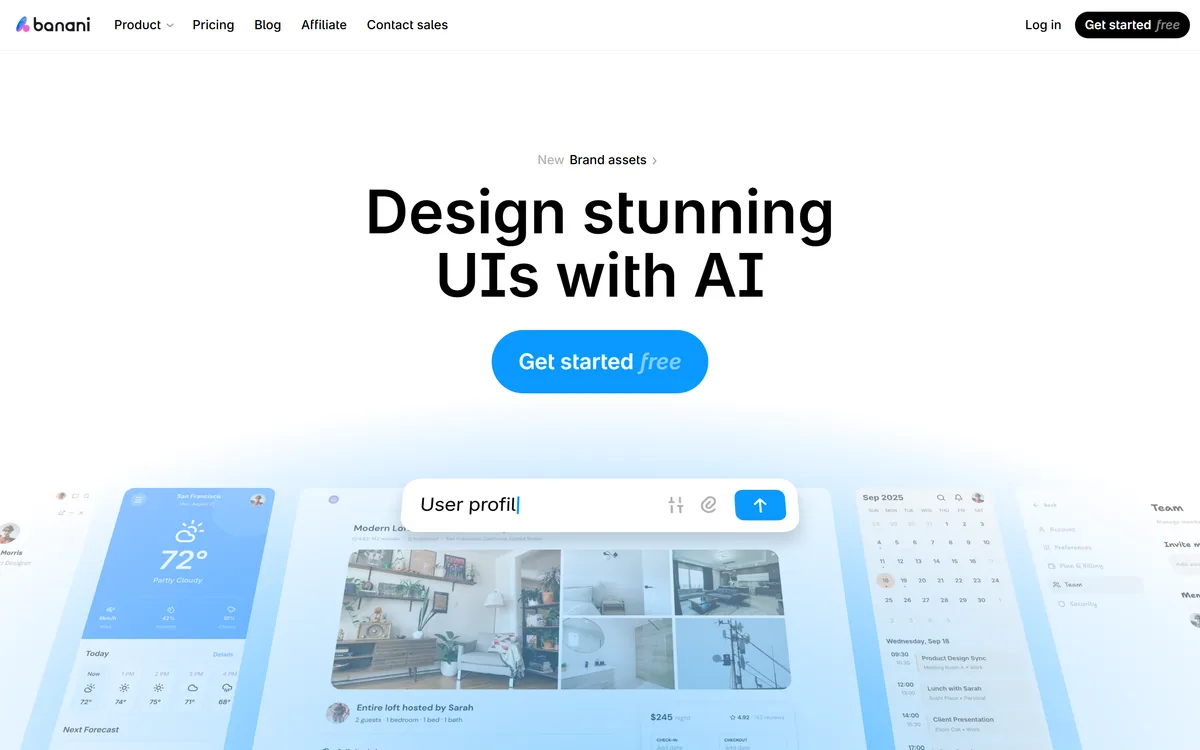
Banani is an AI UI design tool that turns a text description into editable, multi-screen prototypes, can generate designs from screenshots, images or Figma links, lets you restyle with AI or manual design tokens, and exports to Figma, HTML/CSS or images.
Good
Banani earns 3.9 as a fast, approachable way to turn product ideas into editable, multi-screen UI prototypes from text or references, with useful touches like generating the next screen from a clicked element, style tokens and Figma and HTML/CSS export. It suits product managers, founders and designers exploring ideas. Generated UI is a draft that needs design, accessibility and user-research input, and reference-based recreation should never become copying others' designs. AInexfinder Editor Score: 3.9/5.
Best for: Rapid wireframing; Concept validation
The visit link goes to banani.co, the official site. Paid placements on AInexfinder are always labelled. How we make money
Turning a product idea into screens usually requires a designer or hours in a design tool. Banani lets product managers, founders and students generate interactive UI prototypes from a plain-language description.
It generates editable, multi-screen prototypes, can extract style and layout from screenshots or Figma links, lets you adjust the look with AI or design tokens, and exports to Figma, HTML/CSS or images. It sits among design tools like Mew Design, focused specifically on product UI.
This review covers how Banani turns a prompt into screens, which product people it suits, how its plans are structured, and when its generated UI needs a designer.
Banani's job is to compress the gap between an idea and a clickable prototype. You describe your product in plain language and it generates multi-screen designs you can edit, which makes early product thinking visual far faster than sketching from scratch.
It is designed for people who are not full-time designers, product managers wireframing ideas, founders exploring a concept, students and indie hackers, though designers can use it for rapid exploration too.
Users highlight one interaction in particular: click an element and Banani generates the screen a user would see next, which helps flesh out flows rather than isolated screens.
The honest framing is that Banani produces strong first drafts, not finished products. Good UX depends on research, accessibility and the details of your users, and generated designs need a designer's eye before they ship.
That speed changes how teams discuss ideas. Instead of debating a feature in a document, a product manager can bring three generated variations to a meeting, gather reactions and iterate the same afternoon, which shortens the loop between an idea and useful feedback.
Banani produces strong first drafts of UI, not finished products; good UX still depends on research, accessibility and judgement.
Banani works from text or references and hands designs off to the tools teams already use.
You describe the product, and Banani generates editable, multi-screen prototypes that you can refine by prompting or by editing directly, including generating the next screen in a flow from an element you click.
For full-stack mobile apps rather than design prototypes, a builder like RapidNative generates working code; Banani stays on the design and prototyping side.
You can drop in images, screenshots or Figma links and Banani extracts visual style and layout to generate fresh ideas or recreate a UI closely, then adjust the style with AI or fine-tune colours, typography and other tokens manually. Designs export to Figma, HTML/CSS or images.
Recreating another product's interface 'one to one' should be limited to your own products or inspiration you transform, since copying a competitor's distinctive design can raise intellectual-property concerns. For pitch decks and visual storytelling, Gamma covers different ground.
Banani suits product managers who need quick wireframes to communicate ideas, founders validating concepts before hiring a designer, and students and indie hackers building portfolios or side projects.
It suits designers who want to explore many directions quickly before investing time in detailed work, and teams that want to share interactive prototypes for feedback early.
It suits less well complex enterprise applications with intricate states and data, accessibility-critical products that need careful compliance work, and teams that need a full design system maintained over time.
It also does not replace user research: a polished prototype can still solve the wrong problem, so test generated flows with real users.
A sensible approach is to use Banani for the first ten per cent of design work, getting an idea onto screens, and then bring in design judgement for the remaining refinement.
Students and career-switchers can also use it to learn interface patterns quickly, studying how common screens are structured before practising the same layouts by hand in a professional design tool.
Banani is free to start, with paid plans that typically add more generations, projects and export options. We do not publish prices, which change; check the site.
The value question is speed: if it turns days of wireframing into hours for your team, a subscription can easily pay for itself.
Check which export formats sit on which tier, since Figma and code export are often what makes a prototype useful downstream.
The sensible approach is to prototype one real feature on the free tier, export it to your design tool, and see how much rework a designer needs before deciding.
Teams should also decide who owns and maintains prototypes over time, since a pile of generated projects can drift away from the real product unless someone keeps them current.
Because prototypes are only useful if they survive handoff, test Banani on a real feature end to end.
| What it is | An AI UI design and prototyping tool |
|---|---|
| Input | Text descriptions, screenshots, images or Figma links |
| Output | Editable, multi-screen interactive prototypes |
| Styling | AI restyling plus manual colour and type tokens |
| Interactions | Generates the next screen from a clicked element |
| Sharing | Links to projects or screens for feedback |
| Export | Figma, HTML/CSS or images |
| Access | Free to start, with paid plans |
Text-to-UI generation
Multi-screen prototypes
Click-to-generate next screen
Reference-based design
AI restyling
Design-token controls
Shareable prototypes
Figma and HTML/CSS export
The useful comparison is with other ways to design and prototype products.
| Tool | Tool | Focus | Best for |
|---|---|---|---|
| Banani | AI UI prototyping | Text-to-UI drafts and flows | PMs and founders |
| Mew Design | AI design tool | Graphics and visuals | Marketing design |
| Gamma | AI presentations and docs | Decks and visual stories | Pitches and reports |
| RapidNative | AI mobile app builder | Working React Native apps | Mobile MVPs |
Last checked . Read from banani.co during this check, with the screenshot above captured at the same time.
Banani's prototypes are drafts that need design and accessibility review. Use reference-based recreation for your own products or transformed inspiration, not to copy others' distinctive designs. User figures are vendor-stated.
A design tool, a presentation maker and a mobile app builder to compare with Banani.
AInexfinder does not list plan prices or billing details. For current pricing, plans, and trials, visit the official Banani website.
Visit official website for pricingVendor pricing, credits, and billing policies change over time. Always confirm on the official site before you buy.
Banani earns an AInexfinder Editor Score of 3.9/5 (good). Best for: Rapid wireframing; Concept validation; Early prototypes.
Visit BananiLog in to write a review.
No reviews yet. Be the first to share your experience with Banani.
Assigned reviewer
Daniel ReedSenior AI Tools Reviewer
Daniel leads AInexfinder's tool reviews. He researches each tool from its own pricing, documentation and policies, checks its claims against independent sources, and writes up what it does well, where it falls short and who it genuinely suits.
Daniel and the AInexfinder editorial team research Banani from its own website, pricing, documentation and policies, checked against independent sources. This review is research-based: unless its method note says otherwise, we have not bought a plan or run hands-on tests. The Editor Score is our editorial judgement, and payment never changes it.
Similar Tools
Canva AI is the Magic Studio suite built into Canva — Magic Write for copy, Dream Lab for images, Magic Edit, Expand and Eraser for photos, Magic Switch for reformatting, Magic Charts for data, and Canva Code for interactive widgets.

Coolors review on AInexfinder — freemium AI tool for Image & Design. Features, pricing notes, and alternatives.
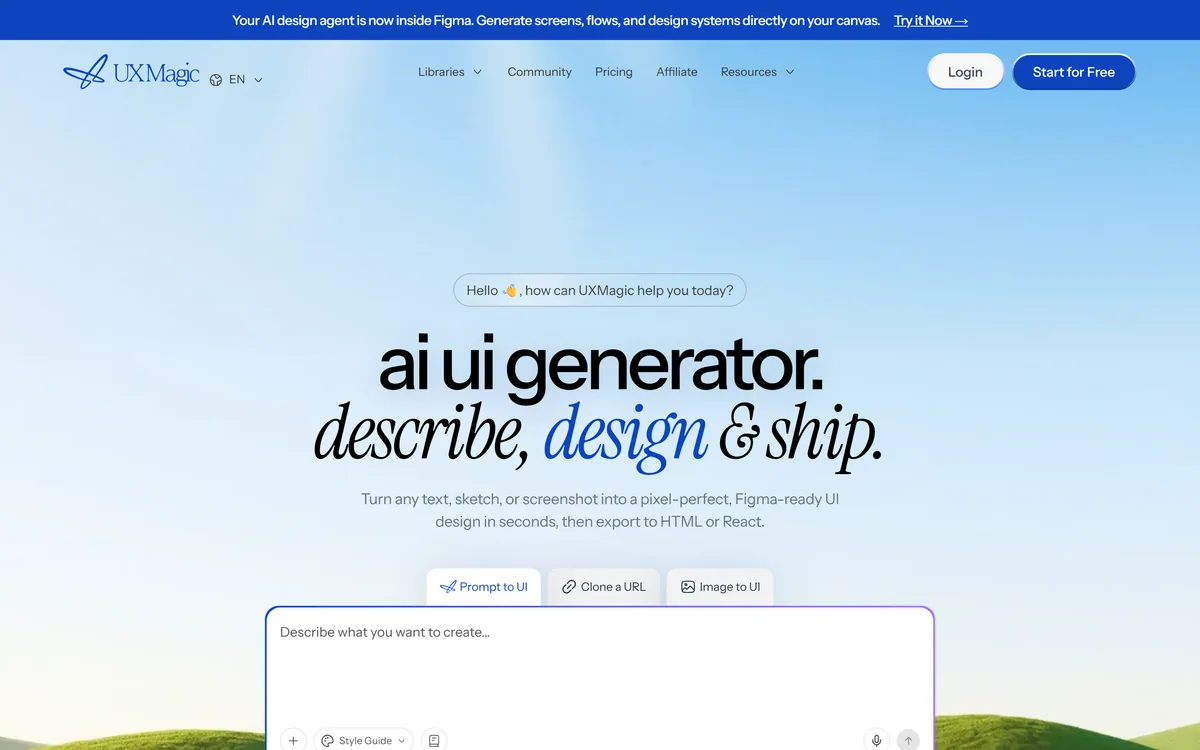
UXMagic turns text prompts, sketches or screenshots into Figma-ready UI designs, generating wireframes, sitemaps and multiple screens, importing your design system, and exporting to Figma, HTML, React or Webflow.

Visily generates editable UI designs from screenshots, text prompts, diagrams or templates, aimed explicitly at non-designers who need to convey product ideas, with smart components, auto-prototyping, on-canvas collaboration and a Figma plugin for handoff.
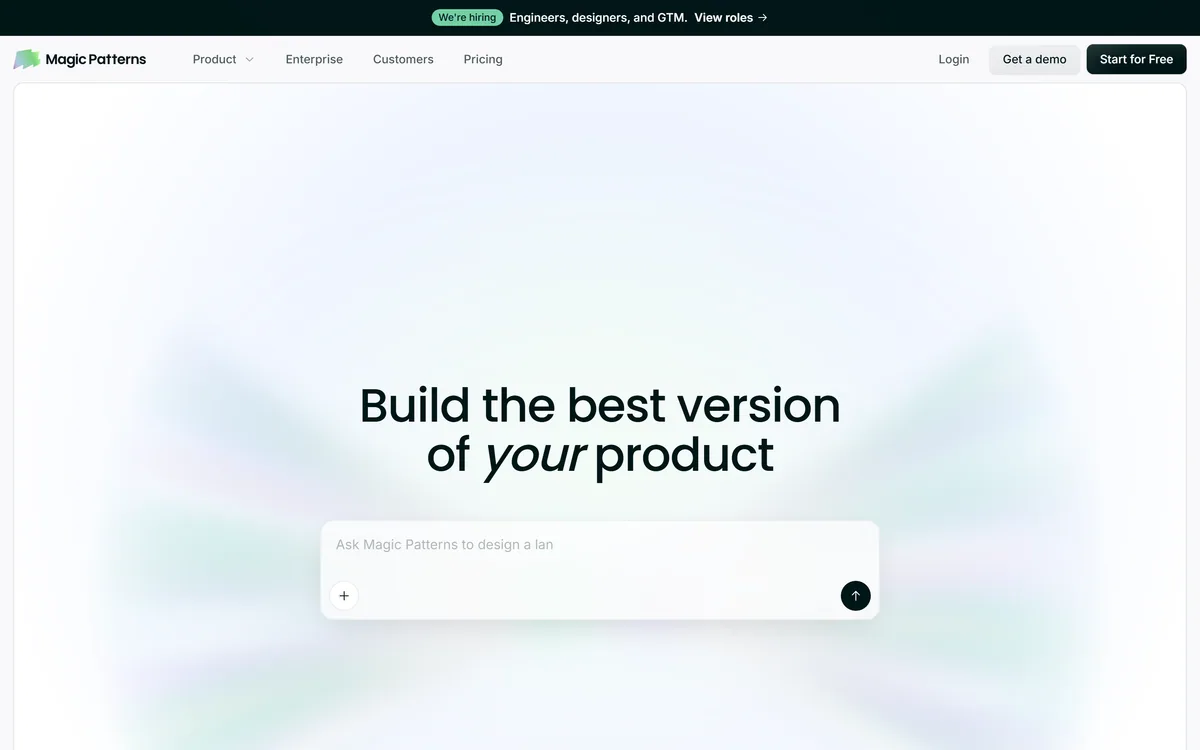
Magic Patterns is an AI design tool for product teams that turns prompts, requirements and ideas into high-fidelity UI, matching your existing design system so teams can prototype and test directions before committing engineering resources.
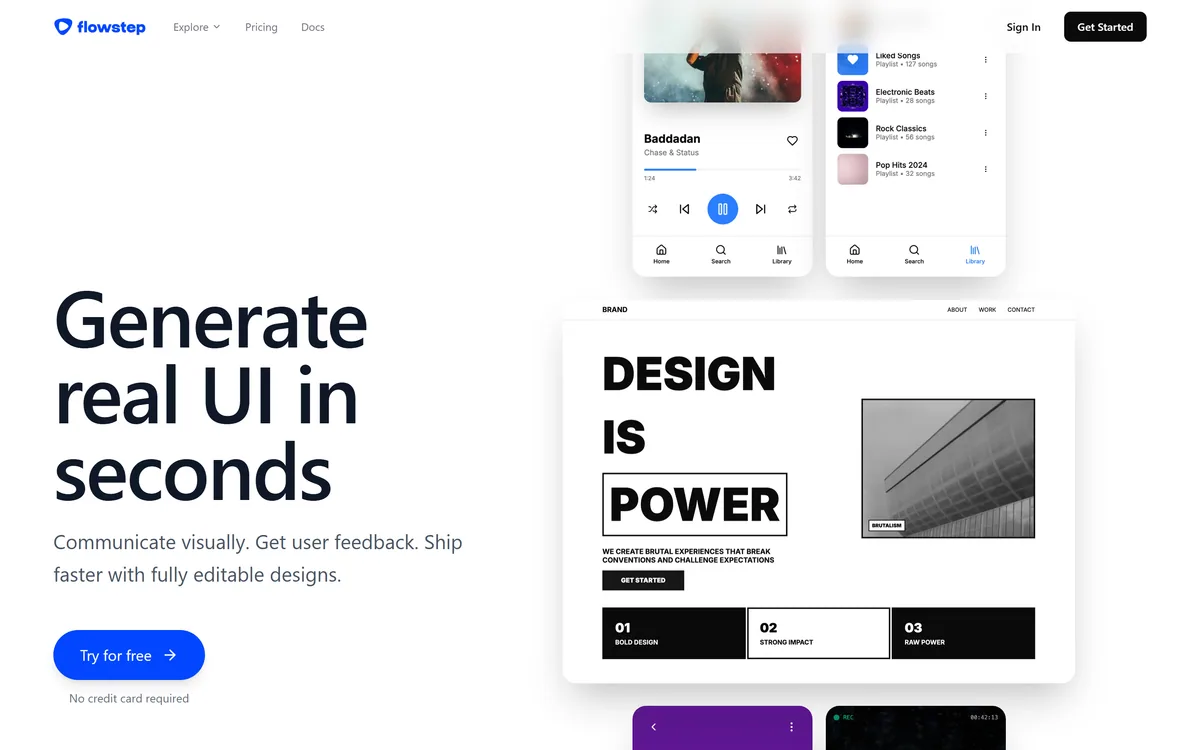
Flowstep generates editable user interface designs from a text description on an infinite canvas. It produces multiple screens in one pass, accepts PRDs and reference images as input, supports real-time collaboration, and exports both to Figma by ordinary copy-paste and to React, TypeScript and Tailwind code.
Related Pages