ChartGPT is an AI assistant that turns uploaded CSVs, spreadsheets or photos of tables into editable charts and answers, converts table photos into spreadsheets, generates analysis code, and also helps with letters, emails, homework explanations and translation.
chartgpt.io6 viewsAdded March 12, 2026113K visitors
Making a clear chart from messy data, or copying a printed table into a spreadsheet, is tedious work for many people. ChartGPT aims to make it a conversation: upload the data or a photo and ask for what you need.
It builds editable charts from CSVs and spreadsheets, answers questions about your data, converts photos of tables into clean spreadsheets and generates analysis code, and it now also helps with letters, emails, explanations and translation. For spreadsheet-heavy reporting, tools like RowSpeak go deeper on analysis and dashboards.
This review covers what ChartGPT does with a spreadsheet, who it is handy for, how it is offered, and when its charts need checking.
ChartGPT turns data and table photos into charts and plain-language answers.
Charts And Answers From Your Data, In Plain Language
ChartGPT started from a clear, useful idea: describe the chart you want and let AI build it from your data. Upload a CSV or spreadsheet, ask in plain English, and get a chart you can edit in the browser, plus answers to questions about the numbers.
Its table-photo feature is especially practical. Take a picture of a printed or on-screen table and ChartGPT turns it into clean, editable data for Excel or Google Sheets, which saves retyping for shop owners, health workers, teachers and accountants alike.
It also generates code for graphing and analysis in Python, R, JavaScript or MATLAB, explains code line by line and helps fix errors, which suits students and analysts learning to work with data.
Beyond data, it has broadened into a general assistant for letters, emails, reports, homework explanations and translation in your own language. That breadth makes it convenient, but it also makes ChartGPT less specialised than dedicated data tools.
The honest framing is that ChartGPT is a handy, accessible assistant for everyday data and writing tasks, but AI can misread columns or summarise trends wrongly, so check charts and numbers before using them for decisions.
ChartGPT is a handy assistant for everyday data and writing, but AI can misread data, so check charts before relying on them.
What Does ChartGPT Do With A Spreadsheet?
ChartGPT's features split into data work and general writing help.
Charts, Table Photos And Data Questions
You can upload a CSV or spreadsheet, ask questions in plain English, and build an editable chart in the browser, or photograph a table and convert it into Excel or Google Sheets data. It can also write code for graphing and analysis and explain or fix code.
For converting PDFs and images into Excel and building dashboards from spreadsheets, RowSpeak is more specialised; ChartGPT keeps things simple and conversational.
Letters, Code And Homework, Beyond Charts
ChartGPT also drafts cover letters, letters to banks, customer invitations and reports from a plain description, explains homework topics with examples, and rewrites or translates text into clear, professional English.
Students should use homework help to understand topics and follow their school's rules, rather than submitting AI-written answers as their own. For turning findings into a presentation, Gamma builds decks, and for repetitive web data tasks, Axiom automates browser work.
Who ChartGPT Is Handy For
ChartGPT is handy for small-business owners, teachers, health workers, accountants and students who occasionally need a chart, a cleaned-up table or a quick answer from data without learning spreadsheet formulas or charting tools.
It suits people who think in their own language rather than technical terms, since it accepts plain-language questions and offers translation and rewriting.
It is also useful for learners getting started with data analysis code, who can generate a first version and ask for line-by-line explanations.
It is less suited to professional analysts who need reproducible, audited analysis, large datasets or advanced BI, where dedicated tools and code are better.
Anyone uploading sensitive business, health or customer data should read its privacy terms first, since a 'private' claim is only as strong as the policy behind it.
How ChartGPT Is Offered
ChartGPT is free to start with no card needed, and sign-up uses Google or email. Paid options may exist for heavier use; we do not publish prices, which change; check the site.
The value question is simple for occasional users: if it saves you retyping tables or wrestling with chart menus a few times a month, the free tier may be enough.
Regular users should check what limits apply to uploads, chart exports and usage before relying on it for recurring work.
The sensible approach is to try it on a real dataset and a real table photo, verify the results against the source, and decide whether its convenience beats your current tools.
Charting One Real Dataset With ChartGPT
Because charts can mislead if the data is misread, test ChartGPT on data you already understand.
Read the privacy terms before uploading anything sensitive.
Upload a small CSV or spreadsheet whose numbers you know.
Ask for a chart and a summary, and compare them with your own understanding.
Photograph a printed table and check the converted data cell by cell.
Edit the chart and export it in the format you need.
Pass/fail: ChartGPT is worth using if results are accurate and save you time.
Always double-check numbers before sharing a chart.
ChartGPT, The Chart Brief
ChartGPT turns data into charts: upload a CSV, spreadsheet or photo of a table and ask in plain language.
It converts table photos: snap a printed table and get editable data for Excel or Google Sheets.
It has broadened into a general assistant: code, letters, emails, homework help and translation.
Check the numbers: AI-built charts and summaries can misread data, so verify before you rely on them.
ChartGPT Data-Chart Facts
What it is
An AI assistant for charts, data and everyday writing
Inputs
CSV, spreadsheets, table photos or plain questions
Charts
Editable charts built in the browser
Conversion
Photo of a table to Excel or Google Sheets data
Code
Python, R, JavaScript or MATLAB for graphing and analysis
Writing
Letters, emails, reports and translation
Privacy claim
'Your questions stay private' (vendor-stated)
Access
Free to start, no card needed
Is ChartGPT The Right Chart Tool?
Shop Owners And Analysts ChartGPT Serves
Small-business owners needing quick charts
Teachers, health workers and accountants
People retyping printed tables
Learners starting with data code
Users who prefer their own language
When ChartGPT's Charts Need Checking
Professional analysts needing audited work
Large datasets and advanced BI
Sensitive data without checking privacy terms
Students submitting AI answers as their own
Anyone sharing charts without checking numbers
Key features of ChartGPT
Charts from CSV and spreadsheets
Plain-language data questions
Table photo to spreadsheet
Editable browser charts
Analysis code generation
Code explanation and fixes
Letters and report drafting
Translation and rewriting
Pros & cons
Pros
5
Simple, conversational charting
Handy table-photo conversion
Works in your own language
Helps beginners with data code
Free to start
Cons
5
AI can misread data
Less depth than dedicated BI tools
Broad scope dilutes specialisation
Privacy claim needs checking
Not for audited analysis
Best For
Quick charts
Table digitising
Small-business data
Beginner data analysis
Everyday writing help
ChartGPT Compared With Spreadsheet AI Tools
The useful comparison is with other tools for data, charts and documents.
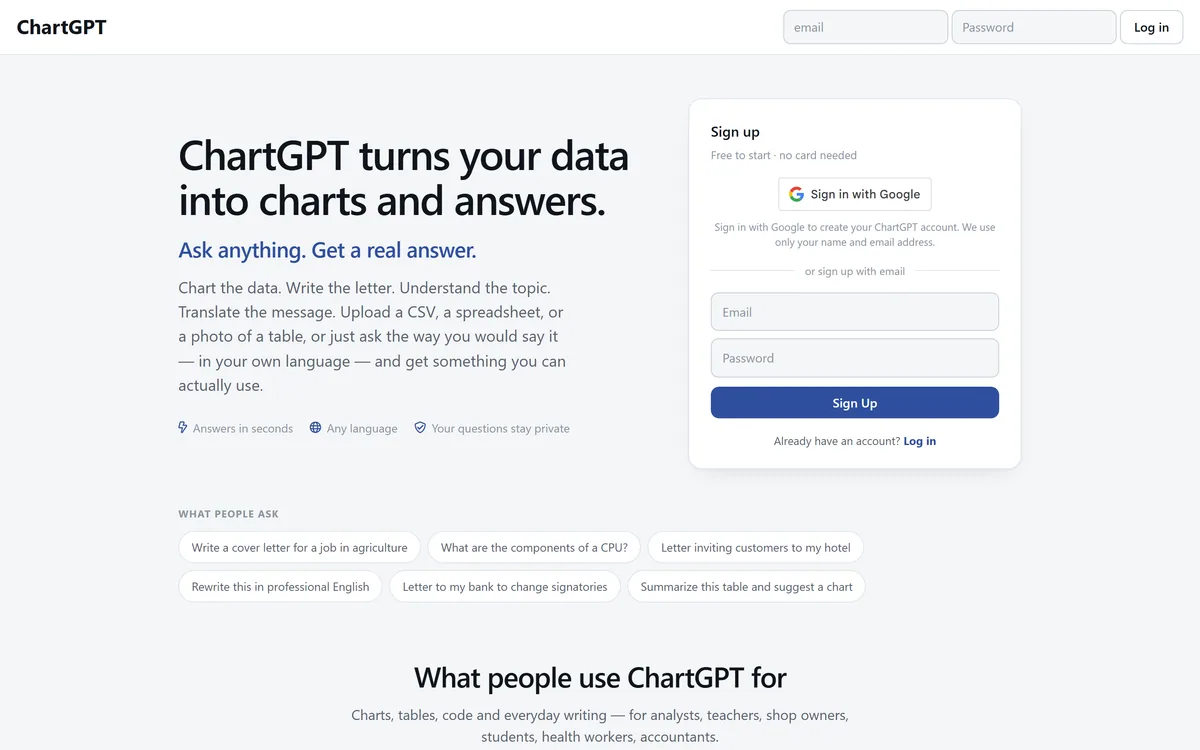
Last checked . Read from chartgpt.io during this check, with the screenshot above captured at the same time.
An AI assistant for charts and data
Charts built from uploaded CSVs and spreadsheets
Photo-of-a-table to Excel or Google Sheets conversion
Code generation and explanation for graphing and analysis
Letters, emails, reports, homework help and translation
A 'your questions stay private' claim (vendor-stated)
Sign-up with Google or email, free to start with no card
No prices reproduced here, in line with this site's pricing policy
AI charts and summaries can misread data; verify numbers before relying on them. Its privacy claim is vendor-stated, so read the policy before uploading sensitive data. Students should follow school rules on AI help.
Data Tools To Compare With ChartGPT
A spreadsheet analysis tool, a presentation maker and a browser automation tool to compare with ChartGPT.
ChartGPT earns 3.5 as a friendly, accessible assistant for everyday data tasks: plain-language charts from CSVs and spreadsheets, a genuinely handy photo-of-a-table to spreadsheet converter, analysis code and broader help with letters, explanations and translation. It suits non-experts who occasionally need charts or clean tables. It is less specialised than dedicated data tools, AI can misread data, and its privacy claim deserves a check, so verify numbers before relying on its charts. AInexfinder Editor Score: 3.5/5.
ChartGPT pricing
AInexfinder does not list plan prices or billing details. For current pricing, plans, and trials, visit the official ChartGPT website.
Vendor pricing, credits, and billing policies change over time. Always confirm on the official site before you buy.
Frequently asked questions
What is ChartGPT?
ChartGPT is an AI assistant that turns uploaded data or photos of tables into charts and answers, and also helps with code, letters, emails, explanations and translation.
Can ChartGPT make charts from Excel?
Yes. You can upload a spreadsheet or CSV, ask questions in plain English and build an editable chart in the browser.
Can ChartGPT read a photo of a table?
Yes. Take a picture of a table and it converts it into editable data for Excel or Google Sheets. Check the converted cells against the original.
Is ChartGPT free?
ChartGPT is free to start with no card needed, signing up with Google or email. Check the site for any paid options or usage limits.
Is ChartGPT private?
It states that your questions stay private and that it uses only your name and email for sign-up. Read its privacy policy before uploading sensitive data.
Can ChartGPT write code?
Yes. It can generate graphing and analysis code in Python, R, JavaScript or MATLAB, explain code line by line and help fix errors.
Can students use ChartGPT for homework?
It can explain topics with examples. Use it to understand material and follow your school's rules, rather than submitting AI-written answers as your own.
Who is ChartGPT best for?
Small-business owners, teachers, health workers, accountants and students who occasionally need charts, clean tables or quick writing help without technical tools.
Are ChartGPT's charts accurate?
They depend on the AI reading your data correctly. Verify numbers and chart choices against your source before sharing or making decisions.
How does ChartGPT compare to RowSpeak?
RowSpeak focuses on spreadsheet analysis, cleaning, reporting and dashboards for teams. ChartGPT is a simpler, conversational assistant that also handles writing and translation.
Daniel reviews AI tools the slow way — by actually using them on real projects. His reviews cover what works, what breaks, and who each tool is genuinely a good fit for.
Daniel and the AInexfinder editorial team research ChartGPT using public product information, listing evidence, and (when available) hands-on checks. Scores reflect listing completeness and transparency — not paid placement.
Listings may include affiliate or sponsored placements, which are labeled when present. Editorial scores and cons are not sold. See our affiliate disclosure and review methodology.
axess is a free AI job-search tool that scans LinkedIn, Indeed and Glassdoor daily, scores each role against your profile on both relevance and likelihood, researches the employer, and prepares a tailored CV and cover letter for the matches worth pursuing.
Otter.ai transcribes meetings live, writes summaries and action items, and organises everything into searchable Channels — with OtterPilot joining Zoom, Teams, and Google Meet, plus role-specific agents for sales, recruiting, and SDR work.
MiroFish is a multi-agent simulation platform for scenario prediction. You ask a plain-language question, attach supporting files, and it returns a structured report covering likely reactions, narrative paths, risk signals and follow-up questions.
AudioNotes is an AI note-taker that turns voice, audio, video and text into structured notes, transcripts and summaries in 99+ languages, with custom templates, chat-with-your-notes, integrations, and a clear no-AI-training privacy stance.
CrewAI is an enterprise platform to build and run AI agents: a Discovery layer that finds automation opportunities, a no-code canvas and code-first Python API for building role-based multi-agent workflows, and a control plane that adds tracing, RBAC, audit and human-in-the-loop approvals.
Goodnotes is a handwriting-first note-taking app spanning iPad, iPhone, Mac, Windows, Android and web. It converts handwriting to text, searches across typed text, handwriting and sketches, annotates PDFs, records and transcribes audio, and turns notes into mind maps and project plans.