
Descript is a video and audio editor that works by editing a transcript — delete a sentence and the footage goes with it — plus Studio Sound, Eye Contact, filler-word removal, AI voices, avatars, and the Underlord assistant.
FreemiumVideo & Audio
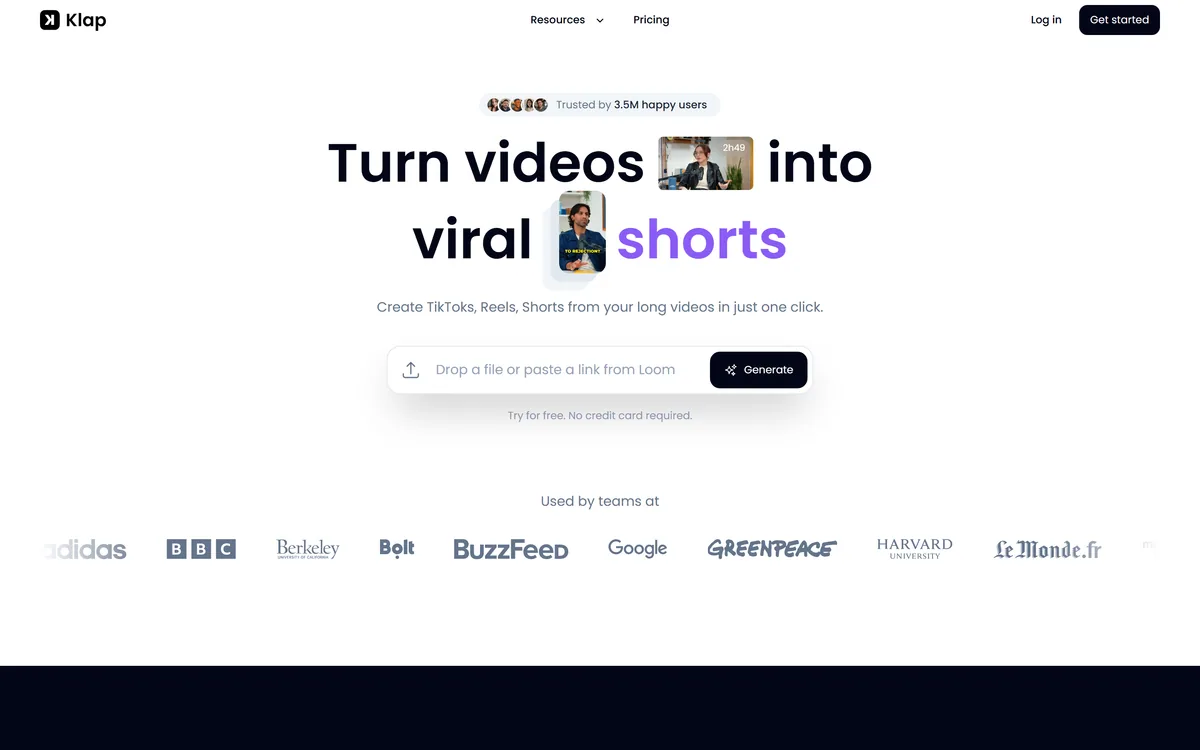
Klap turns long videos into vertical clips for TikTok, Reels and Shorts from a file or a URL. Its AI Reframe 2 analyses scenes and applies layouts including split screen, screencasts and gaming. It states 8.5M clips made by 3.5M creators, and is operated by ZIGG SAS.
Short-form video rewards frequency more than quality, which is an uncomfortable fact for anyone who makes long-form. Posting daily is the mechanism, and nobody produces original daily content indefinitely.
The obvious answer is to cut what you already have. The obstacle is that it takes an hour to find, trim, reframe and caption three clips from one recording, which is exactly as long as making something new.
Klap compresses that hour, and the part that actually determines whether the output is usable is what it does to the frame.
Klap states a rule of thumb: a one-minute video produces about five clips, and that turning long videos into many vertical clips is the point of the product.
That ratio is worth reading carefully, because it is a claim about candidates rather than about usable output.
Five clips per minute of source implies significant overlap — the same passage cut at different lengths and start points — which is the correct behaviour for a candidate generator and a poor basis for posting everything.
The number that matters is how many you would actually publish, and in practice that is far lower. A forty-minute podcast might yield six genuinely good moments regardless of how many clips a tool can extract from it.
That is not a criticism of the tool so much as of how these products get used. Volume is available and cheap; the discipline of publishing only the good ones is what separates a channel that grows from one that posts a lot.
A forty-minute podcast has about six genuinely good moments in it, regardless of how many clips a tool can extract.
Klap describes AI Reframe 2 as analysing your scenes and applying the perfect layout — split screen, screencasts, gaming and more — to resize video for any platform.
This is the feature that decides whether clipped output is watchable, and it is the one worth evaluating above all others.
The problem is geometric. A 16:9 recording cropped to 9:16 loses roughly two thirds of the frame, and a centre crop is almost always the wrong two thirds — an interview becomes a shot of the space between two people.
Scene-aware layout selection is the right answer because different footage needs different treatments. Two people talking wants split screen; a screen recording wants the screen large with the presenter inset; gameplay wants the action centred with the face small.
Getting that choice right per scene rather than per video is the hard part, since a single recording often contains all three situations. It is the same job Kapwing approaches with Speaker Focus, and the quality of the automatic choice is what you should test first.
Klap states that it will instantly turn each clip into viral-worthy content and score its potential to go viral, adding that you should trust the algorithm.
Scoring is the weakest claim on the page, and it deserves scepticism rather than dismissal.
What a model can plausibly detect is real: whether a passage is self-contained, whether it opens with something arresting, whether the speaker's energy rises, whether there is a clear payoff. Those correlate with clips that perform.
What no model can predict is what actually determines virality — timing, what else was published that hour, whose feed it landed in, and the specific unpredictability of recommendation systems. Two identical clips posted a week apart perform completely differently.
So read a score as a proxy for structural quality rather than a forecast. Used that way it is genuinely useful for ranking a batch of candidates; treated as a prediction, it produces false confidence and a lot of posts nobody watched.
The same caution applies to any automated selection. Clip pickers, thumbnail generators and headline scorers all rank candidates plausibly and cannot see what an audience will actually do — which is why tools such as Quso.ai are best judged on how well their shortlist matches yours rather than on the confidence of the ranking.
Alongside clipping, Klap states that it generates AI captions to post with the videos, and that you can share new videos across social platforms once they are made.
Captions are non-negotiable rather than a nice extra. A large share of short-form is watched without sound, and an uncaptioned clip is simply not viewed by that audience.
Auto-captions get the common words right and the important words wrong. Names, products, technical terms and anything domain-specific are exactly what a general speech model has least reason to know, and they are exactly what your clip is about.
The posting integration closes a loop that is more valuable than it sounds. Clips that get exported and sit in a folder do not get posted, and the friction between finished and published is where most repurposing efforts quietly die.
The caution about automated posting is the usual one: publishing to several platforms simultaneously means a mistake reaches all of them at once, so a review step before anything goes out is worth keeping.
The other half of the equation is having enough source material to clip in the first place, which is a production problem rather than a repurposing one. Generators such as Hypernatural sit on that side, and a channel short of long-form has the opposite constraint from one drowning in it.
There is a limit to repurposing that no tool addresses, and it is worth being direct about it.
A clip cannot be more interesting than the moment it came from. If a recording has no arresting passages, clipping produces short boring videos rather than long ones, faster.
Context is the second casualty. A remark that works because of ten minutes of setup often reads as banal or wrong when extracted, and automated selection cannot detect that the setup was the point.
Format matters too. Some content is structurally unsuited to vertical short-form — anything requiring sustained argument, anything visual that needs width, anything where the value accumulates — and forcing it produces clips that technically exist.
The honest use is as an amplifier for material that already contains good moments. Long-form generators such as Hypernatural address the opposite problem, which is having nothing to cut from in the first place.
The failure pattern with clipping tools is generating forty clips, posting thirty of them, and concluding that short-form does not work.
This sequence treats the output as candidates and spends the saved time on selection.
Clipping from an uploaded file or a video URL
AI Reframe 2 with scene-aware layout selection
Split screen, screencast and gaming layouts
AI-generated captions
Virality scoring per clip
Direct publishing to social platforms
An API with documentation
A Discord community
Short-form tools differ by whether they cut, edit, or generate the footage.
| Tool | Input | Key capability | Best for |
|---|---|---|---|
| Klap | Long video or a URL | Scene-aware vertical reframing | Repurposing recordings you already have |
| Quso.ai | Long video | Clip selection and social workflow | Social-led repurposing |
| Kapwing | Any video | Full editor plus clipping | Editing as well as clipping |
| Hypernatural | A script or idea | Generates full-length video | Having nothing to cut from |
| Vmaker AI | Screen and camera capture | Record then edit | Producing the source in the first place |
| Operating company | ZIGG SAS, doing business as Klap |
|---|---|
| Product type | Long-form to short-form video clipping |
| Input | A file upload or a link from any video URL |
| Output | Vertical clips for TikTok, Reels and Shorts |
| AI Reframe 2 | Analyses scenes and applies split screen, screencast, gaming and other layouts |
| Clip ratio | About five clips per minute of source, per the site's own rule of thumb |
| Captions | AI-generated captions to post alongside clips |
| Scale claims | 8.5M clips made by 3.5M creators |
| Publishing | Share clips across social platforms from the tool |
| Developer access | An API with documentation |
| Community | A Discord |
| Made by | Two named founders, per the footer |
Adjacent products across clipping, editing and generating video.
Last checked . Read from klap.app in a browser session on the date above, with the screenshot captured alongside.
What we could not confirm: pricing and how processing minutes are metered; maximum source length and output resolution; how the virality score is computed or validated against actual performance; which speech model generates the captions and how it handles domain-specific terms; where uploaded video is processed and how long it is retained; and which social platforms the publishing integration actually covers. We did not process a video.
Clipping tools all do the same thing and differ in one place: what happens to the frame. A horizontal recording of two people cropped naively to vertical shows an ear and a wall, and Klap's AI Reframe 2 — analysing scenes and choosing split screen, screencast or gaming layouts — is aimed exactly there. The published numbers are large and the rule of thumb the site gives, roughly five clips per minute of source, is honest enough to be useful. What holds it back is the virality scoring, which is presented with more confidence than any model can justify. AInexfinder Editor Score: 3.9/5.
AInexfinder does not list plan prices or billing details. For current pricing, plans, and trials, visit the official Klap website.
Visit official website for pricingVendor pricing, credits, and billing policies change over time. Always confirm on the official site before you buy.
Log in to write a review.
No reviews yet. Be the first to share your experience with Klap.
Assigned reviewer
Daniel ReedSenior AI Tools Reviewer
Daniel reviews AI tools the slow way — by actually using them on real projects. His reviews cover what works, what breaks, and who each tool is genuinely a good fit for.
Daniel and the AInexfinder editorial team research Klap using public product information, listing evidence, and (when available) hands-on checks. Scores reflect listing completeness and transparency — not paid placement.
Descript is a video and audio editor that works by editing a transcript — delete a sentence and the footage goes with it — plus Studio Sound, Eye Contact, filler-word removal, AI voices, avatars, and the Underlord assistant.
Vibrantsnap is an AI tool that turns a rough screen recording into a polished walkthrough: it rewrites your narration, reads it in a studio voice in any language, and auto-edits the video with zooms, chapters and captions.
Kapwing is a browser-based video studio combining a timeline editor, subtitler, audio editor and dubbing into 40+ languages with AI tools including Smart Cut, Trim with Transcript, B-Roll Generator, Clip Maker and Character Consistency. Made in San Francisco.
BlipCut translates and dubs video into more than 140 languages with AI lip synchronisation, so translated speech aligns with the speaker's mouth. It also clones voices in 29 languages, offers 600+ voices across 40+ languages, and generates, translates and edits subtitles from uploads or YouTube links.
VEED is an AI video-creation platform that takes an idea to a finished social video in the browser, bundling generation, AI avatars, subtitles, dubbing, clean audio and a brand kit, plus access to frontier models like Sora 2, Veo and Kling.
BIGVU is an AI personal-branding video platform with a teleprompter, AI avatars and voice cloning, auto-editing (caption, filler removal, eye-contact correction), and one-click social posting, aimed at realtors, coaches and marketers, with synthetic-media features that carry likeness and consent considerations.