
Descript is a video and audio editor that works by editing a transcript — delete a sentence and the footage goes with it — plus Studio Sound, Eye Contact, filler-word removal, AI voices, avatars, and the Underlord assistant.
FreemiumVideo & Audio
quso.ai, previously Vidyo.ai, turns long-form video into short social clips and then schedules them. It covers Intelliclips, CutMagic, filler-word removal, subtitles in 100+ languages, an AI content planner, social captions and analytics across six platforms.
Almost every organisation that records anything has an archive of unclipped video. Webinars, podcasts, conference talks, all-hands recordings — hours of material containing perfectly good moments that nobody has ever posted.
The reason is rarely the clipping. It is the handoff: clip in one tool, export, open a scheduler, upload, write captions, pick times, and repeat that for eight clips. Each step is small and the sequence is long enough that it does not happen.
quso.ai's answer is to put the whole sequence behind one login. That is a workflow argument rather than a technical one, and workflow arguments are usually the ones that change what actually gets published.
| Former name | Vidyo.ai |
|---|---|
| Product type | AI video clipping, editing, captioning, scheduling and analytics |
| Clipping tools | AI Clips Generator, Intelliclips, CutMagic, Custom Clip |
| Editing tools | AI Video Editor, AI Filler Word Removal, AI B-Roll Library |
| Captioning | AI Subtitle Generator, subtitles in 100+ languages |
| Publishing | Social Media Scheduler, AI Content Planner, AI Social Captions |
| Measurement | Social Media Analytics |
| Branding | Brand Kit |
| Output platforms | TikTok, Instagram Reels, YouTube Shorts, LinkedIn, Facebook, X |
| Input sources | YouTube, Vimeo, X, Facebook, Twitch, Rumble, Loom, LinkedIn, Zoom, Google Drive, Dropbox, local uploads |
| Other tools | AI Video Generator, AI Content Creator, AI Social Media Manager |
Intelliclips and the AI clips generator identify segments worth extracting from long-form video, and it is worth being precise about what that can and cannot do.
What automated selection is genuinely good at is detecting change. A shift in tone, a rise in volume, a pause followed by emphasis, a laugh — these are measurable signals, and they correlate loosely with moments people find interesting.
What it cannot detect is significance. The most valuable thirty seconds of a webinar might be delivered flatly, in the middle of an answer, with no vocal signal at all — and a system watching for changes will walk straight past it.
The practical consequence is that the tool should produce a shortlist rather than a schedule. Reviewing twelve suggested clips and keeping four is ten minutes; scrubbing a ninety-minute recording to find those four is an afternoon, and that difference is the entire value.
CutMagic and filler-word removal work on a different axis and are more reliable, because removing an "um" is a detection problem rather than a judgement one. Those features improve every clip regardless of whether the right moment was chosen.
A specialist like OpusClip is generally better at this one step, and the honest question is whether better selection or a shorter workflow saves you more.
Automated selection detects change, not significance. The best thirty seconds of a webinar might be delivered flatly, and a system watching for volume walks straight past it.
quso.ai includes a social media scheduler, an AI content planner, social captions and analytics alongside the clipping tools, covering TikTok, Instagram Reels, YouTube Shorts, LinkedIn, Facebook and X.
The reason this matters is that the export step is where repurposing programmes die. A clip that exists as a file on someone's desktop is not a post, and the distance between those two states is longer than it looks — a caption to write, a platform to choose, a time to pick, a thumbnail to select.
Compressing that into one interface changes the economics of the whole activity. Producing twelve posts from one recording stops being a project and becomes an hour, which is the difference between doing it weekly and meaning to.
The analytics closing the loop is the part that makes it improve. Knowing which clips performed tells you what kind of moment to look for next time, and that feedback never reaches you when clipping and publishing live in separate tools.
The trade is depth. A dedicated scheduler will have more platform-specific features, better approval workflows and more granular analytics, and a dedicated clipper will find better moments. Consolidation buys the handoff at the cost of both ends.
quso.ai states subtitles in more than 100 languages, and the value of that splits into two quite different things.
The first is accessibility and silent viewing, and it applies whether or not you publish in another language. Short social video is overwhelmingly watched without sound, so a clip without captions is silent for most of its audience and loses them in the first second. This is the reason captions matter most, and it needs only one language.
The second is genuine reach into other markets, and this is where the count matters. Subtitling a clip into five languages costs almost nothing once the transcription exists, and it makes the same content available to audiences that would never have watched it.
The caveat is that a hundred languages is a list rather than a quality guarantee. Languages with fewer training resources transcribe less accurately, and a subtitle that is nearly right is more distracting than none at all in the viewer's own language.
The check worth doing is on your own vocabulary. Automated captioning handles ordinary speech well and mangles product names, acronyms and technical terms — which are exactly the words your clips are about.
If your source is written rather than recorded, none of this applies and a converter such as Pictory is solving the earlier problem instead.
The failure mode is publishing everything the tool suggests, which trains an audience to scroll past your account.
Selection is the work. The tool removes the searching, not the judging.
quso.ai was previously Vidyo.ai, and the change matters for a practical reason rather than a strategic one.
Tutorials, reviews, YouTube walkthroughs and comparison articles written before the rebrand all use the old name. Anyone searching for what they remember will find material describing a product under a name that no longer appears anywhere in the interface.
That is a real cost of any rebrand and it is usually underestimated. The vendor sees a name change; users see their existing knowledge quietly disconnected from the thing it described.
What the rebrand does not tell you is whether anything else changed. A name change can accompany a repositioning, a change of ownership, or nothing at all, and the site does not explain which of those applies here.
For an existing user the useful checks are mundane: confirm your projects and connected accounts carried across, and confirm the features you relied on are still present under whatever they are now called.
It is a common enough pattern to be worth a habit: note what a tool was called when you wrote about it. Async and Gemini Notebook both changed names in the same year.
AI clip generation from long-form video, with Intelliclips and CutMagic
Filler word removal and an AI B-Roll library
Subtitle generation in more than 100 languages
A social scheduler covering six platforms
AI content planner and social caption generation
Analytics feeding back into what gets clipped next
Brand Kit for consistent styling across clips
Input from YouTube, Vimeo, Twitch, Zoom, Loom, Drive, Dropbox and local files
The category divides between tools that clip, tools that publish, and the few that do both.
| Tool | Scope | Publishing included | Best for |
|---|---|---|---|
| quso.ai | Clipping, captioning and scheduling | Yes, across six platforms | Removing the export handoff entirely |
| OpusClip | Clipping specifically | Limited | Finding the best moments in long video |
| Vista Social | Scheduling, listening and reviews | Yes, across nine networks | Social management rather than video production |
| Pictory | Converting written and recorded content to video | No | Sources beyond long-form video |
| Vmaker AI | Recording, editing and repurposing | No | When you also need to record the source |
Clipping, publishing and recording are three jobs, and most tools do one of them well.
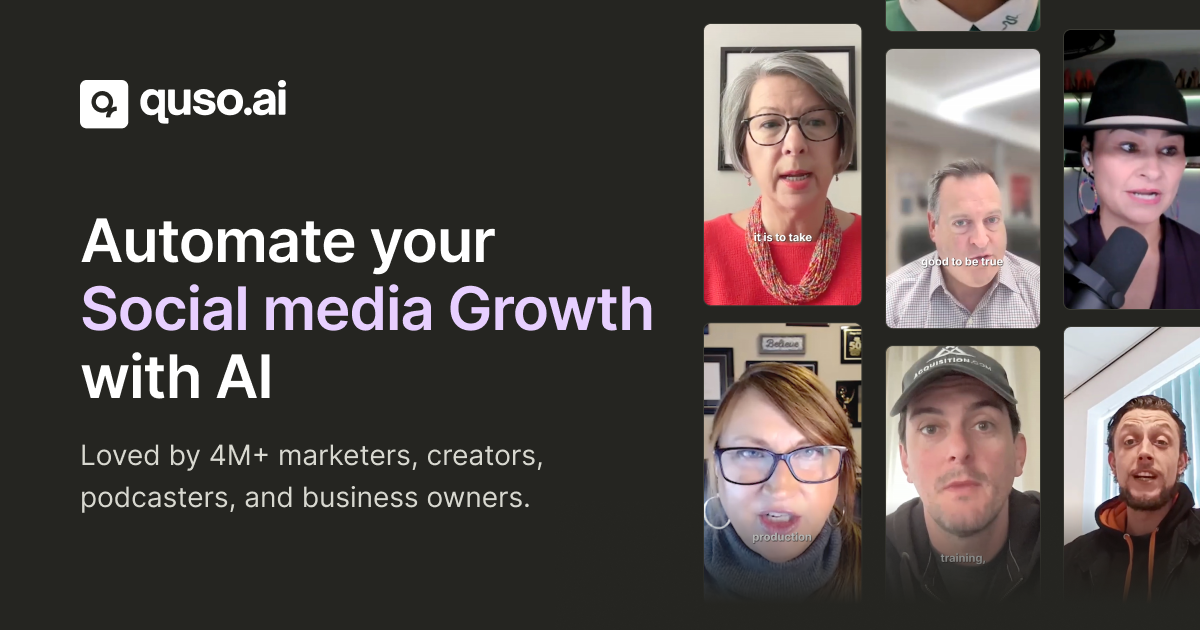
Last checked . Read from quso.ai and its navigation, with the screenshot above captured in the same session.
What we could not confirm: the operating company's legal name or location, with no corporate entity named on the pages we read; pricing and plan structure; when the rebrand from Vidyo.ai took place and whether anything else changed with it; which underlying models perform clip selection, transcription and captioning; how many of the 100+ subtitle languages are reliably accurate; output resolution and clip length limits; and how uploaded video is retained. We did not clip anything, so nothing here reflects tested output.
quso.ai's structural argument is that clipping and publishing are one workflow, not two. Most teams clip in one tool and schedule in another, which means an export, an upload, a re-titling and a chance for the whole thing to stall — and it stalls often, which is why so many recorded hours never become posts. Putting both behind one interface removes the handoff entirely. Subtitles in 100+ languages and a broad input list make it genuinely capable. It scores where it does because automated clip selection finds changes rather than substance, and consolidation always costs some depth at both ends. AInexfinder Editor Score: 3.9/5.
AInexfinder does not list plan prices or billing details. For current pricing, plans, and trials, visit the official quso.ai website.
Visit official website for pricingVendor pricing, credits, and billing policies change over time. Always confirm on the official site before you buy.
Log in to write a review.
No reviews yet. Be the first to share your experience with quso.ai.
Assigned reviewer
Daniel ReedSenior AI Tools Reviewer
Daniel reviews AI tools the slow way — by actually using them on real projects. His reviews cover what works, what breaks, and who each tool is genuinely a good fit for.
Daniel and the AInexfinder editorial team research quso.ai using public product information, listing evidence, and (when available) hands-on checks. Scores reflect listing completeness and transparency — not paid placement.
Descript is a video and audio editor that works by editing a transcript — delete a sentence and the footage goes with it — plus Studio Sound, Eye Contact, filler-word removal, AI voices, avatars, and the Underlord assistant.
Vibrantsnap is an AI tool that turns a rough screen recording into a polished walkthrough: it rewrites your narration, reads it in a studio voice in any language, and auto-edits the video with zooms, chapters and captions.
Kapwing is a browser-based video studio combining a timeline editor, subtitler, audio editor and dubbing into 40+ languages with AI tools including Smart Cut, Trim with Transcript, B-Roll Generator, Clip Maker and Character Consistency. Made in San Francisco.
BlipCut translates and dubs video into more than 140 languages with AI lip synchronisation, so translated speech aligns with the speaker's mouth. It also clones voices in 29 languages, offers 600+ voices across 40+ languages, and generates, translates and edits subtitles from uploads or YouTube links.
VEED is an AI video-creation platform that takes an idea to a finished social video in the browser, bundling generation, AI avatars, subtitles, dubbing, clean audio and a brand kit, plus access to frontier models like Sora 2, Veo and Kling.
BIGVU is an AI personal-branding video platform with a teleprompter, AI avatars and voice cloning, auto-editing (caption, filler removal, eye-contact correction), and one-click social posting, aimed at realtors, coaches and marketers, with synthetic-media features that carry likeness and consent considerations.