
Descript is a video and audio editor that works by editing a transcript — delete a sentence and the footage goes with it — plus Studio Sound, Eye Contact, filler-word removal, AI voices, avatars, and the Underlord assistant.
FreemiumVideo & Audio
Vmaker AI combines 4K screen and webcam recording with automated editing, subtitle generation in 35+ languages, long-to-short clipping, AI avatars, dubbing and format conversion. It states over 2,000,000 users and holds ISO 27001 certification alongside GDPR compliance.
Most video never gets made, and the reason is almost never the editing. It is the number of separate steps between having something to say and having a file somebody can watch.
You record in one application, export, edit in another, export again, caption in a third, then resize for each platform. Every one of those steps is small, and the sequence is long enough that a great deal of intended video quietly does not happen.
Vmaker AI covers all three stages — recording, editing and repurposing — behind one login. That is a workflow argument rather than a technical one, and it addresses the actual reason the video is missing.
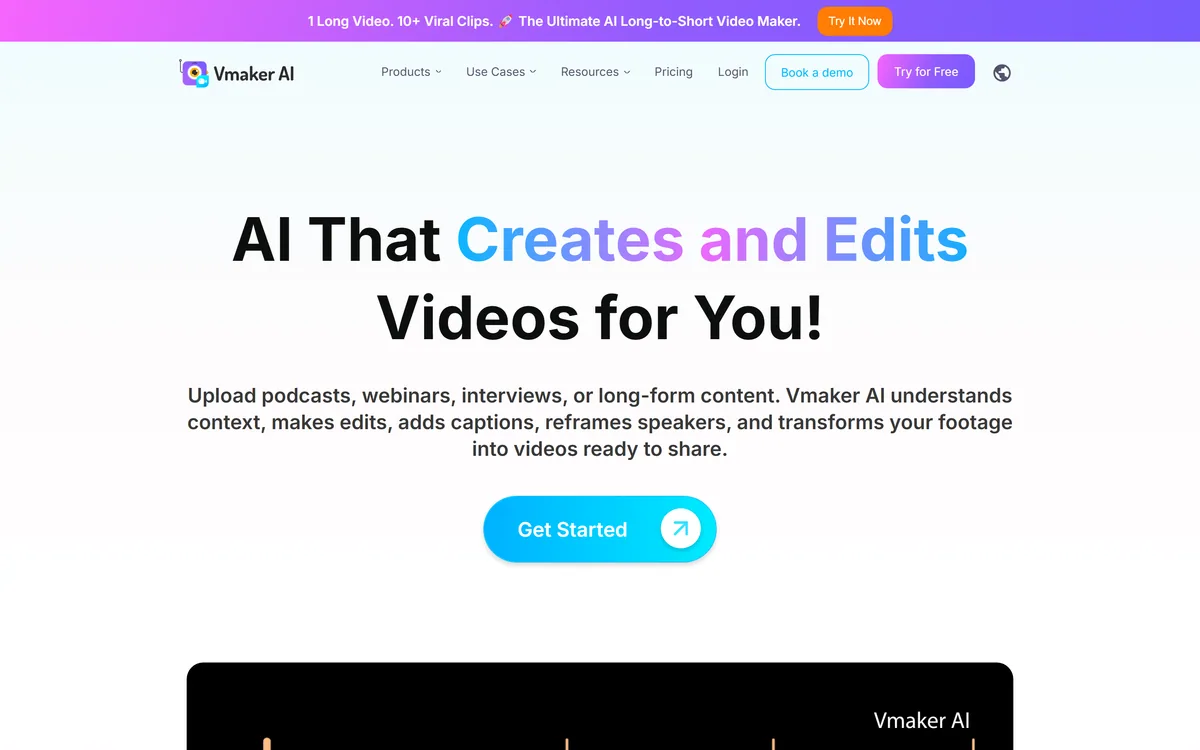
Vmaker AI includes 4K screen and webcam recording alongside its editing and repurposing tools, and owning the capture step is the structural difference from most competitors.
The advantage is that the tool knows what it recorded. A platform that captured your screen and your camera separately has both as distinct tracks with known properties, which makes speaker reframing, background removal and split-screen editing straightforward rather than reconstructive.
An editor receiving a finished file has to work backwards from a single flattened video, inferring what was screen and what was face. That is harder and worse, and it is why so many automated edits of imported footage feel approximate.
It also removes the export that stops people. A recording that is already in the editor is one you might edit; one sitting as a file on your desktop is one you meant to.
The honest limit is that a recorder built into a video platform will not match a dedicated capture tool on the details enthusiasts care about — codec control, multi-source capture, frame-accurate scheduling. For a screen share with a webcam bubble, which is what most business video actually is, that gap does not matter.
The stage it does not own is publishing. A tool like quso.ai combines clipping with scheduling instead, which is the right consolidation if your handoff is at the other end.
A recording already in the editor is one you might edit. One sitting as a file on your desktop is one you meant to.
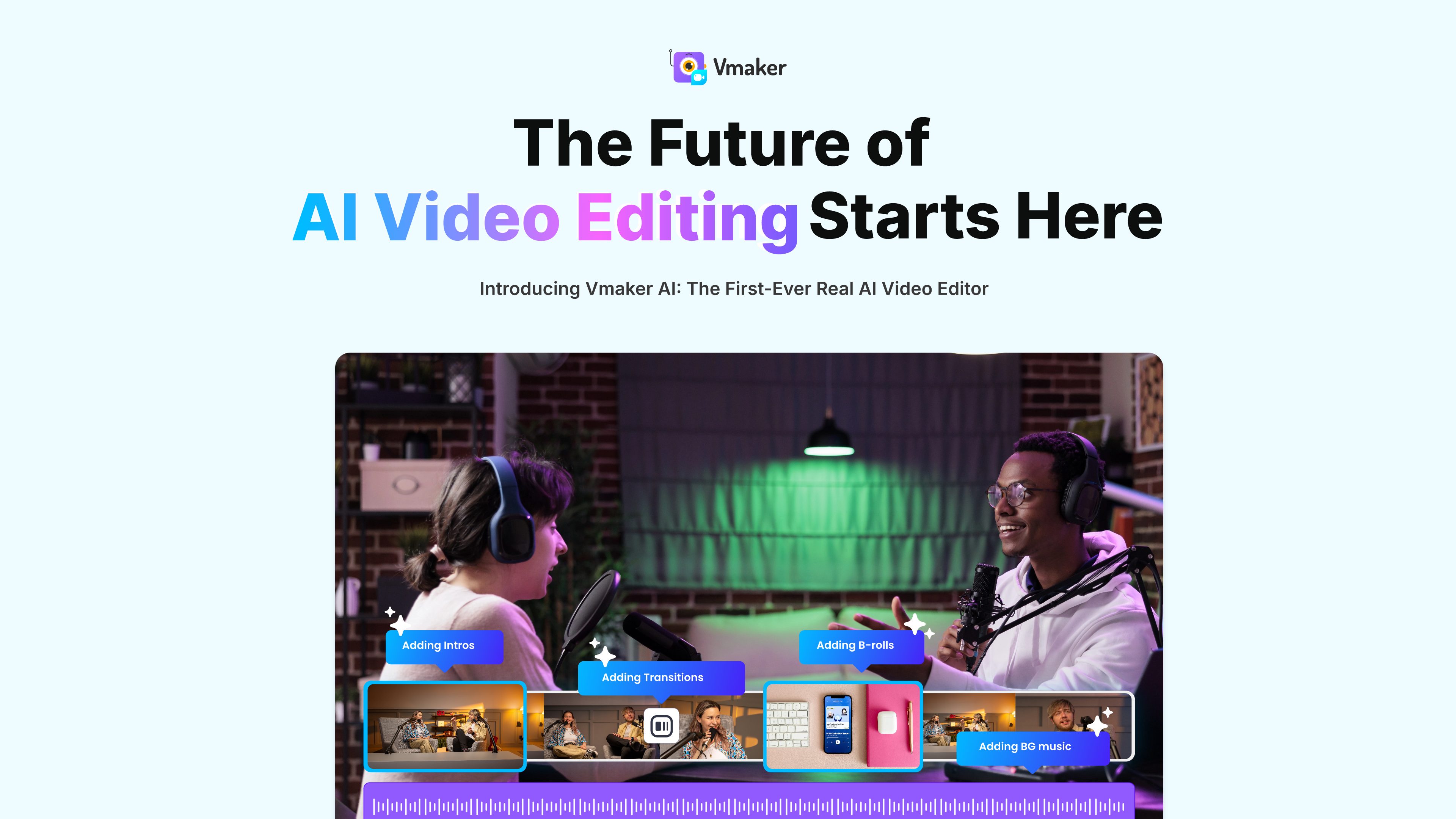
Vmaker AI describes context-aware editing with speaker reframing, which is the feature doing most of the work in the long-to-short conversion.
The problem it solves is aspect ratio. A screen recording is wide; a vertical clip is tall, and naively cropping a 16:9 frame to 9:16 discards two-thirds of the picture — usually including whatever was being pointed at.
Reframing follows the subject instead, keeping the speaker or the relevant region of the screen in frame as it moves. Done well, the result looks composed rather than cropped, and it is the difference between a usable vertical clip and an obviously mangled one.
It is also where automated conversion most visibly fails. A tool tracking a face will centre on the face during a passage where the important thing was the chart beside it, and nothing in the process notices the mistake.
The practical check is to watch the reframed version rather than trusting it. Thirty seconds of viewing catches every framing error, and the errors are always obvious once seen — which is precisely why nobody catches them by reading a status.
Vmaker AI states subtitle generation in more than 35 languages alongside AI video dubbing, and those two features serve different purposes that get conflated.
Subtitles in your own language are the higher-value feature and the one people underrate. Business video is watched without sound constantly — on a laptop in an open office, on a phone in a meeting — and an uncaptioned video is silent for most of the people who open it.
Subtitles in other languages are a distribution decision. They make the same video available to audiences who would not have watched it, at almost no marginal cost once the transcription exists, which is the cheapest international reach available to any team.
Dubbing is a different proposition again, and a bigger commitment. A dubbed video sounds like it was made for that market, which is far more engaging than subtitles — and it is also considerably more noticeable when the lip sync or the tone is slightly wrong.
The check that matters for all three is your own vocabulary. Automated transcription handles ordinary speech well and mangles product names, acronyms and technical terms, and a caption misspelling your own brand across every clip is worse than having no captions.
For cuts you want to make deliberately rather than have made for you, a browser timeline such as Flixier is the better instrument.
Vmaker AI states ISO 27001 certification, GDPR compliance and CyberGRX, which is a notable position for a product in this category.
Most consumer-facing video tools mention security in a footer if at all, because their buyers are creators who do not ask. Certification implies the vendor has been through enterprise procurement — an audited process rather than a claim — and expects to be asked again.
That matters because of what people record. Screen recordings are the most sensitive video a company produces: they contain customer data, internal dashboards, unreleased features and whatever else was on screen. A tool holding those is holding more than marketing footage.
It also explains the named organisations on the site. Enterprises with security review processes are exactly the customers who require ISO 27001, and having it is what makes those conversations possible at all.
The usual caveat about logo walls applies to those names. A displayed organisation name means somebody there used the product, which is not the same as institutional adoption or endorsement — and no relationship is described alongside them.
Very few tools in this category publish anything comparable. Pictory has a security page, and most simply do not raise the question.
The workflow this platform is built for is one long recording becoming several short posts, and the failure is publishing everything it produces.
Selection is still the work; the tool removes the searching, not the judging.
Screen and webcam recording in 4K
Context-aware editing with speaker reframing and split-screen
Long-to-short conversion, highlight extraction and clip generation
Subtitle generation in more than 35 languages
AI video dubbing for other markets
AI avatar video creation
Conversion from PDF, PPT, text, audio and documents into video
Background removal, enhancement, resizing and standard editing utilities
Video tools differ by how much of the pipeline they own, from capture through to published clip.
| Tool | Stages covered | Security position | Best for |
|---|---|---|---|
| Vmaker AI | Record, edit, repurpose | ISO 27001, GDPR, CyberGRX | Teams recording their own screen content |
| quso.ai | Clip and schedule | Not stated | Publishing as well as clipping |
| Flixier | Edit in the browser | Not stated | Precise cuts without powerful hardware |
| Pictory | Convert and repurpose | Security page present | Written sources as well as video |
| Async | Edit conversationally | Not stated | Coarse edits without a timeline |
| Product type | AI video recording, editing and repurposing platform |
|---|---|
| Recording | Screen and webcam recording in 4K |
| Editing | AI video editor, background remover, video enhancer, resizer, speed changer, merger, cutter |
| Repurposing | Long to short video AI, highlight video maker, AI clip maker, podcast clip generator, Twitch clip maker |
| Captions | AI subtitle generator, 35+ languages |
| Generation | AI video generator, script to video, reel generator, ad generator, TikTok and YouTube video generators |
| Conversion | PDF, PPT, text, audio and document to video |
| Localisation | AI video dubbing |
| Avatars | AI avatar video creation |
| Certifications | ISO 27001 certified, GDPR compliant, CyberGRX certified |
| Stated users | 2,000,000+ |
| Organisations shown | Amazon, Bosch, Visa, GSK, McDonald's, UnitedHealthcare |
| Site languages | 10+ |
Capture, edit, clip and publish are four stages, and most tools own one or two of them.
Last checked . Read from vmaker.com and its navigation, with the screenshot above captured in the same session.
What we could not confirm: the operating company's legal name or location, neither of which appears on the pages we read; pricing and plan structure; which underlying models perform editing, transcription and dubbing; how many languages dubbing supports as distinct from subtitles; what relationship the displayed organisation names have to the product, since none is described; storage limits and retention for uploaded or recorded video; and whether the certifications cover all product areas. We did not use the product, so nothing here reflects tested output.
Vmaker AI's structure is the argument: recording, editing and repurposing are three tools for most teams, and every handoff between them is somewhere a video stops existing. Owning all three means the screen recording you made this morning can be a captioned clip this afternoon without an export. ISO 27001 certification is genuinely unusual in this category and matters for anyone recording internal material. It scores where it does because covering three stages means being second-best at each, and because a 2,000,000-user figure with enterprise logos is the least informative thing on the page. AInexfinder Editor Score: 3.9/5.
AInexfinder does not list plan prices or billing details. For current pricing, plans, and trials, visit the official Vmaker AI website.
Visit official website for pricingVendor pricing, credits, and billing policies change over time. Always confirm on the official site before you buy.
Log in to write a review.
No reviews yet. Be the first to share your experience with Vmaker AI.
Assigned reviewer
Daniel ReedSenior AI Tools Reviewer
Daniel reviews AI tools the slow way — by actually using them on real projects. His reviews cover what works, what breaks, and who each tool is genuinely a good fit for.
Daniel and the AInexfinder editorial team research Vmaker AI using public product information, listing evidence, and (when available) hands-on checks. Scores reflect listing completeness and transparency — not paid placement.
Descript is a video and audio editor that works by editing a transcript — delete a sentence and the footage goes with it — plus Studio Sound, Eye Contact, filler-word removal, AI voices, avatars, and the Underlord assistant.
Vibrantsnap is an AI tool that turns a rough screen recording into a polished walkthrough: it rewrites your narration, reads it in a studio voice in any language, and auto-edits the video with zooms, chapters and captions.
Kapwing is a browser-based video studio combining a timeline editor, subtitler, audio editor and dubbing into 40+ languages with AI tools including Smart Cut, Trim with Transcript, B-Roll Generator, Clip Maker and Character Consistency. Made in San Francisco.
BlipCut translates and dubs video into more than 140 languages with AI lip synchronisation, so translated speech aligns with the speaker's mouth. It also clones voices in 29 languages, offers 600+ voices across 40+ languages, and generates, translates and edits subtitles from uploads or YouTube links.
VEED is an AI video-creation platform that takes an idea to a finished social video in the browser, bundling generation, AI avatars, subtitles, dubbing, clean audio and a brand kit, plus access to frontier models like Sora 2, Veo and Kling.
BIGVU is an AI personal-branding video platform with a teleprompter, AI avatars and voice cloning, auto-editing (caption, filler removal, eye-contact correction), and one-click social posting, aimed at realtors, coaches and marketers, with synthetic-media features that carry likeness and consent considerations.