Replicate is a developer platform to run, fine-tune and deploy machine-learning models via API, with thousands of community and official models callable in one line, custom-model hosting through its open-source Cog tool, and pay-per-second compute that scales to zero.
replicate.com10 viewsAdded May 23, 2025110K visitors
Running a machine-learning model in production usually means wrestling with GPUs, containers and scaling before you write a line of product code. Replicate's whole purpose is to make that someone else's problem.
It is a developer platform where thousands of models, image, video, speech, music and language, are callable with one line of code, where you can fine-tune them on your own data, and where you can deploy a custom model via its open-source Cog tool. The infrastructure is the product, much as model-observability tools like Helicone make the operational side of LLMs manageable.
This review covers how Replicate goes from a model to an API, where it saves builders real effort, how its compute billing works, and when self-hosting still wins.
Replicate turns thousands of ML models into a one-line API call.
Replicate, The Short Brief
Replicate runs AI with an API: thousands of community and official models callable in a single line of code.
It covers the full loop: run shared models, fine-tune them on your data, and deploy your own.
Cog is the deploy mechanism: an open-source tool that packages a model and generates its API server.
You pay for compute used: per-second billing that scales to zero when idle, with no charge when nothing is running.
Replicate Developer Platform Facts
What it is
A platform to run AI models via API
Catalogue
Thousands of community and official models
Call it in
One line via Node, Python or HTTP
Fine-tuning
Train models on your own data
Custom deploy
Package your own model with Cog
Scaling
Automatic, including scale-to-zero
Billing
Pay per second of compute used
Open source
Cog is open-source model packaging
Run Almost Any AI Model With One Line Of Code
Replicate's defining feature is the one-line call. You point at a model by owner and name, pass inputs, and get outputs, without ever touching a GPU, a container or a scaling policy. That simplicity is what has made it a default building block for AI products.
The catalogue is the other half of the appeal: frontier models across images, video, speech, music and language sit behind the same interface, many carrying run counts in the millions that give a sense of what is production-proven.
Because the calling convention is identical whatever the model, swapping one generator for another is trivial, which matters in a field where the best model for a task changes every few months.
You point at a model by name, pass inputs, and get outputs, without ever touching a GPU, a container or a scaling policy. That simplicity is the whole product.
How Does Replicate Go From Model To API?
Replicate covers three jobs, and the third, deploying your own model, is where it goes beyond a model marketplace.
Running And Fine-Tuning Shared Models
You can call any public model through the client libraries or HTTP, and fine-tune supported ones on your own data to produce a private, specialised version, an image model trained on your style, for instance, then called the same one-line way.
That run-and-tune loop pairs naturally with the LLM-ops tooling teams add around it; an observability layer like Langfuse helps you trace and debug what your Replicate-hosted models are actually doing in production.
Packaging Your Own Model With Cog
For custom work, Replicate's open-source Cog tool packages your model, you define a config and a predict function, and it builds a container and generates an API server that Replicate deploys on an auto-scaling GPU cluster.
Cog being open source is a genuine trust and portability advantage: your packaging is not locked to one vendor. For the data side of an AI build, a retrieval API like Exa complements model hosting, feeding your models fresh, grounded context.
Where Replicate Saves Builders Real Effort
Replicate pays off most for developers and teams building AI features who do not want to become ML-infrastructure experts. It collapses weeks of GPU and deployment work into an API call, which is transformational for a small team or a prototype.
It also suits anyone who needs to experiment across many models quickly, since the uniform interface makes swapping and comparing cheap, and anyone whose load is spiky, because scale-to-zero means idle time costs nothing.
It saves less for an organisation running a single model at constant, heavy volume, where owning the infrastructure can be cheaper at scale, which is exactly the trade the comparison below lays out.
How Replicate Bills For Compute
Replicate is usage-based: you pay per second of compute by the hardware a model runs on, and because it scales to zero, you are not billed when nothing is running. There is a free tier to start, and enterprise plans for larger needs. We do not publish rates, which change; check the site.
That model is a near-perfect fit for the spiky, unpredictable load of most AI features, you pay for what you use and nothing when idle, and a poor fit only when a model runs flat-out around the clock.
The honest way to size the cost is to run your real workload for a short period and read the actual bill, rather than estimating from a per-second rate in isolation.
A Quick Way To Prove Out Replicate
Because the pitch is one-line simplicity, prove it on a real feature rather than a toy example.
Pick a model that matches a feature you actually want to ship.
Call it from your stack with the Node, Python or HTTP client and measure the integration time.
If you need a specialised version, fine-tune a supported model on a sample of your data.
If you have a custom model, package it with Cog and deploy it to test the full path.
Run a realistic burst of traffic and watch how scaling and the bill behave.
Pass/fail: Replicate is worth it if it ships the feature far faster than self-hosting would.
Project the cost at your real steady-state volume before committing to it long term.
Replicate Model-Hosting Terms
Cog
Replicate's open-source tool that packages a model into a container and auto-generates an API server for it.
Scale to zero
Automatically shutting a model down when idle so you pay nothing when it is not running.
Fine-tuning
Training an existing model further on your own data to produce a specialised private version.
Official model
A model badged and maintained on Replicate, as opposed to a community-contributed one.
Should Replicate Run Your Models?
Builders Replicate Fits Neatly
Developers adding AI features without ML-infra expertise
Teams that need to experiment across many models fast
Products with spiky or unpredictable load
Anyone deploying a custom model without building a cluster
Prototypes that need to ship quickly
When Replicate Is Not The Right Home
One model running flat-out around the clock
Teams with mature ML infrastructure already
Workloads with strict on-prem-only data rules
Anyone needing the lowest possible cost at huge scale
Use cases that never change model and never scale down
Key features of Replicate
One-line calls to thousands of models
Official and community model catalogue
Fine-tuning on your own data
Custom deployment via open-source Cog
Automatic scaling with scale-to-zero
Node, Python and HTTP clients
Per-prediction logging and metrics
Pay-per-second compute billing
Pros & cons
Pros
5
Removes all GPU and deployment work
Uniform interface makes swapping models trivial
Scale-to-zero suits spiky, real-world load
Cog is open source, avoiding lock-in
Vast, production-proven model catalogue
Cons
5
Can cost more than self-hosting at constant scale
Less needed by teams with mature ML infra
External compute may clash with on-prem rules
Output quality depends on the chosen model
Billing needs real-workload testing to predict
Best For
Developers shipping AI features
Fast prototyping across models
Spiky-load products
Custom-model deployment
Small teams without ML ops
Replicate Versus Self-Hosting Models
The real comparison is between managed API hosting and running the infrastructure yourself.
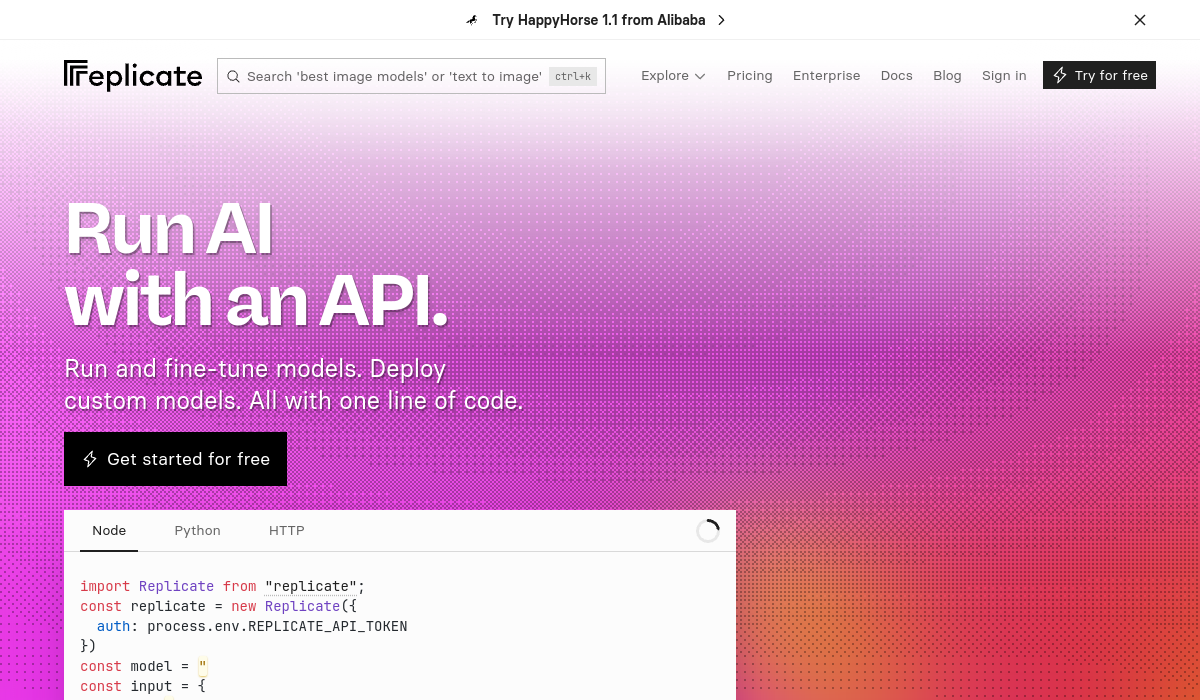
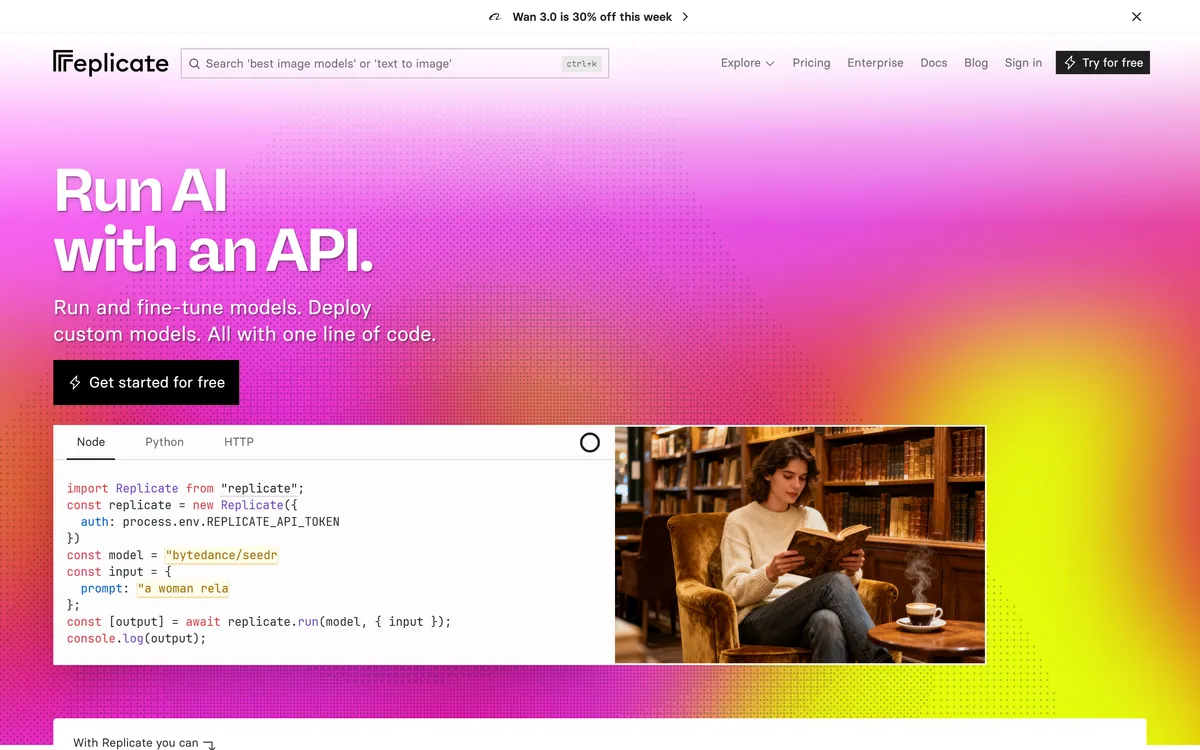
Last checked . Read from replicate.com during this check, with the screenshot above captured at the same time.
A developer platform to run AI models via API
Thousands of community and official models in one catalogue
One-line calls via Node, Python and HTTP clients
Fine-tuning of supported models on your own data
Custom-model deployment via the open-source Cog tool
Automatic scaling, including scale-to-zero
Usage-based, pay-per-second-of-compute billing
A free tier plus enterprise plans
No compute rates reproduced here, in line with this site's pricing policy
Replicate hosts general-purpose generation models; the content produced depends entirely on the user and the downstream application, not the platform.
Editor's Verdict
4.5/5
Replicate earns 4.5 for turning the hardest part of shipping AI, running models in production, into a one-line API call, across a vast catalogue, with fine-tuning, open-source custom deployment through Cog, and scale-to-zero billing that suits real-world spiky load. Self-hosting can beat it for a single model at constant volume, but for almost everyone building AI features it removes weeks of infrastructure work. AInexfinder Editor Score: 4.5/5.
Replicate pricing
AInexfinder does not list plan prices or billing details. For current pricing, plans, and trials, visit the official Replicate website.
Vendor pricing, credits, and billing policies change over time. Always confirm on the official site before you buy.
Frequently asked questions
What is Replicate?
Replicate is a developer platform for running, fine-tuning and deploying machine-learning models via API. Thousands of community and official models, spanning images, video, speech, music and language, are callable in one line of code, and you can deploy your own models using its open-source Cog tool.
How do I run a model on Replicate?
You call a model by its owner and name through Replicate's Node or Python client, or over HTTP, passing your inputs and receiving outputs. There is no GPU, container or scaling setup on your side, which is the platform's core appeal for developers building AI features.
What is Cog?
Cog is Replicate's open-source tool for packaging a model. You define a config file and a predict function, and Cog builds a container and generates an API server that Replicate deploys on an auto-scaling GPU cluster. Being open source, it avoids locking your packaging to one vendor.
How does Replicate charge?
It is usage-based: you pay per second of compute according to the hardware a model runs on, and it scales to zero so you are not billed when nothing is running. There is a free tier and enterprise plans. We do not publish rates; test your real workload to predict cost.
Can I fine-tune models on Replicate?
Yes. You can fine-tune supported models on your own data to produce a specialised, private version, for example an image model trained on your style, then call it the same one-line way as any other model. This suits teams that need a tailored model without managing training infrastructure.
Is Replicate cheaper than self-hosting?
It depends on your load. For spiky or unpredictable traffic, scale-to-zero billing usually makes Replicate cheaper and far simpler. For a single model running flat-out around the clock at large scale, owning the infrastructure can cost less, so project your real steady-state volume.
What kinds of models does Replicate host?
Its catalogue spans images, video, speech, music, language and more, including frontier models from many providers, with run counts that signal what is production-proven. Because the calling convention is identical across models, swapping one for another as the best option changes is trivial.
Who is Replicate best for?
Developers and teams adding AI features who do not want to run ML infrastructure, anyone experimenting across many models, and products with spiky load. It is less suited to organisations with mature in-house ML infra or a single model running at constant heavy volume.
Does Replicate support production workloads?
Yes. It provides automatic scaling, per-prediction logging and metrics, and is used by many businesses in production. The main caveats are projecting cost for steady high volume and confirming that external compute fits any strict on-prem data requirements you have.
Can an AI agent use Replicate?
Yes. Because models are exposed through a simple HTTP API and client libraries, an application or AI agent can call them programmatically as part of a larger workflow, which is a common pattern for products that need image, audio or language generation on demand.
Daniel reviews AI tools the slow way — by actually using them on real projects. His reviews cover what works, what breaks, and who each tool is genuinely a good fit for.
Daniel and the AInexfinder editorial team research Replicate using public product information, listing evidence, and (when available) hands-on checks. Scores reflect listing completeness and transparency — not paid placement.
Listings may include affiliate or sponsored placements, which are labeled when present. Editorial scores and cons are not sold. See our affiliate disclosure and review methodology.
Lovable builds web applications from plain-language descriptions, handling hosting, authentication, payments, connectors, analytics and security as part of the platform. It positions itself for building and running whole products, and names Adidas, Asana, ElevenLabs, Zendesk, Workday and Nvidia among companies whose employees use it.
Base44 is a no-code AI platform, owned by Wix, that builds working apps, websites and agents from plain-language descriptions. Backend, authentication, hosting and integrations to Slack, Notion, HubSpot and Salesforce come included rather than assembled.
Emergent is an AI vibe-coding tool that turns a plain-language description into a working web or mobile app through a describe, refine and launch flow, aimed at founders and non-engineers validating an idea or MVP quickly, with the usual limits of generated code.
GitHub Copilot is an AI coding assistant that spans completion, chat, agent mode, automated code review, and a cloud agent that opens pull requests, working across VS Code, Visual Studio, JetBrains, Xcode, Neovim, Eclipse, the CLI, and github.com.
Replit AI turns a written description into a working application — the Agent writes the code, and Replit supplies the database, authentication, hosting, and monitoring, so a prototype goes live without a local setup or a deployment pipeline.
CodeScene measures code with CodeHealth, a validated metric predicting defects and delivery performance. It states the average enterprise codebase scores 5.15 out of 10 while AI needs 9.5 to work reliably, and offers an MCP server, automated reviews and IDE feedback. Operated by CodeScene AB.