Wispr Flow is a voice-to-text tool that types polished writing wherever your cursor is, across Mac, Windows, iPhone and Android, and now bundles an AI meeting notetaker into the same subscription.
FreemiumProductivity & Automation
Simular Inc. builds Sai, an AI agent that operates a private cloud-based virtual desktop — clicking, typing and using interfaces the way a person does, while also able to call APIs, use a terminal and write code. Its research line is the Agent S series.
Most automation depends on somebody having built an API. Where one exists, connecting two systems is ordinary engineering; where one does not, the work stays manual forever.
That covers an enormous amount of real work. Internal systems, legacy applications, vendor portals with no integration, government websites, anything behind a login that was designed for a person and nobody else.
Computer-use agents attack that directly by operating the interface instead. Simular's Sai clicks, types and reads the screen the way a person does — which is the most general form of automation and also the most fragile.
Sai works on a private cloud-based virtual desktop, mimicking human interaction by clicking, typing and using interface elements, while also able to use APIs, terminals and write code.
The reach question is the interesting one, and the answer is genuinely broad: anything with a graphical interface. There is no integration to build, no API to request, and no vendor cooperation required — if a person can do it on a screen, the agent has a route.
That is a categorically different proposition from workflow automation. A conventional automation platform can only connect what has been connected; an agent operating a desktop can, in principle, use the vendor portal that has no API, the internal tool built in 2011, and the spreadsheet somebody emails monthly.
The ability to fall back to APIs, terminals and code is the detail that makes it practical rather than doctrinaire. Clicking through an interface is the slowest and least reliable way to do anything, and an agent that uses it only when nothing better exists is behaving sensibly.
The corresponding weakness is brittleness. Interfaces change, elements move, a modal appears, a page loads slowly, and the agent is left interpreting a screen that no longer matches what it expected. API-based automation fails loudly; GUI automation fails by doing something almost right.
The narrower alternative is browser-level automation. Bardeen gives up the desktop and gains reliability, which is a sensible trade when everything you need lives in tabs.
API automation can only connect what someone chose to connect. An agent operating a desktop can, in principle, use the internal tool nobody has touched since 2011.
Simular names Agent S, Agent S2 and Agent S3 as its agents, which is the naming convention of a research line rather than a product family.
That is worth noticing because computer-use agents are an active research area with published benchmarks, and a company iterating in public through numbered versions is usually one measuring itself against them.
Benchmarks in this field measure task completion on defined computer-use problems, and the scores have improved rapidly and remain well short of reliable. An agent completing most tasks is not the same as one you can leave alone.
The gap between benchmark and production is also wider here than in most AI applications. Benchmark tasks are self-contained; real ones involve your specific software, your data, your interruptions, and consequences when something goes wrong.
The practical implication is to evaluate on your own tasks rather than on any published figure. A number that says an agent completes a large share of standard tasks tells you nothing about whether it can complete yours, and yours is the only question.
Sai runs on a private, cloud-based virtual desktop that the site describes as isolated, secure and always on. That decision is worth thinking through carefully, because it cuts both ways.
The argument for it is containment. An agent that clicks things unsupervised on your actual machine has access to everything you do — your files, your sessions, your saved passwords — and a mistake there is a mistake in your real environment. An isolated desktop bounds the damage.
Always-on is the second argument, and it is why the cloud rather than a local sandbox. Work that runs while you sleep cannot depend on your laptop being open, and an agent that only operates when you are present is a strange kind of assistant.
The argument against is that credentials have to go somewhere. An agent logging into your systems needs the ability to log in, which means those credentials exist on infrastructure you do not control, in a session that persists.
That is not a reason to avoid it — it is a reason to scope it. Give an agent its own accounts rather than yours, with the narrowest permissions that let it do the task, and treat anything it can reach as something a mistake could affect. Delegated access with limited scope is the standard answer, and it applies here more sharply than usual.
This is also where the enterprise agent platforms diverge. Ema leads with certifications and governance precisely because the credential question is the objection procurement raises first.
The right first task for a computer-use agent is one where you can tell immediately whether it worked, and where being wrong costs nothing.
That rules out most of the tasks people want to start with, which is the point.
If the systems involved do have APIs, a scheduled workflow tool such as Kuse will be faster and considerably harder to break.
It is worth being specific about the tasks where this class of tool earns its keep, because the general framing oversells it.
The strongest case is repetitive work in a system with no API. Pulling a weekly report from a vendor portal, entering the same data into an internal tool, checking a status across several systems — mechanical, defined, and impossible to automate any other way.
The second is bridging systems nobody will integrate. Two applications that must exchange data, neither with an API, where the current solution is a person copying between them. That is an agent-shaped problem and there is no other answer to it.
The weakest case is anything requiring judgement about what should happen. An agent can execute a decision reliably enough; deciding is a different job, and a task where the right action depends on context the agent cannot see will fail in ways that look like success.
The task to avoid entirely is anything irreversible and unmonitored. An agent submitting forms, sending messages or moving money without a review step is a category of risk that is not worth the time saved, however good the demonstration looked.
An agent that operates a full desktop by clicking and typing
A private cloud-based virtual desktop, isolated and always on
Fallback to APIs, terminals and code where a better route exists
The Agent S research line, currently at S3
Coverage across desktop, browser and Android smartphone contexts
Published workflow templates as starting points
A site available in seven languages
Automation tools differ by what they can reach: an API, a browser, or any interface at all.
| Tool | What it operates | Runs where | Best for |
|---|---|---|---|
| Simular | A full desktop, plus APIs and terminals | A private cloud desktop, always on | Systems with no API at all |
| Bardeen | Browser actions and integrations | Your browser | Automating what you do in tabs |
| Kuse | Connected apps on a schedule | The vendor's cloud | Recurring jobs across supported services |
| Zapier AI | APIs across many services | The vendor's cloud | Breadth of supported integrations |
| Ema | Enterprise systems with governance | Enterprise deployment | Regulated environments needing compliance |
| Operating company | Simular Inc. |
|---|---|
| Product | Sai |
| What it is | An autonomous AI agent that performs computer tasks on your behalf |
| Execution environment | A private, cloud-based virtual desktop described as isolated, secure and always on |
| Interaction | Clicks, types and uses GUI elements, and can also use APIs, terminals and write code |
| Research line | Agent S, Agent S2, Agent S3 |
| Platforms referenced | Desktop including Windows and macOS, browser, and Android smartphone |
| Site languages | English, Korean, Japanese, Portuguese, Chinese, French, German |
| Other resources | Workflow templates, Simulang, HTML sitemap |
| Footer sections | Company (For Business, Workflow Templates, Careers, Sitemap, Simulang), Legal (Privacy Policy, Terms of Use), language selector, social links |
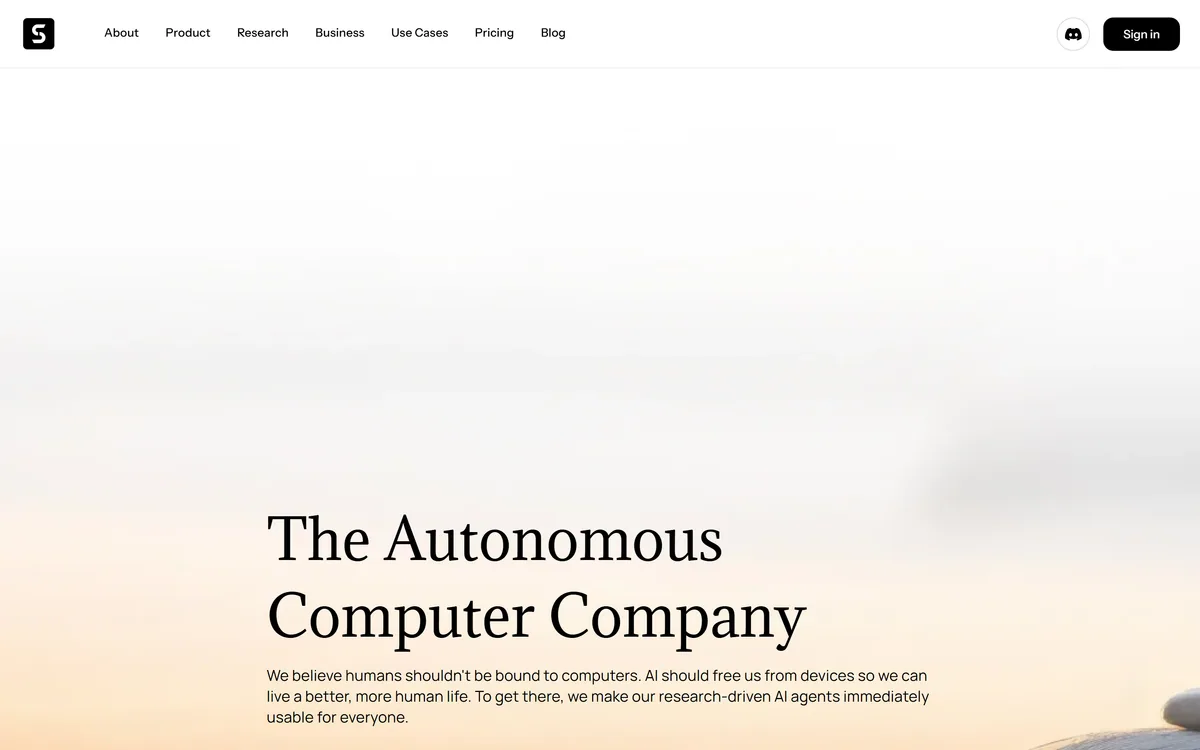
Last checked . Read from simular.ai and its footer navigation, with the screenshot above captured in the same session.
What we could not confirm: pricing or how usage is metered; which underlying models drive the agent; any published benchmark results for Agent S3 or how they were measured; how credentials are stored on the virtual desktop and who can access that session; whether the cloud desktop is per-customer or shared; what a task failure looks like operationally; data residency; and whether an on-premise or local option exists. We did not use the product, so nothing here reflects tested reliability.
Automation tools sit on a spectrum from API-only to anything a person can click.
Simular is attacking the hardest and most general version of automation: an agent that uses software the way a person does, rather than through APIs that vendors chose to expose. That matters because most business software has no useful API, and a great deal of real work happens in interfaces built for humans only. Running on an isolated cloud desktop rather than on your own machine is the right architectural choice for a system that clicks things unsupervised. It scores where it does because GUI agents remain brittle, and because the security conversation about giving one your credentials is genuinely difficult. AInexfinder Editor Score: 3.8/5.
AInexfinder does not list plan prices or billing details. For current pricing, plans, and trials, visit the official Simular website.
Visit official website for pricingVendor pricing, credits, and billing policies change over time. Always confirm on the official site before you buy.
Log in to write a review.
No reviews yet. Be the first to share your experience with Simular.
Assigned reviewer
Daniel ReedSenior AI Tools Reviewer
Daniel reviews AI tools the slow way — by actually using them on real projects. His reviews cover what works, what breaks, and who each tool is genuinely a good fit for.
Daniel and the AInexfinder editorial team research Simular using public product information, listing evidence, and (when available) hands-on checks. Scores reflect listing completeness and transparency — not paid placement.
Wispr Flow is a voice-to-text tool that types polished writing wherever your cursor is, across Mac, Windows, iPhone and Android, and now bundles an AI meeting notetaker into the same subscription.
Ema builds what it calls Universal AI Employees for HR, IT and finance, covering recruiting, onboarding, benefits and performance. EmaFusion combines 100+ models with automatic failover, 1,000+ prebuilt connectors reach existing systems, and the compliance list runs to eight certifications including ISO 42001.
Saner.AI is an AI personal assistant that consolidates notes, tasks, emails and documents into one workspace. Its Skai assistant turns emails and brain dumps into scheduled tasks, and it is explicitly designed around ADHD, with a co-founder who has it.
AI-powered CRM for relationship-driven teams Category: Productivity & Automation.

axess is a free AI job-search tool that scans LinkedIn, Indeed and Glassdoor daily, scores each role against your profile on both relevance and likelihood, researches the employer, and prepares a tailored CV and cover letter for the matches worth pursuing.

Otter.ai transcribes meetings live, writes summaries and action items, and organises everything into searchable Channels — with OtterPilot joining Zoom, Teams, and Google Meet, plus role-specific agents for sales, recruiting, and SDR work.