

Descript is a video and audio editor that works by editing a transcript — delete a sentence and the footage goes with it — plus Studio Sound, Eye Contact, filler-word removal, AI voices, avatars, and the Underlord assistant.
FreemiumVideo & Audio
Videoleap is Lightricks' video editor for social content, available online and as iPhone and Android apps. It pairs hundreds of conventional editing tools with generative features including infinite zoom, object removal, background generation, frame extension and AI subtitles, plus thousands of premade templates.
Social video editing has split into two camps. One gives you a timeline and expects you to know what to do with it; the other gives you a template and hopes you do not want anything else.
Videoleap tries to be both, which is harder than it sounds and mostly works. There is a genuine editor underneath, and thousands of templates on top of it.
It comes from Lightricks, which also builds Photoleap, Facetune and a video generation model — and that lineage explains why the AI features here are not decorative.
Timeline editing with effects, filters and transitions
Thousands of premade social video templates
AI object removal from video
AI background generation and removal
AI infinite zoom from a single frame
AI image extension beyond the original frame
AI subtitle generation
Royalty-free audio library with cutter and noise removal
Editing tools differ by whether you are cutting, generating or repurposing.
| Tool | Approach | Platforms | Best for |
|---|---|---|---|
| Videoleap | Timeline plus templates plus AI tools | Web, iPhone, Android | Creators making original social video |
| Photoleap | Photo editing and generation | Mobile and web | Stills rather than motion |
| Klap | Long video cut into shorts | Web | Repurposing footage you already have |
| Kapwing | Browser editor with AI tools | Web | Collaborative editing in a browser |
| Synthesys | Generation from a prompt | Web | Video you have no footage for |
Videoleap offers thousands of premade templates for social media plus AI templates you remake with your own assets, and it invites users to share their own.
Templates change the nature of the work rather than merely speeding it up, and the distinction is worth understanding before you build a content habit around them.
What a template encodes is timing. The reason a trending edit works is the cut landing on the beat, the text appearing a quarter-second before the reveal, the pace that holds a thumb. Those are decisions made by someone who understood the format, and a template hands them to you.
That is genuinely valuable, because timing is the hardest thing to learn and the most invisible when it is right.
The cost is legibility. A template that works is a template many people are using, and an audience scrolling all day recognises the shape even without knowing why. Templates get you to competent quickly and to distinctive never — which is fine for volume and a problem for a brand that needs to look like itself.
A template hands you timing, which is the hardest thing to learn. It also hands you a shape your audience has already seen.
The footer places Videoleap alongside LTX Studio, LTXV, Facetune, LTX Scaler, Popular Pays and Photoleap, with Lightricks describing itself as an AI-first company.
That context is more useful than it looks, because it tells you where the generative features come from.
A consumer app whose parent also ships a video generation model and an image editor is not licensing its AI features from a third party and hoping they hold up. The infinite zoom, the background generation, the frame extension — those are the same class of capability the company builds elsewhere.
It also predicts what arrives next. Portfolio companies move features between products, so anything appearing in the professional tools has a reasonable chance of reaching the consumer app eventually.
The counterweight is the portfolio's own logic. A company with six products allocates attention across them, and a consumer editor competes internally with whatever is currently strategic — which is worth knowing if you are choosing an editor to depend on for years.
The generative list is longer than most consumer editors carry: infinite zoom from a single image or frame, object removal, background generation and removal, image extension beyond the original frame, text-to-image generation, and AI subtitles.
Two of those are genuinely useful in a way the rest are not, and it is worth separating them.
Object removal is the one that earns its place. Erasing a photobomber or a distraction used to mean masking frame by frame in desktop software, and having it work acceptably on a phone changes what you can salvage from footage you already shot.
Subtitles are the other. Most social video is watched muted, captions measurably lift completion, and generating them beats typing them by an enormous margin — the only real question is how much correction the output needs.
Infinite zoom is the fun one and the most likely to date. It is a distinctive effect, which means it reads as of-its-moment, and an effect everyone recognises has a shelf life measured in months rather than years. Repurposing tools like Klap avoid that trap entirely by generating nothing.
Videoleap is available online and as iPhone and Android apps, with the site describing access to hundreds of professional tools including effects, filters and transitions across them.
Genuine parity across three platforms is rarer than the marketing suggests and matters more than any single feature.
The reason is where social video actually gets made. Footage arrives on a phone, review happens on whatever is nearby, and detailed work is easier on a larger screen. An editor that only exists on one of those forces an export-and-reimport cycle that costs quality every time.
Android support deserves a specific mention, because creative tools have a long history of arriving on iOS and never quite following — a pattern still visible in this batch, where other apps ship iOS-first with an Android waitlist.
What the site does not settle is whether projects move between platforms mid-edit, which is the question that decides how useful the parity really is. Worth testing on the trial, because a feature list can look identical while a project stays stuck where it started. Browser-only editors such as Kapwing sidestep the question by never leaving the browser.
Videoleap states 4.6 stars from over 790,000 users, more than 95 million downloads across platforms, over a million social followers, and that 300,000-plus people use it to promote a business.
The download figure and the rating figure describe very different populations, and the rating is the more meaningful of the two.
A 4.6 average across 790,000 ratings is a substantial sample and hard to manufacture. Download counts across a decade of app store presence measure historical reach rather than current use, and every long-lived consumer app has a large one.
The commercial model is a seven-day free trial with cancellation any time, and no free tier is described. That is standard for consumer creative subscriptions and worth knowing before you commit a project to it.
The accessibility provision is the detail most reviews would skip and worth crediting: the site carries a keyboard-activated accessibility system and a dedicated accessibility page, which is more than most consumer creative tools bother with.
Most social video fails in the first two seconds, and no editing feature fixes that. What editing controls is whether the rest holds once the opening has worked.
This sequence uses the tools in the order that actually affects retention.
| Publisher | Lightricks, per the site footer |
|---|---|
| Platforms | Online, plus iPhone and Android apps |
| Sibling products | LTX Studio, LTXV, Facetune, LTX Scaler, Popular Pays and Photoleap |
| Templates | Thousands of premade templates, plus shareable AI templates |
| Generative tools | Infinite zoom, object removal, background generation, image extension, text to image, AI subtitles |
| Editing tools | Trim, merge, reverse, speed, loop, blur, flip, resize, filters and transitions |
| Audio | Royalty-free library, audio cutter, noise removal and audio muting |
| Displayed rating | 4.6 stars from over 790,000 users |
| Downloads | 95 million-plus across all platforms, as stated |
| Business users | Stated as 300,000-plus using it to promote a business |
| Trial | Seven-day free trial, cancel any time |
| Accessibility | Keyboard-activated accessibility system and a dedicated accessibility page |
Other routes to finished video, from repurposing to generation.
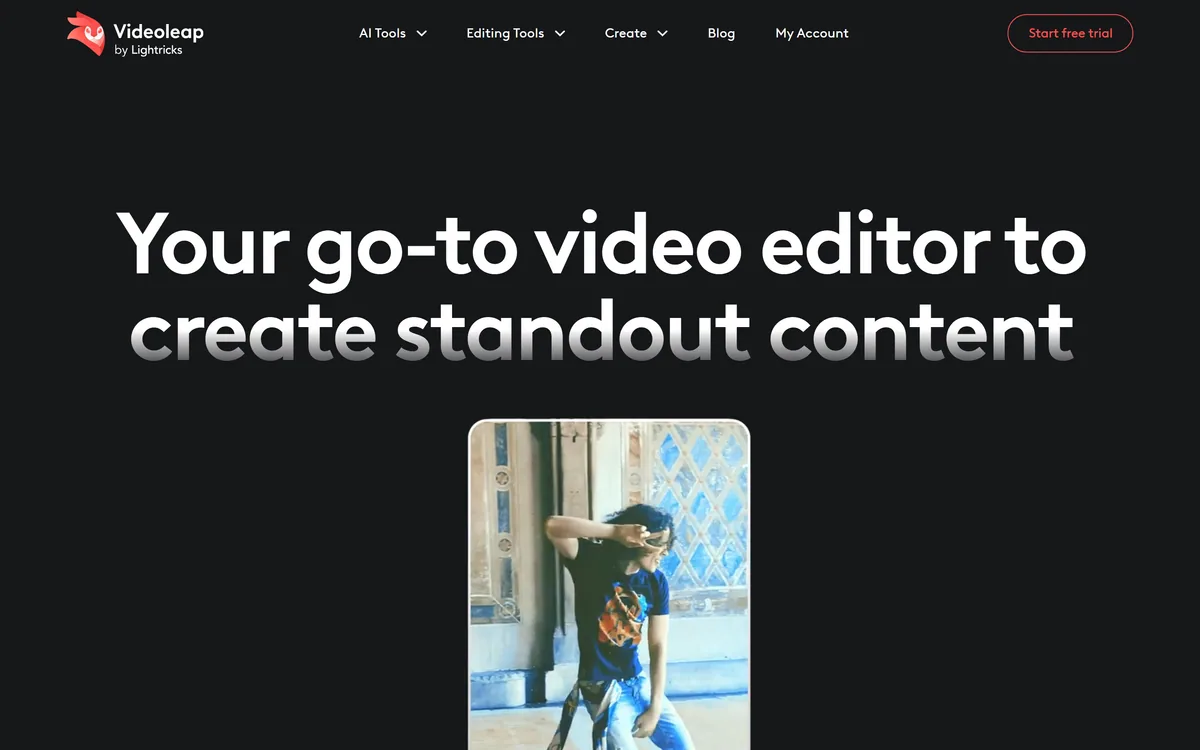
Last checked . Read from videoleapapp.com in a browser session on the date above, including the full footer. The screenshot was captured at the same time.
What we could not confirm: whether projects move between web, iPhone and Android mid-edit, which is what platform parity actually turns on; which models power the generative features; export resolution and frame rate limits; how much correction generated subtitles need; what the 95 million download figure covers across which time period; and whether a free tier exists alongside the trial. Plan prices are not reproduced here. We did not edit or export a video.
Videoleap is the sensible middle of social video editing: a real timeline for people who want one, thousands of templates for people who do not, and a generative layer that removes the two jobs — object removal and background replacement — that used to send you to a desktop. Being part of Lightricks matters, because the same company ships Photoleap and a video model, which is why the AI features are not bolted on. It is a consumer subscription with a trial and no free tier, and templates cut both ways: fast, and recognisable. AInexfinder Editor Score: 3.9/5.
AInexfinder does not list plan prices or billing details. For current pricing, plans, and trials, visit the official Videoleap website.
Visit official website for pricingVendor pricing, credits, and billing policies change over time. Always confirm on the official site before you buy.
Log in to write a review.
No reviews yet. Be the first to share your experience with Videoleap.
Assigned reviewer
Daniel ReedSenior AI Tools Reviewer
Daniel reviews AI tools the slow way — by actually using them on real projects. His reviews cover what works, what breaks, and who each tool is genuinely a good fit for.
Daniel and the AInexfinder editorial team research Videoleap using public product information, listing evidence, and (when available) hands-on checks. Scores reflect listing completeness and transparency — not paid placement.
Descript is a video and audio editor that works by editing a transcript — delete a sentence and the footage goes with it — plus Studio Sound, Eye Contact, filler-word removal, AI voices, avatars, and the Underlord assistant.
Vibrantsnap is an AI tool that turns a rough screen recording into a polished walkthrough: it rewrites your narration, reads it in a studio voice in any language, and auto-edits the video with zooms, chapters and captions.
Kapwing is a browser-based video studio combining a timeline editor, subtitler, audio editor and dubbing into 40+ languages with AI tools including Smart Cut, Trim with Transcript, B-Roll Generator, Clip Maker and Character Consistency. Made in San Francisco.
BlipCut translates and dubs video into more than 140 languages with AI lip synchronisation, so translated speech aligns with the speaker's mouth. It also clones voices in 29 languages, offers 600+ voices across 40+ languages, and generates, translates and edits subtitles from uploads or YouTube links.
VEED is an AI video-creation platform that takes an idea to a finished social video in the browser, bundling generation, AI avatars, subtitles, dubbing, clean audio and a brand kit, plus access to frontier models like Sora 2, Veo and Kling.
BIGVU is an AI personal-branding video platform with a teleprompter, AI avatars and voice cloning, auto-editing (caption, filler removal, eye-contact correction), and one-click social posting, aimed at realtors, coaches and marketers, with synthetic-media features that carry likeness and consent considerations.