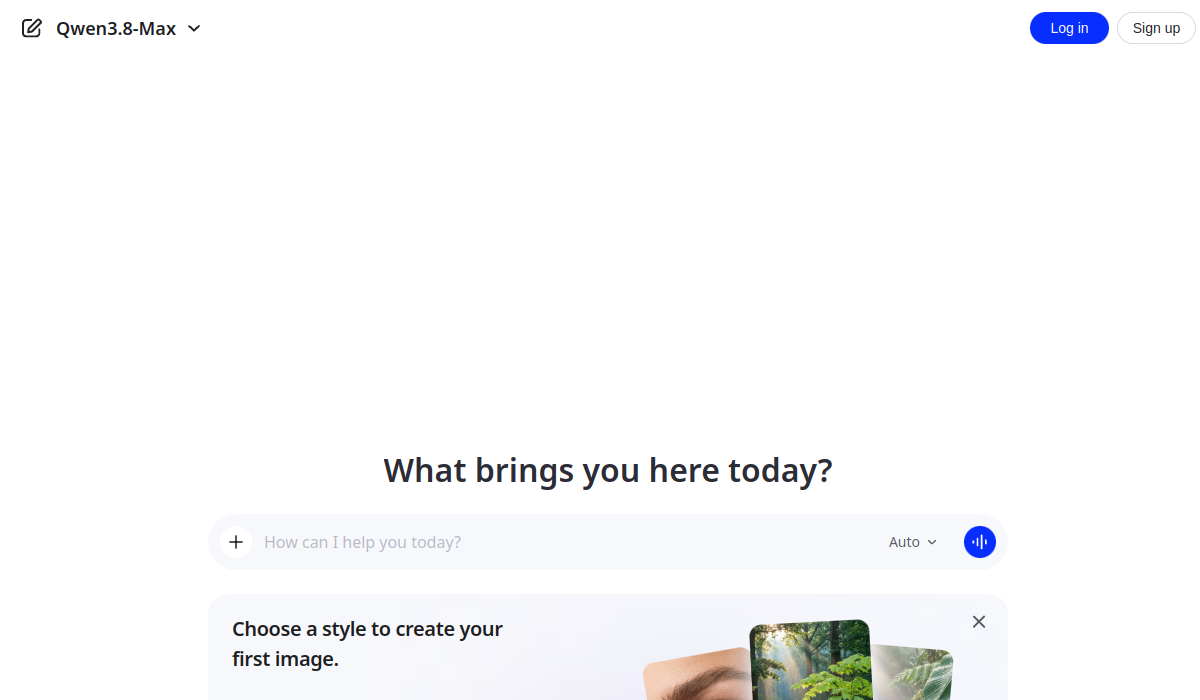
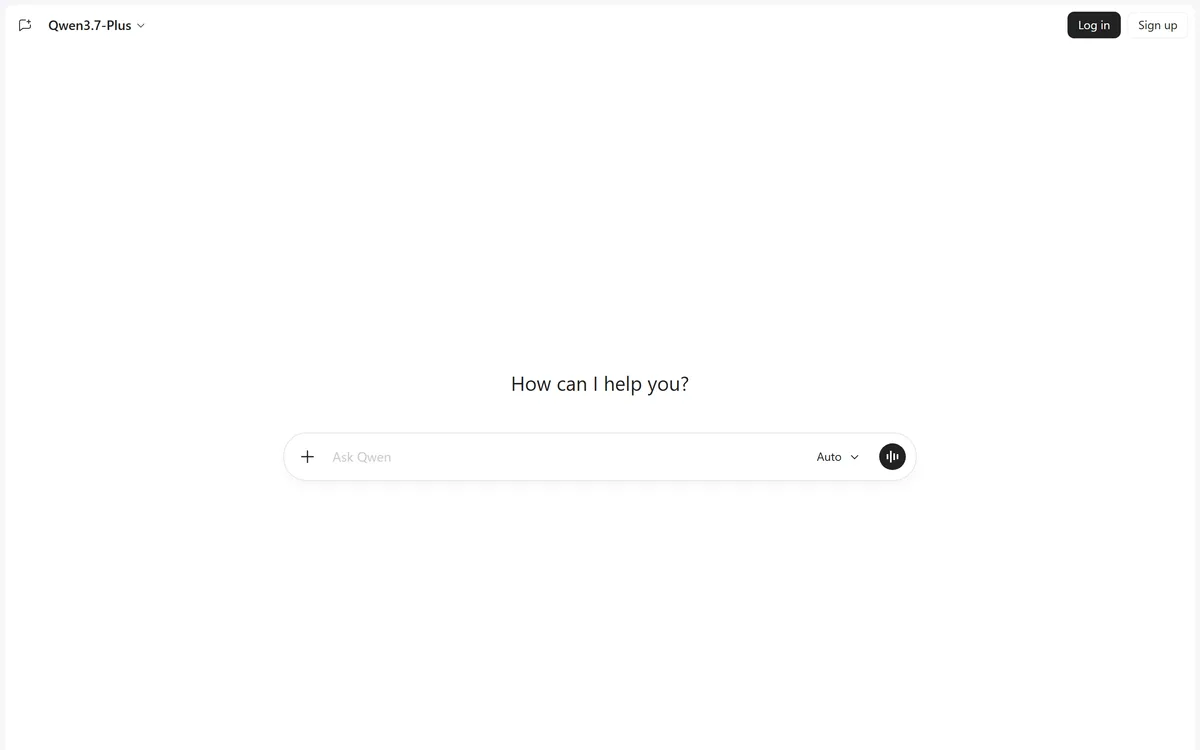
Qwen Chat is the browser interface to Alibaba's Qwen models, presented as Qwen Studio with a minimal chat prompt and an Auto model setting. The default model shown when we checked was Qwen3.7-Plus. Use is governed by its Terms of Service and Privacy Policy.
chat.qwen.ai5 viewsAdded October 10, 2025143K visitors
Most AI assistant interfaces have grown busy — sidebars, project folders, feature announcements, a settings panel with twelve toggles. Qwen Chat has almost none of that.
What is on the page is a prompt box, a model name and two links to legal documents. That is a design position rather than an omission, and it suits people who want the model rather than a workspace.
The interesting questions here are therefore not about features. They are about which model you are talking to and where the conversation goes.
Qwen Chat, captured 9 September 2026, showing the Qwen3.7-Plus model selector and the Auto setting.
What Is Qwen And Who Builds It?
Qwen is Alibaba's family of large language models, and Qwen Chat is the hosted browser interface to them.
The reason Qwen matters in the wider landscape is that it has been released with open weights across several generations, which put capable models in the hands of anyone able to run them.
That has practical consequences beyond this interface. Open-weight releases are what allow local deployment, self-hosting, fine-tuning on private data and running models where regulation prevents sending data to an external service.
The hosted chat is a different proposition from those weights. Here you are using a service rather than running a model, which means the usual questions about a service apply regardless of what the underlying model's licence permits.
It is worth holding those two things apart when evaluating. Qwen the model family and Qwen Chat the service are related and not interchangeable — a distinction that matters for anyone choosing between a hosted assistant and something self-hosted like Khoj.
Qwen the model family and Qwen Chat the service are related and not interchangeable. Open weights say nothing about how a hosted service handles your data.
Reading A Model Version Number
The interface showed Qwen3.7-Plus as the selected model, with an Auto option alongside.
Displaying the version is a small thing that several better-known assistants do not do, and it is genuinely useful.
Model behaviour changes between versions in ways that affect real work: what it refuses, how it formats, how long its answers run, how well it follows a complex instruction. If you cannot tell which version you used, you cannot tell why something worked last week and does not today.
The Plus suffix conventionally indicates a larger or more capable variant within a generation, though naming conventions vary by vendor and are not standardised across the industry.
The Auto setting presumably routes between models by request, which is convenient and slightly undermines the benefit of a visible version — if you care about reproducibility, selecting a specific model rather than Auto is the better habit.
Where Your Conversations Are Processed
The page carries a single line beneath the prompt: by using Qwen Studio you agree to the Terms of Service and Privacy Policy.
Those two documents are the substance of the decision here, and this is worth approaching without any assumption in either direction.
Every hosted assistant raises the same questions: what is retained, for how long, whether conversations contribute to training, who can access them, and under which country's law disputes are resolved. Those answers differ by provider and they are in the terms rather than on the marketing page.
Jurisdiction is the variable people most often overlook. Where a service is operated determines which legal regime applies to data held there, and organisations with regulatory obligations frequently have policies about this that individual employees are unaware of.
The practical advice is the same one that applies to any assistant: read the terms before sending anything confidential, and check whether your employer has a position on which services are approved. That is not a comment about this provider specifically — it is the discipline that should apply to all of them and mostly does not.
Select a specific model rather than Auto if reproducibility matters.
Read the terms before sending anything confidential — that applies to every assistant.
Check whether your organisation has an approved-tools policy.
Note the model version alongside anything you intend to repeat.
Use it for general work and keep regulated data out of any hosted chat.
Why A Minimal Interface Is A Position
Qwen Chat's page contains a prompt, a model selector, a history sidebar and sign-in. Nothing else competes for attention.
Minimalism in this category is increasingly rare and it reflects a view about what an assistant is for.
The busier products are becoming workspaces — projects, folders, saved instructions, shared spaces, integrations. That is genuinely valuable for sustained work and it is overhead for someone who wants to ask a question.
A plain interface loads fast, requires no learning, and does not present a decision before the one you came to make. For a large share of assistant use, which is a single question with no follow-up, that is the better design.
The cost is that sustained work has nowhere to live. There is no obvious place for reusable instructions or accumulated context, which means anything long-running needs organising elsewhere — a gap tools like Wave and note systems fill from outside.
Choosing Between Assistants
The honest position on assistant choice is that raw capability differences have narrowed considerably, and the deciding factors are usually elsewhere.
Integration is the first. An assistant that reaches your documents, calendar or code is more useful than a marginally stronger one that does not, because context beats capability for most everyday work.
Interface fit is the second and more personal. Some people want a workspace and some want a box; neither is wrong, and using a product that fights how you work costs more than a benchmark point.
Data terms are the third and the one that should be decisive for professional use. What a service does with your conversations is a policy question with a definite answer, and it is knowable in advance unlike model quality on your specific task.
The fourth is availability of the underlying model elsewhere. Where open weights exist, a hosted chat is a convenience rather than a lock-in — which is a genuinely different position from an assistant whose model exists nowhere else.
Where citations matter, a search-shaped assistant is a better fit than a chat one. Products like Komo return sources you can open alongside the answer, which is a different design goal from a conversational interface and the more appropriate one for anything you intend to repeat.
Using Qwen Chat Sensibly
There is very little to configure here, which means the decisions are about what you send rather than how you set it up.
This sequence establishes the terms first and the workflow second.
Read the Terms of Service and Privacy Policy before your first substantive query.
Check whether your organisation has a policy on which assistants are approved.
Select a specific model rather than Auto when you need repeatable results.
Note the model version alongside any prompt you intend to reuse.
Keep confidential and regulated material out of any hosted chat, this one included.
Organise anything long-running elsewhere, since a plain interface holds no context.
Qwen Chat: Alibaba's Assistant, Free To Use
A deliberately minimal interface — a prompt box, a model indicator and nothing else on the page.
Qwen3.7-Plus shown as the selected model when we checked, with an Auto setting alongside.
Presented as Qwen Studio in the page title, with sign-in optional to start.
Qwen is Alibaba's model family, which has been among the strongest open-weight releases in recent years.
Terms of Service and Privacy Policy linked directly beneath the prompt, which is the right place for them.
Qwen Chat: Interface And Terms
Product type
Hosted AI chat assistant
Page title
Qwen Studio
Model family
Qwen, developed by Alibaba
Model shown
Qwen3.7-Plus, selected when we checked on 9 September 2026
Mode setting
Auto, alongside the model selector
Interface
A single prompt box, minimal surrounding interface
Access
Usable without signing in, with Log in and Sign up options
Legal
Terms of Service and Privacy Policy linked beneath the prompt
Cost
Free to use, per its positioning
Key features of Qwen Chat
A hosted chat interface to Qwen models
A visible model version indicator
An Auto model routing setting
Usable without signing in
Terms and privacy linked at the point of use
A minimal, fast-loading interface
Pros & cons
Pros
6
Displays which model version is answering, which several assistants do not
A deliberately plain interface that presents no decisions before your question
Usable without an account for a first look
Terms and privacy linked directly beneath the prompt rather than buried
Built on a model family with open-weight releases available elsewhere
Loads fast and requires no learning
Cons
6
The signed-out interface reveals almost nothing about capabilities or limits
No workspace, projects or saved instructions for sustained work
An Auto setting undermines the reproducibility a visible version provides
Retention, training use and jurisdiction are in documents rather than on the page
No integrations with your documents, calendar or code
No cited sources, unlike search-shaped assistants
Best For
People who want a prompt box rather than a workspace
Users already working with Qwen models elsewhere
Anyone who values knowing which model version answered
Quick one-off questions with no follow-up
Users comparing assistants across model families
Qwen Chat Against Other Assistants
Assistants differ by where they run, what they reach and how much interface sits around them.
Chatling — assistants deployed to customers rather than to you
Qwen Chat: What The Interface Showed
Last checked . Read from chat.qwen.ai in a browser session on the date above, signed out, with the screenshot captured alongside.
Page title shown as Qwen Studio
Qwen3.7-Plus displayed as the selected model
An Auto setting shown beside the prompt
A single prompt box with the placeholder Ask Qwen
How can I help you? shown as the only heading on the page
Log in and Sign up options present, with the page usable signed out
A line stating that by using Qwen Studio you agree to the Terms of Service and Privacy Policy
What we could not confirm, because the signed-out interface shows very little: what the Terms of Service and Privacy Policy actually state about retention, training use and jurisdiction, which is the substance of the decision here; which models the Auto setting routes between; whether there are usage limits; what features appear after signing in; and the operating entity behind the service. We did not sign in or send a query. Nothing here should be read as a claim about how this service handles data — read the linked documents.
Editor's Verdict
3.8/5
Qwen Chat is a competent, extremely plain interface to a family of models that have been among the strongest open-weight releases for a couple of years, and the interface deliberately gets out of the way. The version indicator is the most useful thing on the page — knowing you are talking to Qwen3.7-Plus rather than an unnamed default is more than several better-known assistants offer. The considerations here are not about capability. They are about where your conversations are processed and under which jurisdiction, which is a decision worth making deliberately rather than by habit. AInexfinder Editor Score: 3.8/5.
Qwen Chat pricing
AInexfinder does not list plan prices or billing details. For current pricing, plans, and trials, visit the official Qwen Chat website.
Vendor pricing, credits, and billing policies change over time. Always confirm on the official site before you buy.
Frequently asked questions
What is Qwen Chat?
Qwen Chat is the hosted browser interface to Alibaba's Qwen models, presented as Qwen Studio. It offers a minimal prompt box with a model selector — Qwen3.7-Plus when we checked — and an Auto setting, usable without signing in.
What is Qwen?
Alibaba's family of large language models. It matters in the wider landscape because several generations have been released with open weights, which enables local deployment, self-hosting and fine-tuning by anyone able to run them.
Is using the hosted chat the same as running the model?
No, and the distinction matters. Open weights say nothing about how a hosted service handles your data. Using Qwen Chat means using a service, so the usual questions about retention, training use and jurisdiction apply regardless of the model's licence.
Why does displaying the model version help?
Because behaviour changes between versions in ways that affect real work — what it refuses, how it formats, how well it follows complex instructions. If you cannot tell which version answered, you cannot tell why something worked last week and does not today.
Should I use the Auto setting?
Not if reproducibility matters. Auto presumably routes between models per request, which is convenient and undermines the benefit of a visible version. Selecting a specific model is the better habit when you intend to repeat a prompt.
What should I consider before sending work to it?
The same things that apply to every hosted assistant: what is retained, for how long, whether conversations contribute to training, and under which jurisdiction. Those answers live in the linked terms rather than on the page.
Why does jurisdiction matter?
Because where a service is operated determines which legal regime applies to data held there. Organisations with regulatory obligations frequently have policies about this that individual employees are unaware of, which is worth checking before habitual use.
Why is the interface so plain?
It appears to be a deliberate position. Busier assistants are becoming workspaces with projects, folders and integrations, which is valuable for sustained work and overhead for someone asking a question. A plain page loads fast and presents no decision before yours.
What does that cost?
Sustained work has nowhere to live. There is no obvious place for reusable instructions or accumulated context, so anything long-running needs organising elsewhere — which is fine if you already have a system and awkward if you do not.
How should I choose between assistants generally?
Capability differences have narrowed, so the deciding factors are usually integration, interface fit and data terms. The last of those should be decisive for professional use, because it is knowable in advance — unlike how a model will perform on your specific task.
Daniel reviews AI tools the slow way — by actually using them on real projects. His reviews cover what works, what breaks, and who each tool is genuinely a good fit for.
Daniel and the AInexfinder editorial team research Qwen Chat using public product information, listing evidence, and (when available) hands-on checks. Scores reflect listing completeness and transparency — not paid placement.
Listings may include affiliate or sponsored placements, which are labeled when present. Editorial scores and cons are not sold. See our affiliate disclosure and review methodology.
Claude is Anthropic's AI assistant, available on web, desktop, mobile, and in Chrome, with Projects for persistent context, Artifacts for generated documents and apps, Skills, Connectors, and Claude Code for developers.
Perplexity AI is an answer engine that runs live web searches and returns cited answers, with Deep Research for long agentic reports, Spaces for persistent projects, the Comet browser, and the Sonar API for developers.
ChatGPT is OpenAI's AI assistant, covering conversation, document and image work, web browsing, Projects, Tasks, custom GPTs, agent actions, and the Codex coding agent, across web, desktop, and mobile.
JAIS Chat is a bilingual Arabic and English conversational assistant launched by Core42, part of the UAE's G42 group. It runs on the Jais family of Arabic large language models developed by Inception with MBZUAI and Cerebras, and is built to handle Arabic dialects and cultural context rather than translated English.
Kimi is Moonshot AI's assistant, running on its K3 model and positioned for agentic coding and knowledge work. Its interface opens on a set of output surfaces — slides, sheets, documents, websites, design, deep research and a multi-agent Swarm — alongside scheduled tasks, projects and a desktop app.
Reka is an AI research lab building omni models — Spark, Edge, Flash and Core — that process video, image, audio and text in a single architecture rather than bolting modalities together. It also runs Reka Cloud for training and deployment, video infrastructure available by API or MCP, and a training-data division.