

Descript is a video and audio editor that works by editing a transcript — delete a sentence and the footage goes with it — plus Studio Sound, Eye Contact, filler-word removal, AI voices, avatars, and the Underlord assistant.
FreemiumVideo & Audio
SendShort clips long-form video into shorts, edits them automatically with captions, hooks and thumbnails, generates faceless videos and AI voiceovers, translates subtitles across 48 languages, and publishes automated series directly to YouTube or TikTok.
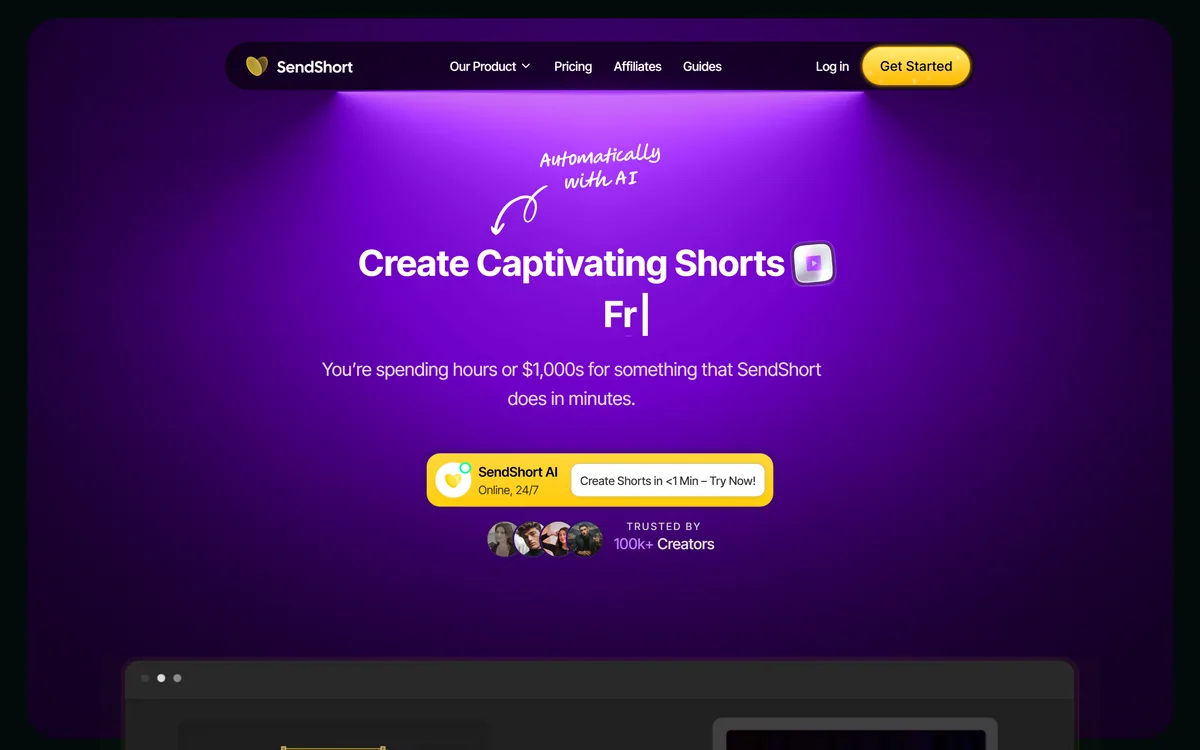
The proposition is stated as creating captivating shorts ten times faster, with AI handling everything from generating shorts to editing them and scheduling them on social media.
The three-step flow is simple: upload a video or paste a link, the AI creates and edits shorts, then export.
The underlying premise is sound and worth stating plainly. A two-hour podcast, webinar or stream contains a real number of self-contained good moments — a story, a disagreement, a clear explanation — and each of them is a viable short.
Finding them means watching the whole thing again with a notepad, and almost nobody does it, which is why an enormous amount of good long-form content produces no short-form at all.
That is a tedium problem rather than a creative one, and automating tedium is the strongest case any tool in this category can make. The stated outcome — turning long videos into ten or more shorts — describes the actual value honestly.
A two-hour podcast contains a dozen genuinely good ninety-second moments. Finding them means watching it again with a notepad, which is why almost nobody does.
Two features do most of the work here: automatically generated captions and subtitles, and an AI hook feature that creates compelling opening lines or visuals to hold attention from the first second.
Captions are not an accessibility afterthought in this format; they are a distribution requirement.
Most short-form video is watched with the sound off, at least initially, which means an uncaptioned clip communicates nothing to a large share of the people it reaches. Platforms also surface captioned content more readily. A clip without captions is not a worse clip — it is a clip that will not be seen.
The hook matters for a mechanical reason rather than a stylistic one. Short-form distribution is driven by retention, so the algorithm's first question is whether people kept watching past the opening seconds.
This is also where automation has the most obvious limit. A system can identify that a moment is self-contained and place a caption over it; judging whether it is actually interesting to a specific audience is a different task. Reviewing what the tool selected, rather than publishing it unread, is the difference between repurposing and dumping. Klap and others compete on exactly that selection quality.
This is the question the whole category turns on, and the honest answer is: partly, and better than you would expect at the mechanical layer.
What a system can do reliably is structural. It can find where a coherent segment starts and ends, detect a question followed by an answer, notice a change in speaker energy, and identify passages dense with the terms a video is about. Those signals correlate reasonably well with clips that stand alone.
What it cannot do is know your audience. Whether a moment is interesting depends on what your viewers already know, what they have heard you say before, and what is currently being argued about in your niche.
A clip can be structurally perfect and land as nothing, and the tool has no way to tell.
The practical resolution is to treat the output as a shortlist rather than a schedule. Reviewing ten suggested clips and publishing four takes a fraction of the time of finding them yourself, and it keeps the judgement where judgement belongs. The site's comparison against a general chatbot makes a fair point in passing: producing the video is a different problem from producing a script, and only one of them was ever the bottleneck.
The automated series feature is described as generating and publishing faceless video series, handling creation and scheduling, and posting directly to YouTube or TikTok to keep an audience engaged without the hassle.
This deserves a clear-eyed paragraph, because it is a different proposition from clipping.
Clipping starts from something you made. A faceless automated series starts from nothing — synthetic voice over stock visuals, generated on a schedule, published without anyone watching it first. It is a volume strategy, and volume strategies work until the platform decides they do not.
Every major platform has been progressively demoting mass-produced content that adds nothing, and monetisation policies increasingly distinguish original content from assembled content. Building a channel on that basis is building on a policy that is actively moving.
There are legitimate versions of the format — a genuine news digest, an explainer series where the presenter's face is irrelevant, a creator who does not wish to appear on camera. The distinction is whether the content would be worth watching if a person had made it. If the answer is no, publishing more of it faster does not improve the situation. Tools like AutoShorts.ai are built around this same model and carry the same caveat.
The FAQ lists 48 supported languages by name for video creation and subtitle translation, and the list is unusually broad — Bashkir, Basque, Belarusian, Galician, Interlingua, Marathi, Mongolian, Tamil, Uyghur and Welsh all appear alongside the expected set.
Breadth like that is a genuine differentiator, because most tools stop at the dozen largest markets.
Subtitle translation is the highest-leverage feature in any repurposing tool, for a simple reason: a clip that already exists costs almost nothing to caption in another language, and the audience it reaches is entirely additional. There is no equivalent return anywhere else in the workflow.
The caution is the standard one for machine translation of speech. A transcription error becomes a translation error, idiom translates literally into nonsense, and subtitle length limits force compression that damages meaning further.
For a general audience clip that is an acceptable trade. For anything where being misunderstood carries consequence — a technical claim, a health statement, a legal caveat — a speaker of the language should read the output before it publishes. Repurposing platforms such as Munch handle the same pipeline with a heavier emphasis on the analytics behind clip choice.
The failure mode is not bad clips. It is thirty adequate ones a week teaching your audience to scroll past your name.
This order keeps volume in service of the channel.
Automatic clipping from long-form video
AI editing with captions and effects
AI-generated hooks for the opening seconds
Subtitle translation across 48 languages
Faceless video generation
AI voiceover and text to speech
Custom thumbnail creation
Automated series publishing to YouTube and TikTok
Short-form tools differ by how much they decide for you.
| Tool | Starts from | Automation level | Best for |
|---|---|---|---|
| SendShort | Long video, or nothing at all | Clipping through to publishing | Full pipeline including faceless series |
| Klap | Long video | Clip selection and editing | Quality of clip choice |
| Munch | Long video | Clipping with analytics | Deciding what to clip using data |
| AutoShorts.ai | A topic | Fully automated series | Faceless channels specifically |
| Editing it yourself | Your own footage | None | Clips where judgement is the value |
| Category | Short-form video clipping, editing and scheduling |
|---|---|
| Input | Video file upload or a video platform link |
| Core output | Multiple short clips edited automatically from one long video |
| Captions | Automatic subtitles with AI translation |
| Languages | Stated as 48, listed by name in the FAQ |
| Hooks | AI-generated opening lines and visuals |
| Voice | Text to speech and generated voiceovers in multiple languages |
| Faceless video | Generated visuals with voiceover and no presenter |
| Series | Automated creation and scheduling, published to YouTube or TikTok |
| Thumbnails | Custom thumbnails from the first or last frame |
| Adoption | Stated as 100,000-plus creators |
| Company | SendShort, PXCH Holding I, LLC, per the 2026 footer |
Other ways to turn long content into short content.
Last checked . Read from sendshort.ai in a browser session on the date above, with the screenshot captured at the same time.
What we could not confirm: how clips are selected or what signals drive the choice; how the 100,000-creator figure and the 20-hour saving were derived; transcription and translation accuracy across the 48 languages; how automated series interact with platform monetisation policies; and pricing. We did not upload a video or generate a clip.
Clipping is the honest half of this product and it works on a real premise: a two-hour podcast contains a dozen genuinely good ninety-second moments, and finding them is tedious rather than creative. Automating the tedium is a fair trade. The faceless automated series feature is the half to think about, because publishing generated video on a schedule to a channel nobody is watching is a volume strategy, not an audience strategy — and platforms have been steadily reducing what that earns. Language coverage at 48 is genuinely broad. AInexfinder Editor Score: 3.6/5.
AInexfinder does not list plan prices or billing details. For current pricing, plans, and trials, visit the official SendShort website.
Visit official website for pricingVendor pricing, credits, and billing policies change over time. Always confirm on the official site before you buy.
Log in to write a review.
No reviews yet. Be the first to share your experience with SendShort.
Assigned reviewer
Daniel ReedSenior AI Tools Reviewer
Daniel reviews AI tools the slow way — by actually using them on real projects. His reviews cover what works, what breaks, and who each tool is genuinely a good fit for.
Daniel and the AInexfinder editorial team research SendShort using public product information, listing evidence, and (when available) hands-on checks. Scores reflect listing completeness and transparency — not paid placement.
Descript is a video and audio editor that works by editing a transcript — delete a sentence and the footage goes with it — plus Studio Sound, Eye Contact, filler-word removal, AI voices, avatars, and the Underlord assistant.
Vibrantsnap is an AI tool that turns a rough screen recording into a polished walkthrough: it rewrites your narration, reads it in a studio voice in any language, and auto-edits the video with zooms, chapters and captions.
Kapwing is a browser-based video studio combining a timeline editor, subtitler, audio editor and dubbing into 40+ languages with AI tools including Smart Cut, Trim with Transcript, B-Roll Generator, Clip Maker and Character Consistency. Made in San Francisco.
BlipCut translates and dubs video into more than 140 languages with AI lip synchronisation, so translated speech aligns with the speaker's mouth. It also clones voices in 29 languages, offers 600+ voices across 40+ languages, and generates, translates and edits subtitles from uploads or YouTube links.
VEED is an AI video-creation platform that takes an idea to a finished social video in the browser, bundling generation, AI avatars, subtitles, dubbing, clean audio and a brand kit, plus access to frontier models like Sora 2, Veo and Kling.
BIGVU is an AI personal-branding video platform with a teleprompter, AI avatars and voice cloning, auto-editing (caption, filler removal, eye-contact correction), and one-click social posting, aimed at realtors, coaches and marketers, with synthetic-media features that carry likeness and consent considerations.