Anima review on AInexfinder — freemium AI tool for Image & Design. Features, pricing notes, and alternatives.
Est.4.4/5Freemium
Design websites and app interfaces with AI assistance. Every tool here has its own review, so you can check what it does and how it is priced before you choose a ui/ux design tool.
See the best UI/UX Design AI toolsAnima review on AInexfinder — freemium AI tool for Image & Design. Features, pricing notes, and alternatives.


Canva AI is the Magic Studio suite built into Canva — Magic Write for copy, Dream Lab for images, Magic Edit, Expand and Eraser for photos, Magic Switch for reformatting, Magic Charts for data, and Canva Code for interactive widgets.
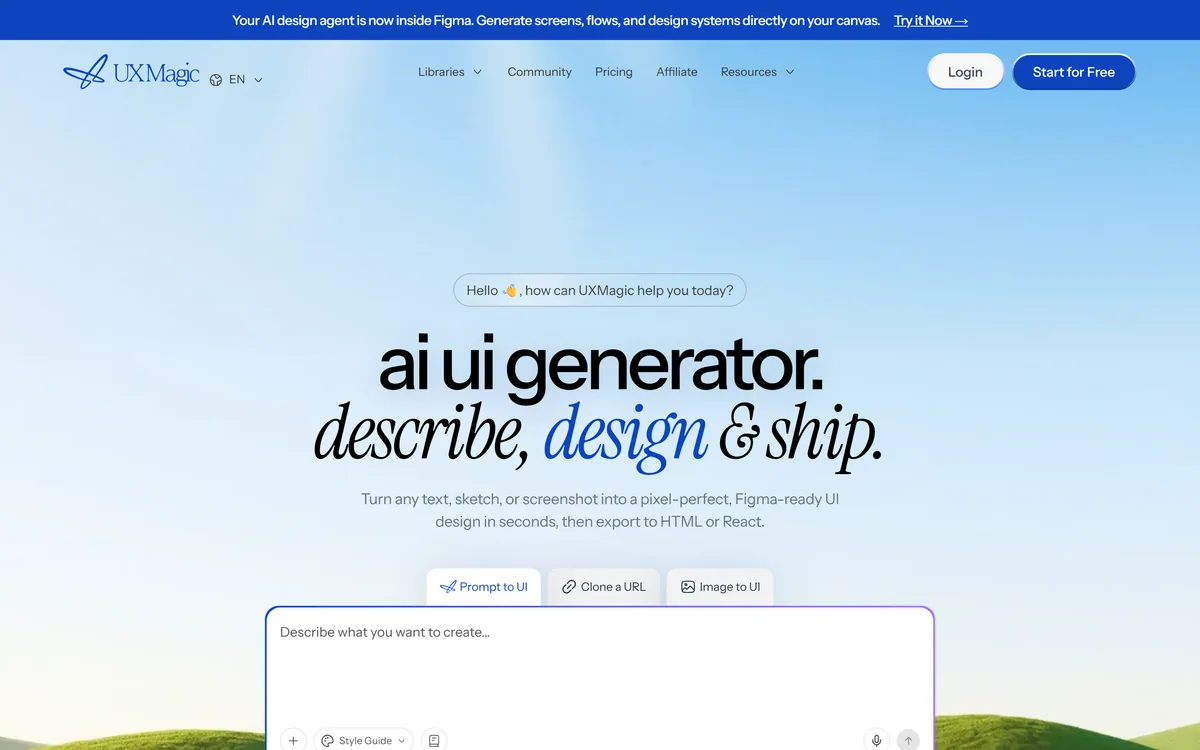
UXMagic turns text prompts, sketches or screenshots into Figma-ready UI designs, generating wireframes, sitemaps and multiple screens, importing your design system, and exporting to Figma, HTML, React or Webflow.
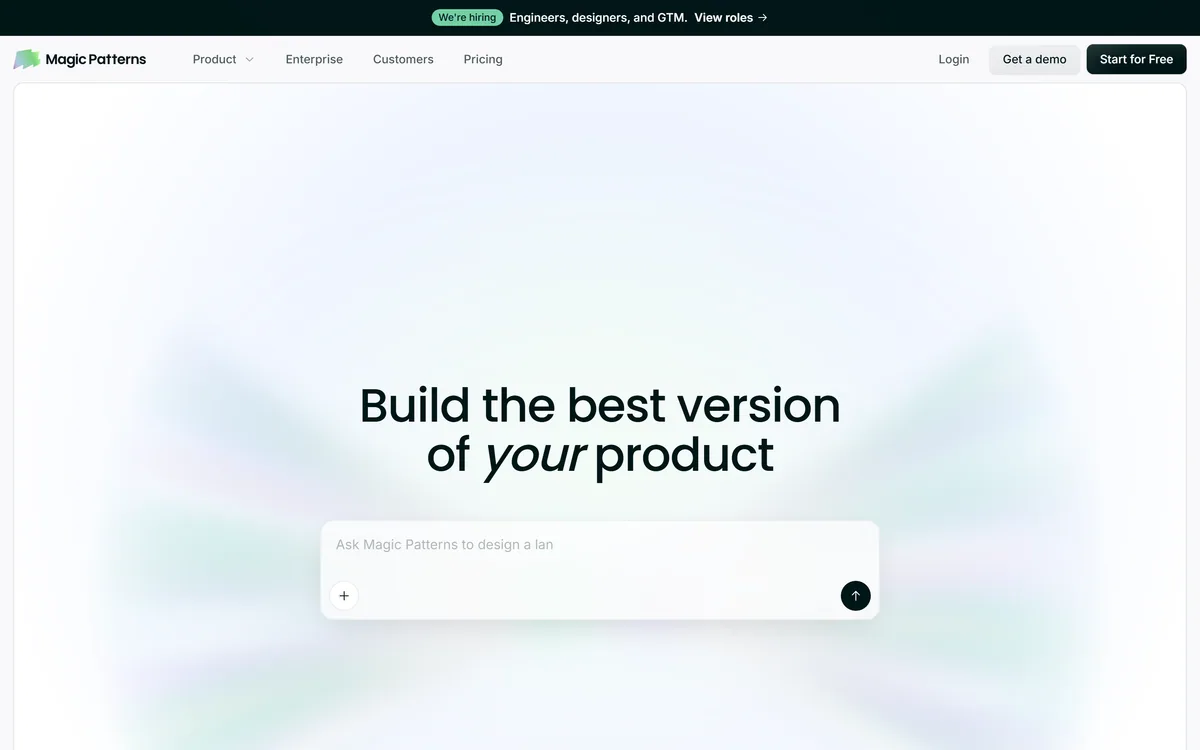
Magic Patterns is an AI design tool for product teams that turns prompts, requirements and ideas into high-fidelity UI, matching your existing design system so teams can prototype and test directions before committing engineering resources.
Huemint review on AInexfinder — freemium AI tool for Image & Design. Features, pricing notes, and alternatives.

AI UI design tool generating endless interface variations Category: Image & Design.
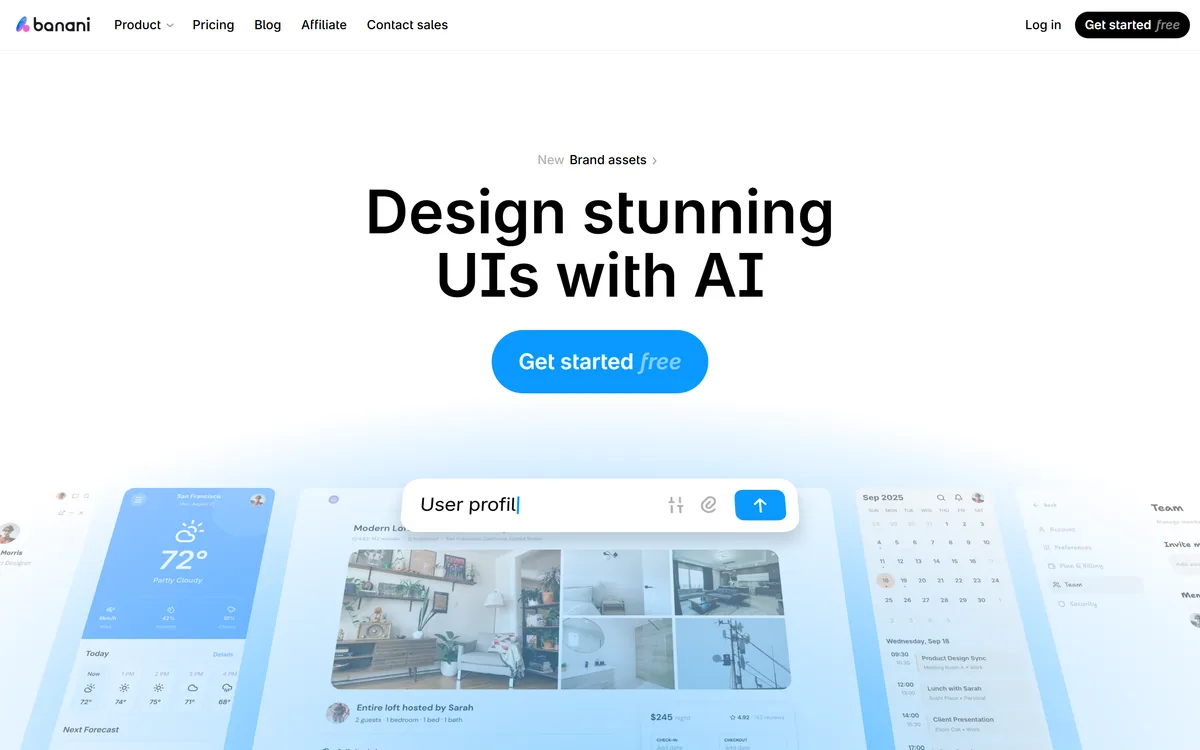
Banani is an AI UI design tool that turns a text description into editable, multi-screen prototypes, can generate designs from screenshots, images or Figma links, lets you restyle with AI or manual design tokens, and exports to Figma, HTML/CSS or images.
Builder.io review on AInexfinder — freemium AI tool for Image & Design. Features, pricing notes, and alternatives.
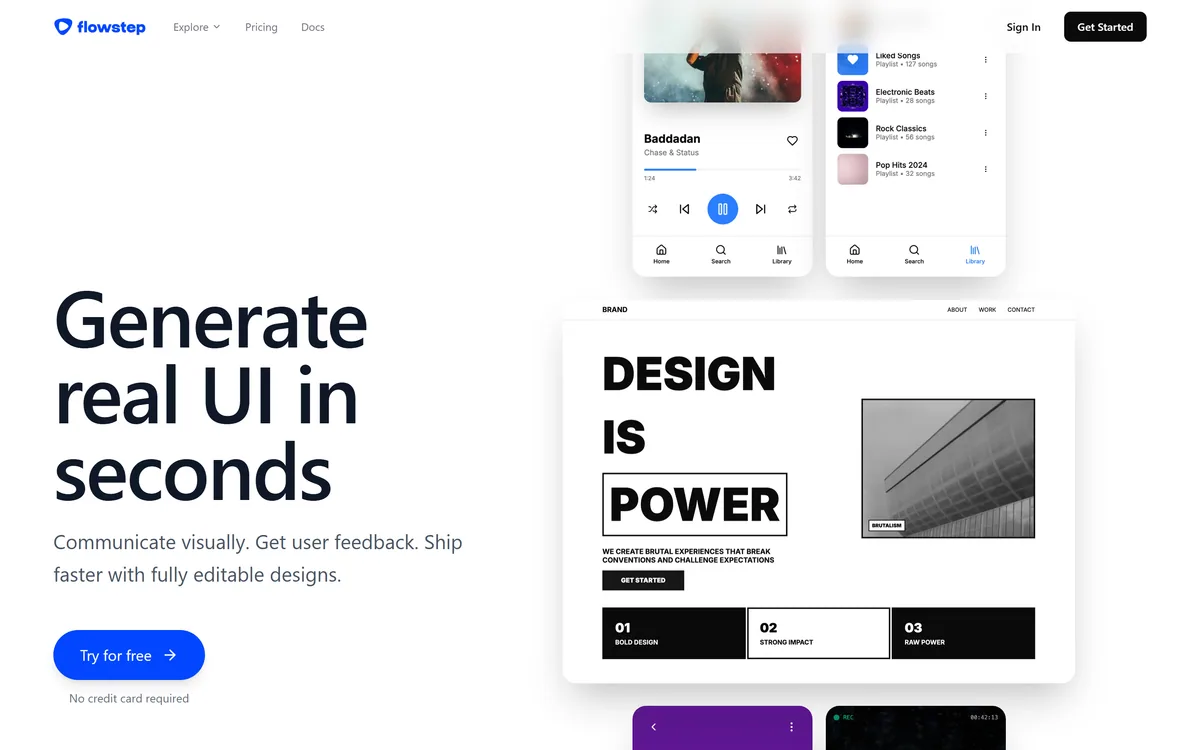
Flowstep generates editable user interface designs from a text description on an infinite canvas. It produces multiple screens in one pass, accepts PRDs and reference images as input, supports real-time collaboration, and exports both to Figma by ordinary copy-paste and to React, TypeScript and Tailwind code.
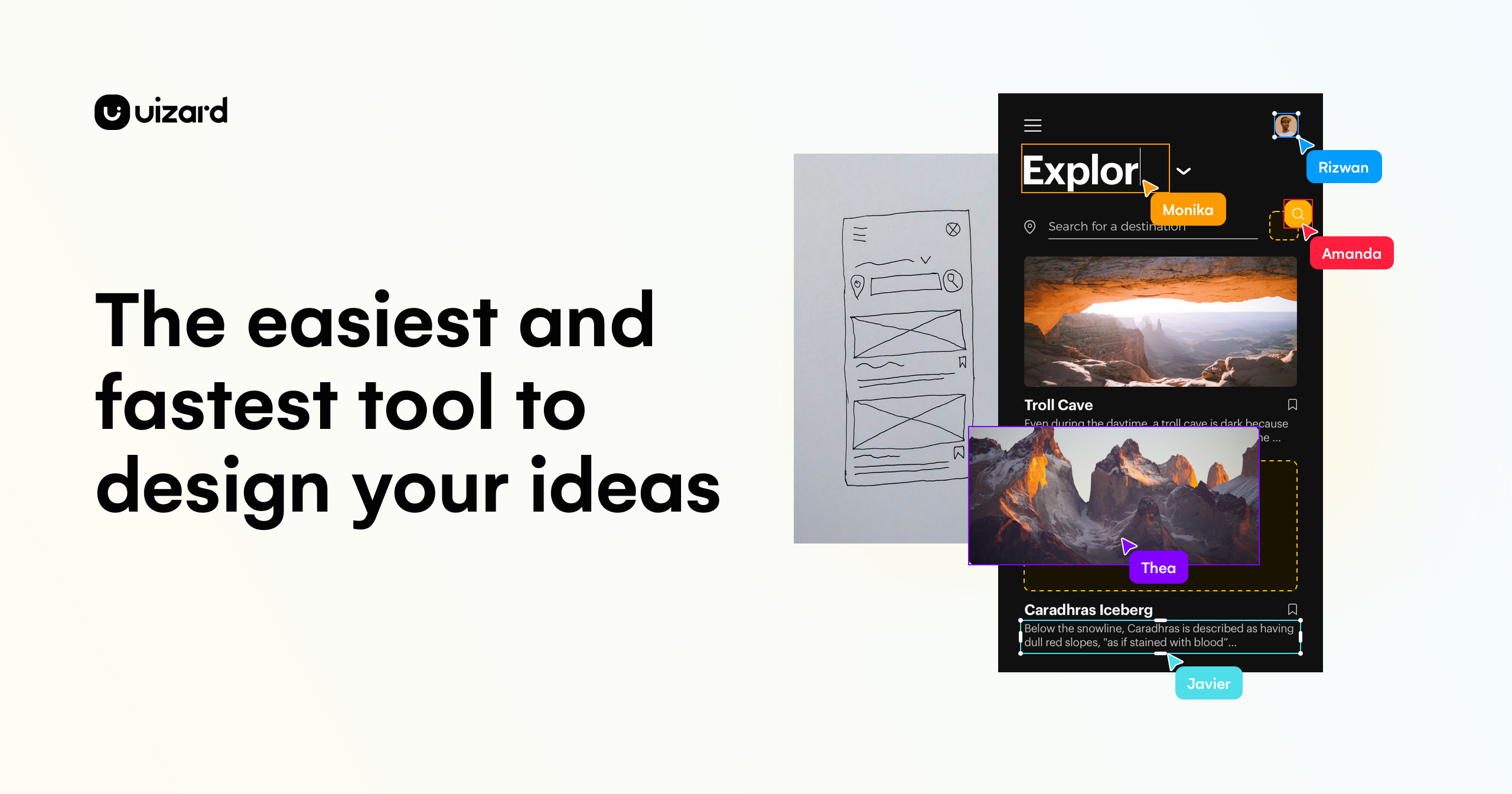
Uizard review on AInexfinder — freemium AI tool for Image & Design. Features, pricing notes, and alternatives.

UX Pilot review on AInexfinder — freemium AI tool for Image & Design. Features, pricing notes, and alternatives.
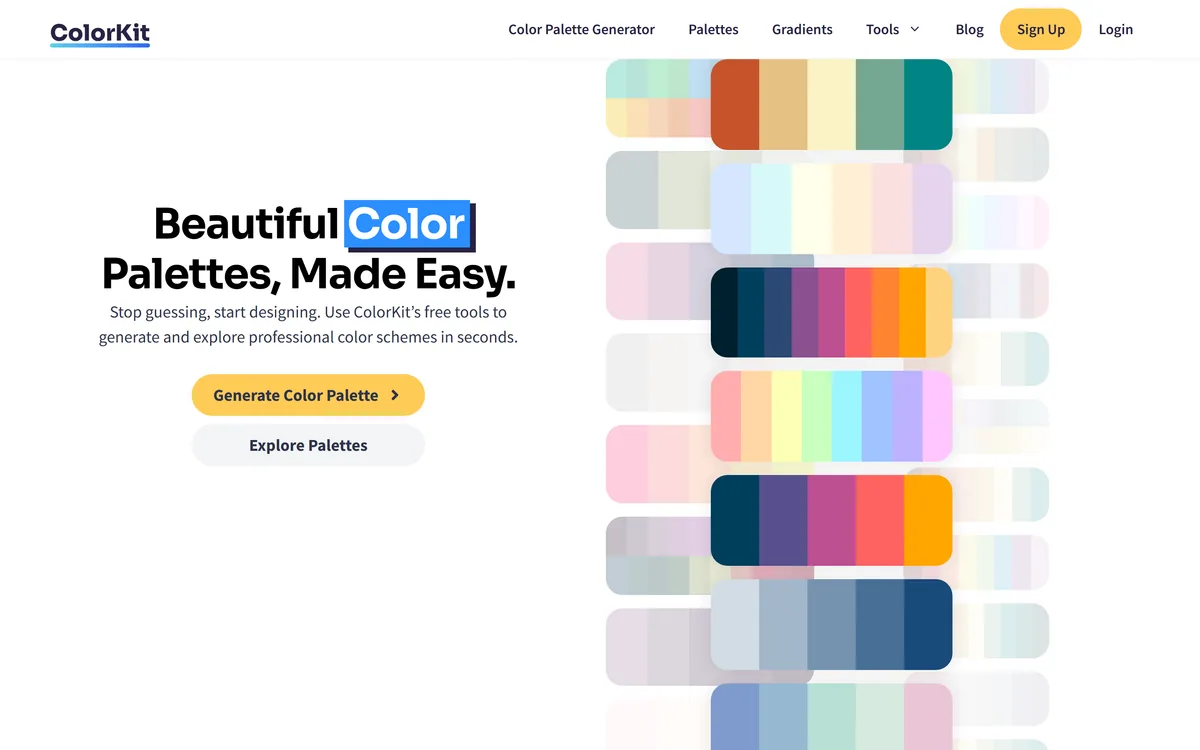
ColorKit is a free set of browser-based colour tools built by andy feliciotti: a palette generator, gradient maker, colour picker, contrast checker, palette from image, SVG colour changer, background maker and colour mixer. The site is ad-funded through Raptive.
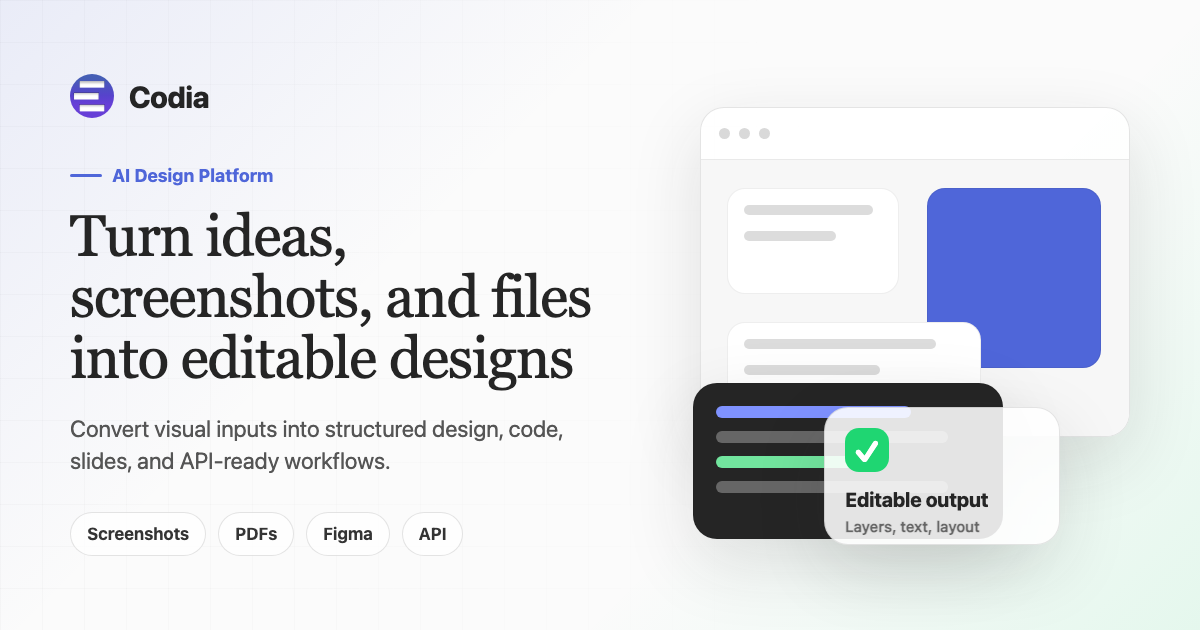
Convert screenshots and files into editable designs and code Category: Image & Design.

Coolors review on AInexfinder — freemium AI tool for Image & Design. Features, pricing notes, and alternatives.
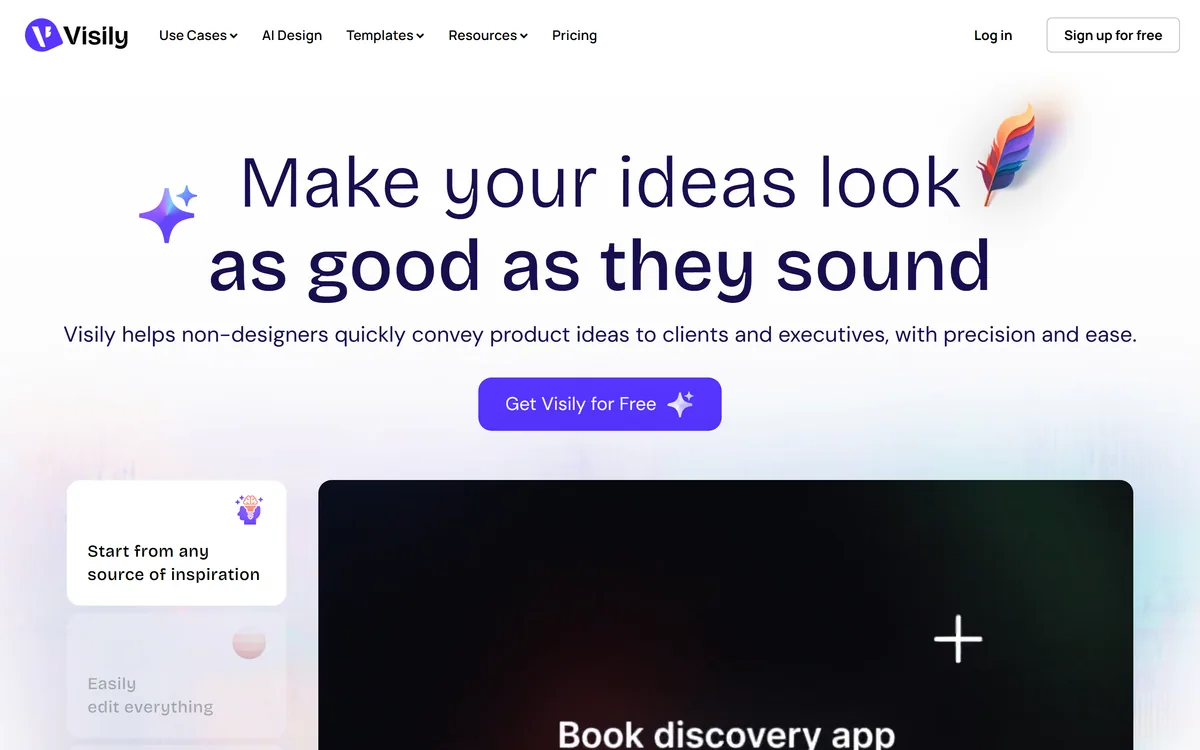
Visily generates editable UI designs from screenshots, text prompts, diagrams or templates, aimed explicitly at non-designers who need to convey product ideas, with smart components, auto-prototyping, on-canvas collaboration and a Figma plugin for handoff.
UI/UX Design AI tools are products whose core function applies AI to ui/ux design. A tool belongs here when that is the job it is built for, rather than a side feature.
Because this is a focused slice of image & design, the tools below do broadly the same job — so compare them on what they actually produce and how they are priced. Each review shows the tool's pricing model and whether it has a free tier.
UI/UX Design AI tools reviewed here include:
Reviews are re-checked on a rolling basis
Submit it for an editorial review and a page in front of people comparing ui/ux design tools before they buy.